AIStoreHub Package Vault: LobeHub: Super-Agents Platform
Package Slug: lobehub-agents
Archetype: multi_agent
Upstream Repository: https://github.com/lobehub/lobehub
Workspace Files & Specifications (69 files)
- .agents/acceptance/common-mistakes.md (39437 bytes)
# LobeHub Acceptance Mistakes

Project-specific mistakes only. Read this with the acceptance skill's generic
`references/common-mistakes.md`; stable ids use the `L-` prefix so they cannot be
confused with the generic `M` catalogue. The generic file's "How this file is
injected" applies here unchanged: **read the Checklist in full** once the target
is known and again before marking any case `pass`; pull an **entry by id** only
when its line applies (`rg -n '^### L-' <file>`, then `sed -n`).

Only judgment rules live here. Every entry carries `since` and `holds-while` —
the mechanism it depends on. When that mechanism moves into a script default or
an ingest check, the entry is deleted the same day (admission and exit rules:
[PROCESS.md](./PROCESS.md) Step 0). Rules an agent skips under pressure are in
PROCESS.md, not here. Incident narratives, feature-spec facts, and retired
entries live in [the field notes](./references/common-mistakes-field-notes.md).

Categories and id prefixes: `L-E*` evidence and publication, `L-D*` product and
interaction contracts, `L-S*` environment safety. Append inside the category with
the next free number of that prefix.

## Checklist

**Evidence and publication**

- **L-E1** A replacing check declares `supersedes`; a visible-UI check passes only on opened visual evidence asserting the full spatial outcome, overlap included.
- **L-E2** A passing layout screenshot shows the settled real transition — never a DOM under a synthetic transform.
- **L-E3** An authoring flow is proven end to end: entry, completed input and preview, the created item in its pre-verification state.
- **L-E4** Verify in the requested product container at representative scale, on both sides of every behavior-changing threshold; a harness is supporting evidence only.
- **L-E5** Every criterion maps to its verifier, its own inspectable evidence, and a verdict — never an aggregate "all passed".
- **L-E6** When the Task requires a durable document, create and pin the real artifact; evidence explains a verdict, it is not the deliverable.
- **L-E9** Check the acceptance's status before ingest; new scoped work on an accepted acceptance goes to a new subject.
- **L-E10** After any Agent assignment or Task edit, verify the persisted provider/model and the first completed message's metadata before judging quality.
- **L-E13** Uncommitted work on a branch that owns a PR: decide provenance explicitly (open the real PR, or say in `report.md` there is none) and re-read `branch`/`commit` at publish time.
- **L-E14** After an insertion affordance, continue the user's action in the same case and assert node order in persisted `editor_data`; send the payload through the same entry point.
- **L-E15** A conversation-branch regression is verified by sending the next message through the real composer: DB row, parent on the active spine, render before and after cold reload.
- **L-E16** Streaming is proven by timestamped intermediate samples and a GIF whose frames progress — a terminal reply after exit proves persistence only.
- **L-E17** Direct-mention routing is verified with a real tool call and the full persisted tree; no owner assistant, `callAgent`, or synthetic target-user row.
- **L-E19** Markdown evidence: one paragraph per physical line; newline only where it is content.
- **L-E20** Build fixtures through the same composition the product uses; compare an entity page against a canary-created sibling before publishing it as evidence.
- **L-E21** Evidence for "A is unaffected by B" must be able to tell A from B: distinct content and the target echoed in the request line.
- **L-E21** Publish against production even when the subject exists only locally; a local ingest may supplement, never replace.
- **L-E22** `requiredEvidence: text` is satisfied only by `.txt`/`.json`-style files; an `.md` file ingests as `markdown` and leaves the check `uncertain`.
- **L-E23** Published evidence never shows a real person's private content (photos, faces, personal messages); rebuild the case on placeholder fixtures instead of the user's real page.

**Product and interaction contracts**

- **L-D6** Master-detail scroll ownership is asserted with DOM measurements (bounded frame, independent regions), not only visually.
- **L-D7** Verify the deepest route of every section; a route-driven Segmented's active segment is inert, so deep routes need their own ancestor affordance.
- **L-D11** A data-height popover is measured with its trigger at the bottom of the list: `rect.bottom` vs `innerHeight`, non-negative overflow is a defect.
- **L-D12** Every menu entry you add is clicked and its effect asserted; "menu closed, nothing happened" is the failure signature.

**Environment safety**

- **L-S1** Prove the ingest target from effective CLI settings or an environment-distinguishing probe, never from `lh whoami` alone.
- **L-S2** Green Vite/Vitest/lint/tsc is not boot insurance: boot the real surface and read `agent-browser console` on an ErrorBoundary.
- **L-S3** Fetch `origin canary`, record the SHA, and confirm it is an ancestor of the branch before starting the evidence environment.
- **L-S5** Before driving CDP 9222 or a pool port, prove who owns it: Electron `Browser` string on `/json/version`, a LobeHub renderer marker, and _your_ worktree's absolute source path.
- **L-S7** Before capturing evidence for a dependency or module-graph change, prove the served bundle carries it, or restart Vite; compare the running port with `test-env.sh`'s resolved `PORT`.
- **L-S8** A first-boot renderer `Cannot access 'X' before initialization` is reloaded once and re-probed before it is attributed to the change.
- **L-S9** After `migrate`, assert the tables exist; on the shared Postgres, never reset — create a per-run database and export `DATABASE_URL`.
- **L-S14** An image property (alpha, aspect, no text) is asserted from the decoded bytes, never from the prompt that asked for it.
- **L-S16** Every long-run health probe has connect and total timeouts; a listening socket is not health.
- **L-S17** Empty reads plus failing writes: check `select id from users` in the DB the running server uses before debugging the feature.
- **L-S19** `plan[]` holds only what the user accepts or rejects, each id fulfilled by a case; a clean ingest prints `plan: N item(s)` with nothing after it.
- **L-S20** Read the managed containers' host ports from `docker ps` and pass `DB_PORT`/`REDIS_PORT` to every `init-dev-env.sh` subcommand; `auth_failed` on migrate is a port mismatch.
- **L-S21** In a worktree, invoke scripts by absolute path and prove the SPA's identity (Vite pid cwd, changed module from the Vite origin) before trusting any gate or evidence.
- **L-S22** A per-account cap that a round consumes (artifact deployments) is cleared for the account the surface actually authenticates as, and re-cleared between rounds.
- **L-S23** A hand-built `node_modules` symlink farm runs unit tests but cannot start the dev server; clone a working checkout's `node_modules` instead of a fresh install, which this lockfile-less repo resolves against a moving registry.
- **L-S24** Read the dev server's URL from its own log, and treat "ready" as any status but `000` — `/` answers `302` to `/signin` when signed out.
- **L-S25** `dev:static` 的 Electron 重启会清空 `dist/renderer`(renderer Vite dev server 启动即删 outDir);`start`/`restart` 后必须重建 renderer 再驱动,否则页面只有 Internal Server Error。
- **L-S26** 根 `.env` 起不来时不修它:开一个没有 `.env` 的 worktree,先按 L-S23 装依赖、L-S20 取端口、L-S9 建 per-run 库,再 `setup-db` → `migrate` → `seed-user` → `dev`。
- **L-S27** A standalone `apps/cli` install relinks the shared `packages/*` it lists into its own store; before Web evidence in that worktree, rerun `pnpm install --force` at the root and restart the dev server.

## Entries

### L-E1 — Publishing a replacement as a second Acceptance row

`since 2026-07-24` · `holds-while: Acceptance does not fuzzy-match check titles`

**Trap:** a replacement check gets a new id without `supersedes`, or a visible UI
check passes from test output or computed styles alone.

**Rule:** declare the previous stable id in `supersedes`; give every user-visible
case opened visual evidence and assert the complete spatial outcome, overlap
included.

### L-E2 — Publishing synthetic displacement as passing layout evidence

`since 2026-07-24` · `holds-while: always`

**Trap:** a temporary transform isolates position syncing and the screenshot
ships with the panel visibly displaced; the numeric assertion passes while the
image depicts a broken product.

**Rule:** capture the settled result of a real layout transition. Synthetic
probes stay as supporting text; restore the DOM before any passing screenshot.

### L-E3 — Claiming an authoring flow from its entry point

`since 2026-07-24` · `holds-while: always`

**Trap:** an entry button plus source-level evidence is published as proof that
manual check creation works.

**Rule:** verify entry, completed input and preview, and the created item in its
editable pre-verification state, independent of unrelated rubric loading.

### L-E4 — Verifying the wrong container or scale boundary

`since 2026-07-24` · `holds-while: always`

**Trap:** behavior is proven in a standalone harness when the requested surface
is a Task drawer, or with a small fixture for behavior that changes at a
list-size threshold.

**Rule:** capture the requested container with representative titles, state mix
and item count, on both sides of every threshold. Harnesses are supporting
evidence only.

### L-E5 — Replacing per-check evidence with a verification summary

`since 2026-07-30` · `holds-while: ingest accepts a pass/fail case with no evidence`

**Trap:** an aggregate checklist or transcript saying everything passed.

**Rule:** a readable overview plus inspectable detail evidence per criterion; map
every stable id to its verifier, evidence, and verdict.

### L-E6 — Treating Acceptance evidence as the requested product artifact

`since 2026-07-30` · `holds-while: always`

**Trap:** a generated document is uploaded only as evidence when the Task
requires a durable document deliverable.

**Rule:** create and pin the real artifact to the Task; attach separate evidence
proving its content and association.

### L-E9 — Appending a new delivery to a terminally accepted Acceptance

`since 2026-07-30` · `holds-while: ingest does not refuse a round on an accepted acceptance`

**Trap:** separately scoped work is published as a new round on an acceptance
whose delivery was already accepted, so the closed audit record no longer matches
what was decided.

**Rule:** inspect the acceptance status before ingest. New Task or subject for a
materially new delivery; reopen only on explicit user request.

### L-E10 — Judging agent quality without proving the runtime model

`since 2026-07-30` · `holds-while: always`

**Trap:** trusting the model shown before Agent assignment; assignment can
replace the Task provider or model, so the observed behavior belongs to a
fallback.

**Rule:** after every assignment or Task edit, verify the persisted
provider/model and the first completed assistant message metadata; attach the
runtime identity to the round.

### L-E13 — Publishing uncommitted work onto the branch's unrelated PR

`since 2026-08-10` · `holds-while: ingest resolves the PR from branch when pullRequest is absent OR null`

**Trap:** working-tree changes with no PR are ingested on a long-lived branch
that owns one; every round is stamped with that PR and re-ingesting reproduces
it.

**Rule:** decide provenance before publishing — commit and open the real PR, or
state in `report.md` that this round has no PR and any PR shown belongs to other
work. Re-read `branch` / `commit` at publish time; `report-init.sh` fills them
from whatever was checked out when it ran.

### L-E14 — Verifying an insertion affordance without the user's next action

`since 2026-08-10` · `holds-while: always`

**Trap:** a composer chip/mention/token is checked for presence, screenshotted,
and the sent payload is verified through a different, easier entry point. The
caret parked on the wrong side of the node sends the next keystroke to the wrong
place, and the entry point with the defect is never the one that sends.

**Rule:** continue the user's action in the same case — type after inserting —
and assert node order in the persisted `editor_data`. Send the payload through
the same entry point the case claims to verify.

### L-E15 — Treating historical branch rendering as proof that conversation continues

`since 2026-08-10` · `holds-while: always`

**Trap:** a recovered `taskCallback` card beside the active continuation is
called a verified message-loss fix without sending another user message.

**Rule:** continue from the fixture through the real composer; assert the new
user row in the DB, its parent on the active spine, its rendering before and
after a cold reload, and the assistant continuation when the environment allows.

### L-E16 — Treating a terminal reply as evidence of live streaming

`since 2026-08-10` · `holds-while: lh hetero exec runs Claude Code without --include-partial-messages`

**Trap:** a one-token marker recorded until process exit; the UI shows an empty
target-Agent shell for the whole run and acquires text only at reconciliation,
and the GIF of that shell is mistaken for streaming.

**Rule:** enable partial messages on the device/sandbox spawn path. Verify with a
multi-part response and timestamped DOM/store samples before any reload, then a
GIF whose frames visibly progress to the complete answer. Check persistence
separately, after the live assertion passed.

### L-E17 — Proving direct-mention routing with a text-only response

`since 2026-08-10` · `holds-while: always`

**Trap:** a leading single-Agent mention verified with plain text; tool-capable
runs add tool-call chunks and tool results that can inherit the owner Agent,
create a synthetic target-user envelope, or resume the owner afterwards.

**Rule:** exercise a deterministic real tool call through the same route and
assert the complete persisted tree — owner user, target assistant/tool call,
tool result, target final response — with no owner assistant, `callAgent`, or
synthetic target-user row.

### L-E19 — Hard-wrapping the prose inside a markdown evidence document

`since 2026-08-29` · `holds-while: the evidence renderer parses markdown in chat mode with remark-breaks`

**Trap:** a `markdown`/`text` artifact folded at \~80 columns; every newline
becomes `<br>` and paragraphs break mid-sentence next to a report body that
reflows.

**Rule:** one paragraph per physical line, blank line between blocks; spend a
newline only on list items, table rows, fenced code, and literal transcripts.
Never run a proseWrap formatter over `assets/`.

### L-E20 — Seeding an entity below its composing layer, then publishing its page as evidence

`since 2026-09-03` · `holds-while: goal/task services accept decomposed inputs without a server-side guard
- .agents/acceptance/config.json (24 bytes)
{ "project": "LOBE" } - .agents/acceptance/probe-mock-patterns.md (168321 bytes)
# LobeHub Probe & Mock Guide This is the project-layer entry point for LobeHub acceptance probes. Read it together with the agent-testing skill's generic `references/probe-mock-patterns.md`. Product-independent rules belong upstream; LobeHub routes, stores, services, env variables, and fixtures belong here. ## Index Read this block in full, pick entries by meaning, then pull each one by id — the next heading bounds it. Do not read the whole file. ```bash P=.agents/acceptance/probe-mock-patterns.md rg -n '^#{3,4} P07 ' "$P" # start line of one entry rg -n '^#{2,4} ' "$P" # every heading, to find the next bound ``` `applies-to` filters a round: **surface** = web / electron / cli / any; **runtime** = client / gateway / hetero / any (the agent runtime the recipe depends on); **phase** = env / auth / fixture / drive / probe / capture / publish. Skip a row only when its surface AND runtime both miss yours. | id | surface | runtime | phase | situation | | --- | ------------- | --------------- | -------------- | ------------------------------------------------------------------------------------------------------------------------------------------------------------ | | P01 | any | any | probe | `window.__LOBE_STORES.<name>()` returns state only; add a dev action instead of HMR `setState` patches | | P02 | web, electron | any | probe | `goto` / `location.assign` full-reload wipes fetch wrappers; change route via `history.pushState` + `popstate` | | P03 | any | client, gateway | probe | Prove which runtime ran with a server-only artifact (operation row, queue step, server log) | | P04 | web, electron | any | probe | A top-level `const` in a second `agent-browser eval` collides; wrap payloads in an IIFE | | P05 | web | any | drive | `lobehub-dev` is shared across runs; use a run-specific session and check `location.origin` / script src first | | P06 | electron | any | probe | After adding or moving a module the renderer may keep the old graph; `goto`, then confirm a structural signal | | P07 | web | any | env | `_dangerous_local_dev_proxy` in a signed-out automation context sits on the loading shell; use the isolated local stack | | P08 | web | any | env | Workspace `packages/*` dynamic imports fail cross-origin through the proxy; A/B at HEAD, use Electron for settled state | | P09 | any | client, gateway | fixture | The stub must answer `stream:false` chat/completions with a plain JSON completion, never SSE | | P10 | web | gateway | fixture | `review_predict` is pinned to Gemini; pin the constants, allow private IPs, return schema JSON from the stub | | P11 | any | gateway | fixture | `generateObject` via the deepseek stub crashes; route through the openai `/v1/responses` stub | | P12 | web | gateway | fixture | Backdate node and op rows past the client's 15-minute lease, not the server's 5 | | P13 | web, cli | any | fixture | `lh topic create` rows have NULL trigger/status and drop out of the paged view; set both, then `goto` | | P14 | web, electron | hetero | fixture | Seed `agency_config.heterogeneousProvider` with SQL, then cold-load; the store write drops it | | P15 | web | any | fixture | Derive day boundaries from the browser's `resolvedOptions().timeZone`, never an assumed zone | | P16 | web, electron | any | fixture | Clear cache tiers in the NEW document via `addScriptToEvaluateOnNewDocument`; the outgoing page re-flushes on reload | | P17 | web | any | drive | Goals live at `/agent/:aid/goals` behind the Labs toggle `enableGoals` | | P18 | electron | hetero | fixture | Local-execution CC agent plus a four-table ledger fixture keyed to the live CLI identity | | P19 | web | any | auth | Seed a second user and sign in from inside a run-specific session; a signed-out context hits `/signin` | | P20 | cli | any | fixture | Strip ambient conversation ids and set the local credential's workspace for LOCAL API/ingest; retain production scope for publishing | | P21 | web | any | drive | Upload through the Add-menu input, poll `dockUploadFileList`, A/B the hashing worker with `window.Worker = undefined` | | P22 | web, electron | any | drive | `keyboard type` emits no keydown; fire `/` (and any menu trigger) with `press` | | P23 | web, electron | any | drive | Tag `svg.lucide-<rendered-name>` and click through agent-browser; `el.click()` on the wrapper does nothing | | P24 | web, electron | any | drive | Re-query elements after every re-render; one assertion per eval | | P25 | web, electron | any | capture | Anchor on `#nav-panel-drawer`'s aside sibling; tell skeleton states apart by testid, not row count | | P26 | web | any | capture | Park the route's own tRPC call with `park-request.cjs`; a broad `*trpc*` pattern stalls the shell | | P27 | web | any | drive | `SWRConfig` only affects hooks below it; move the hooks into a child component | | P28 | electron | any | capture | Raw CDP `Fetch.enable` on the layout chunk holds the sidebar fallback; name the layout module only | | P29 | web, electron | any | fixture, drive | Seed via `mkdirDocumentByPath` / `writeDocumentByPath`; rows live in pierre's shadow DOM; hetero agents have no Documents tab | | P30 | web, electron | any | drive | pierre's focus-visible and truncation-mask contracts when restyling the tree | | P31 | web | any | drive | Row-shape bugs need the real account: foreground the MCP tab, zero-write clicks, in-page event ring buffer | | P32 | web, electron | hetero | fixture | Dispatch a temp assistant message and attach an `AgentRuntimeError` guide code | | P33 | web, electron | any | fixture | Backfill `pluginState` from each tool message's result after Agent Mock playback | | P34 | web, electron | any | fixture | Dispatch an assistant+tool pair into an empty conversation; truncate args to reach the Streaming render | | P87 | web, electron | any | fixture | Render a pending intervention card: explicit dispatch context, `messagesInit`, `intervention` on BOTH projections, a registered operation | | P35 | web | gateway | probe | Step-boundary `uiMessages` snapshots overwrite the bucket; record `replaceMessages` stacks, A/B with `disableGatewayMode` | | P36 | web | gateway | env | Run the JWT handshake probe after every gateway restart; `/health` 200 proves nothing | | P37 | any | gateway | env | QStash / s3rver on fixed ports may belong to a sibling session; read the start log before stopping anything | | P38 | web | any | fixture | Call the real load-more store action when the fixture is too short for the observer | | P39 | web, electron | any | fixture | Replace the react-query `mutationFn` with a rejection via HMR so no network call ever fires | | P40 | web, electron | any | drive | Remount the DevDock panel after a reload; pre-seed `LOBE_DEV_DOCK_UI` to land on it | | P41 | web | client | fixture, drive | openai speaks `/v1/responses`; the model must be in `enabledAiModels`; set approval `auto-run` | | P42 | web | hetero | fixture, drive | In-page IPC mock feeding stream-json through the real `ClaudeCodeAdapter`, no Electron needed | | P43 | web, electron | any | capture | Focus and read in one eval, wait past the transition, assert an untransitioned property too | | P44 | web, electron | any | capture | Inject `html > canvas { display: none }` at capture time and disclose it | | P45 | web | any | capture | Gate on `checkVisibility`, match own text nodes, assert both columns in one pass | | P46 | web, electron | any | capture | Sample in-page (`addScriptToEvaluateOnNewDocument` or an entry injection), record the max tick gap, mirror the timer | | P47 | web, electron | any | capture | Sample opacity in-page at 8 ms and use `Page.startScreencast`; `data-ending-style` is never set | | P48 | web | any | capture | `localStorage.theme` + reload; assert `dataset.theme`; restore before stopping the server | | P49 | electron | any | capture | Prove the hosted URL (curl + open it), not the in-app preview | | P50 | any | any | publish | Re-running `ingest` mints a duplicate round; re-read with `run list` / `run get` / `view` | | P51 | electron | any | probe | Read the loaded entry script per run; never assume `entry.desktop.tsx` | | P52 | electron | any | capture | `DESKTOP_RENDERER_STATIC=1` pool instance; prove the build via modulepreload hashes | | P53 | electron | any | drive | Open via `openTopicInNewWindow` and attach raw CDP to the popup target | | P54 | electron | any | drive | `activateTab` alone is a no-op on the single-router shell; click the TabItem element and assert the pathname | | P55 | electron | any | drive | `addTab` activates; enter the route with `goto` and assert tab / pathname / activeTopicId agree | | P56 | electron | any | capture | Classify hidden slots on both sides of the switch and use the intersection | | P57 | electron | any | capture | The renderer tracks OS appearance; `themeMode` never applies; mark the dark case untested | | P58 | electron | any | probe | i18next stays English until `switchLocale`; decide language from the DOM, not `status.language` | | P59 | electron | any | drive | `addTab('/')` first; `goto /` alone keeps the restored tab | | P60 | electron | any | auth, env | Read `dataSyncConfig` first; `storageMode: cloud` means the run must stay read-only | | P61 | web, electron | any | capture | Stall `indexedDB.open` only on web; it kills the Electron renderer | | P62 | electron | any | env | Keep locale tests out of `packages/locales/src/default/` or the r - .agents/acceptance/PROCESS.md (27662 bytes)
# PROCESS.md — how a verification run works in LobeHub The `acceptance` skill owns the **contract**: what a check is, what counts as evidence, what a report and an immutable round look like. This file owns the **process**: how a run is planned, approved, executed, published, and torn down in this repository. [`PROJECT.md`](./PROJECT.md) owns the **commands**: ports, services, auth, surfaces, probes. Read all three. Where this file and the skill disagree about _how to run_, this file wins; about _what may be published_, the skill wins. ```text PLAN (0–2) → EXECUTE (3–5) → FINISH (6) ``` Do not enter Execute until Plan has confirmed both the environment state and the plan. Loading skills and reading logs is silent preparation — never narrate it. The first user-visible message of a session is about the user's test, not setup. ## Phase 1 — Plan ### Step 0 — Ground the target, then read the living logs **A test target must exist before anything else happens.** With no target in the invocation: 1. Take it from the user's words in this conversation when they exist — the task lives in their words, not in git. 2. Otherwise infer the likeliest candidate from the branch, recent commits, and working-tree changes, and confirm it with one structured question, the guess labeled as a guess. Never execute against an unconfirmed guess. 3. Only when nothing is inferable, ask one direct open question. **Once the target is known**, load both layers of both living logs — silently, each by its own retrieval shape (the shape is defined in the generic file's "How this file is injected"): - **`common-mistakes.md` — the Checklist in full**, both layers: generic `.agents/skills/acceptance/references/common-mistakes.md` (read-only here) and project [`common-mistakes.md`](./common-mistakes.md). Re-read both checklists before marking any case `pass`; pull an entry by id only when its line applies. - **`probe-mock-patterns.md` — index first, entries on demand**, both layers: generic `.agents/skills/acceptance/references/probe-mock-patterns.md` and project [`probe-mock-patterns.md`](./probe-mock-patterns.md). The headings are the index; a round needs a handful of the \~100 recipes, not all of them. ```bash P=.agents/acceptance/probe-mock-patterns.md rg -n '^#{2,4} ' "$P" # the index, with line numbers sed -n '<start>,<next-1>p' "$P" # one entry, in full — bounds from the index ``` Pick from the index by meaning, not by keyword — `rg` over the body is a fallback for when no heading obviously matches. Reading an entry you turned out not to need is cheap; skipping one because you searched for `dropdown` and the heading says `slash menu` is not. Two that keep biting: never declare a case `passed` from grep or skeleton counts — open the screenshot with Read and confirm it rendered; and when the goal is an error state, do not settle for happy-path because injection was hard. **The project layer is a curated log, not a transcript of review feedback.** Every piece of negative feedback triggers this admission check, and a candidate passing all five is recorded automatically — no separate user request needed: 1. **Durable** — would it recur in a different feature or a later round? 2. **Project-specific** — does it depend on this product's semantics, environment, or infrastructure? If not, genericize it and PR it to the skill source instead. 3. **Invariant-level** — does it state the behavior or evidence contract rather than freezing one solution? Exact copy, pixel values, icon choices, and annotation coordinates belong in a spec, the component, or a regression test. 4. **Non-duplicative** — search both layers first; amend an existing case when the underlying failure is the same. 5. **Actionable** — can a future verifier choose a different action or reject invalid evidence with it? Product taste and incident narrative cannot. 6. **Mechanism-bound** — can you write its `holds-while:` line, naming the script default, validator gap, or platform behavior it depends on (`always` only for pure judgment)? An entry that cannot name its mechanism is a symptom, not a rule — it goes to the field notes as "cause not established". Every admitted entry is one checklist line plus a Trap / Rule entry carrying `since` and `holds-while`. **Exit rule:** the day a mechanism moves into a script default or an ingest check, delete the entry in the same change — do not keep it "for reference"; the field notes hold history. A rule an agent skips under pressure (not a judgment call) goes into the table under Step 4, not the log. A candidate that fails only for being too implementation-specific gets routed: product behavior to the spec, UI values to the component, regressions to a test, long incident context to `references/common-mistakes-field-notes.md` or `references/probe-field-notes.md`. Do not skip the recording merely because it requires abstracting the feedback first. ### Step 1 — Prepare the plan Skip to Step 2 if this is a re-run after a fix, the plan is already agreed, or the user gave exact commands. Skip straight to Step 5 when the delivery was already verified on the real product earlier in this session: the run's own observations, logs, command output, and captures are the evidence, and the round is written from them and ingested without re-execution or a checker stage (SKILL.md → Decide whether to execute). Draft the surface, cases, expected evidence, assumptions, and deliverable — but do not send it for review yet: Step 2 must establish real environment state first, so the acceptance-checker reviews one complete, evidence-backed plan. Every case must be a delivery outcome a person can judge. Never plan the repo's own programmatic gates (tests, coverage, type-check, lint, build) — ingest drops them and a gates-only round fails to publish. ### Step 2 — Environment and auth Concrete commands come from [`PROJECT.md`](./PROJECT.md); the rules below hold regardless. 1. **Resolve the environment first** (§2). Read ports and base URLs from the project's own env resolver — never a hard-coded port table. If the resolved values do not match a running dev server, fix the env before continuing. 2. **Dependencies** (§2, §6). A root install does not cover `apps/desktop` or `apps/cli`; install in each standalone app the run will touch. A stale standalone install fails at launch with an unresolved workspace import. 3. **Run long-lived scripts from the repo root.** Background commands inherit the cwd, and every path here is repo-root-relative. 4. **Start the environment** (§2), including every service the feature depends on — a queue, cache, or object store the code path dispatches to is a hard prerequisite, not a nicety. Prefer the user's already-running config; never clobber it. 5. **Auth, scoped to the selected surface** (§3). Inject login state directly (seeded session, cookie/state restore, CLI-minted token). **Never drive an interactive login/OAuth flow** — it hijacks the user's browser session. With no injectable state, report ❌ Blocked and name the exact blocking step. 6. **Screen-recording preflight, only for OS-capture surfaces.** macOS `screencapture`/osascript returns a fully black frame when Screen Recording permission is missing _or_ the display is asleep. Gate on `bash .agents/skills/acceptance/scripts/check-screen-recording.sh` (only exit 0 confirms permission and a measured non-black frame), and keep the display awake for the session with `caffeinate -dimsu &`. CDP capture (`agent-browser screenshot`, `cdp-screenshot.sh`, `record-app-screen.sh`) is unaffected. ### The plan gate At the end of Step 2, for the **first round of every Acceptance** — including a standalone authored round whose Acceptance only comes into being at ingest — write the plan feedback (format and status markers: [`references/plan-feedback.md`](./references/plan-feedback.md)) into the round's review notes and hand it to the **acceptance-checker** for plan review, per the skill's `references/acceptance-checker.md`. The acceptance-checker's "ready" decision — or its material findings resolved — is the gate; execution starts without asking the user. Do not present the plan to the user for confirmation. The user is asked only for a **user-owned prerequisite** (a secret, a device/2FA approval, a permission only they can grant, a destructive action) or a product decision that materially changes the plan: a new surface, external system, or account; a materially changed business goal; or an environment change that invalidates the evidence strategy. Ask with one structured question and stop. On follow-up feedback: read the Acceptance, silently re-check environment and auth, repair, re-run the affected checks, and publish a new round. The acceptance-checker is not involved in follow-up rounds — it reviews the plan and the first round's evidence only; afterwards the primary inspects its own evidence. Code revisions, restarts, recaptures, retries, and new rounds never involve the user. ## Phase 2 — Execute ### Step 3 — Pick the surface | Change scope | Surface | Why | | ---------------------------------------------- | ------------ | --------------------------------------------------- | | Backend (router / service / model / migration) | **CLI** | Fastest loop, text-assertable, no UI flakiness | | Pure frontend (components, store, styles, UX) | **Electron** | The primary product shape; live state introspection | | Full-stack (new API + the UI consuming it) | **Web** | Network and UI observable together | Launch commands per surface are in `PROJECT.md` §4; the operating manual for each is in the skill's `surfaces/`. Escalate, don't duplicate: verify a backend change with the CLI first, and add a UI pass only when the change reaches the UI. Every check runs in an environment that runs the delivered branch. A production-hosted surface (e.g. the `_dangerous_local_dev_proxy`) serves local frontend code over someone else's backend and data — it is a development convenience, not a surface, and never replaces the local full-stack server or Electron. **Separate the driver from the evidence surface.** Producing the state under test and capturing the evidence are independent choices. Drive with the cheapest deterministic path the repo offers (a CLI command, an endpoint call, a seed script — `PROJECT.md` §4/§5); use the evidence surface only for what it alone can prove. Typing a long prompt through browser automation when a CLI driver exists is slower, flakier, and no more authentic — the server-side state is identical. The converse also holds: a CLI-driven state still needs UI evidence when the claim is about rendering. **Prove which runtime actually ran.** Several features have two execution paths and the UI picks one silently (client runtime vs server/queue runtime). A test that exercises the wrong path passes green without touching the code under test. Confirm with a server-side operation row, a queue step, or a server-only log line; if the UI will not take the intended path, call the server endpoint directly. ### Step 4 — Run Project scripts live in `.agents/acceptance/scripts/` and are described in `PROJECT.md` §5: | Script | Use | | ----------------------- | ---------------------------------------------------------------------- | | `acceptance-guard.sh` | Bound the run's memory: tier the host, stop this run's heavy processes | | `report-init.sh` | Scaffold a report directory grouped by acceptance subject | | `fixture.mjs` | Per-check fixtures: `init-check`, `list`, `compose` | | `record-gif.sh` | Frame sequence → GIF for time-based behavior | | `capture-app-window.sh` | Screenshot one app window (macOS OS capture) | | `record-app-screen.sh` | Record an app screen (CDP frames → video + gallery) | | `agent-browser-klm.mjs` | Wrap an `agent-browser` action and append its interaction-cost atom | **Bound the run's memory before the first heavy command.** A browser, a dev server and type-check workers grow while the round runs. Unbounded they swap the host out and freeze the client driving the run — measured here at 30.9 GB / 31.7 GB of swap with 867 MB free, while the round was still mid-capture. Start the project guard with the run's own tag, and hand it every long-lived process the run starts: ```bash GUARD=.agents/acceptance/scripts/acceptance-guard.sh export ACCEPTANCE_RUN_TAG="acceptance-<subject>-$(date +%Y%m%d-%H%M%S)-$$" bash "$GUARD" start # before the first heavy command SESSION="app-$ACCEPTANCE_RUN_TAG" agent-browser --session "$SESSION" open "http://localhost:3000/" bash "$GUARD" claim-browser "$SESSION" # the browser this run opened bun run dev >"$DIR/devserver.log" 2>&1 & bash "$GUARD" claim "$!" # the dev server this run started ``` `stop-owned` stops only what this run tagged or claimed, so a sibling run's browser and a dev server the user started are never in its kill set. `bash "$GUARD" check --json` gives one verdict on the same thresholds the watcher uses (0 green, 10 yellow, 20 red, 2 unknown/error). On macOS the watcher requires three consecutive red samples before stopping processes; inspect `events.jsonl` to distinguish pending confirmation from actual stops. An unknown pressure reading is not healthy and must be resolved, but never triggers termination. Platform policy and groups are in `PROJECT.md` §5. Generic capture helpers come from the installed skill, not the project layer: ```bash bash .agents/skills/acceptance/scripts/check-screen-recording.sh --json bash .agents/skills/acceptance/scripts/cdp-screenshot.sh --port 9222 --out "$DIR/assets/window.png" ``` Follow [`screenshot-helpers.md`](../skills/acceptance/references/screenshot-helpers.md) for prerequisites and exit codes. A missing tool or an undetermined check is not a pass. macOS automation patterns: [`references/osascript.md`](./references/osascript.md). Screen recording: [`references/record-app-screen.md`](./references/record-app-screen.md). **Interaction cost (optional, UI runs).** Drive cost-bearing actions through the KLM wrapper so each one also records a user-equivalent atom: ```bash TRACE="$DIR/interaction-trace.jsonl" .agents/acceptance/scripts/agent-browser-klm.mjs \ --klm-trace "$TRACE" --klm-phase login --klm-check case-1 \ --session "$SESSION" click @e3 .agents/acceptance/scripts/agent-browser-klm.mjs mental \ --klm-trace "$TRACE" --klm-phase first-view --m 2 --score 3 \ --confidence 0.75 --reason "First view requires reading state and ch - .agents/acceptance/PROJECT.md (26578 bytes)
# PROJECT.md — acceptance adapter for LobeHub This file is the **commands** layer of LobeHub's acceptance setup: every LobeHub-specific command, port, service, surface, and probe. The `acceptance` skill reads it — it never guesses LobeHub's commands. Its two siblings: - [`PROCESS.md`](./PROCESS.md) — the run process (plan gate, execution rules, publishing, teardown). - `.agents/skills/acceptance/` — the portable skill: what a check, evidence, report, and round are. This is a committed, generated snapshot of [`lobehub/acceptance`](https://github.com/lobehub/acceptance), the only maintenance source. Update it from the repository's current default branch with `bun apps/cli/src/index.ts acceptance update --json`, then review and commit the downloaded files. The JSON records the exact source commit; publishing a tag or release is not required. Do not hand-edit this installed copy. `.claude/skills` shares `.agents/skills`. Project helpers (`report-init.sh`, `record-gif.sh`, `capture-app-window.sh`, …) live under `.agents/acceptance/scripts/`. Generic CDP capture and screen-recording preflight live only under `.agents/skills/acceptance/scripts/`; invoke their shell scripts with `bash`. See the installed skill's [`screenshot-helpers.md`](../skills/acceptance/references/screenshot-helpers.md) for commands, prerequisites, and exit codes. Do not copy these implementations into the project layer. ## 1. Project summary LobeHub is a chat/agent product with a Next.js server, a Vite + React SPA, an Electron desktop shell, and a CLI (`lh`). Repo layout that matters for testing: - `apps/server/` — the Next.js backend (TRPC routers, services, modules, auth). - `apps/desktop/` — the Electron shell. **Standalone install** (see §6). - `apps/cli/` — the `lh` CLI; runs from source (`bun src/index.ts`), no rebuild. **Standalone install** (see §6). - `packages/**`, `e2e`, `apps/server` — covered by the root pnpm workspace. - `src/` — the SPA and shared web app; `apps/server/src/router-hono/` holds the Hono endpoint routers and standalone runtime. **The root pnpm workspace does NOT cover `apps/desktop` or `apps/cli`.** `pnpm-workspace.yaml` lists `packages/**`, `e2e`, `apps/server`, and only `apps/desktop/src/main`. Those two apps keep their own `node_modules` with their own links into `packages/`; a root install does not refresh them. Symptom of a stale standalone install: a recently added workspace package fails to resolve — `Rolldown failed to resolve import "@lobechat/<pkg>"` (Electron) or `Cannot find module '@lobechat/<pkg>'` (CLI). ## 2. Environment - **Start dev server:** - With repo-root `.env` present: use the existing local config — `bun run dev` (full-stack, needed for Web smoke) or `AGENT_RUNTIME_MODE=queue pnpm run dev:next` (backend only). Do NOT call any `init-dev-env.sh` subcommand when `.env` exists. If that `.env` config does not boot (expired credentials, schema behind the checkout, `setup-auth.sh` refusing to seed), do not repair it in place — open a clean `git worktree` with no root `.env` and use the bootstrap below ([dev-server.md](./references/dev-server.md#root-env-exists-but-does-not-boot)). - Without `.env`: use the skill-owned bootstrap `.agents/acceptance/scripts/init-dev-env.sh` (Postgres, Redis, migrations, auth/key-vault/S3 test env, seed user, then the repo's own dev server — not `e2e/scripts/setup.ts`). It hard-blocks when root `.env` exists, so it can never override a user's local config. ```bash if [[ -f .env ]]; then bun run dev else .agents/acceptance/scripts/init-dev-env.sh setup-db .agents/acceptance/scripts/init-dev-env.sh s3 # terminal B — keep running .agents/acceptance/scripts/init-dev-env.sh seed-user .agents/acceptance/scripts/init-dev-env.sh dev fi ``` `dev-next` starts the Next.js backend only; Web smoke needs the full-stack `dev` so Next proxies the SPA HTML from Vite. `bun run dev:spa` runs the Vite SPA alone, proxying the API to `PORT`. - **Stop dev server (must stop only what THIS run started):** ```bash .agents/acceptance/scripts/init-dev-env.sh clean # stop the recorded dev-server PID tree; keep DB/Redis .agents/acceptance/scripts/init-dev-env.sh stop-dev # just the server, no note ``` `clean` stops only the recorded dev-server PID tree after verifying its PID start time, command, and working directory; it never matches by process name and never kills a listener merely because it owns a persisted port. It leaves the managed Postgres/Redis containers running (reused across runs — `setup-db` is a no-op when they are up). `clean-db` removes the managed DB container; `clean-s3` removes persisted local S3 objects. If the user started their own `.env` dev server, leave it — you did not start it. - **Required services:** - **Postgres + Redis** — `init-dev-env.sh setup-db` (managed Docker containers `lobehub-agent-testing-postgres` / `lobehub-agent-testing-redis`; requires Docker Desktop). To use an existing DB instead, set `DATABASE_URL` / `REDIS_URL` and skip `setup-db` (run `migrate` + `seed-user` with those env). - **s3rver (local S3)** — `init-dev-env.sh s3` (terminal B). A hard prerequisite for browser uploads, presigned URLs, attachments, and generated files: the no-`.env` bootstrap points the app at local `s3rver` so those exercise a real S3 HTTP round trip. Creates `agent-testing-bucket`, configures CORS for the allocated local origins, persists objects under `.records/data/agent-testing-s3`. Fixed `S3RVER` credentials are required by the emulator's presigned-URL validation. `preflight` does HeadBucket + a real Put/Get/Delete round trip; a listening port alone is not "ready". - **QStash** — `init-dev-env.sh qstash` (terminal B). A hard prerequisite for ANY agent-runtime test (see §6). - **Already-running detection:** ```bash curl -s -o /dev/null -w '%{http_code}' "$SERVER_URL/" ``` - **Env / port resolution:** `.agents/acceptance/scripts/test-env.sh` is the source of truth for local test ports — do NOT hard-code a port table. It reads the current shell plus `.env` files with the same precedence as `scripts/runWithEnv.mts` and prints `APP_URL`, `PORT`, `SERVER_URL`, `AUTH_TRUSTED_ORIGINS`, `SPA_PORT`, `MOBILE_SPA_PORT`, `DESKTOP_PORT`. ```bash .agents/acceptance/scripts/test-env.sh # print resolved env + ports eval "$(.agents/acceptance/scripts/test-env.sh --exports)" # export them ``` Default script env (no-`.env` bootstrap): `APP_URL=http://localhost:3010`, `DATABASE_URL=postgresql://postgres:postgres@localhost:5433/postgres`, `DATABASE_DRIVER=node`, `AGENT_RUNTIME_MODE=queue`, `REDIS_URL=redis://localhost:6380`, an empty `FEATURE_FLAGS`, `KEY_VAULTS_SECRET`, `AUTH_SECRET`, auth verification off, a generated `JWKS_KEY` (persisted at `.records/env/agent-testing-jwks.json`, required by every async-task dispatch such as image generation), `SSRF_ALLOW_PRIVATE_IP_ADDRESS=1` (the server fetches reference images from the local s3rver on 127.0.0.1), plus local `s3rver` and local QStash vars. Treat the dev-server terminal output as final when the port is non-standard, then `export SERVER_URL=http://localhost:<port>`. In the cloud repo (this repo as the `lobehub/` submodule), worktree names map to fallback `SERVER_URL` defaults only when `.env` and shell env give none: `lobehub`→3010, `lobehub-cloud`→3020, `lobehub-cloud-N`→`3020+N`. - **Cucumber note:** when running Cucumber against this dev server in the no-`.env` branch, pass the same script env into the test process (`eval "$(.agents/acceptance/scripts/init-dev-env.sh env)"`) — Cucumber's own `BeforeAll` seed path must see `DATABASE_URL` or it silently skips setup. - **Ports/modes table, the per-path server-restart matrix, and env troubleshooting:** `.agents/acceptance/references/dev-server.md`. ## 3. Auth - **Test account:** `[email protected]` / `TestPassword123!`, onboarding completed. Created by `init-dev-env.sh seed-user`, which also writes a local CLI API key to `.records/env/agent-testing-cli.env`. - **Seeding command:** `.agents/acceptance/scripts/init-dev-env.sh seed-user`. - **Setup helper:** `.agents/acceptance/scripts/setup-auth.sh` — `status` (all surfaces), `status --surface <cli|web|electron>`, `cli-seed`, `cli` (interactive device-code, user runs it), `web-seed`, `open-chrome`, `web` (inject a copied Cookie header), `web-verify`. Auth is a surface-scoped gate: pick the intended surface and check only it (do not block a Web test on CLI device-code auth). - **Per-surface status check:** | Surface | Mechanism | One-key path | Standard check | | -------- | --------------------------------------------- | ------------------------ | ----------------------------------------- | | CLI | Seeded API key, device-code fallback | `setup-auth.sh cli-seed` | `setup-auth.sh status --surface cli` | | Web | Seeded better-auth login into `agent-browser` | `setup-auth.sh web-seed` | `setup-auth.sh status --surface web` | | Electron | The app's own persistent login state | log in once in the app | `setup-auth.sh status --surface electron` | - **Chrome-cookie fallback (Web only):** ordinary Chrome is only a source for copying the better-auth session cookie into the `agent-browser` session (`lobehub-dev`) when seed auth is unavailable or `status --surface web` still fails. Copy the `Cookie:` header from the Network tab (NOT `document.cookie` — HttpOnly cookies are invisible there), then `pbpaste | setup-auth.sh web`. Use `localhost`, not `127.0.0.1` (better-auth cookies are stored for `localhost`). Never do this against production. Full decision flow, seeded-login mechanics, and failure modes: `.agents/acceptance/references/auth.md`. - **Login-state check** is standardized — do NOT hand-roll a `window.__LOBE_STORES` eval; use `.agents/acceptance/scripts/app-probe.sh auth` (returns `{ isSignedIn, userId }`, works for Electron CDP and web sessions via `AB_TARGET`). ## 4. Surfaces ### CLI - Invocation: from source, no rebuild — `cd apps/cli && bun src/index.ts <cmd>` (referred to as `$CLI`). CLI-side code changes take effect immediately. - Auth: see §3 CLI. Load `.records/env/agent-testing-cli.env` only inside the local-test subshell below. It sets `LOBE_API_KEY` / `LOBEHUB_CLI_API_KEY`, `LOBEHUB_SERVER=http://localhost:3010`, and `LOBEHUB_CLI_HOME=.lobehub-dev` for isolated settings. - **Local-run vs publish env distinction:** seeded credentials are only for the local backend. Load the test profile inside a subshell so it does not overwrite production credentials in the parent shell; remove any inherited production JWT inside that subshell because it would override the seeded API key: ```bash ( unset LOBEHUB_JWT source .records/env/agent-testing-cli.env lh whoami # Run the local CLI test commands here. ) ``` For publication or existing-round lookup, follow [Publish auth preflight](PROCESS.md#publish-auth-preflight). Preserve known production credentials; do not blindly clear API keys or assume `~/.lobehub` contains a login. Never change only the server URL while retaining a local test credential. - Standalone install: `cd apps/cli && pnpm install` (root install does not cover it). - **CLI as the run driver for conversation features (preferred over browser typing):** for any test whose state is produced by an agent run (tool calls, edited-file cards, works, topic content), drive the run with ```bash lh agent run -a <agentId> --json -p '<prompt>' [-t <topicId>] [--device local] ``` and use the browser only to capture the rendered evidence afterwards. CLI streaming uses the agent gateway WebSocket only. For local runs, configure both the backend and CLI to use the same local `AGENT_GATEWAY_URL`, with matching service-token and local JWT verification configuration (see `references/agent-gateway.md`). The production gateway cannot verify local JWT signatures; there is no SSE fallback. `--json` gives assertable output; reuse `-t` to chain multi-step cases in one topic. This is faster and far more deterministic than typing prompts through agent-browser, and the server-side state it produces is identical. - Launch: full-stack dev server from §2 (`bun run dev` or `init-dev-env.sh dev`). - Base URL: `$SERVER_URL` (default `http://localhost:3010`). - agent-browser session: `lobehub-dev`. Seed it with `setup-auth.sh web-seed`. It is the sole **evidence** source (do not use ordinary Chrome screenshots or Network records as proof) — but not necessarily the driver: prefer the CLI run driver (§4 CLI) or direct endpoint calls to produce the state, and use the browser for what only it can prove (rendering, interaction). Full-stack is the one surface where network requests and rendered UI are observable together — assert both. - SPA proxying note: Web smoke needs the full-stack `dev` so Next proxies the SPA HTML from Vite; `dev-next` alone will not serve the SPA. - **Verify against a branch-running environment, not the production proxy:** `bun run dev:spa` prints a `_dangerous_local_dev_proxy` URL that loads your local Vite SPA inside the online environment (HMR against real server config). That is a development convenience: it serves your local frontend over production's backend, origin, and data. Its output is **never acceptance evidence**, and it does not prove the delivered branch. Verify Web changes in the local full-stack dev server (`$SERVER_URL`, default `http://localhost:3010`), or a frontend-only change in Electron (`PROCESS.md` Step 3). If a criterion cannot be exercised in an environment that runs the delivered branch, record that check `blocked` and report the gap — do not substitute the proxy for it. ### Electron - Launch: `.agents/acceptance/scripts/electron-dev.sh start` — CDP port `9222` (idempotent; `status` / `stop` / `restart`; env `CDP_PORT`, `ELECTRON_LOG`, `ELECTRON_WAIT_S`, `RENDERER_WAIT_S`, `LOBE_LOGIN_STATE_DIR`, `KEEP_DATA`, `SKIP_LOGIN_SAVE`). Connect with `agent-browser --cdp 9222 snapshot -i`. - Stop: `.agents/acceptance/scripts/electron-dev.sh stop` — always use this; `pkill -f "Electron"` leaves helper processes (GPU, renderer, network) alive. - Login persistence: `stop` snapshots the login to `~/.lobehub/agent-testing/electron-login`; `start` seeds each new instance from it (`login-status` inspects it, `save-login <id>` captures a live one). Sign in once, not once per run — and if an instance comes up signed out, **inject the login state directly** (restore the snapshot, or mint it via CLI/API seeding; recipes and the three token-rotation traps are in `.a - .agents/skills/acceptance/SKILL.md (35419 bytes)
--- name: acceptance license: Apache-2.0 metadata: version: "0.10.0" description: > Verify delivery outcomes on the real product, capture inspected evidence, and deliver an acceptance report with the lh CLI: published to LobeHub when signed in, or rendered as a local offline report when not. Use for product acceptance, manual verification, evidence collection, or publishing an existing report, with or without a supplied plan. Reuse valid evidence; run new verification through bounded, lower-cost agent contexts when available. --- # Acceptance (Builder Self-Evidence) You are the **builder** for a delivery. A separate review step judges it against a **plan** — checks you author, or a verify plan handed to this run. A check that declares `requiredEvidence` **cannot pass on your text alone**: a missing artifact marks it `uncertain` and holds the delivery. ``` author (or discover) the plan → pick the surface → capture evidence → publish or render the round → self-check coverage ``` ## Decide whether to execute before starting a round Creating or updating a PR, marking it ready, or being asked to upload a report must not by itself start another verification run. First inspect the requested scope and the task's existing reports, evidence, published acceptance links and local `report.html` pages (from the conversation, PR, or local `.acceptances/` directory). | Delivery state | Action | | ------------------------------------------------------------------------------------------------------------------------------------ | ----------------------------------------------------------------------------------------------------------------------------------------------------------------------------------------------------------------------------------------------------------------------------------------------------------- | | Documentation/instruction-only change, or pure refactor/tooling change with no product behavior change | Skip product acceptance and briefly state why. Keep any applicable quality checks. | | Gitlink-only sync | Do not launch a fresh acceptance. Link the upstream change and its existing acceptance when available; disclose missing upstream evidence without claiming it passed. Cloud changes accompanying the sync are assessed separately. | | Completed acceptance already published and still covers the delivery | Reuse its URL and coverage. Do not create a round or rerun cases just for the PR. | | Completed acceptance rendered locally (`report.html`) and still covers the delivery | Reuse its report and coverage. When the user now wants others to review it, publish the existing rounds with `lh acceptance publish <acceptanceDir>` — [Local reports](#local-reports-when-not-signed-in); never re-run cases to share them. | | Completed acceptance report and evidence exist locally and still cover the delivery | Inspect coverage and artifacts, then upload that report using [report.md](references/report.md). Preserve the original execution provenance; no product rerun, new plan, or repeated completed checker review is needed merely for upload. | | The delivery was already exercised on the real product earlier in this session (observations and raw artifacts exist, no report yet) | Do not rerun, re-plan, or open a checker stage. Write `plan[]` and `cases[]` from the observations already made, attach the original artifacts (logs, command output, captures) with their original provenance, disclose any required medium that was never captured instead of recapturing it, and ingest. | | Product behavior lacks valid evidence, or relevant behavior changed after verification | Execute only the missing or affected outcomes, retain unaffected evidence with its original provenance, and publish according to the round rules below. | Evidence is reusable when its criteria cover the requested behavior, its artifacts are available and support the observations, and subsequent code, dependency, configuration, or environment changes do not invalidate those observations. Compare the relevant changes; a different commit SHA, rebase, PR event, or report publication status alone is not a reason to rerun. Failed/blocked checks and missing required evidence are not passes: repair or supplement those specific gaps. An explicit user request for fresh verification still takes precedence. The execution, environment setup, plan/checker, and capture sections below apply when executing acceptance. For reuse or upload only, inspect the existing report and evidence and complete the necessary publication/coverage steps; do not boot services or replay completed cases. Uploading does not change when or against which implementation the evidence was captured. ## Execution ownership and independent review For new execution, use one fresh-context `acceptance-runner` for environment preflight, planning, product interaction, capture, report assembly, publication, and cleanup. Explicitly select a lighter model with the required tools; do not inherit the builder's full conversation or default high-cost model. The primary keeps scope, product decisions, code repairs, and delivery accountability, and coordinates through brief reports. Reuse the runner for follow-ups. Read [delegation.md](references/delegation.md) once to assign source ownership, model capability, budgets, and handoffs. Each unchanged source section, runtime probe, and evidence inspection has one owner: pass its acquired facts and provenance, rather than fetching it again in another agent. Workers load only their role instructions and needed references, not this entire entrypoint. Use one `acceptance-checker` in the first round: at most two plan-feedback responses before execution, then exactly one final report/evidence review. It is the default owner of verdict-bearing media inspection; the runner captures and indexes that media without pre-reviewing it. Read [acceptance-checker.md](references/acceptance-checker.md) only in that owner. The checker is the plan gate; never ask the user for routine plan approval. The primary resolves findings and tells the runner when execution or publication may proceed. There is no per-case approval loop or repeated full review after fixes. Follow-up rounds have no independent checker gate. Assign new artifact inspection to one capable owner and re-run only affected cases. If delegation is unavailable, use one bounded execution context and disclose missing independent review. If model selection is unavailable, record the actual or inherited model rather than claiming lower cost. Retain all evidence requirements in either fallback. ## Read the project layer first Before touching an environment, its execution owner checks for `.agents/acceptance/`. Reuse sections and facts already acquired for the same revision; other agents receive the relevant rules and provenance in their handoff instead of independently reading these files: | File | What it owns | | ------------------------ | ------------------------------------------------------------ | | `PROJECT.md` | Start/stop commands, ports, services, auth, surfaces, probes | | `PROCESS.md` | The run process: plan gate, execution rules, teardown | | `common-mistakes.md` | Project living log — what earlier rounds got wrong here | | `probe-mock-patterns.md` | Project living log — how to force state on this product | The project layer owns _how this repository is run_; this skill owns _what a valid round is_ (plan, evidence, report, immutable round, the hard rule). On running, the project layer wins; on what may be published, this skill wins. Never invent a start command, port, or auth flow `PROJECT.md` answers; fix a divergence in the adapter during the run instead of working around it. No `.agents/acceptance/` → bootstrap one first: [project-adapter.md](references/project-adapter.md). ## Living logs — inject each by its own shape The execution owner acquires the relevant generic and project sections once the target is known and records their versions in the shared handoff: - **[common-mistakes.md](references/common-mistakes.md)** — acquire its **Checklist** once. Assign applicable lines to the execution or inspection owner, and apply those retained rules before `pass`; do not re-read the file for each case. Pull an entry by id only when its detail is needed and not already acquired. - **[probe-mock-patterns.md](references/probe-mock-patterns.md)** — read the heading index, then pull only the entries this round needs. Pick by meaning, not keyword; `rg` over the body is the fallback. ```bash rg -n '^#{2,4} ' <file> # the index, with line numbers sed -n '<start>,<end>p' <file> # one entry, in full ``` Record new project-specific learnings in the project layer only. ## CLI discovery Use the installed `lh` as the command reference. The assigned execution or publishing owner consults the relevant subcommand's `--help` only when syntax or capability is unknown, and records the learned usage by CLI version. Reuse that result across stages and agents; do not walk the whole help tree, repeat discovery for every case, or invoke a write command to probe support. Prefer CLI-provided schemas, examples and non-publishing validation. Read a linked payload schema or legacy recipe only when the installed CLI lacks that capability. Help teaches syntax; the rules below retain subject/operation identity, immutable rounds, evidence coverage, language and safe recovery. Inspect structured errors and ingest warnings; successful JSON parsing or a zero exit code alone does not establish publication or complete coverage. ## Two paths — no id is required Every evidence command targets a round. **The authored path is the default**; you have an operation id only when the invocation names one. Never hunt the environment for one, and never report this skill inapplicable — a round without an operation is simply recorded as `standalone`. | You have | Path | | ------------------------------- | ------------------------------------------------------------------------------------------------------------------------------------------------------ | | No plan — you author the checks | Write `result.json` + `assets/`, publish with `lh acceptance run ingest`, or render locally with `lh acceptance run render` — [report.md](references/report.md) | | An operation id you were given | Read the frozen plan, write the same round directory keyed by its check item ids, publish with `ingest --operation` — [plan-format.md](references/plan-format.md) | The paths differ only in where the checks come from and which round the ingest lands in. Capture is identical: the surface guides, recordings with [chapters](references/video-chapters.md), before/after pairs, screenshots inspected by their designated owner, `proposal.md`. A handed-down plan never licenses a lighter capture. Pass `--subject` (`task:<id>` / `topic:<id>` / `document:<id>`) only when the caller named one; otherwise ingest attaches the round itself when it can and creates a standalone acceptance when it cannot. On the first ingest, always supply `--requirement "<one-sentence business goal>"` — the durable goal of the whole acceptance, not this round's scope; it is immutable once recorded. Prerequisites: the execution or publishing owner runs `lh acceptance preflight --json` once before writing any plan or report text, or reuses its recorded result while server, scope, credentials, and language configuration are unchanged. Its `mode` picks where the round goes — [Local reports](#local-reports-when-not-signed-in). On a signed-in machine an auth error means stop and surface it. Install only the UI driver the selected surface needs; probe before adding dependencies, and never substitute a private agent plugin. Its `language.locale` is the **report language**: write every human-readable field (title, plan, case names, observations, evidence descriptions, conclusion, `report.md`, `proposal.md`) in it, even when the prompt that invoked you is in another language — a delegating agent's prompt does not show which language the user reads. The publish commands reject text in the wrong script, so run `lh acceptance run ingest <dir> --dry-run` with the same target flags the publish will use as soon as the plan is in `result.json`, before executing it. Offline `validate` does not check account language or remote plan membership and never replaces this dry-run. Never publish merely to test whether a payload is accepted. When `language.status` is `unset`, use the language the user converses in. On a CLI without `preflight`, check auth with `lh acceptance run list --json`. ## Local reports when not signed in `preflight` answers `mode`. **`publish`** (signed in): publish every round as this skill describes. **`local`** (this machine never signed in to LobeHub): the round is identical — same plan, capture, `result.json`, `proposal.md`, round directory and checker — but it is rendered instead of ingested, and nothing is uploaded: ```bash lh acceptance run render "$REPORT_DIR" --requirement "<one-sentence business goal>" --json ``` The render writes `report.html` beside th - .agents/skills/add-model-provider/SKILL.md (11310 bytes)
---
name: add-model-provider
description: Add an AI model provider to LobeHub, including runtime integration, model cards, configuration, branding, documentation, and acceptance. Also use for provider documentation updates; adding models to an existing provider does not require a new provider integration.
disable-model-invocation: true
argument-hint: '[provider-name]'
---

# Add a Model Provider

Deliver a provider that users can configure, recognize, and use through the supported API paths. This skill includes the provider documentation workflow.

Paths below are relative to the open-source repository root. In a Cloud checkout, prefix them with `lobehub/` and follow the parent repository's install and Git rules. Hosted model configuration is a separate workflow: use the deployment operator's model-onboarding process when that is the requested target. Do not copy private deployment settings or routing information into this skill or an OSS change.

For a documentation-only request, inspect the implemented configuration and follow [Provider documentation](references/documentation.md); do not add runtime code merely to satisfy this checklist.

For a model-only request on an existing provider, follow [model-bank-metadata](../model-bank-metadata/SKILL.md) for `knowledgeCutoff`, `family`, and `generation`, using its single-model guidance rather than the repo-wide sweep. Use the research and focused validation below for other model-card fields, including capabilities, pricing, and context limits. Skip new provider registration, authentication configuration, and provider-list reordering unless the requested model exposes a confirmed gap in those paths.

## Establish the Integration Contract

- Distinguish a new provider from a model added to an existing provider. Record the stable provider ID, display name, model IDs, authentication method, endpoint, and supported API modes. File/export casing may differ from the lowercase provider ID; follow actual consumers.
- Read the official announcement, API reference, model catalog, pricing, and migration notes. Record source URLs and access dates for capabilities, constraints, and pricing. Search for announcements as well as documentation: parameter changes often appear only in release notes. Use a rendered browser when a fetched page is an empty client-rendered shell.
- Verify the endpoint actually being integrated. A model's advertised capabilities do not prove that a compatible endpoint supports its search parameters, tools, images, or structured output. Do not describe a third-party endpoint or its credentials as the provider's official API.
- For local servers or desktop applications, read [Local provider integration](references/local-providers.md). Verify launch modes, installed-model discovery, browser access, and capability refresh separately; an OpenAI-compatible model list alone does not establish these behaviors.
- Compare the latest provider addition and the closest existing implementation by protocol and authentication. Read their diffs, not just file lists. [Integration map and precedents](references/integration-map.md) identifies the registration chain and contrasting examples; historical omissions are not requirements to repeat.
- Set model metadata from evidence: exact IDs, family/generation, context and output limits, release/cutoff dates when known, capabilities, extend parameters, search behavior, pricing currency and units. Distinguish API usage prices from subscription entitlements, cached input from ordinary input, and current promotions from list prices. Mark unknowns rather than inventing values; preserve existing supported models.

## Implement the Provider

Use [Integration map and precedents](references/integration-map.md) while tracing the request from settings through configuration to the runtime.

1. Register the provider ID, provider card, separate model cards, model imports/map/exports, and package subpath export. Keep `chatModels: []` on modern provider cards when the separate model bank is the source of truth.
2. Set a usable static `checkModel` when the provider guarantees that model is available. Otherwise, omit it and let the user select and persist a connection-check model from the fetched local list; do not put an arbitrary example in the card. Set accurate authentication, model-fetching, SDK-family, and browser-request settings. A static model catalog may be correct when the API has no model-list endpoint. Trace consumers of both top-level and nested browser-request flags before relying on one of them.
3. Reuse the appropriate runtime factory or adapter. Register the runtime and its public export. If the provider needs a distinct routed API adapter, wire the RouterRuntime API type and base-runtime map too; provider registration alone does not establish that path.
4. Validate protocol selection separately for streaming chat, non-streaming chat, and structured generation. Responses-only providers may need both chat and `generateObject` configuration, plus protection against a caller selecting an unsupported mode. Map tools, search, response formats, and reasoning only where supported. Never enable a capability solely because a sibling provider does.
5. Add authentication/configuration plumbing appropriate to the provider. For API-key providers, check both environment schema and runtime bindings, then the generic server configuration and runtime initialization. OAuth providers need their authorization, refresh, disconnect, and account-metadata paths instead of invented API-key variables.
6. For a new user-facing parameter, trace the model-card type, stored chat configuration, controls, request resolver, and translations. Prefer existing parameter definitions when their semantics match. If reasoning state must survive multiple turns, test serialization and replay through the real stream/non-stream paths rather than only the initial request.

Keep changes to shared factories or error handlers conditional on an observed gap. The checklist is not a mandate to modify every listed file.

## Branding, Ordering, and Documentation

- Check provider and model icons independently in `@lobehub/icons`: the provider brand and model family can require different artwork. Inspect the actual model-ID matcher, including prefixes, case variants, and collisions with existing model names. When changing a matcher, verify the new IDs and preserve the older family's matches.
- If an icon is missing, identify the missing asset/mapping and prepare an appropriate change or explicit fallback within the authorized scope. Do not silently use an unrelated brand. An external icon PR or release is a separate authorized action; verify that the consumer's installed release contains the intended mapping before claiming the UI is fixed.
- Place the provider deliberately in `DEFAULT_MODEL_PROVIDER_LIST`; this array controls default list order, not imports or enum declarations. Apply these ordering principles:
  - Favor providers with greater community popularity toward the front. Use current evidence of adoption and ecosystem recognition rather than alphabetical order, implementation convenience, or an invented numeric popularity score.
  - Keep local model managers and inference servers together, such as Ollama, LM Studio, vLLM, and Unsloth Studio.
  - Keep router/aggregator services together: services exposing models from multiple upstream providers through a unified API, such as OpenRouter and AIHubMix. Using the internal `RouterRuntime` abstraction alone does not place a provider in this group.
  - Group continuity takes precedence over strictly sorting every individual provider by popularity. Use community popularity to position groups and standalone providers, and to order providers within each group. Preserve an explicit user-specified position and existing user-customized ordering.
  - Insert a new provider into its appropriate group without reordering unrelated providers. A requested broader ordering cleanup can move the affected peers together.
- Follow [Provider documentation](references/documentation.md) for bilingual usage/setup instructions, environment references, existing Docker configuration, safe examples, and screenshots. Keep the public provider identity and actual credential/endpoint requirements consistent across UI and docs.
- Add `<provider-id>.description` to `locales/en-US/providers.json` and `locales/zh-CN/providers.json` for the provider's description. The default namespace in `packages/locales/src/default/providers.ts` is derived from provider cards; do not duplicate the description there. Follow repository conventions for other new copy and verify fallback behavior. Avoid running a repository-wide translation job for a few provider keys.

## Validate the User Path

Use the existing provider test harness (`packages/model-runtime/src/providerTestUtils.ts`) and focused package tests. Cover the supported behavior rather than asserting that registration strings exist:

- Provider/model lookup resolves the new cards and runtime; connection checking uses a supported model.
- Requests select the intended API mode and endpoint, carry the right authentication, transform supported parameters, and preserve tool calls and structured results. Exercise streaming and non-streaming paths when supported.
- Missing/invalid credentials, failed model fetching, and connection errors produce useful localized messages rather than raw codes or translation keys. Use synthetic HTTP responses for legacy/invalid wire payloads instead of casting them into a stricter current response type.
- Trigger a connection failure and expand its details: the error must remain recoverable within the settings page. A successful connection does not exercise lazy error components or their shared UI contexts.
- The provider settings page and model row display the intended name, icon, capabilities, and default order in light/dark themes. Check English and Chinese where copy changed. Inspect both provider and model icons in the real UI.
- When shared runtime errors or lazy namespaces change, check other affected surfaces such as Workbench. Its separate language bundle may need a namespace even when the main application already loads it.

Run the owning repository's quality command and relevant package tests. For an OSS PR developed inside Cloud, verify the OSS type-check/build context as well: a passing parent type-check does not establish that the standalone OSS configuration passes. Attribute workspace-resolution failures separately; do not remove valid checks to manufacture a pass.

Use the repository's acceptance workflow for authorized live checks. Do not read secret files, put credentials into logs/screenshots, invent screenshots, or claim a successful inference from mocks. If live credentials or access are unavailable, report the precise unverified path and the completed offline checks.

When delivery includes a PR, follow repository commit/PR workflows and monitor CI and deployment for the current head. Attribute failures, fix in-scope issues, validate, push, and continue until checks complete or a concrete blocker is reached. Preserve applicable independent-review gates and human-only merge rules. Report changed behavior, validation, evidence, and remaining limitations.
- .agents/skills/add-setting-env/SKILL.md (2577 bytes)
--- name: add-setting-env description: Add server-side environment variables that control default values for user settings. disable-model-invocation: true argument-hint: '[setting-name]' --- # Adding Environment Variable for User Settings Add server-side environment variables to configure default values for user settings. **Priority**: User Custom > Server Env Var > Hardcoded Default ## Steps ### 1. Define Environment Variable Create `packages/env/src/<domain>.ts` (import path stays `@/envs/<domain>` — tsconfig maps to `packages/env/src/*` first): ```typescript import { createEnv } from '@t3-oss/env-core'; import { z } from 'zod'; export const get<Domain>Config = () => { return createEnv({ server: { YOUR_ENV_VAR: z.coerce.number().min(MIN).max(MAX).optional(), }, runtimeEnv: { YOUR_ENV_VAR: process.env.YOUR_ENV_VAR, }, }); }; export const <domain>Env = get<Domain>Config(); ``` ### 2. Update Type (if new domain) Add to `packages/types/src/serverConfig.ts`: ```typescript import { User<Domain>Config } from './user/settings'; export interface GlobalServerConfig { <domain>?: PartialDeep<User<Domain>Config>; } ``` **Prefer reusing existing types** from `packages/types/src/user/settings`. ### 3. Assemble Server Config (if new domain) In `apps/server/src/globalConfig/index.ts`: ```typescript import { <domain>Env } from '@/envs/<domain>'; export const getServerGlobalConfig = async () => { const config: GlobalServerConfig = { <domain>: cleanObject({ <settingName>: <domain>Env.YOUR_ENV_VAR, }), }; return config; }; ``` ### 4. Merge to User Store (if new domain) In `src/store/user/slices/common/action.ts`: ```typescript const serverSettings: PartialDeep<UserSettings> = { <domain>: serverConfig.<domain>, }; ``` ### 5. Update .env.example ```bash # <Description> (range/options, default: X) # YOUR_ENV_VAR=<example> ``` ### 6. Update Documentation - `docs/self-hosting/environment-variables/basic.mdx` (EN) - `docs/self-hosting/environment-variables/basic.zh-CN.mdx` (CN) ## Example: AI\_IMAGE\_DEFAULT\_IMAGE\_NUM ```typescript // packages/env/src/image.ts (import as @/envs/image) AI_IMAGE_DEFAULT_IMAGE_NUM: z.coerce.number().min(1).max(20).optional(), // packages/types/src/serverConfig.ts image?: PartialDeep<UserImageConfig>; // apps/server/src/globalConfig/index.ts image: cleanObject({ defaultImageNum: imageEnv.AI_IMAGE_DEFAULT_IMAGE_NUM }), // src/store/user/slices/common/action.ts image: serverConfig.image, // .env.example # AI_IMAGE_DEFAULT_IMAGE_NUM=4 ``` - .agents/skills/agent-runtime-hooks/SKILL.md (16290 bytes)
--- name: agent-runtime-hooks description: 'Use for agent lifecycle hooks, tool mocks, intervention, sub-agent calls and context compression.' user-invocable: false --- # Agent Runtime Hooks Register lifecycle hooks through `execAgent({ hooks })`. `HookDispatcher` stores them per operation and dispatches them in registration order. ## Hook Types 16 hook types across 5 categories: ``` execAgent({ hooks }) │ ├─ beforeStep ──────────── Before each step executes │ │ │ ├─ [call_llm] LLM inference │ │ │ ├─ [call_tool] │ │ ├─ beforeToolCall ── Before tool executes (supports mocking) │ │ ├─ (tool execution) │ │ ├─ afterToolCall ─── After tool completes (optional result control) │ │ └─ onToolCallError ─ Tool threw an exception │ │ │ ├─ [request_human_approve] │ │ ├─ beforeHumanIntervention ── Before agent pauses │ │ ├─ afterHumanIntervention ─── After approve/reject + resume │ │ └─ onStopByHumanIntervention ── User rejected, agent halted │ │ │ ├─ [compress_context] │ │ ├─ beforeCompact ──── Before compression starts │ │ ├─ afterCompact ───── After compression completes │ │ └─ onCompactError ─── Compression failed │ │ │ ├─ [callAgent] (via execSubAgentTask) │ │ ├─ beforeCallAgent ── Before sub-agent starts │ │ ├─ afterCallAgent ─── After creation/start returns │ │ └─ onCallAgentError ── Sub-agent failed │ │ │ └─ afterStep ──────────── After step completes │ ├─ (next step...) │ ├─ onComplete ───────────── Operation reaches terminal state └─ onError ──────────────── Error during execution ``` ## Key Files | File | Role | | ------------------------------------------------------------------------------------------------ | --------------------------------------------------------- | | `packages/agent-runtime/src/types/hooks.ts` | Event types and required/optional fields | | `apps/server/src/services/agentRuntime/hooks/types.ts` | Registration and webhook types | | `apps/server/src/services/agentRuntime/hooks/HookDispatcher.ts` | Registration, dispatch, local mocks, HTTP/QStash delivery | | `apps/server/src/services/agentRuntime/hooks/webhookPayload.ts` | Event projection and email enrichment | | `apps/server/src/modules/AgentRuntime/adapters/toolCallHookContext.ts` | Shared tool-event context builder | | `apps/server/src/modules/AgentRuntime/adapters/ServerToolTransport.ts` | Tool notifications and execution results | | `apps/server/src/modules/AgentRuntime/RuntimeExecutors.ts` | Tool, compression and human-intervention execution | | `apps/server/src/services/agentRuntime/AgentRuntimeService/` (`executeStep/`, `intervention.ts`) | Step events and human-intervention continuation | | `apps/server/src/services/agentRuntime/CompletionLifecycle/index.ts` | Terminal events | | `apps/server/src/services/aiAgent/subAgentRuns.ts` | Sub-agent events | ## Registration ```ts const hooks: AgentHook[] = [ { id: 'observe-step', type: 'afterStep', handler: async (event) => { console.log(event.operationId, event.stepIndex); }, }, ]; await aiAgentService.execAgent({ agentId, prompt, hooks }); ``` Completion cleans up registrations through `hookDispatcher.unregister(operationId)`. ### Webhook Hooks Webhook-only hooks deliver in both local and queue modes. For hooks with both `handler` and `webhook`, local dispatch calls the handler; queue dispatch uses the serialized webhook. Only webhook configuration is persisted, so functions are unavailable after a process restart. ```ts const hook: AgentHook = { id: 'tool-notification', type: 'afterToolCall', matcher: '^fs/readFile$', webhook: { url: 'https://example.com/hooks', delivery: 'fetch', timeout: 5, // seconds; default 30 headers: { Authorization: 'Bearer ${HOOK_TOKEN}' }, allowedEnvVars: ['HOOK_TOKEN'], }, }; ``` - `matcher` is a regex against `${identifier}/${apiName}`, supported only on tool events. Omitted, empty, or `*` matches all tools. - Header environment templates resolve only at send time from `allowedEnvVars`; persist templates, never resolved secrets. - Notifications ignore response content and may return HTTP 204. - `beforeToolCall` with `responseHandling: 'toolCall'` awaits an optional HTTP decision before tool execution. Return HTTP 2xx JSON with `{ "decision": "allow" }` or `{ "decision": "deny", "reason": "禁止执行该操作" }` to intervene. The type is `{ decision: 'allow' } | { decision: 'deny'; reason?: string }`; a deny with an omitted or empty reason uses `Blocked by beforeToolCall hook.`. Denials preserve the reason in the tool result/card with classification `hook_denied`. - `afterToolCall` also accepts `responseHandling: 'toolCall'`. It synchronously checks the full request/result before archival and model consumption; deny replaces the original result with the receiver's optional reason in both content and blocked state. A deny with an omitted or empty reason uses `Blocked by afterToolCall hook.`, following the same `Blocked by ${type} hook.` rule as `beforeToolCall`. The reason enters model context and the tool card, as with `beforeToolCall`. It does not undo tool side effects, retries, or charges. See [the result-control contract](../../../docs/development/agent-tool-result-hooks.md) for deferred completions and runtime boundaries. - Environment response modes are `ignore` (default notifications) and `toolCall` (optional decisions for both before and after). Only subscribed events are enabled. Replace removed `toolResult`/`toolCallAndResult` values with `toolCall`; use the events list to select after-only checking. Existing after responses with a valid decision now control results. - HTTP 204, empty successful bodies, invalid JSON, and JSON without a top-level decision (including arrays, scalars, null, or only the old nested `hookSpecificOutput`) are notification responses, even with `onError: 'block'`. Continue checking subsequent hooks; do not treat a notification as permission to skip later policies. Explicit invalid decisions, non-2xx status, oversized bodies, invalid UTF-8, network failures, and timeouts follow `onError: 'continue' | 'block'` (default `continue`); blocking uses `hook_control_error` as the tool-result content and reason for both before and after hooks. Cancellation never grants permission. - Extra response fields are allowed and discarded. Only `decision` and a deny's optional string `reason` are consumed; `updatedInput`/`additionalContext` do not change tool arguments or conversation context. - Configuration: `packages/types/src/agentHook.ts`; response parsing: `packages/types/src/agentHookResponse.ts`; HTTP delivery: `apps/server/src/services/agentRuntime/hooks/httpWebhook.ts`. ### Hook configuration lifetime - Environment hooks (`AGENT_HOOK_WEBHOOK_*`) always come from the executing worker's **current environment**, including after human approval and deferred completion. Never persist their configuration or restore a previous environment's hooks. - Code-supplied webhook hooks (`execAgent({ hooks })`) retain the existing per-operation serialization and persistence. Recover these caller hooks from the runtime snapshot or durable operation record; preserve environment-variable templates without expanding secrets into storage. - Evaluate each operation's recovered caller hooks in order, then evaluate current environment hooks once in the final round. Do not deduplicate caller hook IDs across operations. Environment-only hooks do not require durable operation storage. Removing an environment hook stops it from controlling subsequent results; when no matching result control remains, allow the result. Do not freeze a previous environment policy across an approval or restart. - Deferred completion publishes into its empty placeholder once; duplicate callbacks retain that first final result, including a denial. Propagate caller-policy storage errors rather than treating failed reads as an empty hook list. Do not extend default allow to configured-hook delivery failures: those follow `onError`. - Cover environment removal/addition across approval and snapshot expiry, publication without review markers, and continued enforcement of persisted caller hooks in regression tests. ### Publish after the result hook - Await result control before archival, message content/state writes, streaming, and model consumption. Persist the allowed result or the sanitized denial directly; do not add `toolResultControl` pending/allowed/blocked metadata or hide raw output through history projections. - Human approval sources claim the decision and retain the answer in their private resolution/outbox. `MessageModel.resolveHumanApproval` defaults to claim-only; only the runtime calls it with `publishResult: true` after result control. Stop/rejection receipts can publish directly because they contain no executed tool output. - Recover original caller hooks through the existing intervention operation identity or deferred callback's parent operation. Keep the in-memory hook verdict separate from tool-owned state; a tool returning `type: 'blocked'` is not a hook verdict. - Every deferred backfill, including a member that fails to start, follows the same hook-before-write order. Use the existing empty placeholder to arbitrate duplicate final writes; do not introduce a replacement review state machine. - When a thread has a sub-agent or group-member completion bridge, that bridge exclusively publishes its tool result. Thread lifecycle hooks update thread metadata only; never prefill the tool message with an ungated summary, including after approval recovery. - Cover an answer held while a hook runs, atomic publication and rollback, duplicate callbacks after policy removal, and partial member startup failure. History readers should need no result-review logic. ## Events | Event | Timing and payload | | --------------------------- | ------------------------------------------------------------------------------------------ | | `beforeStep` | Before a step; `AgentHookEvent` | | `afterStep` | After a step; content, tool calls/results and usage totals | | `onComplete` | Terminal state; reason such as `done`, `error`, `interrupted`, `max_steps` or `cost_limit` | | `onError` | Operation error; `errorMessage`, `errorDetail` and available error metadata | | `beforeToolCall` | Before tool execution; shared tool context and local `mock()` callback | | `afterToolCall` | After tool execution; structured `result` and `mocked` | | `onToolCallError` | Tool execution throws; shared tool context and `error` | | `beforeHumanIntervention` | Before approval; `pendingTools`, `operationId`, `stepIndex` | | `afterHumanIntervention` | Approval decision and continuation; `action`, optional `toolCallId` and `rejectionReason` | | `onStopByHumanIntervention` | Human rejection stops the run; optional `toolCallId` and `rejectionReason` | | `beforeCompact` | Before compression; `messageCount`, `tokenCount`, `stepIndex` | | `afterCompact` | After compression; `groupId`, `messagesBefore`, `messagesAfter`, `summary` | | `onCompactError` | Compression error; `error`, `tokenCount`, `stepIndex` | | `beforeCallAgent` | Before sub-agent creation; `agentId`, `instruction` | | `afterCallAgent` | Creation/start returns; `agentId`, `subOperationId`, `success`, optional `threadId` | | `onCallAgentError` | Sub-agent call fails; `agentId`, `error` | CallAgent events dispatch on the parent operation identified by `parentOperationId`. An isolated child supplies `threadId`; shared group members use the shared conversation. Child completion is reported by the child's `onComplete` event. ## Tool Context Use `buildToolCallHookContext()` for the three tool events. - Required fields: native `toolCallId`, `assistantMessageId`, `identifier`, `apiName`, effective `args`, `callIndex`, `stepIndex`, `operationId` and `executor`. - Optional associations come from the run context: agent, topic, session, thread, group, task, workspace, document, source/tool message and parent operation IDs. - `userId` uses `runtime.userId ?? origin.userId`. - `toolSource` identifies the tool's origin; `executor` identifies the server/client dispatch route. `executionTarget` and `activeDeviceId` describe the run's execution plan and device selection. - `afterToolCall.result` carries `content`, `success`, optional `executionTime` and error/state data such as `state.type: 'blocked'`. `mocked` marks results supplied by a local hook. Sandbox and MCP tools use the same event path. Filter with `identifier`, `apiName` or `toolSource`. ### Local Mocking `dispatchBeforeToolCall()` exposes `event.mock(result)`. The first accepted mock wins and short-circuits the remaining mock handlers. The method returns `{ isMocked: true, result }` for a mock, or `null` to continue execution. ```ts event.mock({ content: '{"items":[]}', success: true }); ``` Tool observation payloads use `BeforeToolCallObservationEvent`; the callback belongs to the in-memory handler event. `dispatchBeforeToolCall()` does not deliver webhooks. ## Webhook Payloads `createWebhookPayloadBuilder()` selects `eventFields`, adds `hookId`/`hookType`, then merges `webhook.body`. The body determines the final value of overlapping fields. Tool-result notification payloads use `redactResultForEvents()` to trim raw skill Work data; controls receive the full result. Work registration retains the full in-process result. `finalState` is available to local handlers; serialized payloads carry the e - .agents/skills/agent-signal/SKILL.md (6676 bytes)
---
name: agent-signal
description: 'Use for Agent Signal sources, actions, policies, middleware, workflow handoff and deduplication.'
---

# Agent Signal

Use this skill to implement event-driven background work for agents without coupling the work to the foreground chat request.

Agent Signal has one consistent runtime shape:

`source event` -> `signal interpretation` -> `action execution` -> built-in result signals

Durable self-iteration work has one extra completion branch:

`memory/skill action` -> `execAgent` enqueue -> `agent.execution.completed` -> `selfIteration` receipt projection

## Start Here

1. Read `references/architecture.md` to map the package boundary, runtime queue, scope model, and async workflow handoff.
2. Read `references/handlers.md` before writing any new policy, source handler, signal handler, or action handler.
3. Read `references/observability.md` when you need tracing, metrics, debugging, or workflow snapshot visibility.

## Use The Right Entry Point

- Use `emitAgentSignalSourceEvent(...)` when a server-owned producer should execute the pipeline immediately.
- Use `executeAgentSignalSourceEvent(...)` when a worker or controlled backend path already owns execution timing and may inject a runtime guard backend.
- Use `enqueueAgentSignalSourceEvent(...)` when the caller should return quickly and let Upstash Workflow process the event out-of-band.
- Use `emitAgentSignalSourceEventWithStore(...)` for isolated tests or evals that should avoid ambient Redis state.

Read:

- `apps/server/src/services/agentSignal/index.ts`
- `apps/server/src/workflows/agentSignal/index.ts`
- `apps/server/src/workflows/agentSignal/run.ts`

## Core Model

- `source`: A normalized fact that happened. Sources come from producers such as runtime lifecycle events, user messages, or bot ingress.
- `signal`: A semantic interpretation derived from one source or from another signal. Signals express meaning, routing, or policy state.
- `action`: A concrete side effect planned from one signal. Actions do the work.
- `policy`: An installable middleware bundle that registers source, signal, and action handlers.
- `procedure`: Not a distinct runtime node. Treat "procedure" as the end-to-end flow for one use case: ingress source, matching handlers, planned actions, execution result, and observability.

Keep the boundaries strict:

- Add a new `source` when the outside world produced a new event.
- Add a new `signal` when the system needs a reusable semantic interpretation.
- Add a new `action` when the runtime needs a concrete side effect.
- Add or update a `policy` when you are wiring those pieces together.

## Implementation Workflow

1. Decide whether the use case is synchronous or quiet background work.
2. Define or reuse a source type in `packages/agent-signal/src/source/sourceTypes.ts`.
3. Define or reuse signal and action types in `apps/server/src/services/agentSignal/policies/types.ts`.
4. Implement handlers with `defineSourceHandler`, `defineSignalHandler`, or `defineActionHandler`.
5. Add source normalization or hydration under `apps/server/src/services/agentSignal/sources/**` when the producer payload needs shaping.
6. Bundle handlers with `defineAgentSignalHandlers(...)`.
7. Register the policy in `apps/server/src/services/agentSignal/policies/index.ts` and pass it into the runtime factory if needed.
8. Add or update ingress code that emits or enqueues the source event.
9. For async self-iteration writes, stamp an Agent Signal operation marker and project user-visible receipts from the completion path.
10. Add observability and tests before considering the flow complete.

## Default Reading Set

- Shared semantic core:
  `packages/agent-signal/src/index.ts`
  `packages/agent-signal/src/base/builders.ts`
  `packages/agent-signal/src/base/types.ts`
  `packages/agent-signal/src/source/sourceTypes.ts`
  `packages/agent-signal/src/source/sourceEvent.ts`
- Server-owned runtime and middleware:
  `apps/server/src/services/agentSignal/runtime/AgentSignalRuntime.ts`
  `apps/server/src/services/agentSignal/runtime/AgentSignalScheduler.ts`
  `apps/server/src/services/agentSignal/runtime/middleware.ts`
  `apps/server/src/services/agentSignal/runtime/context.ts`
- Existing policy example:
  `apps/server/src/services/agentSignal/policies/analyzeIntent/index.ts`
  `apps/server/src/services/agentSignal/policies/analyzeIntent/feedbackSatisfaction.ts`
  `apps/server/src/services/agentSignal/policies/analyzeIntent/feedbackDomain.ts`
  `apps/server/src/services/agentSignal/policies/analyzeIntent/feedbackAction.ts`
  `apps/server/src/services/agentSignal/policies/analyzeIntent/actions/userMemory.ts`
  `apps/server/src/services/agentSignal/policies/analyzeIntent/actions/skillManagement.ts`
  `apps/server/src/services/agentSignal/policies/analyzeIntent/completionSkillSynthesis.ts`
  `apps/server/src/services/agentSignal/policies/completionPolicy.ts`
  `apps/server/src/services/agentSignal/services/selfIteration/completion/buildSelfIterationReceipts.ts`
  `apps/server/src/services/agentSignal/services/selfIteration/completion/selfIterationCompletionHandler.ts`
- Observability:
  `apps/server/src/services/agentSignal/observability/projector.ts`
  `apps/server/src/services/agentSignal/observability/traceEvents.ts`
  `packages/observability-otel/src/modules/agent-signal/index.ts`

## Implementation Rules

- Reuse existing source, signal, and action types before adding new ones.
- Keep source handlers focused on interpretation and fan-out, not heavy side effects.
- Keep action handlers responsible for side effects, idempotency, and executor-style result reporting. For memory/skill self-iteration actions, the side effect is enqueueing `execAgent`; the durable write and receipt projection happen after completion.
- Use stable ids and idempotency keys when the same source can arrive more than once.
- Preserve scope discipline. The runtime uses `scopeKey` to serialize related background work.
- Prefer the dedicated shared package types and builders from `@lobechat/agent-signal` for normalized nodes and result contracts.
- Do not project memory or skill receipts from the enqueue action. Use `agent.execution.completed` + `selfIteration` finalState via `createSelfIterationCompletionHandler(...)`.
- Add focused tests near the touched runtime, policy, or store module. Existing tests under `apps/server/src/services/agentSignal/**/__test__` and `**/__tests__` are the reference pattern.

## References

- Architecture and boundaries: `references/architecture.md`
- Writing handlers and policies: `references/handlers.md`
- Observability, metrics, and debugging: `references/observability.md`
- .agents/skills/agent-testing-bot/SKILL.md (4232 bytes)
---
name: agent-testing-bot
description: 'Use for real bot-channel acceptance in Discord, Slack, Telegram, WeChat/Weixin, Lark/Feishu, QQ or iMessage on macOS. Extends acceptance with native chat apps.'
---

# Agent Testing — Bot Channels (LobeHub project skill)

This skill **extends** the generic `acceptance` skill (installed alongside at
`../acceptance/`) to the bot-channel surfaces. It does NOT replace the core
process: the same three phases apply —

```text
PLAN (Steps 0–2) → EXECUTE (Steps 3–6) → FINISH (Step 7)
```

— and the same report + publish pipeline (`result.json` → `report-init.sh` →
`lh acceptance run ingest … --source agent-testing`). Read the acceptance skill's
`SKILL.md` for target grounding, the living logs, the Phase-1 approval gate, the
report format, and teardown. This file only adds the bot-channel surface.

For LobeHub environment/auth/probe specifics (dev server, seeded account, ports),
the adapter is `.agents/acceptance/PROJECT.md`.

## When this surface applies

| Change scope                                   | Surface                           | Why                                              |
| ---------------------------------------------- | --------------------------------- | ------------------------------------------------ |
| **Bot channels** (Discord / WeChat / Lark / …) | Native app via osascript / bridge | Only way to exercise the real channel end-to-end |

Route here only when the behavior under test is a bot channel. For CLI / Web /
Electron changes, use the generic skill's surfaces.

## Platforms

Each platform folder has an `index.md` (activation, navigation, send-message,
verification snippets) and a `test-<platform>-bot.sh` driver.

| Platform      | Guide                                    | Quick switcher        |
| ------------- | ---------------------------------------- | --------------------- |
| Discord       | [discord/index.md](./discord/index.md)   | `Cmd+K`               |
| Slack         | [slack/index.md](./slack/index.md)       | `Cmd+K`               |
| Telegram      | [telegram/index.md](./telegram/index.md) | `Cmd+F`               |
| WeChat / 微信 | [wechat/index.md](./wechat/index.md)     | `Cmd+F`               |
| Lark / 飞书   | [lark/index.md](./lark/index.md)         | `Cmd+K`               |
| QQ            | [qq/index.md](./qq/index.md)             | `Cmd+F`               |
| iMessage      | [imessage/index.md](./imessage/index.md) | bridge (no osascript) |

## Shared driver contract

Every osascript platform script shares one interface:

```bash
./$PLATFORM/test-$PLATFORM-bot.sh $CHANNEL_OR_CONTACT $MESSAGE [$WAIT_SECONDS] [$SCREENSHOT_PATH]
```

The script activates the app, navigates to the channel/contact, sends the
message, waits, and screenshots the result window (via the project adapter's
`../../acceptance/scripts/capture-app-window.sh`, which runs the installed
acceptance skill's screen-recording preflight). iMessage is the exception: it
uses a BlueBubbles bridge, not osascript — see [imessage/index.md](./imessage/index.md).

## osascript prerequisites

The osascript platforms drive real macOS apps (activate, keystroke, click, read
accessibility, screenshot). Read the generic skill's general macOS-automation
reference before a first bot run:
[../../acceptance/references/osascript.md](../../acceptance/references/osascript.md).
The target native app must already be running and logged in.

## Screen-recording gate (macOS-only)

Bot evidence is captured with OS-level `screencapture` (through
`capture-app-window.sh`), NOT CDP — so it comes out **entirely black** when macOS
Screen Recording (TCC) permission is missing OR the display is asleep / locked /
on a screensaver. Gate BEFORE any bot capture:

```bash
bash .agents/skills/acceptance/scripts/check-screen-recording.sh
```

Only exit 0 confirms both permission and a measured non-black frame. Missing
tools or an undetermined check must block capture, not count as a pass.

Keep the display awake for the whole capture session (`caffeinate -dimsu &`, kill
when done). Because this surface depends on OS capture and native macOS apps,
**bot channels are macOS-only — they do not run headless / in cloud.**
- .agents/skills/agent-tracing/SKILL.md (21211 bytes)
--- name: agent-tracing description: 'Use for agent traces by operation ID (拉线上 tracing): failed tools, arguments/results, available tools, execution location, LLM calls and context.' user-invocable: false --- # Agent Tracing CLI Guide `@lobechat/agent-tracing` is a zero-config local dev tool that records agent execution snapshots to disk and provides a CLI to inspect them. ## How It Works In `NODE_ENV=development`, `AgentRuntimeService.executeStep()` automatically records each step to `.agent-tracing/` as partial snapshots. When the operation completes, the partial is finalized into a complete `ExecutionSnapshot` JSON file. **Data flow**: executeStep loop -> build `StepPresentationData` -> write partial snapshot to disk -> on completion, finalize to `.agent-tracing/{timestamp}_{traceId}.json` **Context engine capture**: In `RuntimeExecutors.ts`, the `call_llm` executor calls `ctx.tracingContextEngine(input, output, metadata)` after `serverMessagesEngine()` processes messages. `AgentRuntimeService.executeStep` buffers the call per step and forwards it to `OperationTraceRecorder.appendStep` as the typed `contextEngine` field. CE flows through this side channel rather than the `events` array so its heavy payload (agentDocuments, systemRole, …) never enters the Redis state pipeline (LOBE-9110). `metadata` carries the pipeline's per-request decision records (trim stats, cache-warmth gates, truncation counts). ## Package Location ``` packages/agent-tracing/ src/ types.ts # ExecutionSnapshot, StepSnapshot, SnapshotSummary store/ types.ts # ISnapshotStore interface file-store.ts # FileSnapshotStore (.agent-tracing/*.json) recorder/ index.ts # appendStepToPartial(), finalizeSnapshot() viewer/ index.ts # Terminal rendering: renderSnapshot, renderStepDetail, renderMessageDetail, renderSummaryTable, renderPayload, renderPayloadTools, renderMemory cli/ index.ts # CLI entry point (#!/usr/bin/env bun) inspect.ts # Inspect command (default) partial.ts # Partial snapshot commands (list, inspect, clean) index.ts # Barrel exports ``` ## Data Storage - Completed snapshots: `.agent-tracing/{ISO-timestamp}_{traceId-short}.json` - Latest symlink: `.agent-tracing/latest.json` - In-progress partials: `.agent-tracing/_partial/{operationId}.json` - Downloaded remote snapshots: `.agent-tracing/_remote/{operationId}.json` - `FileSnapshotStore` resolves from `process.cwd()` — **run CLI from the repo root** ## Remote Traces (Production / Staging) Server deployments also upload completed snapshots to object storage (zstd-compressed; the key is stored in `agent_operations.trace_s3_key`). **Preferred: `lh trace op`.** The server resolves the key and signs the object for the caller's own scope, so a LobeHub login is the only requirement — no `TRACING_BASE_URL`, no bucket domain, and no SQL to turn a topic id into an operation id: ```bash lh trace op list --topic tpc_xxx # operations of a topic, newest first, with a TRACE column lh trace op inspect op_xxx_agt_xxx_tpc_xxx_xxxx lh trace op inspect op_xxx_agt_xxx_tpc_xxx_xxxx -T # tool injection (enabledToolIds, manifests) ``` `TRACE = —` in `list` means no snapshot was recorded for that run (it predates trace upload, or upload was off). A recorded snapshot can still 404 in storage after its retention window. Backend: the `agentTrace` lambda router (`getSnapshotUrl` / `listOperations`). Note it is `blocked` for restricted API keys, so these commands need a real session, not a scoped key. **Fallback: the standalone `agent-tracing` CLI.** It has no LobeHub session, so it builds the object URL itself and needs the bucket's public domain configured: - env var: `TRACING_BASE_URL=https://<bucket-public-domain>/agent-traces` - or `.agent-tracing/.env` in the repo root with the same `TRACING_BASE_URL=...` line The deployment-specific value is private to each deployment and intentionally not recorded in this repo. Find the operation id by hand first: ```sql SELECT id, trace_s3_key FROM agent_operations WHERE topic_id = 'tpc_xxx'; ``` Either way the snapshot is cached to `.agent-tracing/_remote/<opId>.json`, and every `inspect` flag works the same as for local traces. Implementation: `packages/agent-tracing/src/store/loadSnapshot.ts` (resolution order: local store → `_remote/` cache → injected `resolveDownloadUrl` → `TRACING_BASE_URL`) and `store/remote-store.ts` (URL built as `{base}/{agentId}/{topicId}/{opId}.json.zst`). Reading a compressed snapshot needs Node >= 22.15. ## Goal Trajectories A goal is one complete _goal_ execution the way an operation is one complete agent execution, so it gets the same trace format one level up: `GoalTrajectory : AdvanceSnapshot` mirrors `ExecutionSnapshot : StepSnapshot`. There is no table of advances, exactly as there is no `agent_steps` table — `goal_traces` holds one rollup row per goal plus the object key, and the detail lives in the object. The leaves join back down: an advance records the `operationId`s it put in flight (on `tick.effects[].operationId`), so `lh trace op inspect <opId>` continues from where the goal trace stops. ```bash agent-tracing goal # list local goal trajectories agent-tracing goal goal_xxx # the run: triggers, outcomes, graph, gates, ops agent-tracing goal goal_xxx -a 3 # one advance in full, with the frontier it ranked agent-tracing goal goal_xxx -j # raw JSON ``` What each tick records is the **decision input**, not just the result: the graph it read (as a delta against the previous tick), the budget it evaluated, the responsible task's state, and every eligible work node **including the ones it passed over**. Without the losers a trace cannot answer "why not that node". **Storage** follows the operation switch, so a deployment that keeps one keeps the other: - Completed: `goal-traces/{goalId}.json.zst` - In progress: `goal-traces/_partial/{goalId}.json.zst` (an unfinished long-horizon goal is the normal thing to inspect) - Dev: `.goal-tracing/{goalId}.json` **Replay.** `replayGoalAgainstCurrentCoordinator(trajectory)` re-runs the real `decideNextMove` over the recorded inputs and reports `{advanceSeq, tickIndex, field, recorded, replayed}` wherever the current coordinator would now choose differently. This reproduces the coordinator's _decisions_ exactly; it says nothing about whether the dispatched work would have gone the same way. Implementation: `packages/agent-tracing/src/goal/`, recorded through `apps/server/src/services/goal/advanceGoal.ts` (the single funnel every advance passes through) via the `onDecision` side channel on `GoalService.tick`. ## CLI Commands All commands run from the **repo root**: ```bash # View latest trace (tree overview, `inspect` is the default command) agent-tracing agent-tracing inspect agent-tracing inspect <traceId> agent-tracing inspect latest # List recent snapshots agent-tracing list agent-tracing list -l 20 # Inspect specific step (-s is short for --step) agent-tracing inspect <traceId> -s 0 # View messages (-m is short for --messages) agent-tracing inspect <traceId> -s 0 -m # View full content of a specific message (by index shown in -m output) agent-tracing inspect <traceId> -s 0 --msg 2 agent-tracing inspect <traceId> -s 0 --msg-input 1 # View tool call/result details (-t is short for --tools) agent-tracing inspect <traceId> -s 1 -t # View raw events (-e is short for --events) agent-tracing inspect <traceId> -s 0 -e # View runtime context (-c is short for --context) agent-tracing inspect <traceId> -s 0 -c # View context engine input overview (-p is short for --payload) agent-tracing inspect <traceId> -p agent-tracing inspect <traceId> -s 0 -p # View available tools in payload (-T is short for --payload-tools) agent-tracing inspect <traceId> -T agent-tracing inspect <traceId> -s 0 -T # View user memory (-M is short for --memory) agent-tracing inspect <traceId> -M agent-tracing inspect <traceId> -s 0 -M # Raw JSON output (-j is short for --json) agent-tracing inspect <traceId> -j agent-tracing inspect <traceId> -s 0 -j # List in-progress partial snapshots agent-tracing partial list # Inspect a partial (use `inspect` directly — all flags work with partial IDs) agent-tracing inspect <partialOperationId> agent-tracing inspect <partialOperationId> -T agent-tracing inspect <partialOperationId> -p # Clean up stale partial snapshots agent-tracing partial clean # Map the context window composition of every LLM call (cm / map are aliases) agent-tracing ctx-map agent-tracing ctx-map <operationId|traceId|path.json> agent-tracing ctx-map --html # standalone report under .agent-tracing/_reports/ agent-tracing ctx-map --html out.html # Re-issue a recorded LLM call against other models (see "replay" below) agent-tracing replay <operationId|traceId|path.json> agent-tracing replay <target> -s 4 -m openai/gpt-5,anthropic/claude-sonnet-5 agent-tracing replay <target> --all-steps ``` ## replay — Re-issue a Frozen Call A snapshot already freezes everything one LLM call saw: `steps[].contextEngine.output` is the exact message array sent to the model, `context.payload.tools` the toolset it could reach. `replay` sends that frozen payload back out with only the model swapped, so a difference in output is attributable to the model rather than to context assembly. If every model fails the same payload, the context is at fault; if some pass, it is model selection. Available from both CLIs — `agent-tracing replay` (reads `LOBEHUB_JWT`) and `lh trace op replay` (uses the `lh login` session). Both need credentials because the call goes out through the LobeHub chat route. ```bash # One call: defaults to the last call_llm step and the model the op ran on lh trace op replay <operationId> lh trace op replay <operationId> -s 4 -m openai/gpt-5,anthropic/claude-sonnet-5 lh trace op replay <operationId> --judge "answers with a concrete file path" # Every call of the operation lh trace op replay <operationId> --all-steps lh trace op replay <operationId> --all-steps --concurrency 8 ``` `--all-steps` answers the question the whole feature exists for: **take a run that succeeded, put another model on it, and see whether that model also gets the job done.** It ends in a PASS / FAIL verdict from an llm-rubric judge comparing the replayed outcome against the recorded one; pass `--judge "<criteria>"` to define success yourself instead of using the default rubric. The judge scores the **outcome, not the route**. A model that solved the same problem by calling different tools has passed. The per-call tool comparison (`toolSignature`) is reported underneath as supporting evidence — where the run took another path — and never decides pass / fail. A final call that never reached the model is a FAIL, not a missing verdict. Each call is replayed independently, against the payload the harness actually built for it, so a different answer at call 2 cannot contaminate call 4, a call that fails to reach the provider costs only itself, and the calls go out concurrently (4 at a time by default). Chaining the nodes — feeding each replayed output into the next — was built and then removed. A trace cannot regenerate tool output, only hand back what was recorded, so the moment the model deviates there is no ground truth left; the run then measures nothing while still looking like it succeeded. Independent replay is the design, not a fallback. Known limitation: **sampling parameters are not recorded.** The recorder stores the runtime step context under `context.payload`, not the provider request body, so temperature, `top_p`, `max_tokens`, penalties and reasoning config are absent from every trace written so far. Replays use the server's current defaults for those. Model-to-model comparisons stay valid (every target gets the same request); comparisons against the recorded output do not, for an operation that ran with non-default settings. `--temperature` / `--max-tokens` override explicitly. The CLI prints a `note` line whenever a replay is running without recorded parameters. ## ctx-map — Context Window Composition `ctx-map` renders one row per `call_llm` step: the messages that call sent to the model, split into typed segments (system / injected block / user / reasoning / tool call / tool result) with width proportional to tokens, laid against the model's context window. The second axis is what `ctx-lint` cannot show: each row is diffed against the previous call, so the longest identical **message prefix** — the part a provider's prefix cache can reuse — is marked, along with the first message that mutated and the tokens re-processed behind it. A small injected block carrying a relative timestamp (`1m ago` → `now`) invalidates every token after it, which shows up as a break marker early in the row. Reading a row: - **Block colors** encode role directly: orange system, green user, blue assistant, gray tool. Assistant reasoning, content, and tool calls use different steps of the same blue scale; framework-injected blocks use a lighter orange than the system prompt. Every value is a step index into a LobeHub scale vendored in `viewer/contextMapScales.ts`, with assignments in `viewer/contextMapPalette.ts`. The HTML report ships both themes and follows the system theme. - **Neutral message frames** group segments that belong to the same payload message. Every role uses the same frame color: the outline communicates structure only, while the block fill carries role and subtype semantics. The original framed layout uses padding inside each message and a small track gap between messages, keeping each payload message visually distinct. - **Fill** says whether the provider reused it: shaded `▓` (HTML: 60%-opaque hatch) was served from the prefix cache; solid `█` (HTML: flat) was re-processed by the model. - **The line under the track** is the cache ledger — a bracket / green band spanning exactly the cached prefix, then the break marker (`▲` in the terminal, a red rule through the track in HTML) at the column where reuse stopped, with the reason and the re-processed tokens. | Flag | Short | Description | | --------------- | ----- | ---------------------------------------------------------- | | `--html [path]` | | Standalone HTML report (hover a segment for its content) | | `--width <n>` | `-w` | Track width in terminal columns | | `--window <n>` | | Override the model context window used as the track | | `--full-window` | | Always scale to the full window, never to the largest call | | `--json` | `-j` | Per-call segments + cache stats | The track scales to the context window; when the window dwarfs the payloads (a 50k payload on a 1M window) it falls back to the largest call so the co - .agents/skills/agent-work/SKILL.md (16885 bytes)
--- name: agent-work description: 'Use for the Agent Work output registry: registration, deduplication, cards, skill providers, CLI scanners and Work types.' user-invocable: false --- # Agent Works A **Work** is a durable record of something an agent produced or touched — a GitHub PR/issue, a Linear issue, an entity file (pptx/xlsx/docx/pdf), a document, a task. Works render as cards under the assistant message that produced them and accumulate **versions** across operations, so the same PR edited twice shows one card with history. Two tables (`packages/database/src/schemas/work.ts`): - `works` — one row per resource. Identity/dedup key: `(resourceType, resourceId)` within the user/workspace scope and the share scope (see below). `currentVersionId` soft-references the latest version. - `work_versions` — one row per registration event. Dedup: unique `(workId, toolCallId)`, so a retried registration with the same real tool call id is a no-op. Versions carry provenance (source message, producing tool) and operation-level `cumulativeCost` / `cumulativeUsage`. ## Type registry `packages/database/src/models/work/registry.ts` is the single registry of Work types (`document` / `external` / `file` / `task`): `WORK_TYPE_ADAPTERS` is `satisfies Record<WorkType, WorkTypeAdapter>`, so a type added to `@lobechat/types` without an adapter is a compile error. **Read-path compatibility gate**: `OPT_IN_WORK_TYPES` (currently `{'file'}`) hides newer types from clients that did not opt in (`includeFileWorks`). Released Electron clients lag by weeks and crash on unknown type descriptors (`descriptor.getIcon` on `undefined`), so a request without the opt-in receives exactly the pre-`file` set. Any NEW Work type must ship behind the same kind of opt-in. The gate has two kinds of emission points, and both must honor the client's declaration: - **Pulled reads** (`message.getMessages`, `work.*` lists, `shareChat.getMessages`): the client service passes `includeFileWorks: true` on the request. - **Pushed payloads** (the `uiMessages` snapshots and `message_patch` revisions built by `AgentRuntimeService.queryUiMessages`): no request carries the opt-in, so the starting client declares the `file_works` stream feature and the run stores it as `state.host.acceptsFileWorks`; approval continuations and group members inherit it. A pushed path that skips this check drops the card until the user reloads the page. ## Access scope (Agent Share visitors) A share visitor's run executes as the creator, so owner scope alone cannot separate its Works. Every Work read and write takes a `WorkAccessScope` (`packages/types/src/work.ts`): `ordinary` sees only rows without share provenance; `agentShare` sees only rows stamped in `works.metadata.agentShare` with exactly that share/topic/visitor. - `workOwnership` applies the scope on every path, so a new query built on it inherits the fence. Do not query `works` without it. - Any registration path reachable from a visitor run (skill results, completion scans, anchor stamping) must build its `WorkModel` with the run's scope via `resolveRunWorkAccessScope`. A visitor run without a topic yields `null`: skip registration (fail closed) rather than registering unscoped into the creator's lists. - The resource unique indexes include the visitor topic id, so the creator and each visitor topic keep separate rows for the same external resource. - Visitor read payloads drop the creator's `userId` / `workspaceId` and gate spend on `showModelInfo` (`toVisitorMessage`). ## Orphaned Works (backing resource deleted) `works.resourceId` has no FK, and deleting a document, task, or file never cascades into its Work (LOBE-13917). Deleting the Work would also drop its version history and its project and goal references. Each read surface handles orphans itself: - **Resource-page galleries hide orphans.** These are `listByWorkspace` surfaces: `/resource`, `/resource/works`, and the project dashboard. They filter orphans out with `resourceLiveFilter` (`packages/database/src/models/work/internal.ts`). A task or document must still exist and not be trashed. A file Work's current-version `fileId` must point to a `files` row that exists and is not trashed. Restoring the resource brings the card back. Any new gallery-style Work list must apply the same filter. - **Conversation surfaces keep the card.** These are `listByConversation` and the cards under messages; the conversation did produce the Work. `resourceDeleted` drives a click-time prompt (`useResourceDeletedPrompt`) that lets the user remove it. ## Registration write paths Four write paths, two timing classes: | Path | When | Where | | ----------------------------------------------------------------------- | ----------------------------------- | ------------------------------------------------------------------------------------------------------------------------------------------------------------------- | | Skill structured tools + sandbox `runCommand` (github / linear) | at tool execution | `WorkModel.handleSkillToolResult`, called from server `toolExecution` and the client executor (`registerClientWorkFromIntent.ts` on the legacy non-gateway runtime) | | Shell Work scan (hetero codex/claude-code + device `lobe-local-system`) | at operation completion | `apps/server/src/services/workRegistration/shellWorkRegistration.ts` via `registerWorksForOperation` | | File Work scan (sandbox entity files) | at operation completion | `apps/server/src/services/workRegistration/registerWorksForOperation.ts` | | Task / document works | at creation by their owning feature | `WorkModel.registerTask` / `registerDocument` | ### Execution-time: skill providers `SKILL_TOOL_RESULT_NORMALIZERS` in `packages/database/src/models/work/index.ts` maps `WorkSkillProvider` (`github`, `linear`; vocabulary in `packages/types/src/work.ts`) to a normalizer. Both `satisfies` a `Record<WorkSkillProvider, …>`, so provider list and normalizer map cannot drift. A normalizer turns one tool result into `ExternalToolWorkOperation | null` — null means "not Work-worthy", which is the common case and never an error. ### Completion-time: the shell Work scan framework Heterogeneous CLI agents (codex, claude-code) and the device `lobe-local-system` tool run CLIs like `gh` through their own shell surfaces, which never pass the skill-tool hook. `registerWorksForOperation` recovers their Works at completion from the persisted command text + stdout. Layering: ``` registerWorksForOperation (registerWorksForOperation.ts) ├─ collectOperationRecords one pass over the operation tree, shared by both scans ├─ registerShellWorks (shellWorkRegistration.ts — the ENGINE, command-agnostic) │ ├─ SHELL_COMMAND_SOURCES identifier→apiName scoping of shell surfaces │ ├─ success gate plugin error / state.success===false / state.error → skip │ ├─ extract {command, exitCode, output} from arguments / state / message content │ └─ shellWorkScanners/ one file per CLI family │ ├─ types.ts ShellWorkScanner = { matches, name, register } │ ├─ github.ts matches: includes('gh ') → workModel.registerShellGithubResult │ └─ index.ts SHELL_WORK_SCANNERS registry └─ file Work scan aggregate per-path fold + sandbox export pipeline (NOT a scanner) ``` Command parsing is split the same way: `packages/database/src/models/work/shellCommandParsing.ts` holds the command-agnostic layer (POSIX-ish tokenizer, control-operator segmenting, codex `/bin/zsh -lc` wrapper expansion — `parseShellCommandSegments`), while `githubToolResult.ts` holds only the gh-specific `parseGhSegment` + field mapping. ### Cost granularity: execution-time vs completion-time `cumulativeCost` / `cumulativeUsage` are per-version SNAPSHOTS ("spend up to this version"), never deltas — summing them across versions double-counts on every path. - **Execution-time registrations** (skill providers) snapshot right after `UsageCounter.accumulateTool` for that call, so create + edit + edit within one run carries an INCREASING series (e.g. $0.30 → $0.70 → $1.20) and step deltas are recoverable. - **Completion-time registrations** (shell scan, file scan) attach one OPERATION-LEVEL figure — the completing run's terminal total plus terminal child-op totals — to EVERY version registered that round: the scan only has persisted command text + stdout, no per-call intermediate snapshots (hetero CLI usage is aggregated per step by the trace recorder, not per tool call). The same create + edit + edit therefore yields three versions all carrying $1.20, indistinguishable per step. - Cross-operation is independent: a later run editing the same resource appends a version with THAT run's total only. **Why file Works are not a scanner**: their unit is a file path folded across ALL records (multi-edit merge, renames, last-edit provenance), the registration is a heavy IO pipeline (idempotency probe → sandbox export → upload → version → redeploy, bounded concurrency), hetero records are deliberately EXCLUDED (the file lives on the executing device, not the exportable sandbox), and the version key is the synthetic `op:${operationId}` instead of a real toolCallId. Shoehorning that into `ShellWorkScanner` would break the interface. If a second aggregate-style scan ever appears, extract an aggregate layer then. ## Display anchor & completion marker A Works card renders only under an assistant message stamped with `metadata.work.rootOperationId` (the "anchor"). Who stamps it: - **In-process runs**: `callLlmFinalizer` stamps the round's final assistant message. - **Hetero runs** never pass that executor, so `registerWorksForOperation` stamps the anchor itself when the shell scan registered anything — using the completion's `assistantMessageId`, falling back to the `parentId` of the last registered tool message (hetero single-step runs persist no final-assistant pointer at all; see `heteroFinish`). The whole scan returns `{attempted, failed}` and the completion backstop (`CompletionLifecycle`) writes its idempotency marker only when `failed === 0`. Anything that must be retried — a thrown registration, a `{success: false}` anchor stamp, an unresolvable anchor — counts into `failed`. Registration is retry-safe end to end (probe short-circuits, `(workId, toolCallId)` guard backs it up), so counting a failure is always the right move. ## Key decisions (from the Work PRs) - **Only successful create/edit results become Works** (LOBE-10967). Read-only queries, comments, merges/closes, and branch/repo operations are excluded — `gh pr view` printing an entity URL must NOT register. - **`owner/repo#number` is the canonical github identity**, not node_id: the gh CLI surface never returns node_id, and the same entity touched via REST tools and CLI must land on one Work row. - **stdout is the source of truth for identity** on the CLI path (`gh … create/edit` prints the entity URL); the command's edit target is the fallback. The LAST gh create/edit segment of a chained command owns the trailing URL. - **Persisted URLs are http(s)-allowlisted** (`sanitizeExternalUrl`): gh stdout / tool results are member-controlled and the URL reaches `shell.openExternal` on desktop. - **Partial registrations merge version metadata too.** With `patchFields`, `registerWorkVersion` spreads the new `metadata` over the current version's, so a GitHub PR's `headBranch` / `baseBranch` (from `--head` / `--base` or REST `head.ref` / `base.ref`) survive an edit that names neither. A key cannot be cleared on that path; a provider that needs to unset one must send a complete registration. - **GitHub state is drawn, not written.** The card's icon carries open / draft / merged / closed (`GITHUB_STATES` in `src/features/Work/descriptors.tsx`), so GitHub descriptions never fall back to the status word. The stored status only changes on create/edit registrations; a merge does not register, so a merged PR keeps its last registered state. - **The tokenizer is deliberately hand-rolled** (no `shell-quote` dep): a real parser would expand what must stay literal, and the worst failure mode is skipping a bookkeeping registration. - **Error-terminated runs skip the completion scan** (same success gate as file Works): a `gh` create that succeeds before a later terminal failure registers no Work that round. Accepted — bounded cost, missing card only. - **Hetero Works register after the terminal snapshot** (`agent_runtime_end` publishes before `completeOperation`), so a hetero-created card appears on the next refetch, not in the terminal snapshot. Accepted for now. - **PRs pushed via codex's own GitHub integration are not covered** — no shell record exists; text-mention parsing was rejected as too false-positive-prone. ## Extension recipes **New skill provider (structured tools), e.g. Notion:** 1. `packages/types/src/work.ts` — extend `WORK_SKILL_PROVIDERS` + `WORK_PROVIDER_RESOURCE_TYPES` (+ resource-type unions). 2. `packages/database/src/models/work/<provider>ToolResult.ts` — write the normalizer; mirror `linearToolResult.ts`. 3. `packages/database/src/models/work/index.ts` — add it to `SKILL_TOOL_RESULT_NORMALIZERS` (the `satisfies` forces this). 4. Pick a stable cross-surface `resourceId` (the github lesson: choose the identity every surface can produce). **New shell CLI scanner, e.g. `linear` CLI or `vercel deploy`:** 1. Add a normalizer in `packages/database/src/models/work/` reusing `parseShellCommandSegments`, plus a `WorkModel.registerShell<X>Result` facade method. 2. Add `apps/server/src/services/workRegistration/shellWorkScanners/<name>.ts` with `{ matches, name, register }` — `matches` stays a cheap substring check. 3. Append it to `SHELL_WORK_SCANNERS` in `shellWorkScanners/index.ts`. The engine needs zero changes. 4. Pin the parsing edge cases in `packages/database/src/models/work/__tests__/` (wrapper unwrap, chained segments, failed/read-only commands must not register). **New Work type (new card kind):** 1. `@lobechat/types` — extend `WorkType` and related unions. 2. `packages/database/src/models/work/` — new adapter module + `WORK_TYPE_ADAPTERS` entry (compile-enforced). 3. Client — add the type descriptor for the card UI. 4. **Ad - .agents/skills/alint-ruleset/SKILL.md (7754 bytes)
--- name: alint-ruleset description: "Maintain LobeHub's model-backed alint rule set in packages/alint: author a rule, calibrate its false positives against real source, decide its severity (warn vs error) from real PR data, and track its token cost. Use for adding or narrowing an alint rule, classifying findings as true/false positives, promoting or demoting a rule, or running the weekly rule-set review." argument-hint: "add <rule> | calibrate <rule> | promote | weekly" --- # alint rule set `packages/alint` holds the model-backed lint rules for the judgement calls ESLint cannot express — semantic rules such as "fan-out over a runtime-sized list needs `pMap`" or "a secondary button is not `primary`". Each rule is a prompt that runs per file through [alint](https://github.com/moeru-ai/alint) and is cached by file content. This skill owns the **lifecycle** of that rule set: how a rule is written, how its false positives are removed, when it earns `error`, and what it costs. It does **not** own the rules themselves (they live in `packages/alint/rules`) and it does not restate the reading contract — that is `packages/alint/README.md`. Read that file once before editing a rule. ## The loop Everything below is one cycle. An ad-hoc task runs the phase it needs; the [weekly review](references/weekly.md) runs the incremental phases on a schedule. | Phase | What it does | Reference | | ------------------------------ | -------------------------------------------------------------------------------------------------- | -------------------------------------------------------------- | | **A · Collect the standard** | Pull the owner's recent review rejections, read them, keep the part that recurs and one file decides | [calibration.md](references/calibration.md#a--collect-the-standard) | | **B · Author the rule** | `rule.alint.toml`: what to report, where to anchor, and an explicit "do not report" list | [rule-authoring.md](references/rule-authoring.md) | | **C · Calibrate** | Scan → sample → classify TP/FP → write the recurring FP patterns back as carve-outs → cold-run fixtures | [calibration.md](references/calibration.md#c--calibrate) | | **D · Map the problems** | Cluster findings across rules by file/area; that is the cleanup backlog | [calibration.md](references/calibration.md#d--map-the-problems) | | **E · Promote** | Read the rule's findings on real PRs; `warn → error` only at zero false positives | [promotion.md](references/promotion.md) | | **F · Account for the cost** | Token usage per run; cache invalidation is the cost driver | [cost.md](references/cost.md) | ## Decision rules These are the calls that are easy to get wrong. They are not suggestions. - **The owner's words are the standard.** A rule quotes the rejection it comes from, verbatim and in the original language; never paraphrase. If a comment is a requirement or a taste call that no single file can decide, it does not become a rule. - **Deterministic checks belong in ESLint/stylelint, not alint.** If an AST or a path list decides it, ESLint decides it. alint is only for what neither can express — `no-node-in-browser` kept only the "does this npm package need Node at runtime" half and handed the import-path half to ESLint. - **Carve-outs first.** Write the "do not report" list before the report list: the false positives live in the carve-outs. Every carve-out observed in calibration gets a `good-*` fixture, so the exemption stays true. - **Scope with `[[config.group]] files`, never `includeFiles` inside a rule.** `includeFiles` only filters reports, so every file still runs (double the jobs) and the rule becomes uncacheable. - **`error` is a promotion, not a starting point.** A new rule starts at `warn`, and is promoted only after its findings have been read on real PRs and measured at zero false positives. Fixture groups stay `warn` so a rule PR never fails on its own `bad-*` fixtures. - **A rule that is mostly true but not worth acting on per PR does not belong in the PR check.** Too many findings, or weak precision, sends the rule to `alint.audit.toml` (`bun run alint:audit`). `test-the-exit-not-the-entry` was deleted for producing 92% of all findings and drowning the sharper rules. - **Rule changes and product changes are different PRs.** A rule PR contains rules, config and fixtures only. A product fix that a rule surfaced gets its own PR **with acceptance**. - **Sample precision is optimistic.** It is measured on the same sample the carve-outs were written from. Say so whenever the number is quoted. ## Preflight — before any calibration run A calibration run fails expensively when the setup is not real. Check these in order; do not interpret a skipped suite as a pass. 1. `.alint/config.toml` exists (gitignored; `bun run alint:setup`, needs `ALINT_API_KEY` or `DEEPSEEK_API_KEY`). Without it the fixture suite **skips rather than fails** — silence is not a pass. 2. `bun run alint plugin install` has run, and is re-run after adding a rule or a `packages/<pkg>/alint/rules` directory. A missing lock entry exits 2 with **no JSON**. 3. In a git worktree, install dependencies for real. A symlinked `node_modules` resolves `@lobechat/*` to the main checkout, so rule reads and type-checks lie. 4. **Delete `.alintcache` after every rule edit** while calibrating. The local cache is keyed by file content, so an edited rule otherwise replays the previous rule's findings. 5. Confirm a run is cold when a count is quoted. A warm run replays the previous results and costs nothing, which hides a regression. ## Where the pieces live - **Rules** — `packages/alint/rules/<name>/rule.alint.toml` (repo-wide, plugin prefix `lobehub`). A rule about one package lives in `packages/<pkg>/alint/rules` under its own prefix (e.g. `hetero`) and is registered in the matching `[[config.group]]`. - **Fixtures** — `packages/alint/fixtures/<name>/` (mirrored next to a package-level rule): `bad-*` with `// alint-expect` on the line above the anchor line (JSX children use `{/* alint-expect */}`), and one `good-*` per carve-out. - **Scope** — root `alint.config.toml` (the PR check) and `alint.audit.toml` (the bulk audit). Everything a repo-wide group needs is `files`, `ignores`, `plugins`, `rules`. - **Runner** — `bun run check --alint` (changed lines by default; explicit paths lint whole files), `bun run alint --dirty`, `bun run alint:audit`. - **CI & reporting** — `.agents/scripts/check/alint.ts` (the `--alint` selector), `packages/alint/report.ts` (the ALint check run, its annotations, one PR summary review plus one inline comment per finding, aggregated per file above 5 findings, and a usage line), and the `ALint & Test Desktop App` job in `.github/workflows/test.yml`. The check is not required, so a red check informs rather than blocks. - **Scripts in this skill** — [`scripts/`](scripts/): `collect-rejections.ts`, `sample-findings.ts`, `pull-alint-runs.ts`, `cost-report.ts`. ## Related skills — read them, do not restate them `acceptance` (the rejection loop this rule set is fed by), `ux` (the design values the `ui-*` rules encode), `react` / `compose-atoms` / `data-fetching-architecture` (the sources of the engineering rules), `pr` (how a rule PR is opened and stacked on its base). - .agents/skills/builtin-tool/SKILL.md (9671 bytes)
--- name: builtin-tool description: 'Use for LobeHub builtin agent tools: manifests, executors, runtimes, inspectors, renders, streaming and intervention.' --- # Builtin Tool Authoring Guide A builtin tool is a package the agent runtime can call. It ships **five faces**: | Face | Lives in | Audience | | -------------------- | -------------------------------------------------------------------------------------- | ------------------------------------- | | **Manifest + types** | `src/{manifest,types,systemRole}.ts` | The LLM (tool spec + system prompt) | | **ExecutionRuntime** | `src/ExecutionRuntime/` | Server / desktop / any runtime caller | | **Executor** | `src/client/executor/` | Frontend (wraps stores/services) | | **Client UI** | `src/client/{Inspector,Render,…}/` | Chat UI | | **Registry wiring** | `packages/builtin-tools/src/*.ts` + `src/store/tool/slices/builtin/executors/index.ts` | Framework | --- ## Read These First | Question | Doc | | ------------------------------------------------------------------------------------ | --------------------------------------------- | | Where do files live? What does each face do? Wiring? | [architecture.md](references/architecture.md) | | How do I name the tool, design APIs, write the manifest, executor, ExecutionRuntime? | [tool-design.md](references/tool-design.md) | | How do I build Inspector / Render / Placeholder / Streaming / Intervention / Portal? | [ui/](references/ui/README.md) | --- ## When to Use This Skill - Creating a new `packages/builtin-tool-<name>/` package - Adding a new API method to an existing builtin tool - Building or restyling any of the 6 client surfaces for a tool - Wiring a tool into the central registries - Debugging "tool not found / API not found / render not showing / placeholder stuck" errors --- ## Top-Level Design Principles 1. **`lobe-<domain>` identifier is permanent.** It's stored in message history. Renames need legacy aliases kept alongside the new name (see the `// Legacy aliases` entries in `packages/builtin-tool-local-system/src/client/Inspector/index.ts`, kept after `listLocalFiles`/`searchLocalFiles` were renamed to `listFiles`/`searchFiles`). Get it right the first time. 2. **ApiName is an `as const` object**, not a TS enum. It doubles as the runtime list `BaseExecutor` iterates over. 3. **Three result fields, three audiences:** - `content: string` → the LLM reads it - `state: Record<…>` → the UI's `pluginState`; **result-domain only**, never echo all params back - `error: { type, message, body? }` → both LLM and UI; `type` is a stable code 4. **Split execution from frontend wiring.** - `src/ExecutionRuntime/` — pure runtime, no React, no Zustand, accepts services via constructor. **The default place for new logic.** - `src/client/executor/` — `BaseExecutor` subclass that calls `ExecutionRuntime` (or stores/services directly when frontend-only). 5. **UI defaults to "do nothing".** Inspector is required (the header strip). Render/Placeholder/Streaming/Intervention/Portal are added **only when there's something specific to show** — empty registries are fine. 6. **Style with `createStaticStyles + cssVar.*`** (zero-runtime). Fall back to `createStyles + token` only when you genuinely need runtime values. Use `@lobehub/ui` components, not raw antd. 7. **i18n keys live in `packages/locales/src/default/plugin.ts`.** Inspector titles must come from `t('builtins.<identifier>.apiName.<api>')` so something renders while args stream. 8. **A failed long-running call should be continuable, not just inspectable.** Example: when `callSubAgent` stops halfway, the user says "keep going". So the fix was an optional `subAgentId` on `callSubAgent` that appends a new instruction to the same sub-agent thread — not a new "look up that run" API the model has to remember to call before retrying from scratch. Add a new API only when a user would ask for it on its own. --- ## Package Layout (preferred, post-2026 convention) ``` packages/builtin-tool-<name>/ ├── package.json └── src/ ├── index.ts # exports manifest + types + systemRole + Identifier (no React, no stores) ├── manifest.ts # BuiltinToolManifest with JSON Schema for every API ├── types.ts # ApiName const + Params/State interfaces per API ├── systemRole.ts # System prompt teaching the model when/how to use the APIs ├── ExecutionRuntime/ # ✅ Default home for runtime logic (server- or anywhere-callable) │ └── index.ts └── client/ ├── index.ts # Re-exports for the registries ├── executor/ # ✅ Frontend executor — extends BaseExecutor, often delegates to ExecutionRuntime │ └── index.ts ├── Inspector/ # required — header chip per API ├── Render/ # optional — rich result card ├── Placeholder/ # optional — skeleton during streaming/execution ├── Streaming/ # optional — live output renderer (e.g. RunCommand, WriteFile) ├── Intervention/ # optional — approval / edit-before-run UI ├── Portal/ # optional — full-screen detail view └── components/ # shared subcomponents used by the surfaces above ``` **Older packages** (`builtin-tool-calculator`, etc.) still have `src/executor/` as a sibling of `src/client/`. That's grandfathered; **don't relocate without a deliberate refactor**. New packages and new APIs added to existing packages should follow the layout above. `package.json` exports map: ```json "exports": { ".": "./src/index.ts", "./client": "./src/client/index.ts", "./executor": "./src/client/executor/index.ts", "./executionRuntime": "./src/ExecutionRuntime/index.ts" } ``` --- ## Authoring Checklist Before opening the PR: - [ ] Identifier follows `lobe-<domain>` and is **stable** (lives in message history). - [ ] Every `<Name>ApiName` value has: a manifest `api[]` entry, an executor method, an Inspector, an i18n `apiName.*` key. - [ ] `Params` interfaces match the JSON Schema; `State` interfaces match what the executor returns and what the UI surfaces read. - [ ] System prompt disambiguates confusable APIs and points to batch variants. - [ ] Runtime logic lives in `ExecutionRuntime/`; the `client/executor/` only wires stores/services and delegates. - [ ] Executor returns `{ success, content, state, error? }` via a single `toResult()` funnel — `content` always non-empty (default to `error.message`). - [ ] Inspector handles `isArgumentsStreaming`, `isLoading`, `partialArgs`, missing `pluginState`. - [ ] Render returns `null` until it has data; only created for APIs with rich results. - [ ] Placeholder added if the API has a perceivable execution lag (search, list, crawl). - [ ] Streaming added for APIs that emit incremental output (run command, write file, code execution). - [ ] Intervention added if `humanIntervention` is set in the manifest. - [ ] All registry files updated (see [architecture.md → Registry wiring](references/architecture.md#registry-wiring)). - [ ] i18n keys in `packages/locales/src/default/plugin.ts` plus dev seeds in `en-US`/`zh-CN`. - [ ] `bunx vitest run --silent='passed-only' 'packages/builtin-tool-<name>'` passes. - [ ] `bun run type-check` passes. --- ## Reference Tools Pick the closest neighbor and copy: | If your tool is… | Read first | | ----------------------------------------------------------------------- | -------------------------------------------------------------------------------------------------------------- | | Pure-compute, no UI state | `packages/builtin-tool-calculator/` — `ExecutionRuntime` reuses executor (mathjs/nerdamer work everywhere) | | CRUD over a domain entity | `packages/builtin-tool-task/` — full Inspector + Render set, batch variants | | Heavy UI (Inspector/Render/Placeholder/Portal) | `packages/builtin-tool-web-browsing/` — search-style result UI, Portal for detail view | | Desktop / filesystem with all surfaces (incl. Streaming + Intervention) | `packages/builtin-tool-local-system/` — `ExecutionRuntime` injects an `ILocalSystemService`, executor calls it | | Server-side pure (no client executor) | `packages/builtin-tool-web-browsing/` — only `ExecutionRuntime` is exported; the chat client doesn't run it | | Needs human approval before running | `packages/builtin-tool-local-system/src/client/Intervention/` — per-API approval components | - .agents/skills/chat-sdk/SKILL.md (6305 bytes)
--- name: chat-sdk description: 'Use for multi-platform bots built with chat SDK: webhooks, mentions, slash commands, cards, modals and streaming.' user-invocable: false --- # Chat SDK Unified TypeScript SDK for building chat bots across Slack, Teams, Google Chat, Discord, GitHub, and Linear. Write bot logic once, deploy everywhere. ## Critical: Read the bundled docs The `chat` package ships with full documentation in `node_modules/chat/docs/` and TypeScript source types. **Always read these before writing code:** ``` node_modules/chat/docs/ # Full documentation (MDX files) node_modules/chat/dist/ # Built types (.d.ts files) ``` Key docs to read based on task: - `docs/getting-started.mdx` — setup guides - `docs/usage.mdx` — event handlers, threads, messages, channels - `docs/streaming.mdx` — AI streaming with AI SDK - `docs/cards.mdx` — JSX interactive cards - `docs/actions.mdx` — button/dropdown handlers - `docs/modals.mdx` — form dialogs (Slack only) - `docs/adapters.mdx`, `docs/platform-adapters.mdx` — adapter overview and platform-specific setup - `docs/state-adapters.mdx` — state adapter config (Redis, ioredis, memory) Also read the TypeScript types from `node_modules/chat/dist/` to understand the full API surface. ## Quick start ```typescript import { Chat } from 'chat'; import { createSlackAdapter } from '@chat-adapter/slack'; import { createRedisState } from '@chat-adapter/state-redis'; const bot = new Chat({ userName: 'mybot', adapters: { slack: createSlackAdapter({ botToken: process.env.SLACK_BOT_TOKEN!, signingSecret: process.env.SLACK_SIGNING_SECRET!, }), }, state: createRedisState({ url: process.env.REDIS_URL! }), }); bot.onNewMention(async (thread) => { await thread.subscribe(); await thread.post("Hello! I'm listening to this thread."); }); bot.onSubscribedMessage(async (thread, message) => { await thread.post(`You said: ${message.text}`); }); ``` ## Core concepts - **Chat** — main entry point, coordinates adapters and routes events - **Adapters** — platform-specific (Slack, Teams, GChat, Discord, GitHub, Linear) - **State** — pluggable persistence (Redis for prod, memory for dev) - **Thread** — conversation thread with `post()`, `subscribe()`, `startTyping()` - **Message** — normalized format with `text`, `formatted` (mdast AST), `raw` - **Channel** — container for threads, supports listing and posting ## Event handlers | Handler | Trigger | | -------------------------- | ------------------------------------------------- | | `onNewMention` | Bot @-mentioned in unsubscribed thread | | `onSubscribedMessage` | Any message in subscribed thread | | `onNewMessage(regex)` | Messages matching pattern in unsubscribed threads | | `onSlashCommand("/cmd")` | Slash command invocations | | `onReaction(emojis)` | Emoji reactions added/removed | | `onAction(actionId)` | Button clicks and dropdown selections | | `onAssistantThreadStarted` | Slack Assistants API thread opened | | `onAppHomeOpened` | Slack App Home tab opened | ## Streaming Pass any `AsyncIterable<string>` to `thread.post()`. Works with AI SDK's `textStream`: ```typescript import { ToolLoopAgent } from 'ai'; const agent = new ToolLoopAgent({ model: 'anthropic/claude-sonnet-5' }); bot.onNewMention(async (thread, message) => { const result = await agent.stream({ prompt: message.text }); await thread.post(result.textStream); }); ``` ## Cards (JSX) Set `jsxImportSource: "chat"` in tsconfig. Components: `Card`, `CardText`, `Button`, `Actions`, `Fields`, `Field`, `Select`, `SelectOption`, `Image`, `Divider`, `LinkButton`, `Section`, `RadioSelect`. ```tsx await thread.post( <Card title="Order #1234"> <CardText>Your order has been received!</CardText> <Actions> <Button id="approve" style="primary"> Approve </Button> <Button id="reject" style="danger"> Reject </Button> </Actions> </Card>, ); ``` ## Packages `chat` and the `@chat-adapter/*` packages are an external SDK this repo consumes (pinned via semver range in `package.json`), not something built or versioned here — there's no Changesets/release flow to document for them. | Package | Purpose | | --------------------------------- | --------------------------------------------------------------------------------------- | | `chat` | Core SDK | | `@chat-adapter/discord` | Discord | | `@chat-adapter/slack` | Slack | | `@chat-adapter/telegram` | Telegram | | `@chat-adapter/state-ioredis` | ioredis state | | `@lobechat/chat-adapter-feishu` | Lark/Feishu — built in-repo (`packages/chat-adapter-feishu`), not from `@chat-adapter/` | | `@lobechat/chat-adapter-imessage` | iMessage via BlueBubbles — built in-repo | | `@lobechat/chat-adapter-line` | LINE Messaging API — built in-repo | | `@lobechat/chat-adapter-qq` | QQ Bot — built in-repo | | `@lobechat/chat-adapter-wechat` | WeChat (iLink) — built in-repo | | `@lobechat/chat-adapter-wecom` | WeCom AI bot long connection — built in-repo | ## Webhook setup Each adapter exposes a webhook handler via `bot.webhooks.{platform}`. Wire these to your HTTP framework's routes (e.g. Next.js API routes, Hono, Express). - .agents/skills/cleanup-git-worktrees/SKILL.md (14122 bytes)
--- name: cleanup-git-worktrees description: 'Use for stale-worktree, Git registration and branch audits. Managed removal uses the repo lifecycle.' --- # Cleanup Git Worktrees Use the bundled script to make classification deterministic. Treat cleanup as a destructive action: audit first, show the exact candidates grouped by why they are deletable, and obtain one explicit approval before applying deletion unless the user's current request already names the exact targets. Aim for a single approval round-trip, not a per-item Q\&A. ## Workflow 1. Run the audit from any worktree in the repository: ```bash bash .agents/skills/cleanup-git-worktrees/scripts/cleanup.sh audit --fetch --gh --stale-days 15 --base origin/canary ``` - `--fetch`: prune the remote first. Omit only when offline and say so. - `--gh`: look up each branch's PR (number, state, head SHA, `mergedAt`) with the `gh` CLI. This is what turns `[gone]` into a verified merge; use it whenever `gh` is authenticated. The script prefetches the latest 3000 PRs in one call and only queries older branches one by one; a full audit of ~300 entries still takes minutes, so run it in the background. - `--stale-days N`: mark clean branches idle longer than N days with nothing unpushed as `candidate-stale`. The repository default the user has approved is 15 days. - `--noise REGEX`: untracked paths that never count as dirt (default `node_modules|\.goal-tracing/`). - `--scratch REGEX`: untracked local scratch that never counts as dirt (default: `*.probe.test.ts(x)`, `*.png`, `pr-body*.md`, `.records*`). Tracked files whose content equals the base are also not dirt. All three count in the `noise` column and are removed with `--force`. 2. Interpret classifications: | Classification | Meaning | Action | | ----------------------------- | ------------------------------------------------------------------------------ | -------------------------------------- | | `protected-branch` | `main`, `canary`, or the base ref | never | | `protect-current` | the worktree running the command | never | | `protect-main` | the repository's main worktree | never | | `review-pr-done-dirty` | PR MERGED/CLOSED but the tree has real (non-scratch) edits | list the files; delete only when named | | `protect-dirty` | real dirt and no merged/closed PR | keep; list the files | | `candidate-merged` | tip is an ancestor of the base | delete | | `candidate-pr-merged` | PR state MERGED and local tip == PR head SHA | delete | | `candidate-pr-merged-history` | PR MERGED; tip != PR head, but no commit off the base is newer than `mergedAt` | delete | | `candidate-pr-merged-pushed` | PR MERGED; post-merge commits exist but all are on a remote ref | delete; mention unlanded commits | | `candidate-pr-closed` | PR CLOSED and tip == PR head or nothing unpushed | delete | | `candidate-gone` | upstream pruned and nothing unpushed | delete after confirming PR state | | `candidate-stale` | older than `--stale-days`, clean, nothing unpushed | delete | | `review-pr-merged-ahead` | PR merged; local-only commits newer than `mergedAt` | inspect those commits (below) | | `review-gone-unpushed` | upstream pruned but local-only commits exist | keep; deleting loses work | | `review-no-upstream` | no upstream, not merged | keep unless the user names it | | `review-detached` | detached HEAD worktree | keep; show its dirty files | | `broken-registration(...)` | registration whose gitdir is gone | see below | | `active` | everything else | keep | Columns worth reading: `dirty` (real dirt), `noise` (disposable: noise, scratch, base-equal files), `age_days`, `unpushed` (commits no remote ref reaches), `pr` / `pr_state` / `tip_eq_pr`, `after_merge` (commits on the branch but not the base that are newer than `mergedAt`). 3. Present one compact table split into three groups: deletable now (all `candidate-*`), needs a manual check (`review-*`), and protected. Keep `candidate-merged` separate from `candidate-gone`, and never describe `[gone]` alone as proof of merge. 4. After approval, use the repository's worktree lifecycle workflow when it manages services or other resources alongside a checkout; the Git-only script does not tear those down. For plain Git worktrees, pass exact branch names and the same classification flags used for the audit: ```bash bash .agents/skills/cleanup-git-worktrees/scripts/cleanup.sh clean \ --gh --stale-days 15 --base origin/canary \ --branch feat/example \ --branch fix/example \ --apply ``` For a batch, write the branch names one per line and pass `--branches-file <path>`. Do not build `--branch` lists in a shell variable: the interactive shell is zsh, which passes an unquoted `$args` as one argument. Without `--apply`, cleanup is a dry run. The script re-classifies every target immediately before deletion. It skips, with a `REFUSED` line on stderr, anything that is not `candidate-*` and any worktree a live process uses as its cwd (another session may be working there); the rest of the batch continues. Worktrees whose only dirt is disposable are removed with `git worktree remove --force`; everything else uses the plain, refusing form. Removing a worktree that still holds `node_modules` takes one to two minutes each, so a batch of 100 runs for hours, longer than a background task's time limit. A time limit kills the run mid-removal and leaves a half-deleted directory. Launch large batches detached and poll the log: ```bash nohup bash .agents/skills/cleanup-git-worktrees/scripts/cleanup.sh clean \ --gh --stale-days 15 --base origin/canary --branches-file /tmp/<unique>-targets.txt --apply \ > /tmp/<unique>-clean.log 2>&1 < /dev/null & disown ``` 5. Run the audit again and report: - removed worktrees and branches, with the SHA each branch pointed at (the script prints it; reflog keeps it for 90 days); - retained dirty / unpushed / detached targets and why; - remaining worktree and local-branch counts; - any partial deletion or Git error. ## Proving a merge Squash and rebase merges leave no ancestry, so `git merge-base --is-ancestor` and `git cherry` say "not merged" for branches whose PR landed. Use this ladder instead: 1. `--gh` reports `pr_state=MERGED` and `tip_eq_pr=eq`: the local tip is exactly what GitHub merged. Done. 2. `review-pr-merged-ahead` (tip moved past the PR head): list the extra commits with `git log <pr-head>..<branch>` and search the base for each subject: `git log origin/canary --oneline -F --grep="<subject>"`. A hit on the PR's squash commit means the commit was part of the PR. A miss means the commit is unmerged; check which live branch still contains it with `git branch --contains <sha>` before deleting. 3. Branches named after a PR (`pr-18412`, `codex/pr-18497-fix`) are local review copies; verify the PR by number with `gh pr view N --json state,headRefOid` and compare subjects as above. 4. Do not judge by `git diff origin/canary <branch> -- <files>`: on an old branch the diff is dominated by later changes on the base. Zero `unpushed` means every local commit is reachable from some remote ref, so deleting the local branch loses nothing even when the PR is still OPEN; the user has approved deleting such branches once they pass the stale threshold. ## Repo-approved deletion policy The repository owner has approved the following for this repo, so a cleanup run does not need to re-ask per item. It is the sanctioned exception to the safety rules below; state it in the report and say plainly whenever uncommitted work is being discarded. - **Dirt equal to the base is not dirt.** A tracked file listed as modified whose content is byte-identical to the base (`git diff --quiet <base> -- <file>`) is stale residue of a branch that is simply behind. When presenting, do not count it as a real change: list such files in their own group so the genuine modifications stay visible. - **Merged / closed PR branches are disposable together with their local commits.** When a branch's PR is `MERGED` or `CLOSED`, its worktree and local branch may be removed even when `unpushed > 0` or the tree is dirty. Record every branch SHA before deleting (reflog keeps them \~90 days) and state in the report that uncommitted edits are not recoverable. - **Local scratch does not block removal.** Untracked `*.probe.test.ts`, screenshots (`*.png`), PR body drafts (`pr-body*.md`) and `.records*` evidence are disposable (the `--scratch` default). Untracked spike scripts under `scripts/` are too, but they stay out of the default regex because `scripts/` also holds real new files; judge them by hand. - Still never delete: `main`, `canary`, the base ref, and the worktree running the command. A branch whose PR is **OPEN** is kept while it still holds local-only work (dirty files or `unpushed > 0`); a clean, fully-pushed branch with an open PR is the redundant local copy the stale rule already covers. **Proving a merge when the repo squash-merges.** This repo squash-merges, so a landed PR leaves the squash commit on the base but none of the branch's own commits. Searching the base for an individual commit subject therefore fails for every squashed branch; do not read that as "unmerged". The script decides by commit dates instead: commits off the base that are not newer than `mergedAt` are pre-merge history the squash already carries (`candidate-pr-merged-history`). Post-merge commits that a remote ref still holds lose nothing locally (`candidate-pr-merged-pushed`), but say in the report that they never reached the base. `review-pr-merged-ahead` is left for local-only commits newer than the merge. List them with `git log --format='%h %cI %s' <branch> --not origin/canary --remotes=origin` and judge each: - a follow-up that landed through a later PR shows up on the base under the same subject plus `(#N)`: `git log origin/canary --oneline -F --grep="<subject>"`. Disposable. - a follow-up nobody opened a PR for, made obsolete by later work on the base, is disposable under the policy above. - anything still relevant is kept and reported. The bundled script refuses `review-*`, so removals the user approves for those are done manually: `wt_path=$(git worktree list --porcelain …)` → check no process has its cwd there (`lsof -d cwd`) → record `git rev-parse <branch>` → `git worktree remove --force` → `git branch -D`. Run them detached the same way. ## Broken registrations `git worktree list --porcelain` marks an entry `prunable` when its gitdir file points nowhere (typically after a partial removal). The audit reports these as `broken-registration(directory-present|missing; reason)` instead of crashing on them. - `git worktree prune` drops only the registration. It never touches the directory or the branch, so it is safe to run before re-auditing. - A leftover directory has no `.git`, so its dirty state cannot be checked. Show its size and file count and ask before deleting it with `rm -rf`; that is the one place recursive deletion is acceptable, and only on a path the user named. ## Safety rules - Never discard dirty worktrees merely because their branch is merged, `[gone]`, or old; noise-only dirt (the `--noise` regex) does not count. The one exception is a worktree whose branch's PR is `MERGED` or `CLOSED`, per the repo-approved deletion policy above. - Never delete a branch with `unpushed > 0` through this script; list it and let the user decide. Same exception: a `MERGED`/`CLOSED` PR branch may be removed under the owner's standing approval, with its SHA recorded first. - Never use recursive deletion on a registered worktree. If Git partially removes a directory, stop and inspect the exact path before deciding how to recover. - Never delete `main`, `canary`, or the base branch. - Preserve unrelated user changes and concurrent worktrees. The user's other sessions may be working in them. - The repo is a partial clone. Probing an object that is not local (an old PR head via `git cat-file`, `git log <pr-head>..`) silently fetches it from the remote, which turns a loop over 30 branches into tens of minutes. Export `GIT_NO_LAZY_FETCH=1` in ad-hoc loops, as the script does. - When writing ad-hoc verification loops, run them under `bash`, not the interactive `zsh`: zsh does not word-split `$var` in `for`/argument positions, so file lists collapse into one argument and checks silently pass. ## Script Use `scripts/cleanup.sh`; do not recreate its parsing and guard logic ad hoc unless the repository layout makes it unusable. It is `set -euo pipefail`; helper functions that pipe through `grep` wrap it in `|| true` so an empty match is "clean", not an abort. - .agents/skills/cli-npm-release/SKILL.md (11938 bytes)
--- name: cli-npm-release description: 'Manual-only npm release preparation for @lobehub/cli (lh): establish evidence-backed release gates, prepare one verified tarball, hand a single publication entry point to a human, then verify registry availability. Never publishes automatically.' disable-model-invocation: true user-invocable: true argument-hint: '[target-version] [--tag latest|next|beta]' --- # CLI npm Release The agent prepares and verifies; an authorized human publishes. Optimize for **one clear next action**, not a long checklist pasted into chat. Preserve the guarantee that **the published bytes are the tested bytes**. ## Invocation and boundaries - Run only on explicit skill invocation: `/skill:cli-npm-release`, `/cli-npm-release`, `$cli-npm-release`, or the harness's equivalent. A generic release request, version bump, another skill, subagent, hook, or CI is not authorization to invoke this workflow. Arguments are data, not shell code. - Keep `disable-model-invocation: true` and `agents/openai.yaml`'s implicit invocation prohibition. If a harness cannot enforce manual discovery, keep this skill out of its automatic discovery. - **Never execute `scripts/humanPublish.mjs`, its prepared copy, `npm publish` (including dry runs), any equivalent package-manager/registry mutation, or a publishing workflow.** You may prepare the human entry point and print its invocation. Never test it by executing it or drive its terminal confirmation for the user. - Do not log in to npm, request tokens/OTPs, inspect credential files, or print secrets. Human authentication and 2FA stay in the human's terminal. Public registry reads need no publisher credentials. - No automatic commits, pushes, Git tags, branch switching, root app version changes, or releases of other packages. Repository synchronization is a separate, explicitly authorized task. - Preserve unrelated edits. Never reset, clean, stash, or delete generated caches to manufacture a passing tree. Dirty release inputs or environment repairs require the user's resolution or approval of an isolated preparation environment. - A simpler UX must **not** offer directory-based publishing, rebuilding at publication time, or bypass flags as an alternative to the verified artifact. ## State and communication ```text PREPARING → BLOCKED or READY_FOR_HUMAN_PUBLICATION ↓ human acts SUBMITTED / PROCESSING → VERIFIED → UNCONFIRMED / UNKNOWN / MISMATCH / CHANNEL_CHANGED ``` `READY` is not published. A zero publish exit code or HTTP 202 is not proof of registry availability. `VERIFIED` requires the exact version, full integrity and selected tag to match. Use the user's language. Explain only milestones and blockers; do not narrate every file read. Put release notes, checksums and logs in the persistent report. Ask once for unresolved release decisions; do not repeatedly ask users to approve routine local checks. ## 1. Establish inputs and create the release record Read [references/preparation.md](references/preparation.md) for exact commands and [references/record.md](references/record.md) for the evidence contract. Inspect current manifests, build scripts, locks, Git state and tool versions. Read npm stable and selected-channel metadata from `https://registry.npmjs.org`. - Confirm target and tag before edits. If omitted, recommend a version and explain briefly; never silently bump a local version already ahead of npm. - Require valid SemVer newer than the selected channel (stable if a new channel), and explicit version-not-found for the exact target. Network/auth/registry errors are not availability. Prereleases must use an explicitly confirmed non-`latest` tag. - Initialize a **durable directory outside the repository**, not a disposable `/tmp` directory. Use `scripts/release.mjs init <absolute-directory>`; it creates `release.json` with every gate `UNKNOWN`. - Keep `release.json`, `report.md`, the source patch, logs, evidence and tarball together. Never commit credentials or incidental artifacts. Preserve them for the next release and transfer the entire directory unchanged if the publisher uses another machine. ## 2. Resolve the baseline and affected scope Resolve baseline provenance in this order: 1. Published package's `gitHead`, verified against the local commit. 2. A previous release record binding source SHA **and patch** to the registry's full `dist.integrity`, with successful post-publish verification. 3. A verified release-specific tag/reference whose relationship to the published package is evidenced. Check ancestry against the candidate. **A commit that bumped `package.json`, or a commit merely being an ancestor, does not establish release provenance.** If unresolved, ask for the missing release reference and mark `baseline: UNKNOWN`; do not invent complete release notes or allow `READY`. Run `scripts/release.mjs scope <repo-root> <full-baseline-sha>` once and save its JSON. It maps actual package names and follows workspace dependency edges across both revisions. It is a conservative starting scope, not a precise bundle reachability claim. Review imports/build inputs, root locks, offline report dependencies and deleted files; record justified narrowing rather than repeatedly scanning the same packages. Inspect the release diff, not only local edits. Write concise **Added / Fixed / Changed / Breaking changes and upgrade notes** with commit/PR references. Separate version metadata from behavior. Identify backend-dependent outcomes; merged PRs do not establish deployment. ## 3. Complete evidence-backed gates All gates are mandatory entries in `release.json`: `baseline`, `version`, `scope`, `lintTests`, `types`, `bundleTests`, `acceptance`, `backend`, `build`, `tarball`, `smoke`. - `PASS`: inspected evidence, its location, what it proves and inspection time. Command gates additionally need successful command receipts. - `FAIL`: observed failure, with remediation. - `UNKNOWN`: missing/uninspected evidence or a check not run. **Blocks readiness.** - `EXEMPT`: allowed only for `acceptance` or `backend`, with a specific applicability reason. Not a waiver for missing access, time or evidence. Use `release.mjs run` to retain full logs and actual exit codes without shell pipelines. It records execution, **not gate approval**. Load the testing skill when selecting or diagnosing release tests. Run the release-scoped lint/tests, repository type gate and explicit CLI bundle/config tests in the preparation reference. Never run repository-wide `bun run test`. Apply `../acceptance/SKILL.md`: inspect existing reports and evidence first; map coverage to each changed outcome and check subsequent changes. Reuse valid evidence without rerunning just for a release. Verify only missing/invalidated outcomes against the candidate and the appropriate real backend/surface. `--help` is packaging smoke, not feature acceptance. Lack of approved test credentials is a blocker, not an exemption. For new backend contracts, record target environment, actual deployed contract/version evidence or a real compatible backend round-trip. **Neither “merged into canary” nor “should have acceptance” is evidence.** Unverified required contracts block readiness. ## 4. Build, pack and verify the exact artifact Follow [references/preparation.md](references/preparation.md): run `prepublishOnly`, verify generated outputs, pack, stamp checksums, inspect the archive, then install the tarball with npm in a disposable directory outside the repo. - `npm pack` does not run `prepublishOnly`. - Artifact paths come from the current build configuration and `pack.json`, not hardcoded worker extensions. - Verify all bin aliases, man pages, offline report and relevant native behavior; reject unresolved workspace runtime dependencies or unintended/private files. - Do not mutate global CLI installations, connect personal daemons or borrow personal credentials for smoke tests. - Review lint autofixes and retain all release-input diffs. Changed inputs invalidate affected checks; rebuild and retest before packing again. Never overwrite a handed-off tarball. Use a new preparation directory for a changed candidate. ## 5. Hand off one human-only command Complete `report.md`, then run the **non-publishing** helper: ```bash node "$SKILL_DIR/scripts/release.mjs" handoff "$RELEASE_DIR" ``` It fails closed on missing gates/evidence/receipts, changed tarball, occupied version or changed channel; seals the record and local evidence; copies the standalone human entry point into the release directory; and prints **one concrete command**. It cannot judge the truth or coverage of evidence for you: do not mark a gate `PASS` merely to make it succeed. Reply in this shape, replacing all examples with real results: > **0.0.74 已准备好,尚未发布。** > 下一步:你在自己的终端执行下面这一条命令。 > `[the exact single command printed by handoff]` > 完成后告诉我;我会核对 npm 版本、完整性和频道。 > 详细记录:`<absolute report.md path>` Do not paste the full audit report or inline hash program into chat. For `BLOCKED`, give the missing proof and next action instead; **do not generate a runnable publication command**. The human entry point checks the seal, artifact, gates, npm identity, exact target availability and unchanged channel; asks the human to confirm the version; rechecks immediately before publishing the tarball with `--ignore-scripts`. This flag avoids lifecycle execution on the already built/tested tarball; it never replaces `prepublishOnly`. `whoami` proves identity, not publishing permission. Login/2FA remains human-owned. TTY/confirmation is an accidental-use guard, not an authorization sandbox; the agent prohibition still applies. ## 6. Verify after the human reports publication The preparation stops at the human handoff, **not** at read-only post-publication verification. After the user reports a publish attempt, run: ```bash node "$SKILL_DIR/scripts/release.mjs" verify "$RELEASE_DIR" ``` This only reads npm and writes local verification records. It performs up to eight checks with increasing delays, a ten-minute polling budget and bounded individual registry calls (an in-flight query may finish after the budget). - HTTP 202 / “being processed”: accepted for processing; do not call it failed or already available. - Temporary version 404 or old tag: `PENDING`; wait, do not repeat publishing. Thirty seconds of invisibility is not proof of failure. - Version, **full** integrity and selected tag match: `VERIFIED`. - Budget exhausted: `UNCONFIRMED`; retain artifact and attempt history. A later invocation can resume read-only verification without rebuilding. - Registry errors: `UNKNOWN`; distinguish these from absence. Integrity mismatch or unexpected channel movement requires investigation, not automatic tag changes or republishing. If diagnostics are needed, first ask for the publish command's redacted result/status. Do not scan arbitrary npm/auth logs. Never compare a truncated integrity preview as if it proved byte equality. ## 7. Repository synchronization and next release Report two independent statuses: **npm publication** and **repository synchronization**. Offer the version-bump PR only after explicit user authorization, through the `pr` skill; do not silently include incidental lint changes. Confirm their scope if inclusion is needed. Record PR URL and `NOT_REQUESTED / PR_OPEN / MERGED` under `repositorySync`. A created PR is not a merged change. Update only that field after sealing; do not rewrite the prepared source SHA to a later PR/merge SHA. Keep the original source patch, tarball integrity and verification history as the next release's provenance. Publication can be verified while repository synchronization is still pending. - .agents/skills/cli/SKILL.md (18685 bytes)
--- name: cli description: LobeHub CLI (@lobehub/cli) development guide — commands, subcommands, architecture. disable-model-invocation: true --- # LobeHub CLI Development Guide ## Overview LobeHub CLI (`@lobehub/cli`) is a command-line tool for managing and interacting with LobeHub services. Built with Commander.js + TypeScript. - **Package**: `apps/cli/` - **Entry**: `apps/cli/src/index.ts` - **Binaries**: `lh`, `lobe`, `lobehub` (all aliases for the same CLI) - **Build**: tsup - **Runtime**: Node.js / Bun ## Architecture ``` apps/cli/src/ ├── index.ts # Entry point — parses argv, invokes program.ts ├── program.ts # Builds the Commander program, registers every command ├── api/ │ ├── acceptance/ # `lh acceptance`: review loop, rounds (run/), plans, criteria, rubrics; `lh verify` aliases │ ├── client.ts # tRPC client (type-safe backend API) │ └── http.ts # Raw HTTP utilities ├── auth/ │ ├── credentials.ts # Encrypted credential storage (AES-256-GCM) │ ├── identity.ts # Account fingerprint for machine-local state │ ├── refresh.ts # Token auto-refresh │ └── resolveToken.ts # Token resolution (flag > stored) ├── commands/ # All CLI commands (one file per command group) │ ├── agent.ts # Agent CRUD + run │ ├── agent-group.ts # Agent group CRUD │ ├── agent-signal/ # Inspect and trigger Agent Signal source events │ ├── artifact.ts # Publish local HTML pages as artifacts │ ├── automation.ts # Automations = MCP Events subscriptions (helpers in automation/) │ ├── bot.ts # Bot integrations (channels, access policies, messengers) │ ├── completion.ts # Shell completion script output │ ├── config.ts # whoami, usage │ ├── connect.ts # Device gateway connection + daemon │ ├── device.ts # Manage connected devices │ ├── doc.ts # Document management │ ├── doctor.ts # Machine diagnostics (runtime, endpoints, credentials, readiness) │ ├── eval.ts # Evaluation workflows & benchmarks │ ├── file.ts # File management │ ├── generate/ # Content generation (text/image/video/tts/asr) │ ├── goal.ts # Long-horizon Goal Graphs │ ├── hetero.ts # Run heterogeneous agent CLIs, stream their output │ ├── kb.ts # Knowledge base management │ ├── login.ts # OIDC Device Code Flow / API key auth │ ├── logout.ts # Clear credentials │ ├── man.ts # CLI manual pages │ ├── memory.ts # User memory management │ ├── message.ts # Message management │ ├── migrate/ # Import data from external tools (OpenClaw, ChatGPT, Claude, etc.) │ ├── model.ts # AI model management │ ├── notification.ts # Notification delivery settings (personal / workspace) │ ├── notify.ts # Send a callback message to a topic to trigger the agent │ ├── plugin.ts # Legacy 1.0 plugins (`lh legacy-plugin`) │ ├── project.ts # Goal-oriented project management │ ├── provider.ts # AI provider management │ ├── search.ts # Global search │ ├── session-group.ts # Agent session group management │ ├── skill.ts # Agent skill management │ ├── status.ts # Gateway connectivity check │ ├── task/ # Agent task management (assignees, checkpoints, deps, review) │ ├── thread.ts # Message thread management │ ├── topic.ts # Conversation topic management │ ├── trace/ # Inspect and replay recorded agent execution traces │ ├── update.ts # Self-update to the latest published version │ ├── user.ts # User account & settings │ ├── webhook.ts # Custom webhooks (helpers in webhook/, shared with automation) │ └── workspace.ts # Workspace list/scope/members/usage/audit ├── daemon/ │ └── manager.ts # Background daemon process management ├── tools/ │ ├── shell.ts # Shell command execution (for gateway) │ └── file.ts # File operations (for gateway) ├── settings/ │ └── index.ts # Persistent settings (~/.lobehub/) ├── utils/ │ ├── logger.ts # Logging (verbose mode) │ ├── format.ts # Table output, JSON, timeAgo/timeUntil, truncate │ └── agentStream.ts # WebSocket streaming for agent runs and task follow └── constants/ └── urls.ts # Official server & gateway URLs ``` ## Command Groups | Command | Alias | Description | | ------------------ | ----- | ---------------------------------------------------------------------------------- | | `lh login` | - | Authenticate via OIDC Device Code Flow or API key | | `lh logout` | - | Clear stored credentials | | `lh connect` | - | Device gateway connection & daemon management | | `lh device` | - | Manage connected devices | | `lh status` | - | Quick gateway connectivity check | | `lh doctor` | - | Diagnose machine readiness (runtime, endpoints, credentials, scope, device, agent) | | `lh agent` | - | Agent CRUD, run, status | | `lh agent-group` | - | Agent group CRUD | | `lh agent-signal` | - | Inspect and trigger Agent Signal source events | | `lh hetero` | - | Run heterogeneous agent CLIs (Claude Code, Codex, etc.), stream their output | | `lh goal` | - | Run long-horizon Goal Graphs | | `lh project` | - | Manage goal-oriented projects | | `lh task` | - | Manage agent tasks (assignees, checkpoints, deps, review) | | `lh thread` | - | Manage message threads | | `lh trace` | - | Inspect and replay recorded agent execution traces | | `lh acceptance` | - | Delivery acceptances: review loop, rounds, per-run check plans, criteria, rubrics | | `lh verify` | - | Deprecated alias of `lh acceptance` commands | | `lh eval` | - | Manage evaluation workflows and benchmarks | | `lh generate` | `gen` | Content generation (text, image, video, tts, asr, download) | | `lh doc` | - | Document CRUD, batch-create, parse, topic linking | | `lh file` | - | File list, view, delete, recent | | `lh artifact` | - | Publish local HTML pages as artifacts | | `lh automation` | - | Automations (alias `automations`): list, view, rename, check, delete | | `lh kb` | - | Knowledge base CRUD, folders, docs, upload, tree view | | `lh memory` | - | User memory CRUD + extraction | | `lh message` | - | Message list, search, delete, count, heatmap | | `lh topic` | - | Topic CRUD + search + recent | | `lh notify` | - | Send a callback message to a topic and trigger the agent to process it | | `lh notification` | - | Notification settings: show, enable/disable channels, IM platforms and types | | `lh migrate` | - | Import data from external tools (OpenClaw, ChatGPT, Claude, etc.) | | `lh bot` | - | Manage bot integrations (channels, access policies, messengers) | | `lh skill` | - | Skill CRUD + import (GitHub/URL/market) | | `lh model` | - | Model CRUD, toggle, batch-toggle, clear | | `lh provider` | - | Provider CRUD, config, test, toggle | | `lh legacy-plugin` | - | Legacy 1.0 plugins: list, search, uninstall, update | | `lh search` | - | Global search across all types | | `lh session-group` | - | Manage agent session groups | | `lh workspace` | `ws` | Workspace list, scope switch, members, invites, usage | | `lh user` | - | Manage user account and settings | | `lh webhook` | - | Custom webhooks (alias `webhooks`): create, edit, pause, test, rotate-key, calls | | `lh whoami` | - | Current user info (including the resolved workspace scope) | | `lh usage` | - | Monthly/daily usage statistics | | `lh man` | - | Show a manual page for the CLI or a subcommand | | `lh completion` | - | Output shell completion script | | `lh update` | - | Update the CLI to the latest published version | ### Workspace Scope Every command runs against one scope, resolved in this order: 1. an explicit `--workspace <id|slug>` on the `workspace`, `device` and `topic` commands that take it (a slug is resolved against `lh workspace list`; one that matches nothing fails). A credential that cannot call `workspace.list` (no `workspace:read`, such as a workspace-bound API key) skips resolution and sends the value as an id with a warning, so it must pass the id. `lh connect --workspace` takes an id only. 2. the `LOBEHUB_WORKSPACE_ID` env var (an id only) 3. the scope persisted by `lh workspace use <id|slug>` 4. personal content (no workspace) The persisted scope is bound to the account and server it was chosen under. If either changes — a different `lh login`, a `--server` switch — it is ignored and reported as stale rather than attaching a workspace header the new identity has no membership in. `lh logout` clears it. `lh whoami` and `lh workspace current` both print which of the four sources is in effect. API-key auth carries no local account identity, so there is nothing to bind a saved scope to — those callers pass `LOBEHUB_WORKSPACE_ID` instead. ## Adding a New Command ### 1. Create Command File Create `apps/cli/src/commands/<name>.ts`: ```typescript import type { Command } from 'commander'; import { getTrpcClient } from '../api/client'; import { outputJson, printTable, truncate } from '../utils/format'; export function register<Name>Command(program: Command) { const cmd = program.command('<name>').description('...'); // Subcommands cmd .command('list') .description('List items') .option('-L, --limit <n>', 'Maximum number of items', '30') .option('--json [fields]', 'Output JSON, optionally specify fields') .action(async (options) => { const client = await getTrpcClient(); const result = await client.<router>.<procedure>.query({ ... }); // Handle output }); } ``` ### 2. Register in Entry Point In `apps/cli/src/index.ts`: ```typescript import { registerNewCommand } from './commands/new'; // ... registerNewCommand(program); ``` ### 3. Add Tests Create `apps/cli/src/commands/<name>.test.ts` alongside the command file. ## Conventions ### Output Patterns All list/view commands follow consistent patterns: - `--json [fields]` - JSON output with optional field filtering - `--yes` - Skip confirmation for destructive ops - `-L, --limit <n>` - Pagination limit (default: 30) - `-v, --verbose` - Verbose logging ### Table Output ```typescript const rows = items.map((item) => [item.id, truncate(item.title, 40), timeAgo(item.updatedAt)]); printTable(rows, ['ID', 'TITLE', 'UPDATED']); ``` ### JSON Output ```typescript if (options.json !== undefined) { const fields = typeof options.json === 'string' ? options.json : undefined; outputJson(items, fields); return; } ``` ### Authentication Commands that need auth use `getTrpcClient()` which auto-resolves tokens: ```typescript const client = await getTrpcClient(); // client.router.procedure.query/mutate(...) ``` ### Confirmation Prompts ```typescript import { confirm } from '../utils/format'; if (!options.yes) { const ok = await confirm('Are you sure?'); if (!ok) return; } ``` ## Storage Locations | File | Path | Purpose | | ------------- | ------------------------------- | ------------------------------------------------ | | Credentials | `~/.lobehub/credentials.json` | Encrypted tokens (AES-256-GCM) | | Settings | `~/.lobehub/settings.json` | Custom server/gateway URLs | | Workspace | `~/.lobehub/active-workspace` | Active scope + the account/server it is bound to | | Daemon PID | `~/.lobehub/daemon.pid` | Background process PID | | Daemon Status | `~/.lobehub/daemon.status.json` | Connection status JSON | | Daemon Log | `~/.lobehub/daemon.log` | Daemon output log | The base directory (`~/.lobehub/`) can be overridden with the `LOBEHUB_CLI_HOME` env var (e.g. `LOBEHUB_CLI_HOME=.lobehub-dev` for dev mode isolation). ## Key Dependencies - `commander` - CLI framework - `@trpc/client` + `superjson` - Type-safe API client - `@lobechat/device-gateway-client` - WebSocket gateway connection - `@lobechat/local-file-shell` - Local shell/file tool execution - `picocolors` - Terminal colors - `ws` - WebSocket - `diff` - Text diffing - `fast-glob` - File pattern matching ## Development ### Running in Dev Mode Dev mode uses `LOBEHUB_CLI_HOME=.lobehub-dev` to isolate credentials from the global `~/.lobehub/` directory, so dev and product - .agents/skills/compose-atoms/SKILL.md (10569 bytes)
--- name: compose-atoms description: 'Use for splitting heavy domains into capabilities (原子组件) across page, portal, share or micro-app hosts, sinking state (状态下沉) and replacing mode/readOnly flags. Simple component splits: react.' user-invocable: false --- # Compose Atoms A heavy domain is a **kit**, not a viewer with modes. Each host is an import list. An atom owns the data, actions, and dependencies of one capability. The assembler only chooses what to mount. This is a **module-graph** split. Hiding UI does not drop a module. A host that never imports a file is the only host that does not ship it. Do not use this skill to slice one component into smaller files. That is `react`. ## When The folder is a product surface (Conversation, Acceptance, Document, Verify, Task, …) and at least one of these is true: - One entry owns read + write + workflow + host integration. - A second host already exists or is the next change (page, portal, share, mobile, popup, micro-app). - The next feature is another boolean / `mode` / `variant` on the fat tree. - Reusing a header, list, or card would import trays, stores, or chat. If the file is large but has **one** capability and **one** host, stop. Use `react`. ## Grain An atom is the **smallest unit a host is allowed not to mount**. Ask, for every chunk: _would any host ship the rest and skip this?_ If yes, it is an atom. If no, it stays inside its parent. That grain is coarser than a visual section and finer than the whole page. | Too coarse | Right grain | Too fine | | ---------------------------------- | ----------------------------------- | --------------------------------------------- | | One `Viewer` with `readOnly` | Identity, goal, list, decision, … | Every badge, row, and icon as a public export | | `Chat` as a single import | List, composer, intervention, … | Every message sub-row the page then rewires | | `Document` as editor + every panel | Canvas, header, comments as omitted | Internal toolbar buttons | A **workflow** (focus review, thread, publish) is one atom to hosts that skip the whole mode. Inside it, keep splitting only if a host would mount a piece of that workflow alone. ## Sink State The split is worthless if the assembler still holds the domain state. **Imports follow the hook.** A `useStore` / `useX` / `handleAccept` left on the page keeps that module (and everything it imports) on every host that mounts the page. Sink everything the atom needs into the atom: | Sinks into the atom | Stays on the assembler | | ------------------------------------------ | --------------------------------------------- | | Resource fetch | The record id / scope identity | | Derived view model (counts, labels, scope) | Which atoms are mounted (the import list) | | Transient UI (filter, collapse, pending) | Host layout state (focused vs overview, rail) | | Mutation handlers and their stores/modals | Host seams (provider value the runtime owns) | ```tsx // wrong — visual split, state still on the page const Page = () => { const { data, mutate } = useX(id); const [filter, setFilter] = useState('all'); const accept = () => void mutate(...); return ( <> <Identity data={data} /> <List data={data} filter={filter} onFilter={setFilter} /> <DecisionBar onAccept={accept} /> </> ); }; // right — each atom reads and acts; page only assembles const Page = () => ( <Scope id={id}> <Identity /> <List /> <Decision /> </Scope> ); ``` Do not lift "to fetch once" or "so siblings share data". Two atoms calling the same SWR hook share the cache by key. Sibling writes go through that cache (or a store slice the write atom imports), not through page `useState`. Lift only when the state **is** the assembler's job: which workflow is on screen, whether a rail is open. If a value is used to render or mutate one capability, it belongs in that capability. ## Kit | Piece | Owns | Must not own | | ---------------- | ------------------------------------------------- | -------------------------------------------------- | | Domain primitive | Types, predicates, formatters | React, stores, services | | Data access | One resource, one file | Sibling list / infinite / document hooks | | Read atom | Present + local UI state + its own fetch | Mutations, trays, owner services, host stores | | Write atom | One mutation and its UI | Page layout, unrelated writes | | Workflow atom | A mode assembled from other atoms | Becoming the only entry other hosts can import | | Domain slot | `ReactNode` hole for another **same-domain** atom | A callback whose implementation lives in this file | | Host seam | Optional host-provided UI, **null by default** | A fallback that imports the host graph | | Assembler | Layout + the import list | Domain actions; domain fetch except local chrome | A visual block that both reads and writes is a read atom + a write atom, joined by a domain slot. Two seam types — do not mix them: - **Domain slot** — same feature, optional capability (`editSlot`, `toolbar`). The host imports the write atom and passes it in. - **Host seam** — only some runtimes can resolve it (chat store, topic drawer, Electron). Context default is `null`. The micro-app / share page never imports the provider value. See `split-micro-app` for the runtime cut. ## Ownership State and imports live in the atom that needs them. - Read atoms call the isolated resource hook. Filter / collapse / expand stay in the atom. - Write atoms call the same hook, then mutate. They import their own modals and services. They return `null` when the record is not writable. - Workflow atoms compose other atoms. They still do not become the light host's entry. - Assemblers do not fetch in order to push props down. Chrome unique to that host (a title in a shell header) may read the hook. - Scope context carries **identity** (`id`, `embedded`). It does not carry actions, stores, or modal openers. Several atoms calling the same SWR hook is expected. SWR dedupes on key. Do not lift data to the assembler "to fetch once". The shared read hook is **its own file**. A light host imports that file, never a `hooks.ts` / store barrel that also exports list, document, or send-message. ```ts // any host: import { useX } from '@/features/Domain/useX'; // never from a light host: import { useX } from '@/features/Domain/hooks'; import { DomainViewer } from '@/features/Domain'; ``` A flag that only changes behavior of code already in the atom is fine. A flag whose purpose is to skip importing another module is not — that module is a slot or a sibling the assembler omits. `dynamic(() => import(...))` only helps when **no static import** of that module remains on the light graph. ## Assembler A host is its import list. ```tsx // light host — deep imports only <Scope id={id}> <ReadA /> <ReadB /> </Scope> // full host — same reads, write atoms in slots, workflows as siblings <ReadA extra={<WriteA />} /> <ReadB toolbar={<WriteB />} /> <Workflow /> <WriteC /> ``` Route / portal files compose host skeleton (providers, host seams). Do not add a wrapper page whose only job is to sit between the route and the assembler. The feature barrel may export the **full** assembler for in-app use. Light hosts must not import that barrel. ## Procedure 1. List **hosts** (page, portal, share, mobile, popup, micro-app — include the next one). 2. List **capabilities as verbs** (view identity, edit field, decide, open host thing). Map host → verbs. 3. Set **grain**: each verb a host can skip is an atom. Group the rest under a parent. 4. Extract primitives and the isolated read hook first. 5. Extract read atoms. Optional same-domain capabilities become `ReactNode` slots, not callbacks that close over write modules. 6. Extract each write / workflow atom into its own file. Heavy deps stay in that file. 7. **Sink state.** Move fetch, view-model, transient UI, and handlers out of the assembler. If the page still calls a domain hook to feed props, the split is not done. 8. Rewrite every host as an import list plus layout. Delete `readOnly` / `isPublic` / `mode` / `variant` on the fat tree. 9. Point light hosts at atoms by **deep path**. 10. Prove the cut. Grep the light entry's import tree, or trace a module the light host must not ship. A missing button is not proof. ```bash # example: light host must not import a write atom WORKBENCH_TRACE_MODULE=features/Acceptance/Viewer/Review/AcceptanceDecision bun run build:rr ``` If the light assembler appears on the importer chain, a static import still exists — usually a barrel, a leftover flag, or actions left on the page. ## Example `src/features/Acceptance/Viewer/` is one application of this kit, not the template to copy file-for-file. | Host | Mounts | | ----------------------------- | ------------------------------------------------------------------------- | | In-app `Acceptance/index.tsx` | Identity, goal, inventory, decision, focus workflow, ledger + write slots | | Workbench public detail | Identity, goal, inventory, discussion with sign-in guidance | | Portal | Full assembler + `OriginConversationProvider` | Read `AcceptanceGoal` (read + `editSlot`) and `AcceptanceGoalEdit` (write) for the slot cut. Read `originConversation.tsx` for a host seam. Read workbench `AcceptanceDetail.tsx` for a light assembler. ## Related skills - **`react`**: single-surface boundaries, styling, memoization. - **`split-micro-app`**: worker / SSR / gateway / stubs. This skill is how the shared UI is cut afterwards. - **`spa-routes`**: route files stay thin assemblers. - **`data-fetching-architecture`**: how the isolated hook fetches, not where a host may import it from. - **`zustand`**: narrow selectors inside an atom; do not put the whole store on scope context. - .agents/skills/data-fetching-architecture/SKILL.md (7443 bytes)
--- name: data-fetching-architecture description: 'Use for client APIs, SWR hooks, cache invalidation, async errors, useEffect migration, home first paint and persistent caches.' user-invocable: false --- # LobeHub Data Fetching Architecture ```text Component → Store useFetchXxx hook → replica slice → Service → lambdaClient ← sync flags + store data (selectors) ← response ``` New server data the UI paints goes through `local-replica` (`@/libs/replica`), not a new SWR key. `src/libs/swr/keys.ts` is frozen: `src/libs/swr/keys.frozen.test.ts` fails on any added key, and its legacy list only shrinks. ## Layer boundaries - Services in `src/services/` own API calls: `.query()` for reads, `.mutate()` for writes. Export a service instance per domain; components and stores do not call `lambdaClient` directly. - Server lists and details go through `@/libs/replica`: the store's `useFetchXxx` returns `slice.useSync(params)` (flags only) and the engine writes the store. See the Replica section of [zustand](../zustand/SKILL.md). - `useClientDataSWR` + `onSuccess` syncing into the store is the legacy layout. Keep it only inside an existing hook whose key is already in `src/libs/swr/keys.ts`; do not add keys or new SWR-backed store hooks for server data. - Components call these hooks and read store data through selectors. Do not fetch in `useEffect` or duplicate server data in component `useState`. - Use `useFetchXxx` for read hooks and `refreshXxx` for cache invalidation. - For list/detail types, maps, reducers, and shared type sources, use [Zustand data structures](../zustand/references/data-structures.md). For store layout and action classes, use [zustand](../zustand/SKILL.md). ## Home First Paint and Persistent Caches When changing home/sidebar first paint or persisted display data, read [`references/home-first-paint.md`](./references/home-first-paint.md). It covers avoiding flicker, reusing persistence, and the user `displaySnapshot.ts` boundary. ## Cache keys and refresh Do not add SWR keys. A resource that needs a new key gets a replica instead (`defineReplica` / `definePagedReplica` in the store's `projection.ts`). The replica params replace the key, so include every parameter that changes the response: entity or parent id, filters, sort, and pagination. Refresh with `slice.fetch(params, { fresh: true })` or `revalidate()` from `useSync`; read and refresh must use the same params. Disable a sync whose required id is absent with `useSync(params, { enabled: false })`. For example, inside an action class: ```typescript useFetchAgentLabels = (isLogin: boolean | undefined): ReplicaSyncResult => this.#labels.useSync(LIST_PARAMS, { enabled: isLogin === true }); refreshAgentLabels = async () => { await this.#labels.revalidate(); }; ``` Read the current [label action](../../../src/store/home/slices/label/action.ts) for store wiring. These links locate implementation; they do not make every existing call site a template to copy unchanged. Legacy SWR hooks keep their existing key from `src/libs/swr/keys.ts` and import `useClientDataSWR` and `mutate` from `@/libs/swr`. When you migrate one to a replica, delete its key and its entry in `keys.frozen.test.ts`. Hooks that share a known parent id can run together. If one request needs a value returned by another, keep it disabled until that value exists. For lists cached separately under multiple parents, see [parent-keyed lists](references/walkthrough.md). Ordinary flat lists need no extra layer. ## Mutations - Call the service, then refresh affected list/detail keys and any related domain whose response changed. Await refresh when subsequent UI behavior depends on it. - Keep pending flags in store state and clear them in `finally`. Use per-id state for row updates/deletes so unrelated rows remain usable; create can use a separate flag because no persistent id exists yet. - For optimistic writes on replica data, use `slice.optimistic` / `entity.optimistic`; a rejected call rolls back on its own, deletes included. - For optimistic create/update on legacy stores, use the store's reducer/dispatch convention and restore or revalidate affected state if the service fails. Do not leave a temporary row or a successful-looking edit after rejection. Delete only after server success there: a hand-written reducer has no rollback base. - Let failures reach the caller's error UI; a `finally` block clears pending state but does not by itself recover an optimistic write. ## Render loading, errors, and settled data Success-only flags such as `isInit`, missing map entries, and `data ?? []` cannot distinguish an initial request failure from loading or empty results. Use `AsyncBoundary` for standard loading/error/empty/data surfaces; use `AsyncError` for custom layouts and inline failures. `undefined` data means no successful result, whereas `[]` is a settled empty result. Replica `useSync` returns no `data`. Feed `AsyncBoundary` its `error` and a settled signal from the store entry (`data={isListInit || undefined}`, where the selector is `entry !== undefined`); see `src/features/Pages/PageLayout/Body/index.tsx`. Legacy SWR hooks pass the original SWR `data` instead. ```tsx const BenchmarkList = () => { const { error, revalidate } = benchmarkActions.useFetchBenchmarks(); const isListInit = useEvalStore(benchmarkSelectors.isBenchmarkListInit); const benchmarks = useEvalStore(benchmarkSelectors.benchmarkList); return ( <AsyncBoundary data={isListInit || undefined} empty={<EmptyState />} error={error} isEmpty={benchmarks.length === 0} isLoading={!isListInit && !error} onRetry={() => { void revalidate(); }} > <BenchmarkCards items={benchmarks} /> </AsyncBoundary> ); }; ``` The example's `EmptyState` and `BenchmarkCards` stand for the surface's existing renderers. Follow these distinctions when adapting it: - Show first-load errors before empty / `NotFound` / zero-value defaults. Do not put an error branch after `if (!map[id]) return <Skeleton />`; failure may never fill the map. - Preserve settled content during background revalidation failures, including a successfully loaded empty list. A retry in flight should show pending feedback. - In a fetched + static list, use the fetched slice's request state before combining rows. Static rows must not hide a failed request. - For infinite scroll, keep a per-bucket `loadMoreError` and show an inline Retry row. Suspend observer-triggered retries while that error is unresolved. - A closed modal or absent id disables a request; it is not evidence of a missing record. ## Migrating an existing fetch Move the API call into its service and the request into a replica-backed store hook. Reuse the existing action organization unless it needs to change for the task. Replace the component's effect/local fetch state with that hook and selectors, then connect `error`, retry, and pending feedback. Refresh the same replica params after writes. Check initial failure, retry, settled-empty results, background failure, and switching ids against the surface being changed. For stale data, compare read/refresh params (or legacy keys) and the store bucket they update; for stuck loading, inspect rejected requests as well as success callbacks. Do not add a second fetch or another loading flag to mask the cause. - .agents/skills/db-migrations/SKILL.md (14260 bytes)
--- name: db-migrations description: 'Use for Drizzle migration rollout, online indexes, backfills, idempotent SQL and migration regeneration or rebase conflicts.' user-invocable: false --- # Database Migrations Guide ## Schema conventions Apply these before generating any migration — they change what the schema file looks like, not just the SQL. - **No pg enums (and no fixed value sets) for growing domains.** For columns whose value set will keep expanding (resource types, statuses, providers, …), use a plain `text` column typed via `.$type<UnionType>()`. `pgEnum` requires an `ALTER TYPE ... ADD VALUE` migration for every new literal, and even the Drizzle `text('col', { enum: [...] })` option hardwires the value list into the schema file. With `.$type<>()`, onboarding a new value is a type-only change — no migration at all. ```ts // ✅ Good — type lives in @lobechat/types, column stays plain text resourceType: text('resource_type').$type<TransferResourceType>().notNull(), // ❌ Bad — pg enum, needs ALTER TYPE per new value resourceType: resourceTypeEnum('resource_type').notNull(), // ❌ Avoid — value list hardwired into the schema file resourceType: text('resource_type', { enum: TRANSFER_RESOURCE_TYPES }).notNull(), ``` - **Keep domain constants out of schema files.** In new or modified schema files under `packages/database/src/schemas/`, shared domain literal arrays, union types, and option interfaces belong in `@lobechat/types` (one module per domain, re-exported from its `index.ts`); both the schema (`.$type<>()`) and consumers (routers via `z.enum(...)`, services, UI) import from there. This rule targets domain constants only — table objects, inferred row types, Drizzle relation objects, and zod insert/select schemas (`insertAgentSchema`, …) are the schema file's job and stay put. Existing schema files that already export such constants (e.g. `resourcePermission.ts`) are grandfathered; migrate them opportunistically when the file is next touched, not in bulk. - **Prefixed ids only for rows that are addressed one at a time.** An `idGenerator` prefix (`task_`, `cmt_`, `brf_`) earns its keep when the id turns up somewhere a person reads it — a URL segment, an API argument, a tool-call payload, a support ticket. A child table whose rows are only ever fetched in bulk for their parent takes a plain uuid instead, like `task_dependencies` / `task_documents` / `task_topics`; there the prefix costs a registry entry in `idGenerator.ts` and buys nothing back. ```ts // ✅ Addressed individually — deleteComment(commentId), /task/:id id: text('id') .primaryKey() .$defaultFn(() => idGenerator('taskComments')) .notNull(), // ✅ Only ever read in bulk for one parent id: uuid('id').defaultRandom().primaryKey().notNull(), ``` - **Column order: identity → scope → the table's own columns → `visibility` → timestamps.** Put `id` and the parent FK first, then the ownership columns (`user_id`, `workspace_id`), then whatever this table is actually for, then `visibility`, then the `...timestamps` / `createdAt()` spread. A reader scanning an unfamiliar table then finds the same field in the same place. `visibility` sitting at the end is the deliberate slot, not an accident of history: of the 22 tables that carry the column today, 17 place it in the last three columns and **none** place it directly after `id`. A new table that hoists it to the front becomes the one outlier — if the placement is ever worth changing, change it repo-wide and update this rule, not one table at a time. ## Choose the rollout strategy Classify every database change into one of these three rollout paths before generating or editing a migration. ### Validate rollout assumptions on the actual Dev database Do not choose a rollout path from hypothetical claims such as “this migration might be slow” or “installing these triggers could block deployment.” Before deciding that a schema change needs a manual production step, deferred installation, or a dedicated backfill, test the relevant operation against the project's actual Dev database. - Classify the database target first using the project's approved database-access tooling; never read secret-bearing `.env` files directly. - Measure the real operation or the closest safe equivalent, such as creating an identically defined probe index under a temporary name or installing temporary triggers inside a transaction that is rolled back. - Record the tested SQL or operation, representative row count and table size, elapsed time, and cleanup verification. - Keep probes reversible and remove every temporary database object after the measurement. - Treat a single Dev result as evidence about the observed Dev scale, not proof of production behavior. State material differences in production scale, load, cache state, and lock contention explicitly, and label any resulting production claim as an inference. Rollout decisions must combine repository deployment facts with these measurements. Do not add operational tables, delayed activation paths, or manual release steps solely to guard against unmeasured performance concerns. ### 1. Regular Drizzle migration Use the normal Drizzle workflow for schema changes that are safe to execute during deployment, such as creating a small table or adding a nullable column: 1. Update the Drizzle schema. 2. Run `bun run db:generate`. 3. Review and harden the generated artifacts using the steps below. Before listing a manual migration command as a release step, inspect the target repository's build and deployment scripts. If its deployment pipeline already applies migrations automatically, do not require a redundant manual run. ### 2. Online index creation Creating an index normally can block writes and queries on a large or frequently accessed table, and a long-running statement can also stall the deployment. In that case: 1. Before deploying the application, execute the index creation manually in the target database's SQL editor using `CONCURRENTLY`: ```sql CREATE INDEX CONCURRENTLY IF NOT EXISTS "table_column_idx" ON "table" USING btree ("column"); ``` 2. Keep an idempotent, non-`CONCURRENTLY` version in the Drizzle migration: ```sql CREATE INDEX IF NOT EXISTS "table_column_idx" ON "table" USING btree ("column"); ``` The manual online operation avoids blocking production traffic. When the deployment later runs the migration, `IF NOT EXISTS` makes the statement a no-op, while new or self-hosted databases can still converge through normal migration replay. Do not place `CREATE INDEX CONCURRENTLY` inside a transaction. ### 3. Data backfill Backfills and historical-data reconciliation must run as dedicated, idempotent scripts rather than inside a Drizzle migration. Keep the schema change in Drizzle, but move row-by-row or batch data processing into a separate script so it does not block deployment. Decide whether to run the script before or after the application deployment based on compatibility: - Run it **before deployment** when the new code or a new constraint requires existing rows to be populated immediately. - Run it **after deployment** when the application safely handles both old and new row shapes and the backfill can converge gradually. Backfill scripts should be resumable, safe to retry, processed in bounded batches, and observable. Treat optional cleanup or eager reconciliation as optional rather than as a release blocker. ## Development-stage schema changes Schema changes churn during feature development. When the schema changes before the migration has shipped, do not hand-edit the existing migration SQL to chase the new schema shape. Delete the draft migration artifacts added by this branch (SQL file, matching snapshot, and matching journal entry), then run the generator again and re-apply the normal migration review steps below. For example, if this branch's draft migration is `NNNN_add_verify_tables` (substitute the branch's real number — never an already-shipped migration): ```bash # 1. Delete the draft SQL and its snapshot rm packages/database/migrations/NNNN_add_verify_tables.sql rm packages/database/migrations/meta/NNNN_snapshot.json # 2. Remove the matching NNNN entry from the journal's "entries" array # packages/database/migrations/meta/_journal.json # 3. Regenerate from the current schema bun run db:generate ``` This keeps the generated SQL, snapshot, and journal aligned with the actual schema. Manual SQL edits are reserved for review-time hardening such as idempotent clauses, custom extension SQL, and meaningful filename/tag updates. Before release, if a feature branch accumulated multiple development-only migrations, consolidate them into one migration when possible. Production does not need to replay every intermediate draft shape, and fewer migrations reduce deploy-time risk. For example, if this branch added three drafts `AAAA`, `BBBB`, and `CCCC`, delete all three and regenerate a single migration: ```bash # 1. Delete every draft SQL and snapshot this branch added rm packages/database/migrations/{AAAA,BBBB,CCCC}_*.sql rm packages/database/migrations/meta/{AAAA,BBBB,CCCC}_snapshot.json # 2. Remove those entries from the journal's "entries" array # packages/database/migrations/meta/_journal.json # 3. Regenerate one migration covering the full schema delta bun run db:generate ``` Do not make a migration compatible with earlier development-only versions of the same branch. While the migration has not shipped, there is no production history to preserve. Fix local/dev databases directly with whatever SQL is simplest (drop the draft table, rename a column, delete draft rows), then regenerate the branch migration from the current schema. For example, if an earlier draft on this branch created `signup_attempt_id` and you have since renamed it to `user_signup_log_id`, do not add a compatibility `ALTER ... RENAME` to the migration. Just fix the dev DB directly, then regenerate: ```bash # Fix the dev DB to match the new schema (simplest SQL wins) set -a && source .env && set +a && bun -e ' import pg from "pg"; const client = new pg.Client({ connectionString: process.env.DATABASE_URL }); await client.connect(); await client.query("ALTER TABLE user_signup_logs DROP COLUMN signup_attempt_id"); await client.end(); ' # Regenerate so the migration reflects only the final shape bun run db:generate ``` After a migration has reached production or the target default branch, treat it as immutable: add a follow-up migration instead of rewriting it. ## Rebase conflicts When a rebase conflicts in migration files, keep the upstream/default-branch migrations and remove all migrations introduced by the current feature branch. Complete the rebase, then regenerate this branch's migration from the rebased schema. This avoids merging two independent snapshots or hand-splicing journal entries. ## Step 1: Generate Migrations ```bash bun run db:generate ``` This generates: - `packages/database/migrations/0046_meaningless_file_name.sql` And updates: - `packages/database/migrations/meta/_journal.json` - `docs/development/database-schema.dbml` It then prunes `meta/*_snapshot.json` down to the newest 10 (`scripts/pruneMigrationSnapshots`). drizzle-kit only diffs against the latest snapshot and `migrate` reads only the journal and SQL, so commit the deletions with the migration. If you run `bunx drizzle-kit generate` directly (e.g. `--custom`), it skips the pruning step. ## Custom Migrations (e.g. CREATE EXTENSION) For migrations that don't involve Drizzle schema changes (e.g. enabling PostgreSQL extensions), use the `--custom` flag: ```bash bunx drizzle-kit generate --custom --name=enable_pg_search ``` This generates an empty SQL file and properly updates `_journal.json` and snapshot. Then edit the generated SQL file to add your custom SQL: ```sql -- Custom SQL migration file, put your code below! -- CREATE EXTENSION IF NOT EXISTS pg_search; ``` **Do NOT manually create migration files or edit `_journal.json`** — always use `drizzle-kit generate` to ensure correct journal entries and snapshots. ## Step 2: Optimize Migration SQL Filename Rename auto-generated filename to be meaningful: `0046_meaningless_file_name.sql` → `0046_user_add_avatar_column.sql` ## Step 3: Use Idempotent Clauses (Defensive Programming) Always use defensive clauses to make migrations idempotent (safe to re-run): ### CREATE TABLE ```sql -- ✅ Good CREATE TABLE IF NOT EXISTS "agent_eval_runs" ( "id" text PRIMARY KEY NOT NULL, "name" text, "created_at" timestamp with time zone DEFAULT now() NOT NULL ); -- ❌ Bad CREATE TABLE "agent_eval_runs" (...); ``` ### ALTER TABLE - Columns ```sql -- ✅ Good ALTER TABLE "users" ADD COLUMN IF NOT EXISTS "avatar" text; ALTER TABLE "posts" DROP COLUMN IF EXISTS "deprecated_field"; -- ❌ Bad ALTER TABLE "users" ADD COLUMN "avatar" text; ``` ### ALTER TABLE - Foreign Key Constraints PostgreSQL has no `ADD CONSTRAINT IF NOT EXISTS`. Use `DROP IF EXISTS` + `ADD`: ```sql -- ✅ Good: Drop first, then add (idempotent) ALTER TABLE "agent_eval_datasets" DROP CONSTRAINT IF EXISTS "agent_eval_datasets_user_id_users_id_fk"; ALTER TABLE "agent_eval_datasets" ADD CONSTRAINT "agent_eval_datasets_user_id_users_id_fk" FOREIGN KEY ("user_id") REFERENCES "public"."users"("id") ON DELETE cascade ON UPDATE no action; -- ❌ Bad: Will fail if constraint already exists ALTER TABLE "agent_eval_datasets" ADD CONSTRAINT "agent_eval_datasets_user_id_users_id_fk" FOREIGN KEY ("user_id") REFERENCES "public"."users"("id") ON DELETE cascade ON UPDATE no action; ``` ### DROP TABLE / INDEX ```sql -- ✅ Good DROP TABLE IF EXISTS "old_table"; CREATE INDEX IF NOT EXISTS "users_email_idx" ON "users" ("email"); CREATE UNIQUE INDEX IF NOT EXISTS "users_email_unique" ON "users" USING btree ("email"); -- ❌ Bad DROP TABLE "old_table"; CREATE INDEX "users_email_idx" ON "users" ("email"); ``` ## Step 4: Update Journal Tag After renaming the migration SQL file in Step 2, update the `tag` field in `packages/database/migrations/meta/_journal.json` to match the new filename (without `.sql` extension). - .agents/skills/debug-frontend-with-browser/SKILL.md (6640 bytes)
---
name: debug-frontend-with-browser
description: 'Use for intermittent UI, stale state, ordering, navigation or browser-only bugs. Extends acceptance with boundary tracing and regression diagnosis.'
---

# Debug Frontend with Browser

Find the first boundary where correct data becomes incorrect. This skill extends
`acceptance`; it does not define a separate test workflow.

## Mandatory foundation

Before any browser, Electron, network, cache, or application interaction:

1. Read [`../acceptance/SKILL.md`](../acceptance/SKILL.md) and the project's
   [`PROCESS.md`](../../acceptance/PROCESS.md) in full.
2. Follow its target grounding, living logs, project adapter, environment and auth
   checks, approval gate, evidence rules, publication, and teardown.
3. Enter this diagnostic workflow only after `acceptance` has established the
   approved execution surface. If its environment or auth gate is blocked, stop
   there instead of inventing another execution path.
4. Use the isolated environment and fixture strategy selected by the project
   adapter. Never use the user's signed-in production browser or Electron client
   as a fixture container or test sandbox.
5. Treat an explicit production investigation as read-only unless the user
   separately authorizes an exact live mutation and the project adapter permits
   it. This skill never grants production-mutation authority.
6. Never read secret files or print credentials, tokens, private content, or full
   live objects. Return structural projections only.

If `acceptance` is unavailable, say so and stop before touching a live surface.

## Responsibility boundary

| `acceptance` owns                           | This skill adds                        |
| ------------------------------------------- | -------------------------------------- |
| Environment isolation and service lifecycle | Falsifiable symptom and event timeline |
| Authentication and fixture seeding          | Boundary-by-boundary state comparison  |
| Browser/Electron driver setup               | Safe minimal fixture extraction        |
| Approval and mutation authority             | Pure-function replay and commit A/B    |
| Evidence, report, publication, teardown     | Earliest-boundary fix guidance         |

Do not duplicate or weaken `acceptance` rules here. When the two skills appear
to conflict, `acceptance` and the project layer control execution.

## Diagnostic workflow

### 1. Make the symptom falsifiable

Write one expected invariant and one observed violation. Record:

- the triggering action;
- state before, during, and after it;
- whether navigation, remount, refresh, tab switching, or waiting changes it;
- stable identifiers required to follow the same entity across layers.

For timing or ordering defects, define the expected and observed event timelines
before reading implementation code.

### 2. Reproduce on the approved isolated surface

- Reproduce once without recording to prove the path.
- For an intermittent defect, repeat the same controlled action and record the
  hit rate.
- Verify the intended action through a new ID, request, or state transition.
- Use a GIF or video for flicker and other time-based behavior.
- Re-snapshot after navigation or a major render because element references expire.

Use the surface and capture method chosen by `acceptance`; do not relaunch or
reattach to the user's resident application.

### 3. Find the first broken boundary

Compare the same entity IDs at each layer and mark each boundary `correct` or
`incorrect`.

| Boundary            | Inspect                                   | What it distinguishes          |
| ------------------- | ----------------------------------------- | ------------------------------ |
| DOM / visible row   | Text, order, recording                    | Symptom only                   |
| Renderer input      | Component props, virtual-list data        | Renderer vs upstream input     |
| Derived state       | Selectors, parsed/display items           | Derivation vs raw state        |
| Raw client state    | Store records, SWR state, persisted cache | Cache vs transformation        |
| Network / server    | Structural response and persisted row     | Client vs server               |
| Pure transformation | Exact parser/normalizer input             | Runtime vs deterministic logic |

Important:

- DOM absence is not state absence in a virtualized list.
- Retained tabs can own multiple React roots and stores; qualify them by stable
  IDs and the visible route.
- For cache defects, distinguish in-memory fetch cache, Zustand state, persisted
  cache, and server state instead of calling all of them "the cache."
- Stop expanding the search when a pure local function reproduces the exact
  invalid output.

### 4. Build the smallest safe fixture

Create the fixture through the isolated environment's supported seed path. Keep
only fields required by the suspected boundary, such as:

- `id`, type or role, parent linkage, and timestamps;
- cache key and lifecycle state;
- branch or group metadata;
- entity identifiers that affect selection or grouping.

Store reusable inputs through the project's fixture layout. Do not copy
private production content into fixtures or tracked files.

### 5. Attribute with the same fixture

Do not infer causality from PR timing or filenames.

1. Run the same fixture against the suspected revision and its real parent.
2. Compare the same observable boundary, not two different screenshots.
3. Verify the commit parent, PR file list, merge time, and deployment timing.
4. Separate the revision that introduced the latent bug from the data event that
   first exposed it.

### 6. Fix the earliest incorrect boundary

- Change the layer that first produces invalid state.
- Preserve unrelated branch, optimistic-update, and cache semantics.
- Add a behavior-level regression test with the sanitized minimal fixture.
- Add a JSDoc comment when the fix protects a non-obvious invariant.
- Do not substitute timeouts, refreshes, DOM sorting, or downstream filters for a
  source-state fix.

### 7. Return to the acceptance workflow for verification

After diagnosis or a fix, resume the parent `acceptance` workflow. It owns the
focused checks, isolated visual replay, evidence inspection, structured report,
publication, and cleanup. Do not publish a separate browser-debugging verdict.

## Diagnostic supplements

Read [references/pitfalls.md](references/pitfalls.md) when the suspected boundary
involves retained React roots, virtualized data, optimistic reconciliation, stale
client caches, pure replay, or regression attribution.
- .agents/skills/debug-package/SKILL.md (1147 bytes)
--- name: debug-package description: 'Use for debug() logging, lobe-* namespaces, DEBUG/localStorage.debug configuration and log formatting.' user-invocable: false --- # Debug Package Usage Guide ## Basic Usage ```typescript import debug from 'debug'; // Format: lobe-[module]:[submodule] const log = debug('lobe-server:market'); log('Simple message'); log('With variable: %O', object); log('Formatted number: %d', number); ``` ## Namespace Conventions - Desktop: `lobe-desktop:[module]` - Server: `lobe-server:[module]` - Client: `lobe-client:[module]` - Router: `lobe-[type]-router:[module]` ## Format Specifiers - `%O` - Object expanded (recommended for complex objects) - `%o` - Object - `%s` - String - `%d` - Number ## Enable Debug Output ### Browser ```javascript localStorage.debug = 'lobe-*'; ``` ### Node.js ```bash DEBUG=lobe-* bun run dev DEBUG=lobe-* pnpm dev ``` ### Electron ```typescript process.env.DEBUG = 'lobe-*'; ``` ## Example ```typescript // apps/server/src/routers/lambda/agentEval.ts import debug from 'debug'; const log = debug('lobe-lambda-router:agent-eval'); log('getAgent input: %O', input); ``` - .agents/skills/deep-review/SKILL.md (22218 bytes)
---
name: deep-review
description: 'Use for independent PR, diff or branch review; not explanations. Full multi-agent review requires an explicit deep-review request.'
---

# Deep Review

Multi-dimensional code review built on independent reviewers. Review breadth comes from parallel
dimension coverage; precision comes from adversarial verification and global duplicate
consolidation before findings reach the report.

## Core principles

Every design choice below serves one of these. When unsure how to execute a step, come back here.

1. **Anti-hallucination** — reviewers need surrounding context, not only diff fragments. Deep mode verifies candidate findings through independent agents returning `confirmed` / `false_positive` / `need_more_context`. Light mode uses the bounded follow-up procedure below; it does not add a separate per-finding verification pipeline.
2. **Anti self-approval** — an agent that just wrote the code is grading its own homework and will pass it. Both modes use an **independent reviewer** with a third-party stance. Light: one reviewer that is not the main agent. Deep: independent subagents per the environment manual. Never silently degrade either mode to "the main agent reviews the diff itself".
3. **Rules over model** — review quality comes from fine-grained, executable dimension rules, not from a smarter model. Subagents run on balanced/fast model tiers; each dimension file tells them exactly how to check, what counts, and what does not.
4. **Calibrate to codebase and lifespan** — hold the diff to the standard the codebase already meets, not an idealized one. If a pattern is widespread in the existing code and this diff does not make it worse, it is not a finding. Declared-temporary code (time-boxed campaign, experiment, one-off script) is judged against its lifespan: hardcoding and low-extensibility shortcuts are the intended trade-off for shipping fast, and "delete the code at expiry" is a valid plan — do not demand configurability from code built to be deleted. (Security is exempt from all calibration — see the dimension file.)
5. **Speed is a feature** — one wave of parallel reviewers, verification pipelined per dimension (never a global barrier), irrelevant dimensions pruned up front.

## Two entry modes

| Mode                | Trigger                                                                                                                                                             | What runs                                                                                                                                                                                                                                  |
| ------------------- | ------------------------------------------------------------------------------------------------------------------------------------------------------------------- | ------------------------------------------------------------------------------------------------------------------------------------------------------------------------------------------------------------------------------------------ |
| **Light** (default) | Any ordinary review ask: "review this PR", an informal "look at this change for problems", a diff pasted for review — but not explain-only questions about a change | One independent reviewer against the **Quick checklist** of each applicable dimension. Prefer a different-vendor harness when available; otherwise one same-harness subagent. At most one follow-up verification round as described below. |
| **Deep**            | Explicit only: `/deep-review`, "run deep review", "full multi-agent review"                                                                                         | Full orchestration: dimension review agents → pipelined verification → global consolidation → structured report → interactive fix flow.                                                                                                    |

Do not auto-escalate light to deep. Do not run deep mode for a casual "看看这个改动" — that is light mode.

### When to suggest Deep

Deep still needs the user's go-ahead, but the agent must ask for it when the change is high-risk. Before a light review or before opening the PR, suggest a Deep run (one sentence naming the signal) when the diff:

- touches money or entitlements: charging, billing, subscriptions, credits, payment webhooks;
- touches auth, permissions, or user isolation;
- adds or changes database queries, schema, migrations, or backfills, or deletes persisted data;
- changes a contract shared across packages, repositories, or released clients;
- is large enough that one reviewer cannot hold it (roughly 1,000+ non-test changed lines).

For example, a PR adding a payment-path model query with a mocked-only test qualifies. Run Deep only after the user agrees; otherwise continue with light. The Deep-mode budget below still applies.

### Deep-mode budget

Within one logical requirement (the same requirement, PR, or branch), run Deep mode at most once by
default. Follow-up reviews after fixes, CI work, rebases, cleanup, context compaction, or a resumed
session use Light mode, even when they review the whole diff again. These events do not reset the
budget, and the review/verify/consolidate waves inside one Deep run all count as that single run.

Run Deep again only when the user explicitly requests another Deep pass, or when a genuinely new
logical requirement begins. A casual follow-up such as "review again", "复核一下", or "再看看" is a
Light request, not implicit authorization for another Deep run.

## Dimensions

Rules live in one place: [`references/dimensions/`](references/dimensions/), one file per dimension.
Both modes use the same files. The light reviewer reads the full `Quick checklist` section,
including nested example subsections; deep-mode agents read the full dimension file plus only the
rule sources and routed references applicable to the touched surface.

| Dimension                                                             | id prefix | Covers                                                                                                                                                                                                                                                                                    | Verified?            |
| --------------------------------------------------------------------- | --------- | ----------------------------------------------------------------------------------------------------------------------------------------------------------------------------------------------------------------------------------------------------------------------------------------- | -------------------- |
| [ai-coding-bad-habits](references/dimensions/ai-coding-bad-habits.md) | `ai`      | narrow special cases in generic code, partial refactors, redundant type guards/aliases, comment narration, and precedent-blind implementation                                                                                                                                             | yes                  |
| [code-style](references/dimensions/code-style.md)                     | `style`   | naming, readability, dead code, comments, i18n hardcoding, UI-library and styling conventions                                                                                                                                                                                             | yes                  |
| [logic](references/dimensions/logic.md)                               | `logic`   | logic correctness: edge cases, null, races, error handling, state machines, requirement deviation, test coverage                                                                                                                                                                          | yes                  |
| [business-logic](references/dimensions/business-logic.md)             | `design`  | design judgment: framework misuse, best-practice violations, solution-weight mismatch, self-inflicted complexity                                                                                                                                                                          | yes                  |
| [new-feature](references/dimensions/new-feature.md)                   | `feature` | new-capability design: domain vocabulary and structure, durable data model and migration evidence, product analytics and operational observability                                                                                                                                        | yes                  |
| [reuse-architecture](references/dimensions/reuse-architecture.md)     | `reuse`   | duplicate implementations, unused existing patterns, extensibility, architectural boundaries                                                                                                                                                                                              | yes                  |
| [performance](references/dimensions/performance.md)                   | `perf`    | N+1, blocking calls, resource leaks, render-path waste, **DB migration locking and idempotency**                                                                                                                                                                                          | yes                  |
| [release-risk](references/dimensions/release-risk.md)                 | `risk`    | ship/no-ship gate: irreversible persisted state (incl. schemaless shape drift), dev-cycle migration residue, in-flight work & config at deploy time, irreversible outbound effects, prompt/tool-description behavior shifts, shared-surface and high-frequency-UI blast radius, PR purity | yes + checks         |
| [security](references/dimensions/security.md)                         | `sec`     | injection, auth bypass, secret/PII leakage, business-slot confidentiality                                                                                                                                                                                                                 | yes                  |
| [compatibility](references/dimensions/compatibility.md)               | `compat`  | light/dark theme, desktop app / web (desktop, mobile) / RN, released-client API compatibility, client vs server agent runtime (gateway on/off), Vercel vs Docker deploys, paired router configs                                                                                           | yes                  |
| [ux](references/dimensions/ux.md)                                     | `ux`      | empty/loading/error states, async feedback, confirmation flows, design-value adherence                                                                                                                                                                                                    | yes                  |
| [observability](references/dimensions/observability.md)               | `obs`     | debug: unexplained fixes, uncommented hacks, silent catches, missing logs; product: analytics on qualifying new capabilities; perf: monitoring on high-frequency / high-traffic / polling paths                                                                                           | yes                  |
| [workflow](references/dimensions/workflow.md)                         | `flow`    | issue tracking state, PR description freshness, undocumented key decisions, CI / preview build status                                                                                                                                                                                     | no (objective state) |
| [skill-freshness](references/dimensions/skill-freshness.md)           | `skill`   | agent skills invalidated by this diff, knowledge worth distilling into a new skill                                                                                                                                                                                                        | no (advisory)        |

`Verified? no` means findings from that dimension are objective state checks or advisories — they skip the verify pass and go straight to the report. `yes + checks` means the dimension's findings are verified normally, but it also emits a second, unverified output — `release_checks`, pre-deploy confirmation items about production state the repo cannot answer (see its dimension file).

### Pruning table (deep mode)

Before spawning, the main agent prunes dimensions that cannot apply to the diff. List pruned dimensions and the one-line reason in the report header. When in doubt, run the dimension.

| Dimension                                                                   | Skip when                                                                                                                                                                                                                                              |
| --------------------------------------------------------------------------- | ------------------------------------------------------------------------------------------------------------------------------------------------------------------------------------------------------------------------------------------------------ |
| ai-coding-bad-habits, code-style, logic, business-logic, reuse-architecture | never (skip only for docs/lockfile-only diffs)                                                                                                                                                                                                         |
| new-feature                                                                 | diff does not introduce a new product, operator, or platform capability                                                                                                                                                                                |
| performance                                                                 | no server/db/loop/render-path code touched (e.g. docs, copy, pure type changes)                                                                                                                                                                        |
| release-risk                                                                | no DB schema/migration, no schemaless persisted payload, no queue/cron/config/outbound dependency, no prompt or tool-description text, no shared component or package public API, no high-frequency user surface, and the diff has one obvious purpose |
| security                                                                    | lockfile/generated-only diff — docs and copy still run it (text is
- .agents/skills/design-prototype/SKILL.md (8271 bytes)
--- name: design-prototype description: 'Use for interactive HTML prototypes (交互原型) with the real LobeHub UI stack. Excludes production UI implementation.' --- # Design Prototype One HTML file, double-click to open, fully interactive, rendered by the **actual design system** (`@lobehub/ui` 6.x components, compiled `style.css`, `--lobe-*` theme tokens — exact versions from this repo's `node_modules`) — while the source stays **production-style React** (`import { Block } from '@lobehub/ui'`, `createStaticStyles(({ css, cssVar }) => …)`, hooks, `memo`). Promotion to production is mostly "split into files", not "rewrite". Prototype code may be quick-and-dirty (one file, no i18n, inline data) — but the **interaction must be complete**: states, transitions, and affordances are the point of a prototype, not its code style. ## How it works ``` one-time (~2s, cached): scripts/build-runtime.sh → lobe-prototype-runtime.js (IIFE global) + lobe-prototype-runtime.css + vendored babel.min.js per prototype (no build): single HTML = <link css> + <script runtime> + babel-standalone + <script type="text/babel"> with production-style React ``` - The runtime bundles `react`, `react-dom/client`, the full `@lobehub/ui` namespace, `lucide-react` and `motion` from the repo's own `node_modules` — so tokens/components/ versions match production, and react/emotion/theme-scope are singletons by construction. - `entry.mjs` also imports `@lobehub/ui/theme.css` + `global.css` + `style.css` (the same three the app loads in `src/layout/GlobalProvider/AppTheme.tsx`); esbuild emits them as `lobe-prototype-runtime.css`, linked from the template's `<head>`. - A 3-line `window.require` shim + babel's `transform-modules-commonjs` lets the prototype keep real `import` statements. - Theming is CSS attributes, not a provider: the template's head script calls `setLobeTheme({ appearance })` from `prefers-color-scheme` (and on change), so light/dark follow the OS before first paint. Force a theme with `setLobeTheme({ appearance: 'dark' })`, or `<ThemeScope appearance="dark">` for an island. The React tree is wrapped in `<ConfigProvider motion={motion}>` like the app's `AppTheme` (motion for `Button`, `Drawer`, `Modal`, …, plus fonts, focus ring and the popup portal host) and `<ToastHost />` for `toast`. > ⚠️ Don't re-attempt the pure-CDN route (esm.sh import maps). It was tried and > rejected: esm.sh's CJS named-export analysis failed serially across the dep chain and > `?bundle` leaked an unversioned `react-is` 404. Bundling from the repo's own > `node_modules` is the only way to match production versions exactly. ## Quickstart 1. **Build the runtime into the prototype's directory** (any dir works; `/tmp` is fine): ```bash bash .agents/skills/design-prototype/scripts/build-runtime.sh /tmp/my-proto ``` Skip if `lobe-prototype-runtime.{js,css}` + `babel.min.js` are already there and the design-system versions haven't bumped. The first run downloads `babel.min.js` from unpkg (pinned); later runs reuse it. 2. **Copy [`references/template.html`](references/template.html)** into the same dir, rename, and replace the sample `App` with the real surface. Keep the runtime shim block untouched. 3. **Open it** (`open /tmp/my-proto/xxx.html`) — no server, no build. ## Verify before delivering Headless-check it renders with zero console errors (the repo's e2e Playwright works): ```js // node /tmp/check.mjs — adjust paths import { chromium } from '<repo>/e2e/node_modules/playwright/index.mjs'; const b = await chromium.launch(); const p = await b.newPage(); const errs = []; p.on('pageerror', (e) => errs.push(String(e))); await p.goto('file:///tmp/my-proto/xxx.html'); await p.waitForSelector('#root *', { timeout: 30000 }); await p.screenshot({ path: '/tmp/proto.png' }); // Read the screenshot yourself console.log('errors:', errs); await b.close(); ``` Then **Read the screenshot** — a prototype is a visual deliverable; don't ship it sight-unseen. Check light + dark (emulate `prefers-color-scheme`) and a narrow viewport if the surface has a mobile story. ## What's in the runtime (extend freely) See [`assets/entry.mjs`](assets/entry.mjs) — the single source of truth. Currently: - `@lobehub/ui`: full namespace — every component (`Button`, `Input`, `Modal`, `createModal`, `confirmModal`, `Table`, `Switch`, `Checkbox`, `Radio`, `Badge`, `Progress`, `Slider`, `Steps`, `Divider`, `DropdownMenu`, `Accordion`, `Collapsible`, `Spin`, `Skeleton`, `DraggablePanel`, `FloatingSheet`, …) plus `toast` / `ToastHost`, `MotionProvider`, `setLobeTheme`, `ThemeScope`, `useThemeMode`, `useTheme`, and the styling API `createStaticStyles`, `cssVar`, `cx`, `css`, `keyframes`, `responsive`, `useResponsive` - `@lobehub/icons`: Amp, ClaudeCode, Codex, HermesAgent, OpenClaw, OpenCode - `lucide-react`, `motion/react`, `motion/react-m`, `react`, `react/jsx-runtime`, `react-dom`, `react-dom/client`: full namespaces Not included: `@lobehub/ui/form`, `@lobehub/ui/pro-table`, `@lobehub/ui/chat` and the other subpaths — add `import * as x from '@lobehub/ui/<sub>'` + a `'@lobehub/ui/<sub>': x` entry and rebuild (\~2s). Size ≈ 17MB JS + 0.3MB CSS (fine from disk). ### Picking the v6 equivalent - Feedback: `toast.success(…)` + `<ToastHost />`; dialogs: `Modal`, `createModal`, `confirmModal`. - Menus: `DropdownMenu items={…}` (opens on click); context menus: `ContextMenuTrigger`. - Layout: `Flexbox horizontal gap={…}` / `Center` / `Grid` — there is no `Space`. - Disclosure: `Accordion` for several sections, `Collapsible` for one region. - `Badge`, `Checkbox`, `Divider`, `Progress`, `Radio`, `Slider`, `Steps`, `Switch`, `Table` (`columns` / `dataSource` / `rowSelection`) are root exports. - Unsure about a name → check `node_modules/@lobehub/ui/es/index.d.mts` rather than guessing; an unknown import is `undefined` at runtime, not a build error. ## Pitfalls - **Style with `createStaticStyles` + `cssVar.*`** exactly as production does — it is emotion-backed and inserts at call time, so it needs no build step. Tokens resolve to `var(--lobe-*)` and flip with the theme; never hardcode light/dark colors. - **Component styles live in cascade layers** (`lobe-base`, `lobe-popup`, `lobe-ui`), so any unlayered CSS in the prototype's `<style>` beats them. Override through `className` / `style` / `classNames` / `styles` slot props, not global selectors like `button { … }`. - **Keep the `<link>` to `lobe-prototype-runtime.css`** — without it components render unstyled and `--lobe-*` tokens are undefined. - **babel must stay the raw UMD file** (unpkg/jsdelivr). esm.sh rewrites it to ESM and a classic `<script src>` chokes on `export`. - The require shim throws with the module name when an import isn't in the runtime — that's the "add to entry.mjs and rebuild" signal, not a template bug. - `Text type` accepts only `secondary|success|warning|danger|info`; `Tag color` has no `primary` (DESIGN.md "Applying tokens in components"). ## Design bar (same as production surfaces) A prototype is a surface — the [ux](../ux/SKILL.md) checklists apply to what it _demonstrates_: - Show **at least one non-happy-path state** (empty / loading / error / in-progress), ideally behind a state-toggle strip like the template's. A happy-path-only prototype under-specifies the design and silently blesses missing states. - Reuse the app's **surface contracts**: side panels are `DraggablePanel` (collapse + drag-resize come free), loading follows the ux skill's feedback §4.1 scenario table (`Skeleton` / `Spin`, `variant="network"` only for AI work), modals via `createModal`-style flows. - Don't paint affordances you don't wire (`cursor: zoom-in` with no zoom, keycap chips with no keys) — in an _interactive_ prototype a dead affordance is a spec bug. - Walk the ux Quick review against the prototype before delivering; annotate anything deliberately out of scope in an HTML comment so the implementer knows it's a cut, not a decision. - .agents/skills/desktop-security-update/SKILL.md (6191 bytes)
--- name: desktop-security-update description: 'Inspect, mark, or revoke vulnerable LobeHub Desktop versions through the existing release workflow and signed R2 security policy. Use for forced security updates across Stable, Canary, Beta, and Nightly.' --- # Desktop security updates Operate `.github/workflows/release-desktop-core-ota.yml` using its `security_policy` input. This selects only the policy job; it does not build or publish Core. The policy is global across channels at `<UPDATE_SERVER_URL base>/security-policy.json` in the existing update bucket. Read [the policy contract](../../../apps/desktop/docs/security-updates.md) for client behavior and delivery limitations. The deterministic operator is `apps/desktop/scripts/desktopSecurityPolicy.mjs`; it shares schema/signature validation with the client. Do not hand-sign JSON, fetch signing secrets locally, replace the whole rule set, or add a workflow. ## Resolve the request For a mark, determine the installer build channel, platforms, `shell` or `core` target, affected npm SemVer range, fixed full-installer version, and reason. An exact version is a valid range. Do not guess the affected scope from the latest release. If scope is ambiguous, inspect the current policy while asking only for the missing scope. Publish the fixed installer first: the operator checks the public feed and installer availability for every requested platform, including both macOS architectures. Beta uses the Canary installer feed. A concrete user instruction to mark or revoke a specified scope authorizes that operation. If the user only asks to investigate or prepare, stop after inspection/preview. Do not invent a security restriction while implementing or testing this tooling. Never automatically weaken a range or minimum to make a failed preflight pass. ## Inspect, preview, apply 1. Resolve the actual repository with `gh repo view --json nameWithOwner`. Use the trusted `canary` branch after this workflow change is merged. Check that the remote workflow at the selected ref contains `security_policy` before dispatching; an older workflow could otherwise run an ordinary Core release. Do not dispatch unreviewed code with production signing secrets. 2. Dispatch `{"action":"inspect"}`. Read the downloaded report, including storage revision, rule IDs, `publicRevision`, and `publicError`. Initial absence is revision 0. If an existing policy differs from the public endpoint, resolve that discrepancy before a mutation. 3. Prepare one mark or revoke request with the inspected `expectedRevision`, a concise reason, and `apply:false`. Dispatch it and show the concrete before/after rules and installer checks. A preview performs no writes and uses no private key. 4. If the requested concrete mutation is authorized, dispatch the same request with `apply:true`. If it is not authorized, ask for approval of this prepared change. An earlier explicit mark/revoke instruction is sufficient; do not ask again. 5. Read the report and the exact workflow run. Success requires `status: verified`, with the public URL serving the exact signed policy just written. Report the new revision, affected scope (or revoked rule), and run URL. `no-change` means no publication occurred. Mark example (replace the illustrative values with the user's scope): ```json { "action": "mark", "apply": false, "expectedRevision": 7, "reason": "Security fix in the full installer", "rule": { "channel": "stable", "platforms": ["darwin", "win32", "linux"], "target": "shell", "affectedVersions": ">=2.2.0 <2.2.20", "minimumInstallerVersion": "2.2.20" } } ``` Revoke request: `{"action":"revoke","expectedRevision":8,"apply":false,"reason":"Restriction withdrawn","ruleId":"<64-character ID from inspect>"}`. Revocation publishes a newer signed revision; never delete the policy or restore an older revision. Marking the same scope updates its minimum; changing its scope creates another rule, so revoke the old rule separately when that is intended. ## Dispatch and collect evidence Write JSON to a temporary file. Pass it with `gh workflow run --json` via stdin; never interpolate user text into shell commands. Use a fresh UUID as `security_policy_request_id` for **each** dispatch. The workflow title includes it, so unrelated concurrent runs cannot be mistaken for this operation. ```sh POLICY_REQUEST_ID=$(uuidgen) jq --arg id "$POLICY_REQUEST_ID" \ '{channel:"canary",security_policy:tojson,security_policy_request_id:$id}' \ /tmp/security-policy-request.json > /tmp/security-policy-dispatch.json gh workflow run release-desktop-core-ota.yml --repo "$POLICY_REPO" --ref canary \ --json < /tmp/security-policy-dispatch.json ``` Here `channel:canary` satisfies the existing workflow input; the policy request determines the actual affected channels. Locate the run by exact `displayTitle == "Desktop security policy (<UUID>)"`, `event == workflow_dispatch`, and `headBranch == canary` using `gh run list --workflow release-desktop-core-ota.yml --repo "$POLICY_REPO" --json databaseId,displayTitle,event,headBranch,headSha,url,status,conclusion`. Poll for at most two minutes to locate it; do not redispatch just because run discovery is delayed. Watch that run and download `desktop-security-policy-<run-id>` using `gh run download <run-id> --repo "$POLICY_REPO" --name ... --dir <unique-temp-directory>`. Inspect logs if no report was produced. The publisher checks `expectedRevision`, preserves unrelated rules, signs in Actions, archives the signed revision, conditionally replaces the R2 object using its ETag, and verifies the ordinary public URL. R2 credentials and the OTA signing pair reuse existing workflow secrets. On a revision/precondition conflict, stop that mutation and inspect again; do not blindly rerun a stale request. On `published-unverified`, the write already succeeded: inspect storage and public delivery, investigate caching, and do not bump revision just to retry. Ambiguous network failures after a write also require inspection. Keep reports/logs as evidence, but never treat a green job, archived object, or preview as proof that clients can fetch the new policy. - .agents/skills/desktop/SKILL.md (2376 bytes)
--- name: desktop description: Electron desktop development guide — IPC handlers, controllers, preload scripts, window/menu management. disable-model-invocation: true --- # Desktop Development Guide ## Architecture Overview LobeHub desktop is built on Electron with main-renderer architecture: 1. **Main Process** (`apps/desktop/src/main`): App lifecycle, system APIs, window management 2. **Renderer Process**: Reuses web code from `src/` 3. **Preload Scripts** (`apps/desktop/src/preload`): Securely expose main process to renderer Both processes log to `<userData>/logs/{main,renderer}.jsonl` in dev and packaged builds (`apps/desktop/src/main/utils/structuredLog/`); read them with `pnpm --dir apps/desktop logs list|query|follow` (filters: `--level`, `--since`, `--operation op_…`, `--topic tpc_…`) instead of `tail`ing files. ## Adding New Desktop Features ### 1. Create Controller Location: `apps/desktop/src/main/controllers/` ```typescript import { ControllerModule, IpcMethod } from '@/controllers'; export default class NewFeatureCtr extends ControllerModule { static override readonly groupName = 'newFeature'; @IpcMethod() async doSomething(params: SomeParams): Promise<SomeResult> { // Implementation return { success: true }; } } ``` Register in `apps/desktop/src/main/controllers/registry.ts`. ### 2. Define IPC Types Location: `packages/electron-client-ipc/src/types/<domain>.ts`, re-exported from `types/index.ts` ```typescript export interface SomeParams { /* ... */ } export interface SomeResult { success: boolean; error?: string; } ``` ### 3. Create Renderer Service Location: `src/services/electron/` ```typescript import { ensureElectronIpc } from '@/utils/electron/ipc'; const ipc = ensureElectronIpc(); export const newFeatureService = async (params: SomeParams) => { return ipc.newFeature.doSomething(params); }; ``` ### 4. Implement Store Action Location: `src/store/` ### 5. Add Tests Location: beside the controller, `apps/desktop/src/main/controllers/<Name>Ctr.test.ts` (`source-layout` §2) ## Detailed Guides See `references/` for specific topics: - **Feature implementation**: `references/feature-implementation.md` - **Local tools workflow**: `references/local-tools.md` - **Menu configuration**: `references/menu-config.md` - **Window management**: `references/window-management.md` - .agents/skills/docs-changelog/SKILL.md (3934 bytes)
---
name: docs-changelog
description: 'Use for EN/ZH website product changelogs in docs/changelog/*.mdx. Excludes GitHub Release notes.'
---

# Docs Changelog Writing Guide

## Scope Boundary (Important)

This skill is only for changelog pages in:

- `docs/changelog/*.mdx`

This skill is **not** for GitHub Releases.\
If the user asks for release PR body / GitHub Release notes, load `../version-release/SKILL.md`.

## Mandatory Companion Skills

For every docs changelog task, you MUST load:

- `../../../DESIGN.md` (Voice & Content)
- `../i18n/SKILL.md` (when EN/ZH pair is involved)

## File and Naming Convention

Use date-based file names:

- English: `docs/changelog/YYYY-MM-DD-topic.mdx`
- Chinese: `docs/changelog/YYYY-MM-DD-topic.zh-CN.mdx`

EN and ZH files must exist as a pair and describe the same release facts.

## Frontmatter Requirements

Each file should include:

```md
---
title: <Title>
description: <1 sentence summary>
tags:
  - <Tag 1>
  - <Tag 2>
---
```

Rules:

1. `title` should match the H1 title in meaning.
2. `description` should be concise and user-facing.
3. `tags` should be feature-oriented, not internal-team labels.

## Content Structure (Recommended)

Use this shape unless the user requests otherwise:

1. `# <Title>`
2. Opening paragraph (2-4 sentences): user-visible impact
3. 1-3 capability sections (optional `##` headings)
4. `## Improvements and fixes` / `## 体验优化与修复` with concise bullets

Keep heading count low and avoid heading-per-bullet structure.

## Writing Rules

1. Keep all claims factual and tied to actual shipped changes.
2. Explain user value first, implementation second.
3. Prefer natural narrative paragraphs over pure bullet dumps.
4. Avoid marketing exaggeration and vague adjectives.
5. Keep internal terms consistent across EN/ZH files.
6. Keep EN/ZH section order aligned and scope-aligned.

## EN/ZH Synchronization Rules

When generating bilingual changelogs:

1. Keep the same key facts in the same order.
2. Localize naturally; do not do literal sentence-by-sentence translation.
3. If one version has an `Improvements and fixes` bullet list, the other should have equivalent list intent.
4. Do not introduce capabilities in only one language unless explicitly requested.

## Length Guidance

- Small update: 3-5 short paragraphs total
- Medium update: 4-7 short paragraphs + concise fix bullets
- Large update: 6-10 short paragraphs split into 2-4 sections

Do not pad content when changes are limited.

## Authoring Workflow

1. Collect source facts from PRs/commits/issues.
2. Group changes by user workflow (not by internal module path).
3. Draft EN and ZH versions with aligned structure.
4. Verify terminology using DESIGN.md (Voice & Content) / `i18n` guidance.
5. Final pass: remove AI-like filler and tighten sentences.

## Docs Changelog Template (English)

```md
---
title: <Feature title>
description: <One-sentence summary for users>
tags:
  - <Tag A>
  - <Tag B>
---

# <Feature title>

<Opening paragraph: what changed for users and why it matters.>

<Optional section paragraph for key capability 1.>

<Optional section paragraph for key capability 2.>

## Improvements and fixes

- <Fix or optimization 1>
- <Fix or optimization 2>
```

## Docs Changelog Template (Chinese)

```md
---
title: <功能标题>
description: <一句话说明>
tags:
  - <标签 A>
  - <标签 B>
---

# <功能标题>

<开场段:这次更新给用户带来的直接变化。>

<可选能力段 1。>

<可选能力段 2。>

## 体验优化与修复

- <优化或修复 1>
- <优化或修复 2>
```

## Quick Checklist

- [ ] File path matches `docs/changelog` naming convention
- [ ] EN and ZH versions both exist and match in facts
- [ ] Opening paragraph explains user-facing outcome
- [ ] Main body is narrative-first, not bullet-only
- [ ] `Improvements and fixes` section is concise and concrete
- [ ] No fabricated claims or unsupported scope
- .agents/skills/drizzle/SKILL.md (16616 bytes)
--- name: drizzle description: 'Use for Drizzle schemas and queries: tables, indexes, relations, joins and inferred types. Rollout belongs to db-migrations.' user-invocable: false --- # Drizzle ORM Schema Style Guide > **Adding a Model or Repository?** Ship a sibling test in the same PR — every new > file under `packages/database/src/models/**` or `src/repositories/**` needs a > matching `__tests__/<name>.test.ts`. See the **testing** skill > (`.agents/skills/testing/references/db-model-test.md`) for the `getTestDB()` > integration pattern, user-isolation tests, the BM25 `describe.skipIf(!isServerDB)` > guard, and schema gotchas. CI's coverage patch gate won't reliably catch a brand-new > untested file, so this is on you. ## Configuration - Config: `drizzle.config.ts` - Schemas: `packages/database/src/schemas/` - Migrations: `packages/database/migrations/` - Dialect: `postgresql` with `strict: true` ## Helper Functions Location: `packages/database/src/schemas/_helpers.ts` - `timestamptz(name)`: Timestamp with timezone - `createdAt()`, `updatedAt()`, `accessedAt()`: Standard timestamp columns - `timestamps`: Object with all three for easy spread ## Naming Conventions - **Tables**: Plural snake\_case (`users`, `session_groups`) - **Columns**: snake\_case (`user_id`, `created_at`) - **New tables**: Check nearby existing tables before naming a new one. Preserve the established noun family and suffix. For example, if the user-scoped table is `user_xxx_logs`, the workspace-scoped counterpart should be `workspace_xxx_logs`, not `workspace_xxx_records` or another new synonym. ```typescript // ✅ Good: follows the existing user/workspace table family (names are // illustrative — swap `widget` for the real noun). export const userWidgetLogs = pgTable('user_widget_logs', { ... }); export const workspaceWidgetLogs = pgTable('workspace_widget_logs', { ... }); // ❌ Bad: introduces a new suffix for the same concept. export const workspaceWidgetRecords = pgTable('workspace_widget_records', { ... }); ``` ## Column Definitions ### Primary Keys Do not use auto-incrementing primary keys (`serial`, `bigserial`, generated identity columns). They create sequence-state problems during cross-database migrations, restores, and data copy jobs. Prefer text IDs from application generators (`idGenerator`, `createNanoId`) or `uuid` for internal tables. Keep `$defaultFn(...)` when a table normally owns ID generation. Callers can still pass an explicit `id`; the default only runs when the insert omits it. Do not remove the default just because one flow needs to supply a request-scoped ID. ```typescript // ✅ Good: app-generated text ID; explicit inserts can still override it. id: text('id') .primaryKey() .$defaultFn(() => idGenerator('agents')) .notNull(), // ❌ Bad: sequence state is fragile across DB migrations and restores. id: serial('id').primaryKey(), ``` ID prefixes make entity types distinguishable. For internal tables, use `uuid`. Do not use composite primary keys on new tables. Give every table a single-column surrogate PK and carry business uniqueness in a `uniqueIndex` instead. PK columns cannot be nullable, so when the uniqueness scope later grows by a nullable dimension the composite PK must be torn down and rebuilt — exactly what happened when `ai_providers` / `ai_models` were workspace-scoped (migrations 0110–0111 replaced their composite PKs with a surrogate `_id` plus partial unique indexes). A unique index still works as the arbiter for `onConflictDoUpdate` upserts. ```typescript // ✅ Good: surrogate PK; uniqueness scope can evolve without a PK rebuild. export const workspaceUserSettings = pgTable( 'workspace_user_settings', { id: uuid('id').defaultRandom().notNull().primaryKey(), workspaceId: text('workspace_id').references(() => workspaces.id, { onDelete: 'cascade' }).notNull(), userId: text('user_id').references(() => users.id, { onDelete: 'cascade' }).notNull(), ...timestamps, }, (t) => [uniqueIndex('workspace_user_settings_workspace_id_user_id_unique').on(t.workspaceId, t.userId)], ); // ❌ Bad: locked to exactly these columns; adding a nullable scope column // (workspaceId, deviceId, …) later forces a full PK rebuild migration. (t) => [primaryKey({ columns: [t.workspaceId, t.userId] })], ``` Existing composite PKs are legacy — leave them alone unless they block a scope change, then migrate them the 0110–0111 way. ### Foreign Keys ```typescript userId: text('user_id') .references(() => users.id, { onDelete: 'cascade' }) .notNull(), ``` ### Timestamps ```typescript ...timestamps, // Spread from _helpers.ts ``` ### Optional and Undefined Values Do not introduce artificial sentinel strings for missing values, such as `unknown`, unless the domain already has that explicit state and existing code uses it consistently. Prefer nullable columns, optional TypeScript fields, or a separate concrete status enum when the value is genuinely absent. ```typescript // ✅ Good: absent until a custom-execution attempt actually runs // (packages/database/src/schemas/agentIntervention.ts). export const AGENT_INTERVENTION_CUSTOM_EXECUTION_STATES = ['pending', 'executing', 'completed'] as const; export type AgentInterventionCustomExecutionState = (typeof AGENT_INTERVENTION_CUSTOM_EXECUTION_STATES)[number]; customExecutionState: text('custom_execution_state').$type<AgentInterventionCustomExecutionState>(), // ❌ Bad: invents a new state that callers now need to handle everywhere. export type AgentInterventionCustomExecutionState = 'pending' | 'executing' | 'completed' | 'unknown'; customExecutionState: text('custom_execution_state') .$type<AgentInterventionCustomExecutionState>() .notNull() .default('unknown'); ``` ### Database Enums Default to **not** using PostgreSQL/Drizzle `pgEnum`. Database enums are expensive to evolve safely: adding members needs migrations, removing or renaming members is awkward, and deployment order becomes more fragile. For product/business states, use `text()` or `varchar()` with a TypeScript value type via `$type<...>()`. Keep those TS-only value types in the domain/shared type module, then import them into the schema. For cloud DB schemas, that usually means `cloudDB/types.ts`. Do not copy existing DB enums as a pattern. Treat them as legacy or explicitly reviewed exceptions. If a new `pgEnum` seems necessary, stop and justify why the value set is effectively immutable and why the migration cost is acceptable. ### Field Descriptions For columns whose meaning is not obvious from the name alone, add JSDoc on the schema field. Include a concrete example when it clarifies the stored value or the lifecycle moment that writes it. This is especially important for external IDs, lifecycle statuses, denormalized snapshots, JSONB signals, and fields whose name could mean either a request ID or a persisted row ID. ```typescript // ✅ Good: explain the table's business object first, then only document // non-obvious lifecycle fields // (packages/database/src/schemas/agentIntervention.ts). /** * Private resolution/outbox records. Unlike `agent_interventions`, this table * may retain user-edited arguments so a claimed decision can be delivered * reliably after the app disconnects. It is never a notification payload. */ export const agentInterventionResolutions = pgTable('agent_intervention_resolutions', { /** Owner of the durable operation, distinct from the resolving actor. */ userId: text('user_id').references(() => users.id, { onDelete: 'cascade' }).notNull(), /** Private executor result; never selected into Review or notification DTOs. */ customExecutionResult: jsonb('custom_execution_result').$type<AgentInterventionCustomExecutionResult>(), /** Monotonic lease attempt, starting at zero while pending. */ customExecutionAttempt: integer('custom_execution_attempt'), }); // ❌ Bad: comments restate obvious column names without adding domain meaning. /** User email */ email: text('email'), ``` ### JSONB Types Avoid `Record<string, unknown>` or similarly loose JSONB types for schema columns. Define a concrete interface that describes the expected JSON shape, even when most properties are optional. This keeps callers, migrations, and review queries aligned on the same data contract. ```typescript // packages/types/src/agent/agentIntervention.ts + // packages/database/src/schemas/agentIntervention.ts interface AgentInterventionCustomExecutionResult { content: string; pluginState: Record<string, unknown>; } customExecutionResult: jsonb('custom_execution_result').$type<AgentInterventionCustomExecutionResult>(), ``` ```typescript // ❌ Bad: hides the contract and makes downstream access untyped. customExecutionResult: jsonb('custom_execution_result').$type<Record<string, unknown>>(), ``` A loosely-typed JSONB column is often a symptom of a deeper problem: the column was reserved speculatively ("for future extension") and nothing actually writes it. Don't add `metadata` / `extra` JSONB columns for hypothetical future needs — a column earns its place only when a concrete writer ships alongside it. When review finds such a column, the fix is to **delete the column**, not to invent an interface for data that doesn't exist; add a properly-typed column once the real requirement arrives. ### Indexes ```typescript // Return array (object style deprecated) (t) => [uniqueIndex('client_id_user_id_unique').on(t.clientId, t.userId)], ``` ## Type Inference ```typescript export const insertAgentSchema = createInsertSchema(agents); export type NewAgent = typeof agents.$inferInsert; export type AgentItem = typeof agents.$inferSelect; ``` ## Example Pattern ```typescript export const agents = pgTable( 'agents', { id: text('id') .primaryKey() .$defaultFn(() => idGenerator('agents')) .notNull(), slug: varchar('slug', { length: 100 }) .$defaultFn(() => randomSlug(4)) .unique(), userId: text('user_id') .references(() => users.id, { onDelete: 'cascade' }) .notNull(), clientId: text('client_id'), chatConfig: jsonb('chat_config').$type<LobeAgentChatConfig>(), ...timestamps, }, (t) => [uniqueIndex('client_id_user_id_unique').on(t.clientId, t.userId)], ); ``` ## Common Patterns ### Junction Tables (Many-to-Many) The surrogate-PK rule above applies to junction tables too — pair uniqueness goes in a `uniqueIndex`, not a composite PK (many existing junction tables still use composite PKs; that is legacy, not the template): ```typescript export const agentsKnowledgeBases = pgTable( 'agents_knowledge_bases', { id: uuid('id').defaultRandom().notNull().primaryKey(), agentId: text('agent_id') .references(() => agents.id, { onDelete: 'cascade' }) .notNull(), knowledgeBaseId: text('knowledge_base_id') .references(() => knowledgeBases.id, { onDelete: 'cascade' }) .notNull(), userId: text('user_id') .references(() => users.id, { onDelete: 'cascade' }) .notNull(), enabled: boolean('enabled').default(true), ...timestamps, }, (t) => [ uniqueIndex('agents_knowledge_bases_agent_id_knowledge_base_id_unique').on( t.agentId, t.knowledgeBaseId, ), ], ); ``` ## Query Style **Always use `db.select()` builder API. Never use `db.query.*` relational API** (`findMany`, `findFirst`, `with:`). The relational API generates complex lateral joins with `json_build_array` that are fragile and hard to debug. ### Select Single Row ```typescript // ✅ Good const [result] = await this.db.select().from(agents).where(eq(agents.id, id)).limit(1); return result; // ❌ Bad: relational API return this.db.query.agents.findFirst({ where: eq(agents.id, id), }); ``` ### Select with JOIN ```typescript // ✅ Good: explicit select + leftJoin const rows = await this.db .select({ runId: agentEvalRunTopics.runId, score: agentEvalRunTopics.score, testCase: agentEvalTestCases, topic: topics, }) .from(agentEvalRunTopics) .leftJoin(agentEvalTestCases, eq(agentEvalRunTopics.testCaseId, agentEvalTestCases.id)) .leftJoin(topics, eq(agentEvalRunTopics.topicId, topics.id)) .where(eq(agentEvalRunTopics.runId, runId)) .orderBy(asc(agentEvalRunTopics.createdAt)); // ❌ Bad: relational API with `with:` return this.db.query.agentEvalRunTopics.findMany({ where: eq(agentEvalRunTopics.runId, runId), with: { testCase: true, topic: true }, }); ``` ### Select with Aggregation ```typescript // ✅ Good: select + leftJoin + groupBy const rows = await this.db .select({ id: agentEvalDatasets.id, name: agentEvalDatasets.name, testCaseCount: count(agentEvalTestCases.id).as('testCaseCount'), }) .from(agentEvalDatasets) .leftJoin(agentEvalTestCases, eq(agentEvalDatasets.id, agentEvalTestCases.datasetId)) .groupBy(agentEvalDatasets.id); ``` ### Raw SQL and Advanced Queries Prefer Drizzle builders whenever the query reads clearly with `select`, `insert().select()`, `update().from()`, joins, CTEs, and `groupBy` — this keeps table/column references tied to schema, so changes surface as TypeScript errors. Within a builder, expression-level `sql<T>` is fine for features lacking a helper (JSON path, casts, aggregates, `CASE`, `NOW()`). Row locks are clauses, not expressions — use `.for('update')`, never raw `FOR UPDATE`. Use `COALESCE` only when null-handling is part of required DB semantics (nullable JSONB append/merge, "keep first non-null"). Don't scatter `COALESCE(excluded.col, current.col)` across ordinary upsert scalars just to avoid an update object — build `set` from defined values only, and hide any remaining SQL behind named helpers (`appendJsonbArray`, `mergeJsonbObject`, `keepFirstValue`) so the method reads as business intent, not SQL plumbing. ```typescript // ✅ Scalars included only when present; SQL hidden behind a named helper. // (`userWidgetLogs` is illustrative — swap for the real table.) const updateValues = compactUndefined({ email: record.email ?? undefined, ip: record.ip ?? undefined, }); await db.insert(userWidgetLogs).values(values).onConflictDoUpdate({ set: { ...updateValues, events: appendJsonbArray(userWidgetLogs.events, event), updatedAt: now }, target: userWidgetLogs.id, }); // ❌ Every scalar becomes SQL plumbing. set: { email: sql`COALESCE(excluded.email, ${userWidgetLogs.email})`, ip: sql`COALESCE(excluded.ip, ${userWidgetLogs.ip})`, } ``` When refactoring raw SQL: - Preserve query shape on latency-sensitive paths. If raw SQL is one roundtrip, don't split it into multiple depth-based queries just to drop `execute`. - Use `$with(...)` + `insert().select()` / `update().from()` for multi-step single-roundtrip writes Drizzle can express. - Don't rely on `execute<MyRow>(sql...)` for safety — it types rows but doesn't keep selected columns in sync with schema changes. - If only a PostgreSQL feature Drizzle can't express works, keep the raw SQL and tighten - .agents/skills/full-text-search/SKILL.md (16332 bytes)
--- name: full-text-search description: 'Use for product search: FtsSearchRepo, pg_search/pg_like/Elasticsearch, mapping migrations, projections, Outbox sync, reindexing and performance. Excludes agent web search.' --- # Product Full-Text Search This skill covers search over LobeHub-owned product data such as agents, topics, messages, files, knowledge bases, documents, chat groups, and memories. It does not cover the agent's external web search providers under `apps/server/src/services/search/` or builtin web-browsing tools. ## Architecture Product reads follow one stable path: ```text router/service -> createFtsSearchRepo -> FtsSearchRepo -> selected backend -> existing result schema ``` - `apps/server/src/services/ftsSearch/` owns request-scoped provider selection, Elasticsearch configuration, its HTTP client, and backend telemetry. Routers and domain services must call `createFtsSearchRepo`; they must not construct providers themselves. - `packages/database/src/repositories/ftsSearch/` owns the provider-neutral contract and the concrete PostgreSQL and Elasticsearch implementations. Keep public result shapes stable in `FtsSearchRepo`. - `packages/types/src/ftsSearch.ts` owns the shared searchable-entity list and search domain types. - `packages/database/src/repositories/ftsSearchDocument/` owns Elasticsearch document schemas, mappings, queryable fields, and source-to-document projection. - `packages/database/src/schemas/ftsSearchSyncOutbox.ts` and `packages/database/src/repositories/ftsSearchSyncOutbox/` own durable change capture, claims, retries, dead letters, leases, revision fences, and capture-definition validation. - `scripts/elasticsearchReindex/` owns the resumable full-backfill command and its operational runtime. Shared database source queries and document construction remain in `packages/database/src/repositories/ftsSearchDocument/`. `apps/server/src/services/ftsSearchSync/` and `scripts/elasticsearchSync/` own continuous incremental draining. - `packages/env/src/ftsSearch.ts` owns generic Elasticsearch environment variables. ## Provider and Permission Invariants - `FTS_SEARCH_PROVIDER` is a deployment-level provider selector with current values `pg_search`, `elasticsearch`, and `pg_like`. It is not a feature flag or a user rollout. Add another enum value only when its provider covers all entities in `FTS_SEARCH_BACKEND_ENTITIES` end to end, including `mode: 'candidates'` when the provider enables `ftsSearchCandidateEnabled`. - Provider errors, missing configuration, and unsupported candidate behavior must remain visible. Never silently retry through another provider. `pg_like` is an explicitly selected lightweight provider, not an implicit fallback: a missing extension or unreachable service must still fail. - `packages/database/src/repositories/ftsSearch/postgres/` owns the query, permission, pagination, and hydration layer shared by PostgreSQL providers. `pgSearch/` and `pgLike/` own only their provider adapter, dialect, and provider-specific candidate behavior. Neither provider directory may import the other, so either provider can be retired without owning shared functionality. - Before selecting Elasticsearch, require coverage tests proving that it supports every entity in the provider-neutral backend contract. Do not add per-entity routing between providers. - Preserve `userId`, `workspaceId`, and caller-agent visibility throughout every provider. Candidate retrieval must not broaden the caller's scope. - Where Elasticsearch only supplies candidate IDs, PostgreSQL hydration and parent checks remain the authoritative permission boundary. Do not return raw Elasticsearch hits directly when the existing result path requires database authorization or hydration. - Provider implementations return the existing hydrated response types and ordering contract. Do not make routers understand provider-specific result shapes. ## Changing a Searchable Entity ### Scope for pg_like `pg_like` primarily serves individual users with small datasets. Review it for correct matching, permissions, and usable result ordering at that scale. For richer search quality or larger datasets, recommend self-hosted Elasticsearch or Elastic Cloud. Do not add indexes or change the database schema as part of pg_like optimization. Keep repairs bounded; distinguish new implementation bugs from shared provider limitations and deliberate lightweight-search trade-offs. Do not infer a personal-user performance problem from large shared development datasets without representative measurements. ### Entity changes Treat an entity addition or projection change as one cross-layer change. Inspect and update every applicable item: 1. `FTS_SEARCH_DOCUMENT_ENTITIES` and shared request/result types. 2. Search document schema, mapping, text fields, filters, fixtures, and mapping parity tests. 3. `FtsSearchDocumentBuilder`, including soft deletion and fanout from related source rows. 4. PostgreSQL and Elasticsearch backend behavior, permission hydration, pagination, and ranking. 5. Capture functions/triggers or fanout queries in `captureInfrastructure.ts`. 6. Reindex checkpoints, Outbox draining, metrics, and self-host documentation. Schema fields, mappings, builders, and fixed fixtures must agree. Current mapping fields plus explicit `FTS_SEARCH_RETAINED_SOURCE_PROPERTIES` must equal the current Zod fields, without overlap. Retained source properties keep older open indexes writable during field removals; keep the builder producing them until those indexes are closed. They must not appear in current query metadata. A field outside the document schema must not appear in a mapping or query field list. Elasticsearch `multi_match` query length is bounded by a shared leaf-clause budget divided by the selected query-field count. Adding a field reduces that entity's safe query length, and changing a query analyzer to emit multiple terms per Unicode code point requires revisiting the budget and its field-count regression tests. ## Capture, Reindex, and Sync - Regular database migrations own durable schema: the revision sequence, Outbox table and indexes, and schema-managed source indexes such as the Memory fanout GIN index. - Capture functions and triggers are installed only when an operator explicitly enables the Elasticsearch path. `installCaptureInfrastructure()` is transactional, definition-checked, idempotent for an exact installation, and fail-closed for partial or altered definitions. - Do not install capture for every PostgreSQL-only instance. Do not move a normal schema index into the runtime installer merely because it supports capture. - The Outbox coalesces by `(entity, document_id)`. A newer capture resets retry/dead-letter state and allocates a new revision only after locking the conflicting row, preserving same-document commit order. - Sequence allocation is non-transactional. Use the existing write fences and committed revision boundary; never treat `last_value` alone as proof that all earlier Outbox rows are visible. - Claims use the precise lease timestamp as a fencing token. A stale worker must not acknowledge, fail, or release work reclaimed by another worker. - Permanent failures and exhausted retries become durable dead letters. A drain that creates or observes dead work must fail instead of continuing to publish a successful cutover signal. - Full backfill does not replace continuous sync. For the initial PostgreSQL-to-Elasticsearch cutover, keep the application on PostgreSQL until aliases are ready and the Outbox is empty and stable, then switch explicitly. Later mapping upgrades keep searches on the existing Elasticsearch alias until promotion. The supported operator entrypoints below run from the OSS repository root. A wrapping repository may expose different package scripts; check its `package.json` before invoking these or the mapping migration commands linked below. ```bash bun run db:install-fts-search-capture bun run fts-search:reindex -- --status bun run fts-search:reindex -- --apply --yes bun run fts-search:sync -- --max-steps=8 --yes bun run scripts/pgSearchCleanup/index.ts --status bun run scripts/pgSearchCleanup/index.ts --apply --yes ``` ## Mapping Generations Docker startup runs `fts-search-elasticsearch-reindex.cjs --startup --yes` after PostgreSQL migrations when the selected provider is Elasticsearch. It blocks serving until index migration and catch-up succeed. Persist the same checkpoint volume across application and migration containers; failed namespace locks still require explicit recovery. Continuous sync remains a separate worker. Hosted and manual workflows keep their explicit migration commands. For mapping changes, generation operations, repeat/resume behavior, or deployment integration, read [Mapping migration workflow](references/mapping-migrations.md). It routes to the public command guide and adds recovery, automation, and local Docker rehearsal rules. - Treat managed and Serverless Elasticsearch APIs as capability-constrained. Create operational metadata and control indexes with the smallest portable request, and add topology, storage, or index settings only after verifying that the target service supports them; settings accepted by a self-managed cluster may be rejected by a managed service. - Make idempotent Elasticsearch resource creation depend on the structured error type, such as `resource_already_exists_exception`, not a broad HTTP status range. Preserve any other creation failure and stop before follow-up reads or mutations instead of turning a rejected request into a misleading verification error. Elasticsearch cannot change an existing field's type or index-time analyzer in place. The code declares the target and Elasticsearch records the live state, per entity: - `FTS_SEARCH_INDEX_DEFINITIONS[entity].schemaVersion` is the declared generation; the fingerprint is `sha256` of the mapping plus the shared analysis. Add complete changed-entity definitions in a new `ftsSearchDocument/migration/NNNN-meaningful-name/` batch, register it and update current pointers in `migration/index.ts`. Append expected fingerprints in `__tests__/schemaSnapshots.json`; preserve published batches and baselines. `mappings.test.ts` and `migration/index.test.ts` check current parity, history, version bumps and fingerprint changes. See `migration/README.md` for ownership. Shared analysis changes alter every entity fingerprint and classify as breaking for every entity; bump all affected versions and rebuild rather than using in-place upgrades. - Every physical index `<alias>-v<n>` or same-schema rebuild `<alias>-v<n>-r<runId>` carries `_meta.{reindex_run_id, schema_version, schema_fingerprint}`; the alias marks the live generation. A rebuild suffix is physical identity, not a schema-version bump. Indexes created before fingerprints existed may omit the fingerprint, but still need a valid run ID and schema version for sync readiness. `_meta.schema_version` wins over the `-v<n>` suffix because an in-place upgrade advances `_meta` without renaming the index. - The sync runtime accepts an alias that still serves an older generation (upgrade in progress) and refuses one that serves a newer generation or a different fingerprint of the declared version. It writes every change to all open `<alias>-v*` indexes plus the alias write index, pruning each document to the fields that index maps (every generation is `dynamic: strict`), so a new generation can be backfilled beside the live one; a bulk work item is acknowledged only when every existing generation accepted it (2xx or 409 conflict). - Canonical migration checkpoints remain keyed by `(namespace, schemaVersion)`. Explicit current-version rebuild checkpoints add `reindexRunId`, so repeated v1 rebuilds never reuse a completed v1 cursor. `--apply` groups the requested entities by declared version, treats existing aliases as an upgrade (no `--fresh-run`), leaves existing aliases in place, and emits `promotion_pending`. A completed first install creates aliases. Promoting a newer generation requires a completed checkpoint, a fingerprint match when targeting the declared version, and an idle target-entity Outbox. Rollback to an older stamped generation can use its metadata without a retained checkpoint; `--retire` requires `in_sync` and only closes old generations; explicit `--purge` installs exact-index templates forbidding auto-creation before deleting eligible closed generations. `--in-place` requires `mappingChange: additive`, widens the live index with `PUT _mapping`, pins the checkpoint to that index, and backfills with `external_gte` so concurrent sync writes win. - Use `--apply --rebuild-current --entity=<entity> --yes` when projection or capture semantics changed without a physical mapping change and historical documents must be regenerated from PostgreSQL. Deploy runtime support first: sync must recognize `-r<runId>` generations before one is created. Resume with the reported `--run-id=<uuid>`. Promote with the exact `--generation=<alias>-v<n>-r<uuid>` because version-only selection is ambiguous. The old generation remains dual-written for rollback and becomes same-version retirement-eligible only after the promotion records which live run superseded it. - Checkpoints are local files, not Drizzle migration history. Preserve `ES_REINDEX_STATE_DIR` across invocations. Completed runs skip backfill; incomplete runs resume from saved cursors. Mutating CLI commands share a non-expiring Elasticsearch namespace lock, independent of checkpoint location. A failed command retains its lock when its outcome may be uncertain. Before `--release-lock=<owner> --yes`, stop the previous process and resolve pending requests; never assume age proves it stopped. The lock does not serialize old binaries or external operator actions. - Reconciliation is exact only on a first install; once an alias serves an entity, concurrent sync writes make a higher Elasticsearch count legitimate and only a shortfall fails. - `scripts/elasticsearchReindex/runtime/generationService.ts` owns classification (`missing`, `unmanaged`, `in_sync`, `drift`, `upgrade_available`, `rollback_required`), promotion, and retirement; keep them free of Cloud-specific policy. Read `docs/self-hosting/advanced/neon-pg-search-migration.mdx` or its Chinese counterpart before changing the operational sequence. When database rollout or index cost affects the design, also use the `db-migrations` skill and measure the relevant operation on the actual Dev database before adding manual or deferred release steps. ## Observability and Product Analytics - Server provider metrics and traces live in `apps/server/src/services/ftsSearch/observability.ts`. Keep labels bounded: entity, provider, operation, outcome, and coarse error type are acceptable; - .agents/skills/heterogeneous-agent/SKILL.md (8429 bytes)
---
name: heterogeneous-agent
description: 'Use for external-agent launchers and execution identity, Claude Code/Codex adapters, IPC, event mapping, sessions, persistence and tool-call chains.'
---

# Heterogeneous Agent Development

Use this skill when the bug or feature lives in the external CLI agent pipeline, not the normal server-side agent runtime.

## Use This Skill For

- Adding or changing a driver under `apps/desktop/src/main/modules/heterogeneousAgent/drivers/`
- Editing an adapter under `packages/heterogeneous-agents/src/adapters/`
- Changing CLI/Desktop dispatch launchers, including OpenClaw/Hermes, or debugging task-comment authorship
- Debugging `heteroAgentRawLine` transport, `window.__HETERO_AGENT_TRACE`, or `executeHeterogeneousAgent`
- Fixing Claude Code stream-json bugs such as duplicate partial/full chunks, broken `message.id` boundaries, missing `tool_result`, TodoWrite state drift, or subagent thread routing
- Fixing Codex JSONL bugs such as mixed multi-tool messages, broken turn boundaries, or missing tool-result mapping
- Fixing step-boundary, tool persistence, subagent thread, or resume bugs in Claude Code / Codex flows
- Reproducing multi-tool mixing, orphan tool messages, or stuck tool-result loading

## Pipeline Map

1. CLI raw stdout / JSONL
2. Electron main spawns the CLI and broadcasts `heteroAgentRawLine`
3. Adapter maps raw provider events into `HeterogeneousAgentEvent`
4. `executeHeterogeneousAgent` persists assistant/tool messages and forwards stream events
5. `createGatewayEventHandler` hydrates the UI
6. Only after this path looks correct should you move on to `agent-tracing` or context-engine debugging

## Read These Files First

- `apps/desktop/src/main/controllers/HeterogeneousAgentCtr.ts`
- `apps/desktop/src/main/modules/heterogeneousAgent/drivers/claudeCode.ts`
- `apps/desktop/src/main/modules/heterogeneousAgent/drivers/codex.ts`
- `packages/heterogeneous-agents/src/adapters/claudeCode.ts`
- `packages/heterogeneous-agents/src/adapters/codex/index.ts`
- `src/store/chat/slices/agentRun/actions/transports/hetero/heterogeneousAgentExecutor.ts`
- `src/store/chat/slices/agentRun/actions/__tests__/heterogeneousAgentExecutor.test.ts`

## Default Debug Order

1. Prove whether the raw CLI output is correct before touching UI code. The app records every real session — read the most recent one via `cat .heerogeneous-tracing/.last-live-trace` rather than hand-rolling a `claude -p` repro (see references/debug-workflow\.md §2).
2. If raw output is correct, compare it with adapter output. In dev, `executeHeterogeneousAgent` exposes `window.__HETERO_AGENT_TRACE`.
3. If adapted events look correct, inspect `persistToolBatch`, `persistToolResult`, step transitions, and subagent routing.
4. Turn the repro into a focused test before fixing.
5. Only after the transport/adapter/executor path looks sound should you debug later-stage message processing.

## Critical Invariants

- One raw tool item must map to one stable `ToolCallPayload.id`.
- A new main-agent step must emit a boundary signal before events are forwarded to the new assistant.
- In Claude Code, multiple assistant events with the same `message.id` are one turn, not multiple turns.
- In Claude Code, `tool_result` lives in `type: 'user'` events, not assistant events.
- In Claude Code partial mode, `message_delta.usage` is authoritative; do not trust echoed usage on every assistant block.
- `persistToolBatch` must pre-register assistant `tools[]` before creating tool messages.
- Every tool message must keep `parentId` equal to the owning assistant and `tool_call_id` equal to the tool id.
- `tool_result` must resolve an existing `toolMsgIdByCallId`.
- Subagent chunks must stay in thread scope and must not be forwarded into the main assistant stream.
- Never clear the global `toolMsgIdByCallId` map at main step boundaries.

## Dispatched Run Identity

A connector or desktop process can itself run inside another Agent's conversation. Its inherited environment identifies the launcher, not the dispatched Agent.

- Build child identity from the current dispatch. Clear inherited `LOBEHUB_AGENT_ID`, `LOBEHUB_ASSISTANT_MESSAGE_ID`, `LOBEHUB_TASK_ID`, and `LOBEHUB_WORKSPACE_ID`; replace `LOBEHUB_TOPIC_ID` and `LOBEHUB_OPERATION_ID` with the dispatched values. Inject optional context only when supplied by the current dispatch; absent values must not retain ancestor identity.
- Keep authorship independent of authentication. Clearing `LOBEHUB_JWT` or falling back to user credentials must not change the executing Agent. Never infer the author from the topic owner or task assignee.
- In `apps/cli/src/commands/task/lifecycle.ts`, `lh task comment` must refuse to post when topic or operation context exists but the Agent ID is missing or blank. Ordinary terminal comments without execution identity remain user-authored. Misattributed Agent progress can otherwise become human `<user_feedback>` in later task runs.

Check all four launch surfaces when changing this contract or adding a launcher:

| Surface                 | Entry point                                                                                                          |
| ----------------------- | -------------------------------------------------------------------------------------------------------------------- |
| CLI Agent dispatch      | `apps/cli/src/device/agentRun.ts` — `spawnHeteroAgentRun` (Agent ID forwarded by `apps/cli/src/commands/connect.ts`) |
| CLI OpenClaw/Hermes     | `apps/cli/src/tools/heteroTask.ts` — `runHeteroTask`                                                                 |
| Desktop Agent dispatch  | `apps/desktop/src/main/controllers/HeterogeneousAgentImpl.ts` — `spawnLhHeteroExec`                                  |
| Desktop OpenClaw/Hermes | `apps/desktop/src/main/controllers/GatewayConnectionCtr.ts` — `runHeteroTask`                                        |

Regression coverage must include a clean environment, conflicting ancestor identity, and missing current Agent/optional context. Check both OpenClaw and Hermes on CLI and Desktop, plus task comments after JWT fallback. Mocked spawn assertions verify environment construction, not end-to-end propagation through an external runtime.

## Common Bug Patterns

- Claude Code duplicates text or thinking:
  check whether partial deltas and the later full assistant block are both being emitted.
- Claude Code opens too many assistant messages:
  check whether the adapter is cutting steps on every assistant event instead of only on `message.id` changes.
- Claude Code tool results never land:
  check whether `type: 'user'` `tool_result` blocks are being ignored because the code only inspects assistant events.
- Claude Code TodoWrite cards look stale:
  check whether synthesized `pluginState.todos` is being attached at tool-result time.
- Claude Code subagent transcript leaks into the main bubble:
  check `parent_tool_use_id` handling and whether subagent chunks are being forwarded to the main gateway handler.
- Multiple Codex tools collapse into one assistant message:
  first check whether the adapter emits a usable step boundary such as `newStep` or an equivalent turn-change signal.
- Orphan tool messages:
  first check step-transition ordering and whether `persistToolBatch` Phase 1 ran before tool message creation.
- Tool bubble stays loading:
  look for `tool_result for unknown toolCallId` and missing `result_msg_id` backfill.
- Subagent tools show up in the main bubble:
  check for subagent chunks reaching the main gateway handler.
- Wrong terminal-error guide (e.g. "usage limit reached" shown for a network drop):
  a classifier is branching on a structured field whose mere presence isn't its meaning.
  Grep the field across all event states in a real trace before trusting it — see
  references/debug-workflow\.md §8 (CC `rate_limit_info` rides on `status: "allowed"` too).

## References

- For commands, trace capture, invariants, and focused test commands, read [references/debug-workflow.md](./references/debug-workflow.md).
- Live official-model compatibility checks are available only through explicit
  user invocation of `/testing-heterogeneous-agents` in Claude Code or
  `$testing-heterogeneous-agents` in Codex. Do not automatically load or run that
  skill during diagnosis. Its failed-cell evidence can be used here for diagnosis
  or a code fix.
- .agents/skills/hotkey/SKILL.md (2625 bytes)
--- name: hotkey description: 'Use for keyboard shortcuts, registration, key combinations, scope, conflicts and shortcut tooltips.' user-invocable: false --- # Adding Keyboard Shortcuts Guide ## Steps to Add a New Hotkey ### 1. Update Hotkey Constant In `packages/types/src/hotkey.ts`, add the new id to the `HotkeyId` union — it's the source of truth `HotkeyEnum` is typed against: ```typescript export type HotkeyId = | 'addUserMessage' // existing... | 'saveTopic'; ``` ### 2. Register Default Hotkey In `packages/const/src/hotkeys.ts`, `KeyEnum` and `combineKeys` are already defined locally in this file, so no import is needed — add the entry to `HotkeyEnum` and to `HOTKEYS_REGISTRATION`: ```typescript export const HotkeyEnum = { // existing... SaveTopic: 'saveTopic', } as const satisfies Record<string, HotkeyId>; export const HOTKEYS_REGISTRATION: HotkeyRegistration = [ // existing... { group: HotkeyGroupEnum.Conversation, id: HotkeyEnum.SaveTopic, keys: combineKeys([KeyEnum.Alt, 'n']), scopes: [HotkeyScopeEnum.Chat], }, ]; ``` ### 3. Add i18n Translation In `packages/locales/src/default/hotkey.ts`: ```typescript const hotkey: HotkeyI18nTranslations = { saveTopic: { desc: '保存当前话题并新建一个话题', title: '保存话题', }, }; ``` ### 4. Create and Register Hook In `src/hooks/useHotkeys/chatScope.ts`: ```typescript export const useSaveTopicHotkey = () => { const openNewTopicOrSaveTopic = useChatStore((s) => s.openNewTopicOrSaveTopic); return useHotkeyById(HotkeyEnum.SaveTopic, openNewTopicOrSaveTopic); }; export const useRegisterChatHotkeys = () => { useSaveTopicHotkey(); // ...other hotkeys }; ``` ### 5. Add Tooltip (Optional) ```tsx const saveTopicHotkey = useUserStore(settingsSelectors.getHotkeyById(HotkeyEnum.SaveTopic)); <Tooltip hotkey={saveTopicHotkey} title={t('saveTopic.title', { ns: 'hotkey' })}> <Button icon={<SaveOutlined />} onClick={openNewTopicOrSaveTopic} /> </Tooltip>; ``` ## Best Practices 1. **Scope**: Choose global or chat scope based on functionality 2. **Grouping**: Place in appropriate group (System/Layout/Conversation) 3. **Conflict check**: Ensure no conflict with system/browser shortcuts 4. **Platform**: Use `KeyEnum.Mod` instead of hardcoded `Ctrl` or `Cmd` 5. **Clear description**: Provide title and description for users ## Troubleshooting - **Not working**: Check scope and RegisterHotkeys hook - **Not in settings**: Verify HOTKEYS\_REGISTRATION config - **Conflict**: HotkeyInput component shows warnings - **Page-specific**: Ensure correct scope activation - .agents/skills/i18n/SKILL.md (3617 bytes)
--- name: i18n description: 'Use for user-facing strings and react-i18next locale keys, namespaces, interpolation, translations or bun run i18n.' user-invocable: false --- # LobeHub Internationalization Guide - Default language: English (en-US) - Framework: react-i18next - **Only edit files in `packages/locales/src/default/`** - Never hand-write translations in `locales/` JSON (except en-US/zh-CN previews); generated locales change only through `lobe-i18n`, plus the key deletions described in [Changing an existing key's English text](#changing-an-existing-keys-english-text) - Leave generated locales to the daily `auto-i18n.yml` workflow by default; run `bun run i18n` manually only when they are needed immediately ## Key Naming Convention **Flat keys with dot notation** (not nested objects): ```typescript // ✅ Correct export default { 'alert.cloud.action': '立即体验', 'sync.actions.sync': '立即同步', 'sync.status.ready': '已连接', }; // ❌ Avoid nested objects export default { alert: { cloud: { action: '...' } }, }; ``` **Patterns:** `{feature}.{context}.{action|status}` **Parameters:** Use `{{variableName}}` syntax ```typescript 'alert.cloud.desc': '我们提供 {{credit}} 额度积分', ``` **Avoid key conflicts:** ```typescript // ❌ Conflict 'clientDB.solve': '自助解决', 'clientDB.solve.backup.title': '数据备份', // ✅ Solution 'clientDB.solve.action': '自助解决', 'clientDB.solve.backup.title': '数据备份', ``` ## Workflow 1. Add keys to `packages/locales/src/default/{namespace}.ts` 2. Export new namespace in `packages/locales/src/default/index.ts` 3. For dev preview: manually translate `locales/zh-CN/{namespace}.json` and `locales/en-US/{namespace}.json` 4. Leave all other locales to `.github/workflows/auto-i18n.yml`, which runs daily and opens an automated translation PR 5. Run `bun run i18n` manually only when the branch needs those translations immediately; it is slow and requires `OPENAI_API_KEY` ### Changing an existing key's English text `lobe-i18n` (both the daily workflow and `bun run i18n`) only translates keys that are **missing** from a locale. It never re-translates a key whose English value changed, so editing an existing value leaves every generated locale on the old text indefinitely (e.g. expanded `settingsSearch.tabKeywords.*` stayed stale in 16 locales for weeks). When a change alters an existing key's meaning or content (not just a typo), do one of: - Rename the key, so it is missing everywhere and gets translated fresh. - Re-translate it in the same PR: delete the key from every generated `locales/*/{namespace}.json` (all except en-US/zh-CN), run `bun run i18n`, and commit **only** those keys — the run also fills unrelated missing keys, which belong to the daily workflow PR. - If the stale translation is harmless until the daily run, delete the key from the generated locales so they fall back to English and the workflow re-translates it. Do not do this when the localized text is load-bearing (e.g. search keywords users type in their own language). ## Usage ```tsx import { useTranslation } from 'react-i18next'; const { t } = useTranslation('common'); t('newFeature.title'); t('alert.cloud.desc', { credit: '1000' }); // Multiple namespaces const { t } = useTranslation(['common', 'chat']); t('common:save'); ``` ## Common Namespaces **Most used:** `common` (shared UI), `chat` (chat features), `setting` (settings) Others: auth, changelog, components, discover, editor, electron, error, file, hotkey, knowledgeBase, memory, models, plugin, portal, providers, tool, topic - .agents/skills/llm-generation/SKILL.md (4353 bytes)
---
name: llm-generation
description: 'Use for application prompts, generateObject/generateText, model selection and generation tracing. Excludes provider adapters and agent snapshots.'
---

# LLM Generation

Implement business-facing LLM calls as explicit, independently observable workflows. Keep prompt identity, model policy, structured output, and tracing responsibilities separate.

## Locate the Existing Boundary

Before editing a call, inspect:

- `packages/prompts` for reusable application prompts;
- `apps/server/src/services/aiGeneration` for the server-side structured generation wrapper;
- `packages/const/src/llmGenerationTracing.ts` for scenario names;
- `packages/llm-generation-tracing` for tracing option and registry behavior;
- the owning service for model configuration and business-specific schemas.

Use `agent-tracing` for execution-snapshot diagnosis and `agent-runtime-hooks` for lifecycle hook behavior. Neither owns application LLM generation conventions.

## Prompt Ownership and Versioning

- Put a reusable generation contract in `packages/prompts/src/chains`: the message builder, JSON schema, schema name, and prompt version should be exported together. Do not leave substantial system prompts or model-facing input serialization embedded in a service.
- Keep execution concerns in the owning server service: model configuration, `AiGenerationService`, tracing entity IDs, Zod validation, persistence, and business error handling do not belong in the prompt chain.
- Keep each `*_PROMPT_VERSION` beside the prompt it versions and export both from the same module.
- Format versions as `v<major>` or `v<major>.<minor>`, for example `v1` or `v1.2`.
- Store only the version in `promptVersion`. Do not include a feature or scenario prefix such as `expertise-ingestion-v1`; `scenario` carries workflow identity.
- Bump the version whenever a prompt or output contract changes in a way that should create a separate evaluation or tracing cohort.

```ts
export const EXAMPLE_PROMPT_VERSION = 'v1';

export const EXAMPLE_SYSTEM_PROMPT = `...`;
```

## Scenario Semantics

Treat `scenario` as the stable product workflow and lifecycle-stage partition, not as a label for a prompt, schema, model, or helper.

- Check `TRACING_SCENARIOS` before adding a call.
- Reuse a scenario only for the same user-visible workflow and lifecycle stage.
- Add a scenario when the business action differs, even if another call shares its prompt or JSON schema. Editable goal-criteria drafting and run-time verification planning are different scenarios.
- Never borrow a nearby scenario as a placeholder. Doing so contaminates latency, cost, success-rate, and quality data.
- Pass `schemaName` for structured generation and relevant entity IDs when available.

## Model Policy

- Resolve the model and provider through the owning service's configuration policy. Do not silently inherit an unrelated chat model.
- When a workflow requires a stable service model, give it an explicit default and expose the corresponding service-model configuration instead of hardcoding the model only at the call site.
- Keep model choice separate from prompt version. Changing a configured model does not rename the prompt or scenario.
- Prefer the shared server generation service when it fits the call so runtime initialization, routing, and tracing remain consistent.

## Structured Generation

- Give each JSON schema a stable, workflow-appropriate name.
- Keep prompt instructions and schema requirements aligned; required fields in one must be supplied by the other.
- Validate generated content at the service boundary and preserve the owning service's fallback/error behavior.
- Do not reuse a schema name to justify reusing an unrelated tracing scenario.

## Verification

For every new or corrected generation workflow:

1. Assert the emitted `scenario`, `promptVersion`, and `schemaName` where applicable.
2. Test the prompt's important behavioral constraints without snapshotting the entire prose.
3. Test structured-output validation and relevant failure behavior.
4. Search for stale inline prompts, old version strings, and incorrectly reused scenarios.
5. Run `bun run check <changed-files...>` and `bun run check --type` for cross-package changes.

Use the `testing` skill for test mechanics and the `typescript` skill for TypeScript changes.
- .agents/skills/lobe-design-cli/SKILL.md (7748 bytes)
--- name: lobe-design-cli version: 0.2.0 description: > How agents use the Lobe Design CLI (`lobe-design` / `lhd`) against design.lobe.li: auth (browser device login or optional DESIGN_CLI_TOKEN), search/list/get for 设计产出 (mock) and 设计灵感 (case), optional CRUD with local media conversion, archive admission gates before create/upload, and `lobe-design skill install` to wire lobe-design + this skill into a project. Trigger on lhd, lobe-design, lobe-design-cli, design.lobe.li CLI, auth login, DESIGN_CLI_TOKEN, archive search, 设计产出, 设计灵感, skill install, 门禁, curated, STAR. --- > CLI binary: **`lobe-design`** (short alias **`lhd`**). Do **not** use `ld` — it conflicts with the system linker (`/usr/bin/ld`). # lobe-design-cli Operate the **Lobe Design archive** from the terminal. Full design-system pipeline lives in the sibling skill **`lobe-design`**; this skill covers the `lobe-design` tool **and the admission gates agents must pass before mutating the archive**. Canonical deep dive (also linked from lobe-design): `skills/lobe-design/references/cli.md`. **Full gates:** [references/gates.md](references/gates.md) — read before every create/upload. ## Install skills into a project ```bash lobe-design skill install --dir < project > /.agents/skills # or: --claude / --codex / --cursor / --agents / --all # snapshot instead of symlink: --copy ``` This installs **both** `lobe-design` and `lobe-design-cli`. Equivalent bash entry: repo-root `./install.sh` (now also links this skill when present). ## Auth Members sign in with `lobe-design auth login` (browser, <https://design.lobe.li>). Previously saved tokens remain valid. Automation may use `--token` or `LD_TOKEN`. Personal device sessions last 30 days and renew on active use after server-side credential refresh and membership checks. First sign in again at <https://design.lobe.li/login> and consent to `offline_access`, then run `lobe-design auth login`. Reauthenticate if refresh credentials are rejected. Static token logins are unchanged. ```bash lobe-design auth login lobe-design auth status lobe-design auth logout # automation / CI (optional) lobe-design auth login --token "$DESIGN_CLI_TOKEN" ``` ## Read / write cheatsheet ```bash lobe-design search "sidebar" --kind all lobe-design list --kind mock --json lobe-design get --json < id > --related lobe-design create ./entry.json --kind mock --media-dir ./design-archive lobe-design update ./entry.json --kind case --media-dir ./design-archive lobe-design upload ./entry.json --kind mock --media-dir ./design-archive lobe-design delete < id > --yes ``` Kinds: `mock` = 设计产出,`case` = 设计灵感. Default base URL `https://design.lobe.li`. Media: images → WebP, video → WebM via CLI; CDN `https://design.lobeobjects.space`. ## 门禁 / Gates (mandatory before create /upload) Agents **must** apply these gates before `create` / `upload` / curated `update`. Do not invent HTTP against `/api/trpc` to bypass them. Detail + checklist: [references/gates.md](references/gates.md). Schema: `packages/cli/src/utils/schema.ts`. ### Two kinds (browse UI) | kind | 中文 | Meaning | | ------ | ------------ | --------------------------------------------- | | `mock` | **设计产出** | Our design work with STAR + tracing + rating | | `case` | **设计灵感** | Curated external / reusable design references | Browse site shows **only** these two. `raw` / `rejected` stay off the UI. ### 设计灵感 (`case`) — what may enter curated **Admit** (`tier: curated`, prefer `case_admit: design_ref`): - Learnable product / UI references; landing / pricing finished comps - Design-method covers / redline annotations; photo→finished design contrasts - Magazine-style design cards (subject = the design) Quality bar ≈ `#design` / `#case-room`, but **not channel-gated** — other channels OK if same quality. **Reject** (`tier: rejected` — do **not** curated-upload): - Requirement / complaint / naming-rant screenshots - Engineering bug dumps; random `#dev` likes ≠ curated - LobeHub own promo (brand bars, promo posters, launch cards) - Agent image / motion workflow demos (chat + preview) - Real-person street / event / community photos; photo-reference raws (subject = person) - Isolated IP / mascot / blind-box stills; pure character marketing - Booth / hardware snaps; unrelated social screenshots **Fields:** bilingual `title` + `title_en` + tags (UI shows zh); title = object+pattern; tags fine-grained **\~5–12** (object / component / interaction / platform / state / technique), never a single coarse tag like `other`; write **`core`** (true subject, e.g. 本地脱敏) + **`summary`** + emphasize **`why_good`**; `sources` include original URL (X / Discord). ### 设计产出 (`mock`) — gates - Split by **case dimension** (each exploration / direction = own entry), **not** by Discord thread. Example: Agent 头像「脸型矩阵」vs「状态环」= two mocks. - Title: object + change/mode; bilingual title/tags; fine tags 5–12. - **Final assets:** all directions that are stage-OK (not only last few frames); weak process drafts → **tracing**, not final album. Cover 「n 图」= final album count. - `status`: `shipped` | `iterating` | `rejected` | `superseded`. ### STAR writing (`mock.star`) Concrete Chinese prose — not empty slogans: - **situation**: context / constraints / who asked - **task**: design goal / decision to make - **action**: what was tried / chosen (tradeoffs) - **result**: outcome / what shipped or stuck ### 好在哪 / 差在哪 - `problems[]` as `{ problem, solution? }` or strings for gaps/risks (差在哪) - `rating_pros` / `rating_cons` + `rating_reason` for 好在哪 / 差在哪 tied to score - STAR Result may state what worked; problems must not duplicate empty fluff ### Scoring (`rating` 0–5) - Required on mocks when context exists — never leave blank if Discord human feedback + STAR/problems can support an inference - UI shows **stars only** (no 「5/5」 text) - Always fill brief `rating_reason` - Rubric: **5** strong praise / clear win / few residual problems · **4** solid, minor nits · **3** mixed / iterating with real gaps in problems · **1–2** weak / rejected path / major issues · **0** unusable / wrongly filed ### Effective tracing - Full related-people chat, not Helper-only; include Discord **and** Grok Bot design dialogue when relevant - Avatars for user + agents; resolve `@` mentions to usernames (no bare ids) - Images sized like Discord chat (not full-bleed); attach process drafts here - No useless phase labels - Prefer `discord.messages` / thread ids / urls (schema already supports) ### Pre-flight (block create/upload if any fail) 1. Kind correct (`mock` vs `case`)? 2. Case: admit → `tier: curated` + fields; else `rejected` + `reject_reason` (no curated upload)? 3. Mock: one case-dimension per entry; final vs tracing split correct? 4. Bilingual title + 5–12 fine tags? 5. Case: `core` / `summary` / `why_good` / source URL? Mock: STAR four fields concrete + problems + rating + `rating_reason`? 6. Tracing useful when claiming a design story? 7. Bins are `lobe-design` / `lhd` only? ## Rules of thumb 1. Use `lobe-design` instead of hand-rolled HTTP to `/api/trpc`. 2. Parse `--json` output; do not scrape TTY tables. 3. Mutate the archive only when the user asked; always pass `--yes` for deletes. 4. **Pass 门禁 / Gates above** (and [references/gates.md](references/gates.md)) before every create/upload. 5. After installing skills, tell the user to run lobe-design `05-init` / bootstrap if the host project has no `.agents/ux/product.md` yet. - .agents/skills/lobe-design/SKILL.md (29210 bytes)
--- name: lobe-design version: 6.3.1 description: > Single entry for LobeHub UI design work. Routes any instruction — macro ("重做这个后台", "整体打磨一下"), medium ("把列表页的交互和空态补齐") or fine ("这个按钮颜色不对", "修 K-07") — into a business-first, layered pipeline of focused stages: 00 brief → 05 init → 10 decode → 20 direction → 30 structure → 40 flow → 50 visual → 60 system → 70 detail → 75 copy → 80 review. Covers seven scenarios: 0→1 visual pages (landing / portfolio / campaign), polishing existing product UI, admin consoles / dashboards / forms / workflows, design-system unification, screenshot restoration, pre-launch audit, and project bootstrap (AGENTS.md). Grounded in classic analysis models (double diamond, Gestalt, Nielsen heuristics, Kano, peak-end, Fogg, journey map, cognitive load) and in a layered component boundary: take atoms from the host's component library and build business composites yourself. Platform-aware (web / desktop / mobile, read from the project layer): web takes atoms from @lobehub/ui (/form, /pro-table) with cssVar tokens; React Native takes them from the project's own library (e.g. @lobehub/ui-rn) with useTheme() tokens. Web ecosystem: @lobehub/charts / icons / fluent-emoji / streamdown. Runnable lint (platform-gated), route, refs and bootstrap checks; in-product UI copy by product profile (consumer / SaaS / admin / developer), with zh-CN typography. Trigger on lobe-design, lobe-ui, lobehub, LobeChat UI, 控制台, 后台, 看板, 落地页, 官网, 截图还原, 设计稿, 设计系统统一, 打磨, polish, refine, unslop, 去 AI 味, 加力, 收束, 太吵, 新手引导, 审查, 上线前检查, 组件选择, 设计准则, AI 味, 文案, 措辞, 中英文空格, 初始化, AGENTS.md. --- > CLI binary: **`lobe-design`** (short alias **`lhd`**). Do **not** use `ld` — it conflicts with the system linker (`/usr/bin/ld`). # lobe-design 一个入口,按需展开。本文件只负责四件事:**先理解业务、识别场景、决定跑哪些 stage、规定每一步的输出**。具体规则在 `stages/` 和 `references/` 里,进入某个 stage 时才读取,不要一开始就全部读完。 **宿主项目已安装时**:把 `.agents/ux/product.md`(产品画像与适用性)和 `.agents/ux/components.md`(组件用法)当作本 skill 的一等输入 ——**先读它们,再进 stage**。没有这两份时,先跑 `05-init`(装完 / 升级后也应重跑)。 **优先级**:`product.md` 里的平台与适用性(标为「不适用」的规则、按平台限定的规则)优先于本 skill 的通用规则;其余冲突以 skill 为准;项目层要违背通用原则(可达性、P-xx)必须写明理由([init.md](references/init.md) I-10)。**平台是 mobile(React Native)时**,本文件与 references 里 web 专属的条目(`@lobehub/ui` 原子层、`cssVar` / `createStaticStyles`、antd、CSS 类名、`outline`、`font-family`)不适用:原子层是项目自己的 RN 组件库(如 `@lobehub/ui-rn`),`lint-lobe.mjs` 按平台自动跳过这些规则。 ## 为什么这样分层 一次把重构、交互、视觉、文案全想一遍,注意力会被稀释:调间距时还在纠结项目是否符合 LobeUI 架构。之前把 pipe 拆得很细,结果又只有精细指令能命中,宏观指令就失灵了。所以这里只用一个路由入口,下面挂十个粗粒度 stage: - **宏观指令** → 识别场景 → 跑该场景的默认 pipeline - **中等指令** → 只跑被点名的 2–3 个 stage,顺序不变 - **精细指令** → 直达单个 stage,并做一次范围内自查 每个 stage 只回答一个问题、只加载自己白名单里的 reference,看到别的问题只记一行 `遗留 → <stage>`。**LobeUI 架构的硬规则交给 `scripts/lint-lobe.mjs` 兜底**,所以视觉、流程、细节这几个 stage 不需要把架构规范读进上下文。 ## Stage 索引 | Stage | 文件 | 只回答 | 只加载 | | ------------- | ------------------------------------------------ | ------------------------------------------------------- | ------------------------------------------------------------------------------------------------ | | 00 业务理解 | [stages/00-brief.md](stages/00-brief.md) | 给谁、为了哪个决定或任务 | admin-archetypes · models(M-01/04) | | 05 项目接入 | [stages/05-init.md](stages/05-init.md) | 指南、产品画像与组件盘点在哪;装完 / 升级后两轮是否完成 | init | | 10 截图解析 | [stages/10-decode.md](stages/10-decode.md) | 图里的结构和取值分别映射到哪个组件、哪个 token | design(D-02/04/05/11) | | 20 视觉方向 | [stages/20-direction.md](stages/20-direction.md) | 这一页靠什么被记住 | aesthetics · craft(K-01/04/09) · models(M-05) | | 30 结构与组件 | [stages/30-structure.md](stages/30-structure.md) | 零件和骨架对不对(**唯一讨论 LobeUI 架构的地方**) | components · ecosystem · design(D-01/06/07) · craft(K-10) | | 40 流程与文案 | [stages/40-flow.md](stages/40-flow.md) | 看得懂、走得通、顺序服务决定;简化、澄清;该有哪些文案 | admin-archetypes · copy(W-01/02/03/07) · models(M-01/06/08) | | 50 视觉取值 | [stages/50-visual.md](stages/50-visual.md) | 取值像不像一套系统、有没有 AI 味 | design · craft · aesthetics · ecosystem(E-09) · models(M-02/08) | | 60 系统统一 | [stages/60-system.md](stages/60-system.md) | 跨页面漂移的盘点、分诊和派发 | design · components(C-03/11) · models(M-02) | | 70 细节加固 | [stages/70-detail.md](stages/70-detail.md) | 状态、边界、反馈、微文案、a11y、响应式、一致性 | detail-checklist · craft(K-05/07) · copy(W-04/05/06) · models(M-03/07) | | 75 界面文案 | [stages/75-copy.md](stages/75-copy.md) | 每句话按产品的文案 profile 写准、写一致;中文排版 | copy-core(T-01..09)· copy(W-01..06)· **只读一份** profile:consumer / saas / admin / devtool | | 80 上线审查 | [stages/80-review.md](stages/80-review.md) | 能否放行;不能就回流到哪个 stage | evaluator · admin-archetypes | 各 stage 的加载白名单在 `scripts/pipeline.json` 中登记,由 `scripts/check-structure.mjs` 校验:一旦某个 stage 引用了不属于它的规则编号(例如 50 引用 `C-*`),校验就会失败。 ## 六件贯穿全局的事 这六条不是 stage,而是每个 stage 都要遵守的前提。它们各自的落点都是可校验的资产,不是文字约定。 ### 1. 用经典模型分析问题(`references/models.md`,M-) 模型只有一个用途:**把模糊的问题拆成可以回答的问题**。每个模型都挂载到具体 stage,并有必须产出的字段 ——**不产出字段的模型不要用**,那只是把名字念一遍。 | 模型 | 挂载 | 回答什么 | 必须落到哪个字段 | | ----------------- | ------------ | -------------------------------- | -------------------------------------- | | M-01 双钻模型 | 00 · 40 | 真正要解决哪个问题、有哪几条解法 | brief 非目标 + 2 个互斥解法候选 → L2 | | M-02 格式塔原理 | 40 · 50 · 60 | 用户会把这些看成几组 | 分组靠间距和对齐,不靠边框 | | M-03 尼尔森启发式 | 70 · 80 | 哪里违反已有心智模型 | 七维覆盖表 / 80 归因语言 | | M-04 Kano | 00 | 哪些信息必备、哪些加分 | 字段的 Kano 属性;「兴奋」不占主区 | | M-05 峰终定律 | 20 | 记住哪两个瞬间 | 整页一个记忆点(峰)+ 确定的收尾(终) | | M-06 福格模型 | 40 | 这个动作为什么没被做 | 判断缺 M / A / P,再给改法 | | M-07 用户旅程地图 | 70 | 跨页面盲点在哪一段 | 掉状态 / 掉上下文 / 重复问 | | M-08 认知负荷 | 40 · 50 | 用户要同时处理几件事 | 选项 > 7 先分组;区块 > 7 先分层 | ### 2. 组件分层:原子层取用,组合层自建(C-11) **组件库能覆盖的深度是有限的;越贴近业务语义的组合,越该由项目自己构建。** | 层 | 例子 | 怎么办 | | ------ | --------------------------------------------- | ----------------------------------------------------------------------------------------------------------------- | | 原子层 | `Button` `Input` `Modal` `Table` `Tag` | web:**必须**从 `@lobehub/ui` 取用(C-01 硬性规则,lint 兜底);mobile:用项目的 RN 组件库(如 `@lobehub/ui-rn`) | | 皮肤层 | `Block` `Surface` `ConsoleShell` `PageHeader` | 用 lobe-ui /dashboard 现成的 | | 组合层 | 会话区、消息体、工作流画布、业务卡片簇 | **优先自建**,用原子层 + 皮肤层拼 | | 领域层 | Agent 会话、模型调用、审批流 | **必须自建** | 判据:布局由业务语义决定 → 自建;需要跨页复用 → 自建一个项目内组件;只是为了外观相近 → 用现成件。 反过来,把 `Table` / `Modal` / `Input` 在项目里重写一遍同样是错的(`LOBE-REIMPLEMENT-ATOM`)。 自建件内部只能用原子层和皮肤层,取值仍走主题 token(web:`cssVar`;RN:`useTheme()` 的 token),并且**不要改组件库源码**。`chat` 系列是这条边界的参照实现。 ### 3. 项目接入与两轮自迭代(`stages/05-init.md`,`scripts/bootstrap.mjs`,`scripts/project-scan.mjs`) **装完或升级后先跑 05**(或对 Agent 说「初始化 / 升级后刷新」): 1. **接入**:探测 `AGENTS.md` → `CLAUDE.md` → 都没有就建立,把入口、触发、纪律、自迭代写进托管块(块外一字不改;`--print` 后再写)。默认写精简块并跟随宿主语言(`--full` / `--lang zh|en` 覆盖,见 [init.md](references/init.md) I-04)。 2. **Round 1 产品画像**:`project-scan.mjs` 收集确定性事实 → 写 `.agents/ux/product.md`(平台、产品类型、用户、核心任务、规则适用性、文案 profile)。 3. **Round 2 组件盘点**:扫描项目组件 → 写 `.agents/ux/components.md`(web:薄包装 / 与 lobe-ui 重复 / 业务组件;mobile:项目原子层 / 薄包装 / 业务组件;无实现细节)。 项目层在 `.agents/ux/`,**不进**已安装 skill,重装不覆盖。日常 UI 任务**先读** `product.md` 与 `components.md`,再按 stage 加载。`--check` / `project-scan --check` 发现缺失或过期时重跑两轮。 ### 4. 抽象指令先翻译,再动手(`scripts/intent.mjs`) 「体验不好 / 丑 / 难用」这类原话没有可执行内容。路由器会先把它归一化成 **stage + 要说清楚的量**,再并入关注点: | 原话 | 归一化成 | 进入 | | ------------------- | ------------------------------------------------------------- | ---- | | 体验不好 / 难用 | 还原成一次具体失败:谁・在哪一步・想做什么・卡在哪 | 40 | | 丑 / 难看 | 先指出是 层级 / 留白 / 字阶 / 配色比例 里哪项不合格 | 50 | | 太乱 | 分组失败:哪几块被看成一组、哪几块本该分开 | 40 | | 看不清 | 具体元素 + 明暗 + 对比度期望值 | 50 | | 找不到 | 路径缺口:想做什么、在哪一层找不到入口 | 40 | | 太慢 / 卡 | 状态缺失:300ms / 2s / 10s 三档有没有处理 | 70 | | 感觉不对 / 说不上来 | **归一化不了 → 先追问**(`granularity: clarify`),不猜着动手 | — | ### 5. refs 渐进式披露(`scripts/refs.mjs`) **不要把当前场景无关的内容塞进上下文。** 每份 reference 顶部的 `refs:meta` 块声明 `tier` 和条目: - `tier: flat` → 文件小,整份加载。 - `tier: index` → 只加载 `always` 条目 + **命中本次指令**的 `deep` 条目;其余只读标题,需要时按 id 单独展开。 - `tier: profile` → 互斥分支,只读被选中的一份。75-copy 的四份文案 profile 按 `--profile` → `product.md` 的 `copy-profile:` → 指令里的触发词选择;都没有就先问。 - `components.md` 是 48KB,但一次任务通常只命中 C-01 + 2–3 条;不要整份读。 ```bash node scripts/refs.mjs "<指令原文>" # 每个 stage 该读哪些条目 node scripts/refs.mjs "<指令>" --stage 75-copy --root <项目根> # 75 只读 product.md 选中的 profile node scripts/refs.mjs --audit # 审计 tier 划分与 always 预算 ``` ### 6. 回流上游(`CONTRIBUTING.md`,`scripts/upstream.mjs`) 本 skill 托管在 <https://github.com/lobehub/lobe-design-skill>。消费方把**通用经验**回流上去,回流前先过机械自检: `node scripts/upstream.mjs` 只放行同时满足六条的条目:`landed` 且带版本・层在 `structure/lint/rule`(style 不回流)・`occurrences ≥ 2`・不含品牌或项目专有名词・symptom /root_cause/artifacts 齐全・不是组件问题(组件 bug 与绕法归 lobe-ui)。 回流的是**判据**(可校验的规则、可复用的契约),不是某个项目的具体取值。 ## 第一步永远是业务(00) **所有 pipeline 都从 00 开始,不能跳过;能变的只是深度。** brief 的字段(主任务、关键决定、决定所需信息、危险操作、密度倾向)是后续每个 stage 的必需输入: - 20 / 50 按「决定所需信息」分配视觉权重,按「密度倾向」定紧凑程度 - 30 按「原型」选骨架,按「决定所需信息」排区域顺序 - 40 按「主任务 / 关键决定」排优先级,按「危险操作」定确认强度 - 70 按「对象生命周期 / 危险操作」确定必须覆盖哪些状态 - 75 按「页面类型 / 危险操作」和 `product.md` 的文案 profile 定措辞与确认强度 - 80 用「主任务」核对两条阻断项:主任务不明、主路径断裂 深度由路由决定:宏观指令出完整 brief(archetype /subject/reverse/scope 模式),打磨场景出一段压缩版,中等和精细指令出一行 `lite`(`页面类型 · 主任务 · 密度倾向`)。已有 brief 时直接复用,不重写。 ## 动手前先看灵感库 00 把任务讲清楚之后、开始定方向或改界面之前,带着 brief 里的主任务和页面类型,去 Lobe Design 灵感库里看相关案例。 目的不是临摹某一屏,而是先看清同类问题已经怎么被解决,再决定这次沿用什么、改什么。找不到贴近的参考就写「未找到」,不要编一个不存在的先例。项目接入和上线审查不用查;截图还原若已有对照稿,灵感库只作补充。 检索用 `lobe-design search "<关键词>" --kind case`(读灵感库不必登录),或打开设计站的 `/archive/cases`。具体用法见下文「CLI 与灵感库」。 ## 路由 ### 1. 先跑路由器(确定性,可复现) ```bash node scripts/route.mjs "<用户指令原文>" # 人读 node scripts/route.mjs "<用户指令原文>" --json # 机读 node scripts/route.mjs "<指令>" --has-brief # 已有 brief 时,00 改为复用 ``` 路由器读取 `scripts/pipeline.json`,输出场景、颗粒度、有序的 stage 列表和每个 stage 要加载的文件。路由器的结果是默认值;结合对话上下文明显不合理时可以调整,但要在输出里说明理由。 ### 2. 场景识别(按优先级从上到下,命中即停) | 场景 id | 场景 | 识别信号 | 默认 pipeline | | -------------------- | ------------------------------------------ | ------------------------------------------------------------------ | --------------------------------------------------------- | | `bootstrap` | 项目接入 / 初始化 | 初始化、接入、bootstrap、agents.md、产品画像、组件盘点、升级后刷新 | 00 (project) → 05(托管块 + 两轮)→ 自查 | | `screenshot-restore` | 截图 / 设计稿还原 | 截图、还原、设计稿、figma、照着 | 00(reverse) → 10 → 30 → 50 → 70 → 80(compare) | | `pre-launch` | 上线前审查 | 上线前、能不能上线、验收、audit、放行 | 00 (reuse) → 80 (audit) → 回流 ≤3 条 → 80 确认一轮 | | `system-unify` | 设计系统统一 | 设计系统、统一、不一致、token、收敛、normalize | 00(scope) → 60 → 30 → 50 → 80 | | `launch-visual` | 0→1 视觉型页面 | 落地页、官网、首页、作品集、活动页、发布页 | 00(subject) → 20 → 30 → 50 → 70 → 80(critique) | | `operate-build` | 后台 / 看板 / 表单 / 工作流 **新建或重做** | 后台、看板、控制台、表单、工作流、审批 **且** 新建、重做、从零 | 00 (archetype) → 40 (规划 L1–L6) → 30 → 50 → 70 → 75 → 80 | | `product-polish` | 已有产品迭代打磨 | 打磨、polish、refine、优化、改版;或者是后台类信号但没有新建信号 | 00(compressed) → 40 → 50 → 70 → 75 → 80 | 区分要点: - **bootstrap 和 product-polish**:前者写的是项目配置(`AGENTS.md` 托管块),不含任何界面改动;信号具体,优先级最高。 - **operate-build 和 product-polish**:区别在于有没有新建或重做的信号。打磨已有后台不重审架构(不跑 30),只有其他 stage 记了 `遗留 → 30` 时才插入 30。 - **launch-visual 和 product-polish**:前者是从 0 到 1 的视觉型页面,需要 20 定方向;后者沿用现有视觉,只在 50 打磨取值。已有的官网 / 落地页只带打磨信号(「打磨一下官网」)、没有新建或重做信号时,按 product-polish 处理,不重定方向。 - **system-unify 和 product-polish**:前者跨页面,先由 60 盘点再派发;后者是单页。 - **pre-launch** 只记录、不修,修复通过回流完成。 ### 3. 颗粒度 | 颗粒度 | 判定 | 跑什么 | | -------- | --------------------------------------------------------------------------------------------------------------------------- | --------------------------------------------------------------------- | | **宏观** | 识别出场景,且(有「整体 / 重做 / 从零」类信号,或没有点名具体关注点,或点名的关注点 ≥ 4 个,或只点名了该场景的锚点 stage) | 该场景的默认 pipeline | | **中等** | 点名了 2–3 个 stage 的关注点 | `00 lite` + 被点名的 stage,按 stage 编号排序 | | **精细** | 只点名了 1 个 stage 的关注点,或点名了规则编号 | `00 lite` → 该 stage → 自查(lint + 该 stage 清单,不做完整 80 评分) | | **模糊** | 既没有场景,也没有关注点(例如「看看这个页面」) | 不执行;给出 2–3 条路径供用户选择 | | **追问** | 只有抽象说法、归一化不出可执行内容(例如「感觉不对」) | 不猜着动手;先问清「哪个页面、哪个状态、期望什么、实际什么」 | 规则编号(`C-` `D-` `K-` `E-` `P-` `A-` `W-` `M-` `T-` 两位编号,`X-n.n` 清单项)按 `pipeline.json` 的 `ruleOwners` 直达所属 stage;脚本报出的 `LOBE-*` / `DETAIL-*` 按脚本自己登记的 `stage` 直达(`DETAIL-*` → 70)。**点名了编号时以编号为准**,指令里的其他关键词只记 - .agents/skills/modal/SKILL.md (5414 bytes)
--- name: modal description: 'Use for modals, dialogs and confirmations with createModal, confirmModal, ModalHost or base-ui modal APIs.' user-invocable: false --- # Modal Imperative API Guide ## Recommended: `@lobehub/ui/base-ui` New code should use the **base-ui** modal stack (headless primitives, not antd `Modal`): - `createModal`, `confirmModal`, `ModalHost` from `@lobehub/ui/base-ui` - `useModalContext` from `@lobehub/ui/base-ui` inside modal **content** Body slot: pass **`content`** (or `children`; runtime uses `content ?? children`). ### Global `ModalHost` (required) Base-ui `createModal` renders through a **separate** host from the root package. The app must mount **`ModalHost`** from `@lobehub/ui/base-ui` once near the root (e.g. next to other global hosts). Without it, `createModal` calls will not appear. If the project only mounts `ModalHost` from `@lobehub/ui`, add a second lazy `ModalHost` from `@lobehub/ui/base-ui` until all imperative modals are migrated. ### Why imperative? | Mode | Characteristics | Recommended | | ----------- | ------------------------------------ | ----------- | | Declarative | `open` state + `<Modal />` | ❌ | | Imperative | Call `createModal()`, no local state | ✅ | ### File structure ``` features/ └── MyFeatureModal/ ├── index.tsx # export createXxxModal └── MyFeatureContent.tsx # modal body ``` ### 1. Content (`MyFeatureContent.tsx`) ```tsx 'use client'; import { useModalContext } from '@lobehub/ui/base-ui'; import { useTranslation } from 'react-i18next'; export const MyFeatureContent = () => { const { t } = useTranslation('namespace'); const { close } = useModalContext(); return <div>{/* ... */}</div>; }; ``` ### 2. `createModal` (`index.tsx`) ```tsx 'use client'; import { createModal } from '@lobehub/ui/base-ui'; import { t } from 'i18next'; import { MyFeatureContent } from './MyFeatureContent'; export const createMyFeatureModal = () => createModal({ content: <MyFeatureContent />, footer: null, maskClosable: true, styles: { content: { overflow: 'hidden', padding: 0 }, }, title: t('myFeature.title', { ns: 'setting' }), width: 'min(80%, 800px)', }); ``` ### 3. Usage ```tsx import { createMyFeatureModal } from '@/features/MyFeatureModal'; const handleOpen = useCallback(() => { createMyFeatureModal(); }, []); return <Button onClick={handleOpen}>Open</Button>; ``` ### i18n - **Content**: `useTranslation` in components. - **`createModal` options**: `import { t } from 'i18next'` where hooks are unavailable. ### `useModalContext` ```tsx const { close, setCanDismissByClickOutside } = useModalContext(); ``` ### Closing: which callback actually fires `close()` — from `useModalContext()` inside the content, or from the returned `ModalInstance` — only flips the stack entry to `open: false`. It does **not** go through base-ui's dismissal path, so: | callback | user dismissal (Esc / backdrop / header ✕) | `close()` from content or instance | | ---------------------- | ------------------------------------------ | ---------------------------------- | | `onOpenChange` | fires | **does not fire** | | `onOpenChangeComplete` | fires with `false` | fires with `false` | Put caller-side cleanup (clearing an editing flag, resetting the provider's `open` state) on **`onOpenChangeComplete`**. Wiring it to `onOpenChange` looks correct until a footer button closes the modal, and then the caller never learns it went away — typically leaving a flag set so the modal cannot be reopened. `createModal` only ever completes with `false` (the imperative renderer supplies the argument itself and never forwards the prop to base-ui), but still guard on it — other base-ui primitives such as `DropdownMenu` do report both directions, and the guard keeps the call site from depending on that difference: ```tsx onOpenChangeComplete: (open) => { if (!open) onClosed?.(); }, ``` ### Common options (base-ui) `ImperativeModalProps` builds on `BaseModalProps`: `title`, `width`, `maskClosable`, `open`, `onOpenChange`, `footer`, `styles` / `classNames` (keys: `backdrop`, `popup`, `header`, `title`, `close`, `content`, …). | Property | Notes | | -------------- | ---------------------------------------- | | `content` | Main body (preferred name vs `children`) | | `maskClosable` | Click outside to dismiss | | `styles.*` | Semantic regions, not antd `styles.body` | ### Confirm ```tsx import { confirmModal } from '@lobehub/ui/base-ui'; confirmModal({ title: '…', content: '…', okText: '…', cancelText: '…', onOk: async () => {}, }); ``` --- ## Legacy: `@lobehub/ui` (root) `createModal` from the root `@lobehub/ui` entry is typed as **antd `Modal` props** (`children`, `allowFullscreen`, `getContainer`, `destroyOnHidden`, `styles.body`, etc.). App code no longer imports it; do not reintroduce it — use **`@lobehub/ui/base-ui`**. --- ## Examples - Base-ui (preferred): follow sections above; ensure **base-ui `ModalHost`** is mounted. - Base-ui call sites: `src/features/SkillStore/index.tsx`, `src/features/LibraryModal/CreateNew/index.tsx` - .agents/skills/model-bank-metadata/SKILL.md (7883 bytes)
--- name: model-bank-metadata description: 'Use for model knowledgeCutoff, family and generation metadata: onboarding, corrections, research and bulk backfills.' user-invocable: false --- # Model-Bank Metadata (knowledgeCutoff / family / generation) How to populate and maintain the three structured metadata fields on `packages/model-bank/src/aiModels/*.ts` model cards, at single-model scale (new model PR) or repo-wide scale (sweep across \~80 provider files / \~1900 entries). ## Field semantics | Field | Format | Meaning | | ----------------- | ----------------------------------------------------------------------------------- | --------------------------------------------------------------------------------------------------------------------------------------------------------------------------------------- | | `knowledgeCutoff` | `'YYYY-MM'` (or `'YYYY'` if only the year is published) | World-knowledge cutoff. When a vendor distinguishes a **"reliable knowledge cutoff"** from the broader training-data cutoff (Anthropic does), always use the **reliable** one. | | `family` | lowercase slug (`claude`, `gpt`, `o-series`, `qwen`, `deepseek`, `llama`, `glm`, …) | Model lineage, finer than `organization`. Lets the UI group models and match the same model across aggregator providers. | | `generation` | family slug + version (`claude-4.6`, `gpt-5.2`, `qwen3.5`, `llama-3.1`) | Generation within the family. Only set when confidently derivable from the model line's naming. Rolling aliases (`qwen-max`, `deepseek-chat`, `gemini-flash-latest`) get `family` only. | All three are optional. **The cardinal rule: only fill what an authoritative source states or naming rules derive — never guess.** An empty field is correct for vendors that publish nothing. No DB migration is ever needed for these: builtin models are merged from model-bank at read time (`repositories/aiInfra/index.ts` spreads the whole card), so new card fields flow to the client automatically. ## Sourcing rules for knowledgeCutoff Accept only: - Vendor official docs (platform.openai.com / developers.openai.com, docs.x.ai, ai.google.dev, docs.anthropic.com / platform.claude.com) - Official Hugging Face org model cards (huggingface.co/meta-llama/..., etc.) - Official tech reports / system cards / launch blog posts Reject: - **Third-party aggregator sites** (aiknowledgecutoff.com and similar) — proven to copy one model's value across a whole family. A Cohere sweep once claimed `2024-06` for four distinct base models; none of the cited Cohere pages said that, and the only cutoff Cohere actually publishes is Feb 2023 for the 08-2024 Command R/R+ refresh. - **AWS Bedrock model cards as sole source** — proven to conflate launch date with knowledge cutoff (DeepSeek R1's card lists both as "Jan 2025"). If Bedrock is the only place a value appears, leave the field empty. - Inference from `releasedAt` — a release date is not a cutoff. Variant inheritance: dated snapshots (`-2024-08-06`), speed/price tiers of the same checkpoint, quantizations (`-fp8`, `-awq`), context-length variants (`-32k`), ollama `:NNb` tags, and cloud-prefixed ids (`anthropic.`/`us.`/`global.` Bedrock ids) share their base model's cutoff. **Distills do not inherit** from teacher or base — use the distill's own published value or leave empty. **Sizes within one generation can genuinely differ**: Llama 3 8B is Mar 2023 while 70B is Dec 2023 (per Meta's own card) — don't "fix" that to one family-wide value. Vendors that publish no cutoffs (leave empty, don't chase): Qwen, DeepSeek, GLM/Zhipu, ERNIE, Doubao, Hunyuan, SenseNova, Spark, MiniMax, StepFun, Yi (mostly), Moonshot. Known per-vendor footguns: - **Anthropic**: Opus 4.6 reliable cutoff is `2025-05`, Sonnet 4.6 is `2025-08` — easy to swap. Claude 3.7 is `2024-10` (system card: trained through Nov 2024, knowledge cutoff end of Oct 2024). Cite system cards / the models overview, not the Help Center article (a living page that drops retired models — citation rot). - **xAI**: docs.x.ai has one blanket sentence covering grok-3/grok-4; mini variants are not named there. Grok 4.20/4.3 have no official cutoff anywhere. - **OpenAI**: per-model docs pages (developers.openai.com/api/docs/models/<id>) state cutoffs explicitly, including snapshot differences (gpt-4-1106-preview `2023-04` vs gpt-4-0125-preview `2023-12`). ## family/generation derivation Rule-based, no research needed: `.agents/skills/model-bank-metadata/scripts/derive-family.ts` holds the per-family regex rules. Traps already encoded there — keep them when extending: - Date suffixes are not versions: `claude-sonnet-4-20250514` is generation `claude-4`, not `claude-4.2`. - Size suffixes are not versions: `llama-3-8b` → `llama-3` (not `llama-3.8`); `gemma-7b-it` is **gemma-1** (not gemma-7). - Vendor spelling variants: `qwen2p5` = qwen2.5, `llama-v3p1` = llama-3.1, ollama `:NNb` tags, Bedrock `us.`/`global.`/`anthropic.` prefixes. - `claude-X.0` normalizes to `claude-X`. - Fable/Mythos-class ids (`claude-fable-5`) don't match the opus/sonnet/haiku regex — they are the Mythos class — `family: 'claude-mythos'`, `generation: 'mythos-5'` (set manually; the launch page calls Fable 5 "the generally available Mythos-class model"). ## Repo-wide sweep workflow 1. **Extract ids**: `bun .agents/skills/model-bank-metadata/scripts/extract-model-ids.ts` → unique normalized chat-model ids (normalization = last path segment, lowercased). Non-chat types (image/video/embedding/tts) have no knowledge cutoff — skip them. 2. **Research (multi-agent)**: chunk ids by family (≤50 per chunk) and fan out one research agent per chunk (Workflow tool), each returning `{id, cutoff, source}` with the sourcing rules above baked into the prompt, **plus** one adversarial verify agent per chunk that re-fetches cited sources and refutes unsupported claims. The verify pass is load-bearing: it caught the Cohere aggregator copy-paste and the AWS launch-date conflation. 3. **Policy filter**: before applying, drop entries whose only source is a rejected category (check the returned `sources` map — e.g. drop everything sourced to aws.amazon.com). 4. **Apply**: `bun .agents/skills/model-bank-metadata/scripts/apply-cutoffs.ts <map.json>` and `bun .agents/skills/model-bank-metadata/scripts/apply-family.ts <map.json>` (run from repo root). Both are idempotent codemods keyed on normalized id — aggregator providers get the same values automatically; entries that already have the field are skipped. They rely on the uniform prettier formatting of the data files (entries start ` {` / end ` },`, fields at 4-space indent). 5. **Verify**: `cd packages/model-bank && bunx vitest run src/aiModels/__tests__/index.test.ts && bunx tsc --noEmit`. ## Maintenance rules - **New model PRs** should fill all three fields inline, citing the official source in the PR body (see the Anthropic entries in `anthropic.ts` for reference values). - **After resolving merge conflicts** in model-bank data files, sanity-check that metadata didn't vanish: `git grep -c knowledgeCutoff -- 'packages/model-bank/src/aiModels/*.ts'` before vs after. A three-way stack of model PRs once silently dropped all 10 Anthropic cutoffs during conflict resolution. - Dirty ids exist in aggregator data (a sambanova id once carried a trailing tab). The codemods match ids verbatim — if a map key won't apply, check for invisible characters before assuming the model is missing. - .agents/skills/pr/SKILL.md (13057 bytes)
--- name: pr description: "Create a PR for the current branch (targets `canary` by default), including splitting one cross-layer branch into ordered stacked PRs so a lower layer (db / shared package / server TRPC) merges before its callers (desktop / CLI / UI). Use when the user asks to create / submit a PR, or to split a branch because clients call a server contract that isn't on the trunk yet. Triggers on 'pr', 'create pr', 'submit pr', 'open a PR', 'pull request', 'split this PR', 'stacked PR', 'backend should merge first', '提 PR', '提个 PR', '新建 PR', '拆 PR', '后端先合', '分层合并'." user-invocable: true --- # Create Pull Request ## Branch Strategy - **Target branch**: `canary` (development branch, cloud production) - `main` is the release branch — never PR directly to main ## Steps ### 1. Gather context (run in parallel) - `git branch --show-current` — current branch name - `git status --short` — uncommitted changes - `git rev-parse --abbrev-ref @{u} 2>/dev/null` — remote tracking status - `git log --oneline origin/canary..HEAD` — unpushed commits - `gh pr list --head "$(git branch --show-current)" --json number,title,state,url` — existing PR - `git diff --stat --stat-count=20 origin/canary..HEAD` — change summary - Reuse an existing acceptance link from the task when it covers the delivered behavior. If a lookup is needed, first follow [Publish auth preflight](../../acceptance/PROCESS.md#publish-auth-preflight), then run `publish_lh acceptance run list --json` and match on `branch`. Do not blindly unset API keys: the production credential may exist only in the environment. A lookup never requires creating a new round. ### 2. Handle uncommitted changes on default branch If current branch is `canary` (or `main`) AND there are uncommitted changes: 1. Analyze the diff (`git diff`) to understand the changes 2. Infer a branch name from the changes, format: `<type>/<short-description>` (e.g. `fix/i18n-cjk-spacing`) 3. Create and switch to the new branch: `git checkout -b <branch-name>` 4. Stage relevant files: `git add <files>` (prefer explicit file paths over `git add .`) 5. Commit with a proper gitmoji message 6. Continue to step 3 If current branch is `canary`/`main` but there are NO uncommitted changes and no unpushed commits, abort — nothing to create a PR for. ### 3. Push if needed - No upstream: `git push -u origin $(git branch --show-current)` - Has upstream: `git push origin $(git branch --show-current)` ### 4. Search related GitHub issues - `gh issue list --search "<keywords>" --state all --limit 10` - Only link issues with matching scope (avoid large umbrella issues) - Skip if no matching issue found ### 5. Acceptance gate A feature or fix needs a published acceptance round before the PR is opened (AGENTS.md → Acceptance). If step 1 found none for this branch, run the `acceptance` skill first and come back with its `https://app.lobehub.com/acceptance/<id>` link. When the delivery was already verified on the real product earlier in the session, that skill's ingest path publishes the existing observations and artifacts directly — no re-run, no re-plan. Pure refactors or tooling changes with no user-visible outcome may skip it — state that in the PR body instead of leaving the line out. ### 6. Create PR with `gh pr create --base canary` - Title: `<gitmoji> <type>(<scope>): <description>` - Body: based on PR template (`.github/PULL_REQUEST_TEMPLATE.md`) - Obey the `AGENT-INSTRUCTIONS` HTML comments in that template. Keep them commented out, and do not copy them into the visible description. - Link related GitHub issues using magic keywords (`Fixes #123`, `Closes #123`) - Link the LobeHub task if applicable (`LobeHub task: [T-<n>](url)`) - Put the acceptance link (or the explicit skip reason) under **Test** in the Summary section. - Follow the source-label, privacy, and AI assistance rules in **PR Template** below when creating or updating a PR. Do not request prompt disclosure or block the normal PR workflow waiting for consent to publish a conversation. - Write the body to a temporary file and use `--body-file` to preserve formatting. ### 7. Link the PR to its acceptance An acceptance round published before the PR existed carries no PR, and reusing that round is correct, so nothing else ever tells the acceptance about the PR. Right after `gh pr create`, record the link through the production publish environment. If step 1 reused a known acceptance and skipped the lookup, `publish_lh` is not defined yet: run [Publish auth preflight](../../acceptance/PROCESS.md#publish-auth-preflight) now to define and verify it. ```bash publish_lh acceptance link-pr <acceptanceId> "$(gh pr view --json url --jq .url)" ``` Do this for each PR in a stack; they share one acceptance. Skip it when the PR states that no acceptance is needed. A later round links itself only when its `result.json` names the PR (`pullRequest`); a PR inferred from the branch is recorded on the round but never linked. If the installed CLI lacks `link-pr`, or the server rejects it as unknown, mention that in the reply instead of retrying. ### 8. Open in browser `gh pr view --web` ## PR Template Use [`.github/PULL_REQUEST_TEMPLATE.md`](../../../.github/PULL_REQUEST_TEMPLATE.md) as the source of truth for body structure, contribution classification, disclosure eligibility, and required fields. Follow its `AGENT-INSTRUCTIONS` when filling these sections: - **Summary**: fill for every PR, including the required Contribution source label. AI-assisted work remains labeled `AI-assisted` even when organization membership exempts the author from disclosing details; human review does not make it human-only. Use `Unknown` when the source cannot be established. - **AI assistance**: apply the template's organization-member exemption to details only, never to the source label. When required, fill its six fields using the final diff and verification evidence, not private conversation summaries. Use one section per PR, combining tools/models across sessions; report unknown metadata and unperformed review/checks honestly. Prompts and transcripts are private by default and are not required fields. Only if the author explicitly requests sharing them, review the exact proposed text for sensitive information and obtain confirmation before publishing that text. Authorization to create or update a PR is not consent to publish a conversation. Check attached logs and screenshots for sensitive information too. ### No production data identifiers PR titles, bodies, comments and review replies are public. Never put an identifier or detail taken from production data in them, even when that is where the bug was found: - Record ids: topic (`tpc_…`), message (`msg_…`), operation (`op_…`), agent (`agt_…`), document (`docs_…`), user, device and bot ids. This includes agent vent ids and ids of internal reproduction reports. - User details: device or host names, local paths, file names, quoted user text, and app links to a user's agent or topic. Describe the evidence instead: "observed in a production topic", "a user with two desktops (device A and device B)". Obvious placeholders (`tpc_xxx`, `C:\Users\user`) are fine in examples. Commit hashes, deployment ids and code identifiers are not production data. The same rule applies to commit messages and code comments. ## Notes - **Language**: All PR content must be in English - If a PR already exists for the branch, inform the user instead of creating a duplicate --- # Stacked PRs (cross-layer feature) The steps above create **one** PR for the current branch. When a single branch lands across layers — `packages/database` schema/model → a shared `packages/*` lib → `src/server` TRPC → `apps/desktop` + `apps/cli` callers → `src/features` UI — shipping it as one PR can't merge safely: the clients call an endpoint that doesn't exist on the trunk until the same PR merges, so any partial/rollback or independent review breaks. Split it into **ordered PRs**, lower layer first. ## The ordering rule A PR may only merge **after** every layer it calls is already on the trunk. - The **server contract** (new TRPC procedure, changed return shape, new table/model) merges first. - The **callers** (desktop, CLI, UI) merge after — they invoke that contract. - Tie-break with one question: _"if this merged alone to `canary` right now, would it build and behave?"_ If no, it belongs in a later PR. ## Which file goes in which PR The non-obvious calls: - **Frontend that adapts to a contract change goes WITH the server PR.** If you widen a TRPC return shape (e.g. `listDevices` now returns `platform: string | null`), the component consuming it must change in the _same_ PR — otherwise the server PR breaks the build on its own. Contract + its in-repo consumers ship together. - **A new shared package goes with its consumer**, not the server, unless the server imports it too. A `@lobechat/*` package imported only by desktop/CLI ships in the client PR. Don't carry an unused package in the lower PR. - **Workspace dep declarations** (`package.json` `workspace:*`, `pnpm-workspace.yaml`) travel with the code that imports the package. ## The git recipe — split an existing full branch Starting point: one branch (`feat/x`) with a single commit `<FULL>` containing everything, already pushed (so it's also safe on the remote). ```bash # 1. Safety nets — make the full work unloseable before rewriting anything git branch backup/x-full <FULL> # local ref to the full commit git branch feat/x-clients <FULL> # the higher-layer branch starts here # 2. Rewrite the lower-layer branch to lower-layer files only git checkout feat/x # this becomes the SERVER PR git reset --hard origin/canary git checkout <FULL> -- <server/db files…> # stages just those paths git commit -m "✨ feat(...): <server half>" git push --force-with-lease origin feat/x # never --force; never push to canary # 3. Build the higher-layer branch STACKED on the lower branch git checkout feat/x-clients git reset --hard feat/x # base = the just-rewritten server HEAD git checkout backup/x-full -- <client/ui files…> # only the remaining paths git commit -m "✨ feat(...): <client half>" git push -u origin feat/x-clients ``` Then open the higher PR **based on the lower branch**, not the trunk: ```bash gh pr create --base feat/x --head feat/x-clients --title "…" --body "…" ``` `--base feat/x` keeps the diff client-only (no server files leak in) and makes it physically impossible to merge the clients before the server. **After the server PR merges to `canary`, retarget the client PR's base to `canary`** (GitHub usually auto-retargets when the base branch merges; note it in the PR body so a human confirms). ## Verify the dependency actually holds The whole point is the higher layer needs the lower one. Prove it: on the stacked higher branch, type-check the caller and confirm the symbol the lower layer introduced resolves. ```bash cd apps/cli && bun run type-check 2>&1 | grep -iE "connect\.ts|device\.register" # empty (re: your change) = the stacked base supplies device.register ✓ ``` Filter to your touched files — this repo's standalone type-check emits pre-existing env noise (`__ELECTRON__`, `@/types/llm`, unbuilt `@lobechat/types`) that isn't yours. ## PR + task bookkeeping - **Each PR links only its own layer's LobeHub tasks.** Server PR: `LobeHub task: [T-<server>](url)`. Client PR: the `<pkg>` / `<desktop>` / `<cli>` tasks. Don't let one PR's body claim another layer's task. - Both PRs are `Part of T-<parent>`. - On PR creation, add a completion comment to each linked subtask with `lh task comment <id> -m`, finish the rest of the stack bookkeeping, and only then set the subtasks to `paused` with `lh task edit <id> --status paused`: pausing a task interrupts its running operations, including the agent doing this bookkeeping. Complete each with `lh task complete <id>` only after merge. ## Gotchas - **Never push to `canary`.** A split branch cut with `git checkout -b feat/x origin/canary` _tracks_ `origin/canary`, so a bare `git push` targets canary. Always `git push origin feat/x` with the explicit branch name. - **`--force-with-lease`, not `--force`** when rewriting the lower branch — it aborts if the remote moved under you. - **Back up before `reset --hard`.** Step 1's `backup/x-full` + the pushed remote branch mean the full commit is referenced by ≥3 refs before you rewrite anything. Verify with `git branch --contains <FULL>`. - **Lockfiles:** this monorepo commits no root `pnpm-lock.yaml`, so a new `workspace:*` dep needs no lockfile churn. In a repo that _does_ commit one, regenerate it on each branch after the split. - **Don't over-split.** Two PRs (contract / callers) is usually enough. A UI page that only reads an existing endpoint can be its own later PR, but don't fragment a single layer across PRs for its own sake. - .agents/skills/product-design/SKILL.md (10297 bytes)
---
name: product-design
description: 'Use for new surfaces, redesigns and vague product asks: establish user tasks and business meaning. Built-screen audits and visual polish have separate skills.'
---

# Product Design

Decide **what to build and why** before arguing about spacing.

Two rules are non-negotiable:

> **Never design from the surface. Establish what the business actually models
> first.**

> **Never turn the business model into the information architecture. The domain
> constrains what the surface may claim; the user's retrieval and decision task
> determines how the surface is organized.** (`P-14`)

This skill handles product meaning first. It may hand a grounded frame to `ux` or
`design-prototype`, but discovery does not require implementation or a prototype.
Strip out every framework, table and component name: if no product insight remains,
the finding belongs in an engineering skill.

## Relationship to other skills

| Skill                                            | Question                                      | When                        |
| ------------------------------------------------ | --------------------------------------------- | --------------------------- |
| **product-design**                               | What should this surface be, and why?         | Before or during framing    |
| [ux](../ux/SKILL.md)                             | How should the interaction behave and feel?   | While designing or building |
| [ux-audit](../ux-audit/SKILL.md)                 | Does the built surface honor those rules?     | After it exists             |
| [design-prototype](../design-prototype/SKILL.md) | How can a materialized interaction be tested? | When a prototype is useful  |

## Select the smallest run mode

| Mode            | Finish line                                                                  |
| --------------- | ---------------------------------------------------------------------------- |
| **Discover**    | Evidence map, business model, user-model hypotheses and structural diagnosis |
| **Frame**       | Discover + view model, information architecture, scope and open decisions    |
| **Materialize** | Frame + a requested spec and/or prototype                                    |

Do not create or modify artifacts unless the user asked for a design artifact,
prototype or repository change.

For a substantial run, read [references/pattern-base.md](references/pattern-base.md)
and [references/layer-model.md](references/layer-model.md) in full. For a narrow
question, inspect only the relevant patterns and state what scope was checked.

## Step 1 — Ground the business model

Establish what is true before diagnosing the surface. For broad repositories,
parallelize independent evidence areas when delegation is available and useful;
the primary agent remains responsible for reconciling contradictions.

Produce:

- Concepts, roles and states, including variants the current surface hides (`P-04`).
- Who produces the terminal business fact and what closes the lifecycle (`P-12`).
- What each state obliges someone to do (`P-01`).
- What business event each action produces (`P-02`).
- Concepts the business does not have (`P-06`).
- Evidence sources, contradictions and confidence.

Treat domain types and state machines as strong evidence, not the sole source of
truth. Check relevant service behavior, permissions, policy, production facts and
user evidence when available. Code can be stale, accidental or incomplete.

Never proceed from the team's assumed model of the product. Treat it as a
hypothesis until checked against domain and user evidence.

## Step 2 — Frame the user's view model

Grounding constrains what the product may claim; it does not determine how a
person should see it. Separate observed user evidence from design hypotheses:

- **Circumstance and job** — “When I open this, I need to …”.
- **Lookup objects** — stable things the user scans, compares or inspects.
- **Attached proof** — what verifies each object without reconstructing joins.
- **First scan** — the 2–4 questions answered without a click.
- **Secondary dimensions** — chronology, provenance, runs and internal states;
  keep them as filters or drill-down unless the job is execution audit.
- **Evidence and confidence** — mark claims as observed, reported or inferred;
  state how consequential assumptions can be validated.

| Model                 | Role in design                                                     |
| --------------------- | ------------------------------------------------------------------ |
| Business/domain model | Defines truth, validity, completeness and red lines                |
| User view model       | Defines grouping, ordering, labels and default expansion           |
| Execution model       | Supplies provenance and audit detail; never gets the page for free |

Do not proceed while proposed top-level sections are merely domain or execution
nouns such as `runs`, `reports`, evidence versions or table names. Rewrite them in
the objects the user is trying to find (`P-14`).

## Step 3 — Diagnose the structural error

Name something wrong regardless of taste, for example:

- A decision inbox exposes only errors, so it reads as an error log (`P-04`).
- A button promises a business event that does not exist (`P-05`).
- One page is both triage desk and reading room, and fails at both (`P-07`).

If no structural error can be supported by evidence, report that instead of
manufacturing a diagnosis.

## Step 4 — Align decisions by dependency

Surface only decisions that change the shape of the answer. For each, give a
recommendation, evidence and consequence. Resolve upstream decisions before the
downstream ones they constrain.

Ask a blocking question separately when its answer would materially change the
work; group independent decisions in one memo. When the user authorizes autonomous
progress, proceed with the recommended default and label the assumption. Never ask
the user for something available through grounding.

For review, approval or acceptance surfaces, establish first whether the system or
a human decision closes the lifecycle (`P-12`).

## Step 5 — Prototype when it resolves uncertainty

Use [design-prototype](../design-prototype/SKILL.md) only when the user requests a
prototype or interaction, density or hierarchy cannot be resolved honestly in a
written frame. This belongs to Materialize mode.

- Use plausible data and include empty, blocked and at-scale states.
- Tag anything unsupported by the business with `NEW` on the mock.
- Treat corrections as evidence. They become Pattern Base candidates only when
  they generalize beyond the current surface.

## Step 6 — Scope honestly

| Bucket                         | Meaning                                                     |
| ------------------------------ | ----------------------------------------------------------- |
| ✅ Already modeled and exposed | Rearranging an existing capability                          |
| ⚠️ Modeled, not exposed        | Lower domain risk; engineering cost still needs validation  |
| ❌ Not modeled                 | Requires domain expansion and explicit cost/risk assessment |

Prefer a coherent ✅ + ⚠️ slice when it solves a complete user job. Do not ship an
incomplete or misleading slice merely because its concepts already exist. A ❌
capability may be the right first investment when required for value, safety or
semantic completeness (`P-10`).

Name every ❌ item and its likely cost drivers in the spec (`P-11`). Do not silently
drop it, but do not pretend its cost can be inferred from the domain model alone.

## Close — record coverage and propose learning

Close at the level authorized by the user:

1. If producing a spec, include the reality-check log from
   [references/trace-schema.md](references/trace-schema.md). For read-only work,
   report important assumptions and evidence in the response instead of writing.
2. Compare unexpected findings with [references/canon.md](references/canon.md) and
   propose a Pattern Base candidate only when the lesson is general.
3. Append to [references/pattern-base.md](references/pattern-base.md) only when
   repository edits are authorized and the candidate is deduplicated and
   reviewable.
4. Record the coverage signal: sources and lifecycle areas checked, unavailable
   evidence, remaining low-confidence claims, and whether a new gap was found.

Zero new gaps means only that none were found within the inspected scope. It does
not prove that the implementation or mental model is exhausted.

## Deliverables

| Artifact              | When                                       | Template/location                                                                      |
| --------------------- | ------------------------------------------ | -------------------------------------------------------------------------------------- |
| Design spec           | Requested in Materialize mode              | [templates/design-spec.md](templates/design-spec.md); use a user-specified path or ask |
| Interactive prototype | Requested or needed to resolve uncertainty | Beside the spec, via `design-prototype`                                                |
| Reality-check log     | Inside a produced spec                     | [references/trace-schema.md](references/trace-schema.md)                               |
| Pattern candidate     | A general, unexpected lesson emerges       | In the spec/response; append only after review and authorization                       |

## Anti-patterns

- Designing from a screenshot or treating the domain model as the sitemap.
- Reading a state or action by its label rather than its obligation or event.
- Inferring the user model from code and presenting it as observed truth.
- Treating a missing concept as a layout problem.
- Asking questions the available evidence already answers.
- Treating concept existence as an engineering cost estimate.
- Automatically prototyping, writing a spec or mutating the Pattern Base.
- Adding local corrections or engineering findings to shared product guidance.

For a complete example, read
[references/worked-example.md](references/worked-example.md).
- .agents/skills/project-overview/SKILL.md (7382 bytes)
--- name: project-overview description: 'Use for the OSS repository map, code-layer lookup, apps/packages/src ownership and business stubs.' user-invocable: false --- # LobeHub Project Overview > The directory listings below are a **curated map of key locations**, not an > exhaustive tree. `packages/`, `src/store/`, route groups etc. grow over time — > run `ls` against the real directory for the current set. ## Project Description Open-source, modern-design AI Agent Workspace: **LobeHub** (previously LobeChat). This repo is the **open-source root** (`github.com/lobehub/lobehub`, package `@lobehub/lobehub`). **Supported platforms:** - Web desktop/mobile - Desktop (Electron) — `apps/desktop` - Mobile app (React Native) — **separate repo, already launched** (not in this monorepo) **Logo emoji:** 🤯 ## Complete Tech Stack | Category | Technology | | ------------- | ------------------------------------------ | | Framework | Next.js 16 + React 19 | | Routing | SPA inside Next.js with `react-router-dom` | | Language | TypeScript | | UI Components | `@lobehub/ui` | | CSS-in-JS | `@lobehub/ui` `createStaticStyles` | | Icons | lucide-react, `@ant-design/icons` | | i18n | react-i18next | | State | zustand | | URL Params | nuqs | | Data Fetching | SWR | | React Hooks | aHooks | | Date/Time | dayjs | | Utilities | es-toolkit | | API | TRPC (type-safe) | | Database | Neon PostgreSQL + Drizzle ORM | | Testing | Vitest | > Exact versions live in the root `package.json` — check there, not here. ## Monorepo Layout Flat layout — `apps/`, `packages/`, and `src/` all sit at the repo root. No git submodules. ``` (repo root) ├── apps/ │ ├── cli/ # LobeHub CLI │ ├── desktop/ # Electron desktop app │ └── server/ # Next.js-backed server (`@/server/*` alias) │ └── src/ │ ├── router-hono/ # Hono endpoint routers and standalone runtime │ └── ... # featureFlags, globalConfig, modules, routers, services, utils, workflows ├── docs/ # changelog, development, self-hosting, usage ├── locales/ # en-US, zh-CN, ... ├── packages/ # ~80 @lobechat/* workspace packages — `ls` for the full set. Key ones: │ ├── agent-runtime/ # Agent runtime core │ ├── agent-signal/ # Agent Signal pipeline │ ├── agent-tracing/ # Tracing / snapshots │ ├── builtin-tool-*/ # Per-tool packages (calculator, web-browsing, claude-code, ...) │ ├── builtin-tools/ # Central registries that compose builtin-tool-* │ ├── context-engine/ │ ├── database/ # src/{models,schemas,repositories} │ ├── model-bank/ # Model definitions & provider cards │ ├── model-runtime/ # src/{core,providers} │ ├── locales/ # i18n source of truth: packages/locales/src/default/ │ ├── env/ # env schemas (@/envs/* → packages/env/src/*) │ ├── app-config/ │ ├── business/ # Open-source stubs (config, const, model-bank, model-runtime) — overridden by cloud │ ├── types/ │ └── utils/ └── src/ ├── app/ │ ├── (backend)/ # api, f, market, middleware, oidc, trpc, webapi │ ├── spa/ # SPA HTML template service │ └── spa-auth/ # Auth HTML shell (SSR) ├── routes/ # SPA page segments (thin — delegate to features/) │ └── (main)/ (mobile)/ (desktop)/ (popup)/ auth/ onboarding/ share/ ├── spa/ # SPA entries + router config │ ├── entry.{web,mobile,desktop,popup}.tsx │ └── router/ ├── business/ # Open-source stubs (client/server) — cloud repo provides real impls ├── features/ # Domain business components ├── store/ # ~30 zustand stores — `ls` for the full set └── ... # components, hooks, layout, libs, services, types, utils ``` ## Architecture Map | Layer | Location | | ---------------- | -------------------------------------------------------- | | UI Components | `src/components`, `src/features` | | SPA Pages | `src/routes/` | | React Router | `src/spa/router/` | | Global Providers | `src/layout` | | Zustand Stores | `src/store` | | Client Services | `src/services/` | | REST API | `src/app/(backend)/webapi` | | tRPC Routers | `apps/server/src/routers/{async\|lambda\|mobile\|tools}` | | Server Services | `apps/server/src/services` (can access DB) | | Server Modules | `apps/server/src/modules` (no DB access) | | Feature Flags | `apps/server/src/featureFlags` | | Global Config | `apps/server/src/globalConfig` | | DB Schema | `packages/database/src/schemas` | | DB Model | `packages/database/src/models` | | DB Repository | `packages/database/src/repositories` | | Third-party | `src/libs` (analytics, oidc, etc.) | | Builtin Tools | `packages/builtin-tool-*`, `packages/builtin-tools` | | Open-source stub | `src/business/*`, `packages/business/*` (this repo) | ## Data Flow ``` React UI → Store Actions → Client Service → TRPC Lambda → Server Services → DB Model → PostgreSQL ``` ## Note: Relationship to the Cloud Repo This open-source repo is consumed by a **separate, private cloud (SaaS) repo** as a git submodule mounted at `lobehub/`. The cloud repo provides: - **`src/business/{client,server}`** and **`packages/business/*`** implementations that override the stubs shipped here. - Cloud-only routes (e.g. `(cloud)/`, `embed/`), cloud-only stores (e.g. `subscription/`), cloud-only TRPC routers (billing, budget, risk control, …), and Vercel cron routes under `src/app/(backend)/cron/`. - File-resolution order in cloud: `@/store/x` → cloud `src/store/x` first, then `lobehub/packages/store/src/x`, then `lobehub/src/store/x`. **Cloud override wins.** When working in this repo alone, ignore the cloud layer — the stubs in `src/business/` and `packages/business/` are the source of truth here. - .agents/skills/react/SKILL.md (17359 bytes)
--- name: react description: 'Use for TSX components, UI libraries, styling, state locality, layout, render performance and memoization.' user-invocable: false --- # React Component Writing Guide ## Styling | Scenario | Approach | | ---------------------------------------------------------- | ------------------------------------------------------------------------------------------------------------------------------------------------------------------------------------------------------------------------- | | Files already on StyleX, and new SPA styles | `stylex.create` + `@lobehub/ui/stylex/cssVar.stylex` / `@lobehub/ui/stylex/media.stylex`. The SPA compiler is `plugins/vite/stylex.ts` (`@stylexjs/unplugin`, prefix `lh`). Do not copy those token modules into the app. | | Existing styles not yet migrated | `createStaticStyles` + `cssVar.*` (zero-runtime, module-level) | | Simple one-off | Inline `style` attribute | | Truly dynamic (JS color fns like `readableColor`/`chroma`) | `createStyles` + `token` — **last resort** | ### StyleX - New code may not import `createStaticStyles` / `createStyles` / `css` / `keyframes` / `createGlobalStyle` / `injectGlobal` from `@lobehub/ui` (`stylex-migration/no-emotion-styles`). Files still on them are listed in `scripts/stylexMigration/legacyFiles.json`; after migrating one, run `bun run stylex:migration --prune-legacy`. Never add entries. - New code may not import a plain `.css` file either (`stylex-migration/no-plain-css`; CSS modules and package stylesheets are fine). Files that already do are listed in `scripts/stylexMigration/plainCssImporters.json`, which only shrinks. - Migrate a whole file at once. StyleX longhand rules carry raised specificity (`.x:not(#\#)`) and beat emotion classes on the same element, but StyleX shorthand rules do not, so a half-migrated element resolves by property. - Element that also forwards a caller's `className` / `style`: `{...sx(styles.root, active && styles.active, className, style)}` from `@/styles/sx`. Arguments are variadic like `stylex.props`: strings become class names and plain objects merge into the inline style, so pass only what you have (`sx(styles.bg, { backgroundImage })`), never an array or an `undefined` placeholder. Spreading `stylex.props` next to `className` fails `@stylexjs/no-conflicting-props`. - Component that lets callers restyle it: take `xstyle?: StyleXStyles` and pass it last in the `sx` / `stylex.props` array. A plain `className` from outside cannot override StyleX rules. Passing a class to `@lobehub/ui` components (`className`, `classNames`) works, because lobe-ui CSS sits in `@layer lobe-ui`. - Values follow `@stylexjs/valid-styles`: no multi-value shorthands (`margin: '0 8px'` → `marginBlock` / `marginInline`), and string `flex` (`flex: '1'`). - `background`, `animation`, `border` and `border{Top,Right,Bottom,Left}` shorthands compile to no class at all, whatever the value (`border: 'none'` included), without an error. Write longhands: `backgroundColor` (plus `backgroundImage: 'none'` when replacing a `background` shorthand), `animationName` / `animationDuration` / …, `borderWidth` / `borderStyle` / `borderColor`. - Traps that compile cleanly but render differently from the emotion original (each one shipped in the migration stack): - `all: 'unset'` compiles to nothing. Write the resets out (`appearance`, `margin`, `padding`, `border*`, `font: 'inherit'`, `textAlign`, …). - Keep reset semantics: `outline: none` → `outline: 'none'` (not `outlineStyle`); `border: 0` → `borderWidth: 0` + `borderStyle: 'none'` + `borderColor: 'currentcolor'`; `font: inherit` → `font: 'inherit'`, not a few font longhands; reduced-motion `animation: none` → reset `animationName`, `animationDuration`, `animationTimingFunction`, `animationIterationCount` (and `animationFillMode` if set). Inside `stylex.keyframes`, `background` compiles to an empty frame: use `backgroundColor`. - Longhands always beat shorthands, whatever the order: `paddingBlockStart` beats `paddingBlock`, `flexShrink` beats `flex`. Two overlapping shorthands (`borderWidth: 0` with `borderInlineWidth: '1px'`) do not layer either: write disjoint ones (`borderBlockWidth` + `borderInlineWidth`). Merged styles must write a property at the same level. - Order: lobe-ui `cx(a, b)` calls `emotion.cx`, which merges classes from the same emotion cache in argument order (last wins), the same as `stylex.props(a, b)`. Only what it cannot merge (plain strings, StyleX classes, another cache) falls back to stylesheet order. Keep the original argument order unless the base actually renders otherwise. - A per-property map replaces the whole map: a state style (`active`, `selected`) that sets `backgroundColor` wipes an earlier `':hover'` on it, and `{ default: null, ':hover': x }` wipes an earlier style's default. Carry both: `{ default: <state>, ':hover': <hover> }`. - Dynamic StyleX functions carry their values in an inline `style`: spread `stylex.props(fn(x))` or use `sx`, never `.className` alone. StyleX objects passed into `cx()` vanish. - Keep physical edges and corners when the original used them (`border-radius: 0 r r 0` → `borderTopRightRadius` …); logical properties flip in RTL. - Strict media ranges: `620px < width` compiles to `width >= 620.01px`, which Chrome matches at a 620px viewport. For disjoint ranges write `620.02px <= width`. - Do not add declarations the original did not have (a `transition` on an element nothing animates). - `stylex.when.ancestor(...)` without a marker listens to every ancestor carrying `stylex.defaultMarker()`, including unrelated wrappers (a scroll container, a layout cell). For a hover / focus reveal give the owner a private `stylex.defineMarker()` from a `markers.stylex.ts` beside it. - `stylex.when.siblingBefore(...)` compiles to the general sibling combinator `~`, not `+`, and only sees siblings that carry the marker. It reproduces `& + &` only when the matching siblings are always contiguous and marked; otherwise pass an explicit prop (`divided`, `index > 0`). - Keep `!important` when the competitor is an inline style: lobe-ui writes some properties inline (ActionIcon / Avatar with a numeric `size` → `borderRadius`, `width`; Image → `maxWidth`). Without it the inline value wins; pass the value through the component's `style` instead. - A caller's StyleX className passed through `className` into a component that applies its own StyleX on the same property gives one element two atomic classes for it, and the build's sort order (not argument order) picks the winner. Restyle our own components through an `xstyle` prop merged last. - Check a migration in dev with the DevDock snapshot helper: on the migrated page run `__lobeStyleSnapshot.capture('<name>', '<root selector>')`, back up the migrated files with their relative paths into a fresh directory (`BACKUP=$(mktemp -d) && rsync -R <paths> "$BACKUP/"`), swap in the originals (`git checkout HEAD -- <paths>`), reload, run `__lobeStyleSnapshot.compare('<name>')`, then restore the migrated files (`cp -R "$BACKUP"/. ./`). Do not use `git stash`: every checkout shares one stash stack, and a `push` with nothing to save creates no entry, so the next `pop` applies an older one. Each pair reads `[captured, current]`, here `[migrated, original]`. It lists elements and `::before` / `::after` whose tracked computed styles, box (relative to the root) or text differ; an empty list means those match, not that hover, focus or closed dialogs were checked, so open each state you migrated and compare it too. Keep the window size, scroll everything under the root back to the start, and move the pointer off the compared area. - `bun run stylex:migration --list <A|B|C|D>` lists files by how hard they are to move: A flat, B self pseudo-classes, C descendant / ancestor coupling (use `stylex.defaultMarker()` + `stylex.when.ancestor()` or `xstyle`), D tag / third-party DOM selectors (see the next rule). - Never move a selector into a plain `.css` file to escape StyleX. Reach the element through an API instead, in this order: 1. The component's slot props. lobe-ui components take `classNames` / `styles` per part, e.g. `Tabs` → `classNames={{ list: stylex.props(styles.tabList).className, tab: stylex.props(styles.tab).className }}`. 2. A pseudo-class on the slot's element: StyleX compiles keys like `':has([data-replace-all])'` and `':nth-child(2)'`, so `.tabs [role=tab]:has([data-replace-all])` becomes `classNames.tab` with `marginInlineStart: { default: null, ':has([data-replace-all])': 'auto' }`. 3. Our own component: add an `xstyle?: StyleXStyles` prop (or `<part>Xstyle` for an inner part) and apply it there. 4. Only DOM no prop can reach (editor content such as `.ProseMirror p`, rendered markdown, third-party widgets, lobe-ui parts without a slot) keeps its original nested rule, unchanged, in a `createStaticStyles` object in the same file, merged onto the host element with `{...sx(styles.content, fallback.content)}`. Put `// oxlint-disable-next-line stylex-migration/no-emotion-styles -- <what no prop reaches>` above the `@lobehub/ui` import. Add a missing slot to lobe-ui instead when the component is ours. ## Component Priority 1. **`src/components`** — project-specific reusable components 2. **`@lobehub/ui/base-ui`** — headless primitives. **If the component lives here, use it. Do NOT import the same-named root export.** 3. **`@lobehub/ui`** — higher-level / antd-wrapping components (only when no base-ui equivalent) 4. **antd** — only when neither base-ui nor `@lobehub/ui` root provides it 5. **Custom implementation** — true last resort If unsure about available components, search existing code or check `node_modules/@lobehub/ui/es/index.mjs` and `node_modules/@lobehub/ui/es/base-ui/`. ### `@lobehub/ui/base-ui` — always prefer for these | Component | Import | | ------------------------------------------ | ------------------------------------------------------------------------------------------------------- | | `Alert` (+ `AlertProps`) | `import { Alert, type AlertProps } from '@lobehub/ui/base-ui';` | | `Select` (+ `SelectProps`, `SelectOption`) | `import { Select } from '@lobehub/ui/base-ui';` | | `Modal` (imperative API) | `import { createModal, confirmModal, useModalContext, type ModalInstance } from '@lobehub/ui/base-ui';` | | `DropdownMenu` | `import { DropdownMenu } from '@lobehub/ui/base-ui';` | | `ContextMenu` | `import { ContextMenu } from '@lobehub/ui/base-ui';` | | `Popover` | `import { Popover } from '@lobehub/ui/base-ui';` | | `ScrollArea` | `import { ScrollArea } from '@lobehub/ui/base-ui';` | | `Switch` | `import { Switch } from '@lobehub/ui/base-ui';` | | `Toast` | `import { Toast } from '@lobehub/ui/base-ui';` | | `FloatingSheet` | `import { FloatingSheet } from '@lobehub/ui/base-ui';` | | `Drawer` | `import { Drawer } from '@lobehub/ui/base-ui';` | For Modal specifically, see the dedicated **modal** skill — use the imperative `createModal({ content: … })` pattern over the legacy `<Modal open … />` declarative pattern. base-ui has its own `ModalHost` already mounted in `SPAGlobalProvider`. > Common slip: `import { Select } from '@lobehub/ui'` looks fine but it's the antd-backed Select. Use base-ui Select. Same for `Modal`, `DropdownMenu`, etc. ### `@lobehub/ui` root — use when base-ui has no equivalent | Category | Components | | ------------ | ------------------------------------------------------------------------------------- | | General | ActionIcon, ActionIconGroup, Block, Button, Icon | | Data Display | Avatar, Collapse, Empty, Highlighter, Markdown, Tag, Tooltip | | Data Entry | CodeEditor, CopyButton, EditableText, Form, Input, InputPassword, SearchBar, TextArea | | Layout | Center, DraggablePanel, Flexbox, Grid, Header, MaskShadow | | Navigation | Burger, Menu, SideNav, Tabs | ## State Keep transient state in its smallest useful owner. Extract a custom hook when state transitions and handlers obscure rendering or form a reusable unit; do not extract solely because a component has a particular number of hooks. Split a component only to establish a real state, reuse, render-update, or mountable-capability boundary. Do not split solely to make files smaller; when a file reaches the 1200-line limit in **`source-layout`**, find one of these boundaries rather than cutting at a line count. Decomposing a heavy domain feature into host-assembled atoms is owned by **`compose-atoms`**. ## Popover Exits An action inside popover content that leaves the popover must close it, or the popover stays over the destination (for example, a plan badge in the user panel navigating to `/settings/plans`). - Navigation: a host whose content links or navigates keeps `open` state, calls `useCloseOnNavigate(open, () => setOpen(false))` from `@/hooks/useCloseOnNavigate`, and passes the returned key to its `Popover`. This covers links added later, including links - .agents/skills/response-compliance/SKILL.md (3987 bytes)
---
name: response-compliance
description: 'Use for OpenResponses/Response API compliance tests, endpoint schema failures and test runs.'
---

# OpenResponses Compliance Test

Run the official OpenResponses compliance test suite against the local (or remote) Response API endpoint.

## Quick Start

```bash
# From the openapi package directory
cd packages/openapi

# Run all tests (dev mode, localhost:3010)
APP_URL=http://localhost:3010 bun run test:response-compliance -- \
  --auth-header "lobe-auth-dev-backend-api" --no-bearer --api-key 1

# Run specific tests only
APP_URL=http://localhost:3010 bun run test:response-compliance -- \
  --auth-header "lobe-auth-dev-backend-api" --no-bearer --api-key 1 \
  --filter basic-response,streaming-response

# Verbose mode (shows request/response details)
APP_URL=http://localhost:3010 bun run test:response-compliance -- \
  --auth-header "lobe-auth-dev-backend-api" --no-bearer --api-key 1 -v

# JSON output (for CI)
APP_URL=http://localhost:3010 bun run test:response-compliance -- \
  --auth-header "lobe-auth-dev-backend-api" --no-bearer --api-key 1 --json
```

## Prerequisites

- Dev server running with `ENABLE_MOCK_DEV_USER=true` in `.env`
- The `api/v1/responses` route registered (via `src/app/(backend)/api/v1/[[...route]]/route.ts`)

## Auth Modes

| Mode            | Flags                                                               |
| --------------- | ------------------------------------------------------------------- |
| Dev (mock user) | `--auth-header "lobe-auth-dev-backend-api" --no-bearer --api-key 1` |
| API Key         | `--api-key lb-xxxxxxxxxxxxxxxx`                                     |
| Custom          | `--auth-header <name> --api-key <value>`                            |

## Test IDs

Available `--filter` values:

| ID                   | Description                            | Related Issue |
| -------------------- | -------------------------------------- | ------------- |
| `basic-response`     | Simple text generation (non-streaming) | LOBE-5858     |
| `streaming-response` | SSE streaming lifecycle + events       | LOBE-5859     |
| `system-prompt`      | System role message handling           | LOBE-5858     |
| `tool-calling`       | Function tool definition + call output | LOBE-5860     |
| `image-input`        | Multimodal image URL content           | —             |
| `multi-turn`         | Conversation history via input items   | LOBE-5861     |

## Environment Variables

| Variable  | Default                 | Description                               |
| --------- | ----------------------- | ----------------------------------------- |
| `APP_URL` | `http://localhost:3010` | Server base URL (auto-appends `/api/v1`)  |
| `API_KEY` | —                       | API key (alternative to `--api-key` flag) |

## How It Works

The script (`packages/openapi/scripts/compliance-test.sh`) clones the official [openresponses/openresponses](https://github.com/openresponses/openresponses) repo into `scripts/openresponses-compliance/` (gitignored) and runs its CLI test runner. First run clones; subsequent runs update from upstream.

## Debugging Failures

1. Run with `-v` to see full request/response payloads
2. Common failure patterns:
   - **"Failed to parse JSON"**: Auth failed, server returned HTML redirect
   - **"Response has no output items"**: LLM execution not yet implemented
   - **"Expected number, received null"**: Missing required field in response schema
   - **"Invalid input"**: Zod validation on response schema — check field format

## Key Files

- **Types**: `packages/openapi/src/types/responses.type.ts`
- **Service**: `packages/openapi/src/services/responses.service.ts`
- **Controller**: `packages/openapi/src/controllers/responses.controller.ts`
- **Route**: `packages/openapi/src/routes/responses.route.ts`
- **Test script**: `packages/openapi/scripts/compliance-test.sh`
- **Cloud route**: `src/app/(backend)/api/v1/[[...route]]/route.ts`
- .agents/skills/run-eval-harbor/SKILL.md (6598 bytes)
---
name: run-eval-harbor
description: 'Run and diagnose existing Harbor or FrontierHarness evaluations against local production LobeHub or LobeHub Cloud, on a local Docker host, SSH worker, or Runta. Use for eval infrastructure, target preflight, lh CLI injection, Harbor smoke or job runs, resume, and failure triage. Excludes authoring Harbor tasks and product acceptance.'
---

# Run Eval Harbor

Run existing Harbor evaluations against either this checkout's isolated local
production harness or a remote LobeHub target. Use `create-task` to author or
grade tasks and `acceptance` for product acceptance.

## Ask First

Before preparing or running anything, obtain these independent choices. Do not
use `runta` as a LobeHub server target or `checkout` as an execution environment:

1. LobeHub server: `local` production server from this checkout, or
   `cloud`/remote.
2. Execution environment: this local host, an SSH Docker worker, or Runta runtimes. The maintained
   Runta workflow currently targets a cloud/remote LobeHub server.
3. CLI source: `checkout` build from `apps/cli`, or published `npm` release.
4. Agent selection: cloud requires an exact `LH_AGENT_ID`; local uses the seeded
   user's builtin `inbox` agent unless the user explicitly selects a different
   agent.
5. Eval repository path and whether the user wants a new job or a resume.
6. Credentials: for cloud, require its CLI API key in the eval repository's
   ignored `.env`. Local bootstrap seeds its CLI key. Reuse a provider
   credential already configured in LobeHub or the ignored local env; if the
   smoke reports `InvalidProviderAPIKey`, report the resolved agent's
   provider/model and ask only for that provider's real credential.
7. For a local LobeHub server, obtain explicit confirmation that port `3210` and
   every configured eval infrastructure port are unreachable from the public
   internet and other untrusted networks. Do not bootstrap the local stack
   without confirmation.

For the Runta execution environment, also collect the harness repository and
pinned commit, provider/key choice required by FrontierHarness, and the
Terminal-Bench versus DeepSWE task subset. The Lh Cloud agent's model remains
selected by `LH_AGENT_ID`; do not replace it with FrontierHarness's `--model`
unless the run is explicitly non-comparable.

Do not infer these choices. DeepSeek is only one provider example, not a
required credential or model.

## Guardrails

- In local mode, run LobeHub on port `3210` with `bun run start`; never target a
  dev server or port `3010`. Compose owns infrastructure; LobeHub stays on the
  host.
- In cloud mode, never start local infrastructure or rewrite server/gateway
  addresses. Official Cloud should use the CLI's default addresses.
- Create `docker-compose/eval/.env` from `.env.example` only when absent; never
  overwrite an existing file.
- The local Compose stack publishes host ports and uses fixed development
  credentials, including the seeded CLI key and gateway service token. Never
  run it on a host where those ports are reachable by an untrusted network.
- Never infer `inbox` for a cloud server, choose a separate model, or override
  the agent with `DEFAULT_AGENT_CONFIG`. A local server may resolve the isolated
  seeded user's builtin `inbox` through the authenticated CLI. Never invent,
  print, or commit secrets.
- LobeHub uses localhost service URLs. Harbor containers use Docker-reachable
  host URLs. Never interchange them.
- Preflight is target-specific and read-only: local checks the local production
  stack; cloud checks the remote server/gateways. It does not validate API keys,
  agents, provider credentials, or model access.
- Do not run a model-backed Harbor job without an explicit user request.
- Before every requested real job or resume, run the shared model-backed smoke
  for the chosen server target and CLI source. Stop if either preflight or smoke
  fails.

## Run

Read exactly one reference for the selected LobeHub server:

- Local server: [references/local.md](references/local.md)
- Cloud/remote server: [references/cloud.md](references/cloud.md)

When the execution environment is Runta, additionally read the
[Runta/FrontierHarness playbook](references/runta.md). It overlays the cloud
server route; it is not a third server target.

For FrontierHarness on a local Docker host or SSH worker, use
`scripts/frontierharness-local.py start` to launch Harbor/Pier queues and
`collect` to prepare results and usage for reporting. See each subcommand's `--help`.

CLI source is orthogonal to the server target and execution environment:
`checkout` injects the built `apps/cli`; `npm` installs the release package. For
local execution, run the selected server preflight and then
`scripts/run-smoke.sh <local|cloud> <checkout|npm> ...` before the external eval
repository's own job command. The maintained Runta workflow uses a checkout CLI
artifact, two restored suite runtimes, and a detached start/status/collect
workflow; do not substitute a normal Harbor job for it.

Harbor and Pier default to `LH_RUN_MODE=agent`. Set `LH_RUN_MODE=task` to create
one persistent LobeHub Task per trial and run it on the connected eval device;
operation polling, output collection, and device cleanup remain the same. Task
mode records usage with `lh task usage`; agent mode keeps the existing usage
evidence flow scoped to the operation.

The runner exports persisted topic interactions to `agent/trajectory.json` with
`lh topic export` during cleanup, including interrupted runs. This requires a
CLI/server with ATIF export support. Export currently supports single-agent
topics without threads or branches; failures are logged without changing the
trial result. The trajectory includes recorded reasoning, tool calls/results,
and message usage; it does not reconstruct runtime-only model context.

## Diagnose

- PostgreSQL, Redis, RustFS, QStash, or Compose state: local eval infrastructure.
- Port `3210`, migrations, API-key auth, or `/api/version`: LobeHub.
- Ports `8787`/`8788`, gateway health, or service tokens: gateway.
- Docker-only connectivity: bridge address, published port, or host firewall.
- CLI upload/install: `LH_CLI_SOURCE` or `apps/cli/dist`.
- Reward/verifier behavior: the Harbor task; use `create-task` before changing it.

## Harbor Reference

For Harbor commands beyond these scripts, consult the official
[Harbor Skills](https://github.com/harbor-framework/skills), especially its
`harbor-cli` skill. This harness pins `harbor==0.23.0`; when guidance differs,
the pinned CLI's `--help` is authoritative.
- .agents/skills/skills-audit/SKILL.md (6922 bytes)
--- name: skills-audit description: 'Audit .agents/skills SKILL.md files. Use for recurring checks of duplicate, overlapping, stale, inconsistent, or broken skills and merge/delete candidates.' argument-hint: '[--verbose | --apply]' --- # Skills Audit Periodic review of the project-local skill set under `.agents/skills/`. The goal is to catch drift before the catalog becomes confusing — too many skills, overlapping triggers, descriptions that no longer match the body, references to skills that were renamed/deleted. **Recommended cadence:** weekly, or after any week where >1 skill was added/renamed. ## Procedure ### 1 — Inventory Build a current inventory, including symlinked skills. Look for inventory/check helpers in `package.json` scripts and `.agents/scripts/`; reuse them when available and inspect their supported options rather than duplicating their checks. Read each description and inspect bodies where routing, overlap, or stale references need investigation. Without an inventory helper: ```bash find -L .agents/skills -name SKILL.md | wc -l # total count, including symlinked skills find -L .agents/skills -name SKILL.md -exec wc -l {} \; | sort -rn # by body length, including symlinked skills ``` Group by domain in a mental table (DB / state / UI / agent / testing / workflow / docs / etc.). Note new arrivals since last audit (`git log --since="1 week ago" -- .agents/skills/`). ### 2 — Detect overlap / redundancy For each pair within the same domain, ask: - **Same description**? → likely duplicate (one is probably a stale rename leftover, or a global-vs-local collision). - **The same task fits multiple descriptions**? → check whether the skills are complementary or actually compete; clarify the boundary only when selection is ambiguous. - **One skill's body says "see also: foo"**? → confirm `foo` still exists, AND confirm the cross-reference is still meaningful (the referenced skill may have absorbed the referrer's concerns). - **Skill duplicates content from `AGENTS.md`**? → fold into AGENTS.md or slim the skill to just the delta. Common false positives (do NOT merge): - `db-migrations` vs `drizzle` — distinct workflows (migration files vs schema authoring). - `agent-runtime-hooks` vs `agent-tracing` vs `agent-signal` — different surfaces of the agent system. - `testing` vs `acceptance` — different test types. ### 3 — Description and invocation boundaries Check whether the description makes the skill's purpose and selection boundary clear and matches its body. Flag broad triggers that attract unrelated tasks, missing distinctions between overlapping skills, and stale names or references. Do not require literal phrases such as `Use when` or `Triggers on`, a fixed sentence structure, or a description length proportional to the body. These are writing choices, not runtime routing controls. Treat script wording heuristics as review hints, not proof of a defect. Verify explicit-only invocation settings against the active harness's supported metadata, such as frontmatter `disable-model-invocation` or `policy.allow_implicit_invocation` in `agents/openai.yaml`. Do not assume different harnesses recognize the same fields. Preserve the intended policy; do not infer runtime behavior from description wording alone. ### 4 — Stale-skill check For narrow domain skills (e.g. `response-compliance`, one-off CLI workflows): ```bash # Confirm the referenced code surface still exists rg -l "response-compliance|openresponses" packages/ src/ # adjust per skill git log --since="3 months ago" -- '.agents/skills/<skill>/SKILL.md' # replace <skill> ``` If the underlying surface is gone and the skill hasn't been edited in 3+ months → flag for archival. ### 4b — Living-log freshness (`common-mistakes.md`, `probe-mock-patterns.md`) Both layers (`.agents/skills/acceptance/references/` generic, `.agents/acceptance/` project) are injected into every acceptance round, so a stale entry is a stale instruction. For each entry: ```bash rg -n '^`since|holds-while' .agents/acceptance/common-mistakes.md # every entry must carry both rg -n 'holds-while: (?!always)' -P .agents/acceptance/common-mistakes.md # the mechanism-bound ones ``` - Missing `since` / `holds-while` → the entry predates the admission rule; either add them or move it to field-notes. - For every non-`always` `holds-while`, check whether the named mechanism still exists (the script default, the ingest gap, the platform behavior). Gone → delete the entry (PROCESS.md Step 0 exit rule); the field notes keep history. - An entry that names a project script from the generic layer, or a product noun, is in the wrong layer. - Duplicate ids (`rg -o '^### [ML]-?[A-Z]?\d+' | sort | uniq -d`). ### 5 — Cross-reference integrity Check actual skill links, named handoffs, and referenced files against their owning root, including symlink targets. A code symbol or CLI command in backticks is not automatically a skill reference. Resolve renamed or moved targets before reporting a broken link, and fix confirmed references when edits are authorized. ### 6 — Output report Report actionable findings with file references, evidence, and the proposed change. Distinguish confirmed defects from uncertain candidates. Include inventory totals or an execution order only when they help the user decide; no fixed headings, template, or line-count estimates are required. An audit-only request produces recommendations. When the user authorizes fixes, through `--apply` or ordinary language, apply safe changes within that scope without asking again. Deletions require authorization covering the target; do not request it again when already provided. ## Output rules - Be specific. "Skill X overlaps with Y" is useless without naming the overlapping triggers. - Cite line numbers when flagging description / body issues. - Don't recommend merges unless the call sites would actually load the merged skill in the same context. - Don't recommend deletes for skills that haven't been touched recently — "unused" can mean "stable", not "dead". ## What NOT to do - ❌ Don't delete a table or section because some of its fields are stale. Update the stale fields (status, paths, counts) and keep decision data that code cannot reproduce: priorities, owners, dates, rationale. - ❌ Don't rename skill directories without checking for cross-references AND user memory entries that name the old slug. - ❌ Don't remove meaningful selection boundaries merely to shorten a description or fit a template. - ❌ Don't fold a heavy 200+ line skill into another just because they share a domain — large skills get loaded selectively and merging makes everything load. - ❌ Don't propose `.agents/skills/INDEX.md` or `<domain>-<skill>` prefix renames unless the user explicitly asks — costs > benefits for cosmetic reorgs. - .agents/skills/source-layout/SKILL.md (8718 bytes)
---
name: source-layout
description: 'Use for where a file lives, how it is named, where its tests go, and how to split a source or test file over 1200 lines (拆分大文件, 目录结构, 文件命名).'
user-invocable: false
---

# Source Layout

Top-level ownership (`src/features`, `src/routes`, `apps/server/src`, `packages`, …) is in `AGENTS.md` and `project-overview`. This skill owns placement and naming inside those roots, test placement, and how a large file becomes a directory. The rules record the conventions the codebase already follows; where it was split between two forms, the rule names the one to use for new files. Do not rename existing files only to match.

## 1. Names

| What                                                 | Form                  | Example                                         |
| ---------------------------------------------------- | --------------------- | ----------------------------------------------- |
| React component file / component directory           | PascalCase            | `PlanCard.tsx`, `ChatInput/ControlBar/`         |
| Hook                                                 | `useXxx.ts(x)`        | `ChatInputNotice/useChatInputNotice.ts`         |
| Other module                                         | camelCase or one word | `originLink.ts`, `recentDirs.ts`                |
| Server class module                                  | the class name        | `services/agentRuntime/StaleOperationReaper.ts` |
| Service, router, store, and other non-component dirs | camelCase             | `services/aiAgent/`, `store/chat/slices/`       |
| Package directory                                    | kebab-case            | `packages/agent-runtime/`                       |
| Files inside a package                               | camelCase             | `packages/database/src/models/`                 |

A package whose files are already kebab-case (`alint`, `openapi`, `builtin-skills`) keeps kebab-case internally. Shared per-directory modules are `constants.ts`, `types.ts`, `style.ts`, and `utils.ts`, not `const.ts`, `type.ts`, `styles.ts`, or `helpers.ts`. Create one only when two or more modules in that directory use it; a constant or type used by one module stays in that module.

New files use named exports (`export const PlanCard = …`), even when the neighboring files default-export; do not copy the older default-export habit. The exceptions are modules a framework, tool, or loader imports by their default export: route segments under `src/routes` (see `spa-routes`), Next.js special files (`page.tsx`, `layout.tsx`, `not-found.tsx`), `*.config.ts` files, desktop controllers and services (`*Ctr.ts`, `*Srv.ts`, globbed by `apps/desktop/src/main/core/App.ts`), and locale resource files. Lint does not enforce this: this repository's `oxlint.config.mts` turns off `no-restricted-exports`, the shared `@lobehub/oxlint-config` warning on `export default`. When moving an existing file, keep its exports unchanged so its callers do not change.

## 2. Tests

One rule for every app and package:

- A test of one module sits beside it: `Foo.ts` → `Foo.test.ts`; a directory entry's test is `index.test.ts`.
- `__tests__/` holds only tests that do not belong to one module: integration tests that run several modules together or real infrastructure (database, Redis, the tRPC or Hono request stack), such as `routers/lambda/__tests__/integration/` and the database model and repository tests in `testing`, plus their shared setup, fixtures, and fakes.
- New tests follow this rule even in a directory whose existing unit tests sit in `__tests__/`. Move an existing unit test beside its module when you split or rewrite that test file; do not migrate tests as a side task.
- Split a large test file by scenario: `Foo.<scenario>.test.ts(x)`, keeping the original extension (`index.<scenario>.test.ts(x)` for a directory entry). Put shared mock factories and fixtures in a `testUtils.ts` beside them; each test file keeps its own `vi.mock` calls, because Vitest hoists them per file.
- Do not add React component tests, including to guard a split. Extract the logic into a hook or pure function and test that in `.test.ts` (`testing`).

## 3. File size

Source and test files stay at or below 1200 lines. Generated code (`*.gen.ts`, `generated/` directories) and the `locales/default/` tables are exempt:

- A new file over 1200 lines, or an existing file that crosses 1200 lines in this change, is split in the same change. `bun run check`, the pre-commit hook, and the PR's File Size Gate job fail on both.
- A file already over 1200 lines must not grow, including for a bug fix: the change may only keep or reduce its line count. Before adding code, extract the cohesive part the change touches into a sibling inside the file's own directory (`Foo.ts` becomes `Foo/index.ts`, §4), not into a neighboring file or another slice. Put a new test in a scenario test file under the limit (§2), splitting the old test file first when the test belongs to one of its scenarios. Because hundreds of legacy files are over the limit, these checks report their growth as an advisory (a warning annotation in CI) instead of failing; it is still a required fix.

The limit says when to split, not where. Split on a real boundary (state, reuse, render update, sub-domain, pipeline stage), as `react` requires; never cut a file at an arbitrary line count. When a heavy feature is mounted by several hosts, use `compose-atoms` instead.

## 4. Turning a file into a directory

A split keeps the public import path: `Foo.tsx` becomes `Foo/index.tsx`, so `import Foo from './Foo'` keeps working and callers do not change. Commit the move (`mkdir -p Foo && git mv Foo.tsx Foo/index.tsx`) alone before extracting, so reviewers can read the extraction diff separately and Git keeps the rename while those commits stay intact (a squash merge folds them together). `split-large-file` has the full procedure.

| Kind            | `index` keeps                                     | Siblings                                                                                                                   | Precedent                                         |
| --------------- | ------------------------------------------------- | -------------------------------------------------------------------------------------------------------------------------- | ------------------------------------------------- |
| React component | Public API, shared top-level state, composition   | Child components (PascalCase), `useXxx.ts` for state transitions and side effects, pure logic modules with their own tests | `Conversation/Messages/GoalTaskCard/`             |
| Server service  | The class and its orchestration methods           | Stage functions taking an explicit `deps` object (`pipeline/<stage>.ts`), sub-domain folders                               | `services/aiAgent/`, `services/comfyui/`          |
| tRPC router     | The merged router                                 | One sub-router per sub-domain (`market/agent.ts` exports `agentRouter`)                                                    | `routers/lambda/market/`                          |
| Zustand store   | The action class and its public method signatures | Logic modules exporting a function that takes one params object plus `get`; the class method delegates to it               | `agentRun/actions/entries/conversationLifecycle/` |

- Prefer flat siblings. Add a sub-folder for a sub-area with several files of its own (`ChatInput/ControlBar/`).
- Kind folders (`components/`, `hooks/`, `utils/`) follow who uses the code:
  - One user: keep it in that file or beside it (`PlanGrid/usePlanActions.ts`).
  - A few modules in the directory share it: flat siblings for hooks and components, one `utils.ts` for pure functions.
  - Three or more files of one kind shared by sibling modules: collect them in a kind folder (`Dashboard/utils/`, `ChatInput/hooks/`, `ResourceManager/components/`).
  - Shared across features: `src/utils`, `src/hooks`, `src/components`, or a `packages/*` package.
  - Do not create `helpers/`; name the module by its content or use `utils`.
- A split moves code without changing behavior. Collapsing duplicated branches that become one component is in scope when existing tests cover each branch; any other behavior change belongs in a separate commit.
- Move the matching tests with the code they cover, then run `bun run check` with the test files passed explicitly: related-test discovery finds only `<name>.test.*` and `<name>.<scenario>.test.*` of each changed file, so the entry's tests do not run for an extracted sibling such as `usePlanActions.ts`.
- .agents/skills/spa-routes/SKILL.md (16712 bytes)
--- name: spa-routes description: 'Use for SPA routes and page segments: Web/desktop/mobile/popup routers, redirects and src/routes-to-features boundaries.' user-invocable: false --- # SPA Routes and Features Guide SPA structure: - **`src/spa/`** – Entry points (`entry.web.tsx`, `entry.mobile.tsx`, `entry.desktop.tsx`) and router config (`router/`). Router lives here to avoid confusion with `src/routes/`. - **`src/routes/`** – Page segments only (roots). - **`src/features/`** – Business logic and UI by domain. This project uses a **roots vs features** split: `src/routes/` only holds page segments; business logic and UI live in `src/features/` by domain. **Agent constraint — shared desktop router:** Common Web/Electron paths, nesting, metadata, lazy loaders, and preload groups belong in `src/spa/router/desktopRouter.shared.tsx`. The two `desktopRouter.config*` files are thin platform adapters; change them only for genuine runtime differences. Do not duplicate a common route in both adapters. ## When to Use This Skill - Adding a new SPA route or route segment - Defining or refactoring layout/page files under `src/routes/` - Moving route-specific components or logic into `src/features/` - Deciding where to put a new component (route folder vs feature folder) --- ## 1. What Belongs in `src/routes/` (roots) Each route directory should contain **only**: | File / folder | Purpose | | --------------------------------------------- | ------------------------------------------------------------------------------------------------------------------------------------------------------------ | | `_layout/index.tsx` or `layout.tsx` | Layout for this segment: wrap with `<Outlet />`, optional shell (e.g. sidebar + main). Should be thin: prefer re-exporting or composing from `@/features/*`. | | `index.tsx` or `page.tsx` | Page entry for this segment. Only import from features and render; no business logic. | | `[param]/index.tsx` (e.g. `[id]`, `[cronId]`) | Dynamic segment page. Same rule: thin, delegate to features. | **Rule:** Route files should only **import and compose**. No new `features/` folders or heavy components inside `src/routes/`. --- ## 2. What Belongs in `src/features/` Put **domain-oriented** UI and logic here: - Layout building blocks: sidebars, headers, body panels, drawers - Hooks and store usage for that domain - Domain-specific forms, lists, modals, etc. Organize by **domain** (e.g. `Pages`, `Home`, `Agent`, `PageEditor`), not by route path. One route can use several features; one feature can be used by several routes. Each feature should: - Live under `src/features/<FeatureName>/` - Export a clear public API via `index.ts` or `index.tsx` - Use `@/features/<FeatureName>/...` for internal imports when needed --- ## 3. How to Add a New SPA Route 1. **Choose the route group** - `(main)/` – desktop main app - `(mobile)/` – mobile - `(desktop)/` – Electron-specific - `onboarding/`, `share/` – special flows 2. **Create only segment files under `src/routes/`** - e.g. `src/routes/(main)/my-feature/_layout/index.tsx` and `src/routes/(main)/my-feature/index.tsx` (and optional `[id]/index.tsx`). 3. **Implement layout and page content in `src/features/`** - Create or reuse a domain (e.g. `src/features/MyFeature/`). - Put layout (sidebar, header, body) and page UI there; export from the feature’s `index`. 4. **Keep route files thin** - Layout: `export { default } from '@/features/MyFeature/MyLayout'` or compose a few feature components + `<Outlet />`. - Page: import from `@/features/MyFeature` (or a specific subpath) and render; no business logic in the route file. 5. **Register the route in the correct definition layer** - **Shared Web/Electron route:** add the segment once in `desktopRouter.shared.tsx` with `dynamicElement` / `dynamicLayout`. Put its `preloadId` there as part of the shared lazy-loader definition. - **Web-only or Electron-only route:** add it to the corresponding thin `desktopRouter.config.tsx` adapter. Keep platform-only differences explicit and small. - **Mobile counterpart (required for every desktop main-area route):** see §3c. `mobileRouter.parity.test.ts` fails until the mobile router resolves the new URL to the same pattern, or the route is listed in `MOBILE_UNSUPPORTED` with a reason. - **Mobile-only flow:** use `mobileRouter.config.tsx`. 6. **Register a route skeleton (REQUIRED for every lazy route)** - Every lazy route inside the main area renders `RouteSegmentSkeleton` (`src/components/Skeleton/RouteSegment.tsx`) while its chunk loads. It resolves via `handle.meta.Skeleton` only (deepest match wins, walking up through parent routes). Omitting `Skeleton` renders a blank pane — use `NoRouteSkeleton` when that is intentional. - Pick the skeleton when adding or restructuring a route: - A close-enough generic shape exists → `Skeleton: createSurfaceSkeleton('list' | 'form' | 'grid' | 'editor' | 'detail')` from `@/components/Skeleton/Surface`. - The page has a distinctive layout (dashboard, multi-panel, conversation) → author a bespoke component under `src/components/Skeleton/` and register it (see `ResourceHome.tsx`, `Generation.tsx`, `Conversation/`). - Where to put it: on the route's `routeMeta` (feature `routeMeta.ts` or inline in `desktopRouter.shared.tsx`). A whole subtree sharing one shape can register once on the parent/layout route's `handle` — children with their own `Skeleton` still override. - When changing a page's layout, update its registered skeleton in the same PR — a stale skeleton that no longer matches the page is a regression. - Skeleton-only parent handles are safe for titles: title/icon resolution also walks deepest-first, and leaf metas keep winning. - The same deepest skeleton renders at every pending boundary of the chain (layout chunk, page chunk, then the page's own data wait). Make the page's in-component loading state the registered skeleton, or a body that continues it; a different shape there reads as a second, unrelated skeleton. - Route skeletons are always static imports: a fallback has to paint on its first render, and a `lazy()` skeleton (preloaded or not) renders blank until its chunk lands. That puts the skeleton's whole import graph in the entry chunk, so it may only reach UI primitives, other skeletons, constants and `import type`. Keep stores, services, feature components and value imports from barrels (`@/types/*` re-exports zod schemas) out of it; move the minimal piece next to the skeleton instead (see `ResourceHome/Skeleton` and `Explorer/viewMode.ts`). - A custom fallback (`fallback:` option, in-page `Suspense`, or an early `return <XSkeleton />`) keeps the handover continuous only through `delayed()` / `DelayedFallback` or `RouteLoading`, which register the skeleton as visible (`retainSkeleton`). Rendering a skeleton any other way lets the next boundary wait out its 200ms delay on a blank pane. --- ## 3a. Shared desktop route definition and platform adapters | File | Role | | ---------------------------------- | ---------------------------------------------------------------------------------------------------------------------------------- | | `desktopRouter.shared.tsx` | Single source of truth for common paths, nesting, metadata, lazy imports, and prioritized route preload groups. | | `desktopRouter.config.tsx` | Thin Web adapter: mounts the common content tree at `/` and adds Web-only routes. | | `desktopRouter.config.desktop.tsx` | Thin Electron adapter: injects per-tab Home behavior, TabHost root stubs, and the Electron-only `/desktop-onboarding` local setup. | Add or remove common routes only in `desktopRouter.shared.tsx`, or in a subtree module it imports (`taskWorkspaceRoutes.tsx`, `projectWorkspaceRoutes.tsx`, `agentPageRoutes.tsx`, `memoryRoutes.tsx`, `resourceRoutes.tsx`, `workspaceSettingsRoutes.tsx` for the padded `/:slug/settings/*` tabs) — the shared file is over the 1200-line limit, so large subtrees move out instead of growing it. Add any new subtree module to `readRouterSources` in `desktopRouter.sync.test.tsx`. Keep `desktopRouter.sync.test.tsx` passing so path behavior, lazy boundaries, preload ownership, and the intentional platform differences remain verified. --- ## 3b. Other `.desktop.{ts,tsx}` variants inside `src/routes/` The thin router adapters are not duplicated trees. Other route modules may still colocate a `<name>.desktop.{ts,tsx}` next to a base `<name>.{ts,tsx}`; Vite's resolver swaps in the `.desktop` file for Electron builds. Those paired module implementations still carry a drift risk. Known variants today: | Base file (web) | Desktop file (Electron) | Purpose | | ------------------------------------------------ | -------------------------------------------------------- | ------------------------------------------------------------------------------------------------------------------------------------------ | | `src/features/Settings/features/componentMap.ts` | `src/features/Settings/features/componentMap.desktop.ts` | Settings tab → component map. Web uses dynamic `import()`; desktop uses sync imports. `componentMap.sync.test.ts` enforces identical keys. | | `src/routes/(main)/agent/index.tsx` | `src/routes/(main)/agent/index.desktop.tsx` | Page entry. Desktop variant overrides the web page wholesale (e.g. extra popup guards). | | `src/routes/(main)/group/index.tsx` | `src/routes/(main)/group/index.desktop.tsx` | Same pattern as agent. | **Rules:** 1. After editing **any** `.ts`/`.tsx` under `src/routes/`, glob the same directory for a `<filename>.desktop.{ts,tsx}` sibling. If one exists, apply the equivalent change there in the same commit. 2. When adding a new SettingsTab, register it in **both** `componentMap.ts` (with `dynamic(...)`) and `componentMap.desktop.ts` (with a sync `import`). `componentMap.sync.test.ts` will fail the build otherwise. 3. When adding a new desktop-only page wholesale-override, prefer a single base file with platform-aware code over introducing a new `.desktop.tsx` variant — only add a new variant when the two trees genuinely diverge (different store wiring, different popup guards, etc.). 4. When deleting, remove **both** files together. --- ## 3c. Mobile counterparts of desktop routes The mobile web build has its own router (`mobileRouter.config.tsx`, `__MOBILE__`), but it mounts the **same page segments** as desktop. Do not copy a desktop route into the mobile files: reuse the subtree module and adjust only what differs with `overlayRoutes` (`routeOverlay.ts`; `withHandle`, `dropRoute`, or a mobile `element`). | Mobile file | Reuses | | ----------------------------------- | ------------------------------------------------------------------------------------------------------------------------ | | `mobileAgentRoutes.tsx` | `agentPageChildren` under the agent scope layout; group profile / permission | | `mobileWorkspaceRoutes.tsx` | `createTaskWorkspaceChildren`, `projectWorkspaceRoute`, `resourceRoute`, `memoryChildren`, inside the mobile page layout | | `mobileWorkspaceSettingsRoutes.tsx` | `workspaceSettingsContentRoute` children plus the mobile settings menu and full-bleed tabs | - A desktop subtree added to one of those modules reaches mobile automatically. A new top-level desktop surface needs one entry in the matching mobile file; wrap full-screen pages in `pageLayout` (`(mobile)/_page-layout`). - Mobile `NavHeader` draws back + the route's `NavPanelPortal` sidebar as a drawer, and falls back to the route `titleKey` when the page header has no title. A page that paints no `NavHeader` gets one from the route handle `mobileShellHeader: true | 'untitled'` (and `mobileShellTitle` for a record name). Do not add a second back button inside the page; opt out with `showTogglePanelButton={false}` when the page keeps its own. - Desktop-only surfaces go in `mobileUnsupportedRoutes` and `MOBILE_UNSUPPORTED` in `mobileRouter.parity.test.ts`, so they redirect home instead of being read as a `/:workspaceSlug`. --- ## 4. How to Divide Files (route vs feature) | Question | Put in `src/routes/` | Put in `src/features/` | | -------------------------------------------------------- | -------------------------------------------------------- | ---------------------------- | | Is it the route’s layout wrapper or page entry? | Yes – `_layout/index.tsx`, `index.tsx`, `[id]/index.tsx` | No | | Does it contain business logic or non-trivial UI? | No | Yes – under the right domain | | Is it a reusable layout piece (sidebar, header, body)? | No | Yes | | Is it a hook, store usage, or domain logic? | No | Yes | | Is it only re-exporting or composing feature components? | Yes | No | **Examples** - **Route (thin):**\ `src/routes/(main)/page/_layout/index.tsx` → `export { default } from '@/features/Pages/PageLayout'` - **Feature (real implementation):**\ `src/features/Pages/PageLayout/` → Sidebar, DataSync, Body, Header, styles, etc. - **Route (thin):**\ `src/routes/(main)/page/index.tsx` → Import `PageTitle`, `PageExplorerPlaceholder` from `@/features/Pages` and `@/features/PageExplorer`; render with `<PageTitle />` and placeholder. - **Feature:**\ Page list, actions, drawers, and hooks live under `src/features/Pag - .agents/skills/split-large-file/SKILL.md (7807 bytes)
--- name: split-large-file description: 'Refactor a source file over 1200 lines into a directory of cohesive modules without changing behavior, test-first. Use when asked to split, decompose, or shrink a large file (拆分大文件, 拆文件, 重构大文件); with no file given, pick one.' --- # Split a Large File Split one file into a directory of modules without changing behavior. Where the pieces go, what they are named, and where tests live are owned by `source-layout`; read it first. This skill owns the procedure: lock behavior with tests, move, extract, then split the tests. The split changes no behavior. If you find a bug on the way, note it and fix it in a separate commit or PR after the split. ## 1. Pick the file Given a file, use it. Otherwise build a shortlist: ```bash git ls-files -z -- 'src/*.ts' 'src/*.tsx' 'apps/*.ts' 'apps/*.tsx' 'packages/*.ts' 'packages/*.tsx' \ | rg --null-data -v '(^|/)(__tests__|__mocks__|fixtures|locales)/|\.(test|spec)\.|\.d\.ts$' \ | xargs -0 wc -l | awk '$1 > 1200 && $NF != "total"' | sort -rn | head -30 ``` The shortlist still contains data tables and generated code; filter it by reading. Prefer a file with: - **A real extraction boundary**: hand-written logic with separable state, sub-domains, or stages, not a lookup table. - **A repeatable verification surface**: behavior that unit or integration tests can observe (including the real-database tests `testing` requires for models), not one that needs a browser session or live third-party calls. - **A reviewable scope**: one PR can hold the split. When this repository is mounted as a submodule, split a file of the submodule only through a PR to the submodule. Use recent churn (`git log --since=3.months --oneline -- <file> | wc -l`) only to break ties. State the choice and the reason before starting. ## 2. Read and plan Read the whole file and its tests. Find every reference with `rg` on the module path and basename across source roots: imports, re-exports, dynamic `import()`, `vi.mock('…/Foo')`, explicit extensions, and package entry mappings. Write a short plan before editing: - the real boundaries (state, reuse, render update, sub-domain, pipeline stage — see `react` and `source-layout` §3) and the module each becomes; - the directory layout from `source-layout` §4, with expected line counts; - duplicated branches that will collapse into one module, if any; - each behavior the split moves or merges, mapped to the test that will guard it. When a boundary or layout decision is unclear, ask an independent reviewer (a different-vendor harness when available) to critique the plan. ## 3. Lock the behavior with characterization tests Existing tests usually cover the happy path and miss the branches a split is most likely to break. Before editing, record the baseline commit and the original path, then: 1. Run the existing tests by explicit path; record the pass count. 2. Pin every branch whose code or branch selection the split changes or merges (each CTA state, early return, error path). For a service, router, or store, test through the public entry: return values and calls. For a component, do not add render tests (`source-layout` §2): first extract the branch selection into a pure function or hook as a mechanical step that keeps every rendered output, then pin that function in `.test.ts`; existing component tests must pass before and after the extraction. Name the state or mock that reaches each branch. Prefer one table test (`it.each`) with expected values written out; inline snapshots do not work inside `it.each`. 3. For a service, router, or store, run the new tests against the original code and record the result. If extraction already started, restore the original **in its original directory** so its relative imports resolve (`git show <baseline>:<path> > <dir>/<Name>Original.ts`), point the test import at it, run, then point it back and delete only that copy. 4. Mutation smoke check: break one guarded branch (for example make an `if` condition `false`), confirm a named test fails, undo exactly that edit, and confirm the test passes again. One mutation shows the tests are sensitive, not that coverage is complete. Behavior the split moves unchanged and that had no test before stays "uncovered before and after"; say so in the PR instead of claiming it is guarded. ## 4. Move first, in its own commit Skip this step when the file is already a directory entry (`foo/index.ts`); extract siblings beside it instead. Otherwise move the file and its tests together: `mkdir -p Foo && git mv Foo.tsx Foo/index.tsx` (`git mv` does not create the directory, and `Foo/` may already exist), then move each matching test keeping its extension (`Foo.test.tsx` → `Foo/index.test.tsx`, `Foo.<scenario>.test.ts` → `Foo/index.<scenario>.test.ts`). Rewrite only relative module specifiers in imports, `vi.mock`, and dynamic imports; run the tests by explicit path, and commit. Large extraction in the same commit lowers content similarity until Git stops detecting the rename. A separate move commit keeps the extraction diff reviewable on its own; a squash merge folds both commits together. ## 5. Extract along the plan Extract one boundary at a time and rerun the guard tests by explicit path after each: - Pure functions to `utils.ts` (or a named module) with explicit parameters instead of closures over component state. - For React components, a cohesive `useXxx.ts` when transitions, side effects, or handlers obscure rendering or form a reusable unit; otherwise keep state in its smallest owner (`react`). For services, routers, and stores, use the matching row of `source-layout` §4. - Child components to PascalCase siblings with named exports. - A constant stays in the module that uses it; one shared by several extracted modules goes to the nearest common directory's `constants.ts`. Keep the public import path and exported names unchanged so callers do not change. Every resulting file must be at most 1200 lines, and the entry should read as composition, not logic. ## 6. Split and trim the tests When the test file is large or covers distinct scenarios, split it by scenario (`index.render.test.ts`, `index.actions.test.ts`, …; keep `.tsx` when the tests contain JSX) with shared mocks in `testUtils.ts`, as `source-layout` §2 describes. Preserve every observable behavior the old suite asserted. Remove a test or assertion only when it duplicates a named retained test, is coupled to implementation details (`testing` lists these), or checks an expectation that is demonstrably obsolete; record each removal and its replacement or evidence in the PR. Merge near-identical tests into `it.each`, and drop mock branches and translation keys nothing renders. ## 7. Verify and deliver ```bash find <dir> -type f -exec wc -l {} + | sort -rn # every file ≤ 800, nested folders included bun run check <every changed source file> <every guard test file> --lint --test --type ``` Pass the test files explicitly: related-test discovery finds only `<name>.test.*` and `<name>.<scenario>.test.*` of each changed file, so tests that guard an extracted sibling through the entry (`index.*.test.ts` for `usePlanActions.ts`) run only when passed. Confirm the reported test count matches the suites you expect. Then follow the normal task lifecycle: a light `deep-review` (suggest Deep when the file is on a high-risk surface such as billing or auth), `commit`, and `pr`. A pure split needs no product acceptance; state that reason in the PR body together with: - the commits (move, extraction) so reviewers can read the extraction alone; - the baseline run of the characterization tests and the mutation result; - removed tests with their replacement, and behavior left uncovered before and after. - .agents/skills/split-micro-app/SKILL.md (37357 bytes)
--- name: split-micro-app description: 'Use for standalone micro apps: React Router SSR/SSG, Cloud overlays, Workers, CDN/R2, SEO/OG, gateway routes, previews, Docker integration and SSR bundle isolation.' user-invocable: false --- # Micro App: Split, SSR, SEO, Gateway Canonical living examples, both extracted 2026-08 — read the real files, this skill records the decisions and landmines, not copies of the code: - **`apps/workbench`** (`/acceptance`, `/agent/:aid/docs/:docId`; `/verify` only redirects retired report links into Acceptance) — all code in this repo, builds and deploys from OSS CI. - **`apps/share`** (`/share/t/:id`, `/share/page/:id`) — renders Cloud-only surfaces, so it builds and deploys from **lobehub-cloud** CI. See §1b before touching it. - **`apps/auth`** (`/signin`, `/signup`, …) — the SSG variant: `ssr: false` + `prerender`, so the worker carries no React at all (7KB). 18 locales x 4 routes of prerendered documents. Also renders Cloud-only surfaces (§1b). See §3b. ## Hosting One app, two serve paths. Do not mix them. | Surface | Who serves it | Build | | ------------------- | --------------------------------------- | --------------------------------------------------------------------------------------------------------------------------------------------------------------------------------------------------- | | Cloud | Gateway (torii) → Worker (SSR) | Cloud Next does **not** `build:spa:<name>`, copy `_spa-<name>`, rewrite to `/spa-<name>`, or CDN-upload that prefix | | OSS / 子部署 Docker | Next in the same image, client-rendered | `build:docker` runs `build:spa:<name>`; `<NAME>_REQUIRED=1` on `generateSpaTemplates`; Dockerfile copies `apps/<name>/package.json` before `pnpm i` and `public/_spa-<name>` into the runtime image | `generateSpaTemplates` skips a missing `dist/<name>` HTML unless `<NAME>_REQUIRED=1`. Cloud must skip. Docker must require. Do not revive Cloud `SPA_TARGET=<name>` Vite builds or a `/spa-<name>` middleware rewrite. The Docker chain per app, all five links or the route is dead: root `build:docker` script → `copySpaBuildCore.ts` target entry (`dist/<name>` → `public/_spa-<name>`) → `spaHtmlPaths.ts` resolver + `generateSpaTemplates` block → `src/app/spa-<name>/[locale]/[[...path]]/route.ts` → middleware rewrite (`src/libs/next/<name>Routes.ts` + `define-config.ts`) plus the path in `src/proxy.ts`'s matcher and, for public pages, in `isPublicRoute`. **Self-hosted loses per-page SSR.** The Next shell serves the built SPA HTML with a brand OG card and `noindex, nofollow`; per-subject title/OG only exists in the Worker build. That is the accepted trade, not a bug to chase. **Dev shells — a 200 that lies.** A `/spa-<name>` handler may only call `fetchViteDevTemplate('/index.<name>.html')` if that file exists at the repo **root** (workbench has one; it differs from `apps/<name>/index.html` only in the entry path, which must point at `/apps/<name>/src/entry.tsx`). Miss it and Vite's HTML fallback answers **200 with the main SPA shell** — the micro app never loads, nothing errors, and the main SPA no longer has those routes. An app developed against its own Vite server (share: `dev:spa:share`) carries **no dev branch at all**. `scripts/spaDevShells.test.ts` guards both directions. ## Crossing from the main SPA Only markdown internal entity links leave the main SPA (`InternalEntityLink` → `window.location.assign` when `shouldHardNavigateToWorkbench`). `Link` and `useWorkspaceAwareNavigate` stay in-router. Electron never hard-navs (portal). Do not add a `__WORKBENCH__` Vite define — the helper keys off the path (and skips Electron). Share needed none of this: the only producer builds an **absolute** URL for copy/open (`${appOrigin}/share/t/${id}` in `SharePopover`), which is already a hard navigation. Before deleting `src/routes/<x>/**`, grep for in-router links to those paths — a surviving `Link` lands on the main SPA's 404. Then drop the routes from `desktopRouter.config.tsx` / `mobileRouter.config.tsx` and update `desktopRouter.sync.test.tsx` + `routeScope.test.ts`. ## 1. Splitting & Artifacts App layout (`apps/<name>/`): ``` app/ # RR framework mode: root.tsx, routes.ts, entry.server.tsx, routes/, lib/, stubs/ workers/app.ts # worker entry: API reverse proxy + createRequestHandler src/ # app-owned features/shell (may coexist with a legacy SPA entry) vite.config.rr.mts # RR pipeline; legacy vite.config.ts can coexist (RR CLI: -c vite.config.rr.mts) wrangler.jsonc # name, account_id, nodejs_compat, vars (API base / app home) ``` Reuse main-src code via `@/*` deep imports + Vite 8 native `resolve.tsconfigPaths: true` (the vite-tsconfig-paths **plugin** breaks dev SSR module-runner resolution; the app's tsconfig `include` must cover `app/`). Stack: `@react-router/dev@8` + `@cloudflare/vite-plugin` - repo Vite 8 (rolldown) — officially compatible. **SSR bundle weight is the whole battle.** Main-src imports drag the app universe (store web → chat/agent/electron). Tools and cuts, in order: | Tool / cut | How | | ----------------------------- | ------------------------------------------------------------------------------------------------------------------------------------------------------------------------------------------------------------------------------------------------------------------------------------------------------------------------------------------------------------------------------------------------------------------------------------------------------------------------------------------------------------------ | | Trace who pulls a module | `<APP>_TRACE_MODULE=store/chat/store [<APP>_TRACE_ENV=client] bun run build:rr` — prints importer chain (`SHARE_`/`WORKBENCH_`). In an overlay repo, run it there too (§1b) | | Client-gate heavy routes | `.client.tsx` module + `clientOnlyRoute()` factory (hydration gate; SSR renders loading) | | SSR-stub store hubs | vite `resolveId` stubs per env (`app/stubs/`): trpc client, services/global, store/electron, store/file, store/user, i18n loader. Stubs must be **callable empty-state hooks**, not throwing proxies — render paths call them. Keep the implemented surface explicit (no catch-all `Proxy` / `as never`): `stubSurfaceGuard` in `vite.config.rr.mts` fails the build when the graph imports an export or member the stub does not implement. Add the member (empty / `reject`) or keep the importer off the graph. | | Client-shim lambda | Client `@/libs/trpc/client` is a cookie-only `httpLink` (`trpcClient.client.ts`). Do not ship the real `lambda.ts` — its `headers()` pulls image store → chat store + `model-bank` catalog. | | SSR-stub shiki langs | On the SSR env, resolve `@shikijs/langs` / `@shikijs/themes` / shiki's `langs-bundle` / `themes` / wasm to `app/stubs/shiki.ts`. Do **not** stub the `shiki` package entry — Pierre diffs and Highlighter import named APIs from it. | | Client shiki from CDN | On the client env, resolve `shiki` / `shiki/*` / `@shikijs/*` to pinned `https://esm.sh/...@<installed shiki version>` as externals. Do not bundle grammars or wasm into `build/client`. | | Slot-inject app-only features | Context seam owned by the shared feature (see `src/features/Acceptance/Viewer/Conversation/originConversation.tsx`); app provides, micro app leaves null → affordances hide | | Bypass barrels | Deep-path imports (`@/features/Acceptance/Acceptance`, not the barrel) — barrels evaluate sibling exports with side effects | | Compose capability atoms | Shared UI is assembled per surface; the light app never imports the fat viewer. See **`compose-atoms`**. Do not add `readOnly` on the in-app page | | Decouple dual-use components | Lift store reads to optional props (see AudioPlayer `uploadState`/`onCancelUpload`) | Share's cuts took SSR from **9.84MB → 1.78MB gzip**. Two build-level snags worth knowing: `resolve.dedupe` must include `@lobehub/ui` (the `builtin-tool-*` packages declare a loose `^5` and resolve to an older copy whose base-ui lacks components the app renders → `MISSING_EXPORT: Alert`), and a `*.client` module needs its own SSR-env stub so the hydration gate does not drag the gated tree into the worker anyway. Products: `build/client` (assets → CDN), `build/server` (worker; deploy with `wrangler deploy --config build/server/wrangler.json`). Budget: worker gzip ≤ 10MB paid. **CI affected-detection**: build emits `build-inputs.txt` (module-graph file list, gitignored); the deploy workflow diffs changed files against the manifest from the **last successful run's artifact** (carry-forward on skip), plus meta triggers (app dir, plugins/vite, lockfile, tsconfig, glob dirs). New `import.meta.glob` patterns in shared code need a new meta trigger — the one manual rule. See `apps/workbench/scripts/should-build.mjs` + `.github/workflows/deploy-workbench.yml`; the overlay-hosted variant is lobehub-cloud's `scripts/shouldBuildShare.ts` + `.github/workflows/deploy-share.yml` (§1b). The manifest is only a pre-filter: it lists every module the build loaded, so type-only files, barrels and tree-shaken code trigger builds too. The deploy decision is the **output hash** (`scripts/workerOutputHash.ts`): the build is deterministic (comment-only edits hash identically), so `deploy.ts` hashes `build/`, compares it with the `output-hash.txt` carried in the same artifact, and skips upload + `wrangler deploy` when equal — keeping Cloudflare's 100-version rollback window for real releases. Manual dispatch passes no previous hash and always deploys. Workbench has it; share does not yet. **PR-time verify is a separate workflow per repo that can change the artifact** — deploy ownership (§1b) does not decide verify ownership. Each verify builds the worker, uploads a non-deployed preview **version** (`wrangler versions upload --preview-alias`, dry-run when secrets are absent), enforces the 8MB-gzip guard, and comments the preview URL behind an HTML marker (never `--edit-last` — other workflows comment as the same bot). Workbench: one repo, one `verify-workbench.yml`. Share: **both** repos, because either side's change flows into the deployed worker — OSS `verify-share.yml` + cloud `verify-share.yml`. **Previews upload to a sibling Worker, never to the production script.** Cloudflare only rolls back to the **100 most recently uploaded versions** of a script, and preview uploads count: at share's PR rate (10 uploads in under an hour on a busy day) every real deployment left the window within a day, which broke the gateway admin's (鳥居番) rollback list. So every verify passes `--name lobehub-<name>-preview`, and the production script's version list holds only deployments. Two consequences: the preview Worker must exist before the first upload (`wrangler versions upload` refuses a never-deployed script — bootstrap it once with `wrangler deploy --name lobehub-<name>-preview` from any stub; the next upload replaces it), and the preview API token must be allowe - .agents/skills/store-data-structures/SKILL.md (678 bytes)
---
name: store-data-structures
description: 'Explicit compatibility entry for Zustand data-shape guidance.'
disable-model-invocation: true
user-invocable: true
---

# Store Data Structures

Read [Zustand data structures](../zustand/references/data-structures.md) for
list/detail types, maps, reducers and shared type sources. The `zustand` skill
is the automatic entry for store work.

A domain whose reads go through `local-replica` keeps its data in the same
id-keyed `<domain>Map` views, plus one `<domain>Replica` bookkeeping field per
view; its resources live in a sibling `projection.ts`. See
[replica-backed server data](../zustand/SKILL.md#replica-backed-server-data).
- .agents/skills/testing-heterogeneous-agents/SKILL.md (7015 bytes)
---
name: testing-heterogeneous-agents
description: 'Manually runs the live LobeHub official-provider compatibility matrix across Claude Code, Codex, Grok Build, Kimi Code, Pi, and TRAE when explicitly invoked by the user.'
disable-model-invocation: true
---

# Testing Heterogeneous Agents

This project skill extends `acceptance` with one scenario: proving that every
server-advertised official model completes through each supported external CLI
agent and LobeHub's `server-default` provider binding.

It does not replace Acceptance. Use Acceptance for the plan, approval gate,
evidence contract, immutable rounds, publishing, and teardown. Use
`.agents/acceptance/PROJECT.md` for LobeHub's Electron launch, auth, CDP, and
multi-instance commands. This skill owns only the compatibility-matrix semantics
and its executable harness.

## Manual Invocation Only

The user invokes this skill with `/testing-heterogeneous-agents` in Claude Code
or `$testing-heterogeneous-agents` in Codex. Do not automatically load or execute
it as part of development, debugging, acceptance, or release tasks, and do not
schedule it. A reference from another skill is not permission to invoke it.
Manual invocation still requires scope and cost approval before live requests.

## Scope

The matrix covers:

- Claude Code, Codex, Grok Build, Kimi Code, Pi, and TRAE;
- models returned by the live `getServerDefaultHeterogeneousCapability` response;
- the real Desktop renderer → IPC → CLI → official relay path;
- the ingress selected by each agent (`anthropic-messages` or
  `openai-responses`);
- a unique marker round trip plus authoritative relay, provider, and model
  observations.

It does not cover user-defined providers, user-managed API keys, general model
quality, tool-use quality, or ordinary chat-agent execution. Add a separate
scenario instead of silently widening this matrix.

## Harness

```bash
HARNESS=.agents/skills/testing-heterogeneous-agents/scripts/official-smoke.mjs

# Discover the live matrix and installed CLI versions. Makes no model calls.
node "$HARNESS" list --json

# Narrow discovery when validating one change.
node "$HARNESS" list --agent claude-code,codex --model MODEL_ID --json

# Execute selected or all cells through the real official provider.
node "$HARNESS" run --confirm-live --topic-id TOPIC_ID --cdp 9222
```

Filters, topic id, and non-default CDP port are optional when the attached
Electron window already supplies the intended scope.

Exit codes:

| Code | Meaning                                                         |
| ---- | --------------------------------------------------------------- |
| `0`  | Every selected cell passed                                      |
| `1`  | At least one selected cell failed                               |
| `2`  | No failures, but at least one cell was blocked                  |
| `3`  | Electron, authentication, topic, or capability preflight failed |

## Run Workflow

### 1. Load the parent contract and project adapter

Read the `acceptance` skill, `.agents/acceptance/PROCESS.md`, and
`.agents/acceptance/PROJECT.md`. Follow their approval and teardown rules. This
scenario makes billable requests and creates server operation records, so never
infer permission to run it from a request to inspect or list the matrix.

### 2. Discover before spending

Run `list --json` first. It reads the live capability response and probes only
already-installed CLI binaries with version/help flags. Use its exact cells as
the plan; do not maintain a second hard-coded model list.

Report missing CLIs as blocked. Do not install, update, or sign in to an external
CLI during this workflow. To suppress Claude Code's background update paths even
during detection, start or restart the Electron instance with:

```bash
DISABLE_AUTOUPDATER=1 DISABLE_UPDATES=1 \
  .agents/acceptance/scripts/electron-dev.sh start
```

### 3. Establish the Electron surface

Use the Electron section of `.agents/acceptance/PROJECT.md` to attach to an
already-running signed-in instance or start one for this run. Confirm an active
personal topic or pass `--topic-id`. Never trigger an interactive OAuth flow.

### 4. Confirm scope, cost, and history

For each live run, present the discovered agents/models and obtain the
Acceptance plan approval before passing `--confirm-live`. Run sequentially; do
not parallelize cells because the CLIs share profiles and provider quota.

For repeated manual runs of the same compatibility scope, reuse one stable
Acceptance subject so every execution becomes another immutable round in the
same history. Previous runs do not authorize another live run.

### 5. Execute once

Run the selected matrix with `--confirm-live`. By default each CLI receives an
isolated workspace inside the report directory. Pass `--cwd` only when a real
project workspace is part of the compatibility claim.

The harness starts each cell idempotently in the renderer and polls it with short
host-side evaluations. Do not replace this with one long `agent-browser eval`:
long evaluations can be retried by the driver and duplicate live requests.

### 6. Inspect and publish the round

The harness writes an Acceptance-compatible `result.json`, one text evidence
artifact per cell, and a structured matrix table under:

```text
.records/reports/<timestamp>-heterogeneous-official-provider-smoke/
```

Unless `--report-dir` selects another location. Inspect the report and evidence;
do not infer success from the process exit code alone. Publish it with the clean
production `lh acceptance run ingest` environment required by
`.agents/acceptance/PROCESS.md`. Confirm that every matrix cell has its required
text evidence and return only the stable Acceptance URL.

### 7. Diagnose failures at the owning layer

Use each failed cell's evidence to identify the first broken boundary:

1. CLI launch or authentication;
2. request ingress and metadata normalization;
3. official relay/provider/model selection;
4. raw CLI output;
5. heterogeneous adapter or terminal mapping.

Load the `heterogeneous-agent` skill for raw trace, adapter, IPC, persistence, or
terminal-event diagnosis. A model refusing one ingress but passing another is a
request-compatibility signal, not proof of an adapter bug.

## Safety Invariants

- `run` requires `--confirm-live`; never bypass this gate.
- Never invoke installers, updaters, or sign-in flows.
- Never read custom provider credentials for this matrix.
- Claude Code cells receive both update-disabling environment variables.
- Missing binaries are blocked, not repaired automatically.
- Cells run sequentially to limit quota and profile contention.
- The harness listens to direct IPC and does not persist chat messages.
- Stop only the Electron instance started by the current run.

## Harness Self-Test

The self-test uses a fully stubbed `agent-browser`; it launches no browser,
external CLI, or model request:

```bash
bash .agents/skills/testing-heterogeneous-agents/scripts/official-smoke.test.sh
```
- .agents/skills/testing/SKILL.md (6263 bytes)
--- name: testing description: 'Use for Vitest tests, mocks, coverage and failing-test diagnosis.' user-invocable: false --- # LobeHub Testing Guide ## Quick Reference **Commands:** ```bash # Run specific test file bunx vitest run --silent='passed-only' '[file-path]' # Database package (client-db, PGlite — default, no pg_search; BM25 migrations skip themselves) cd packages/database && bunx vitest run --silent='passed-only' '[file]' # Database package (server-db, Postgres — BM25/pgvector parity, what CI measures coverage in) cd packages/database && TEST_SERVER_DB=1 bunx vitest run --silent='passed-only' '[file]' ``` **Never run** `bun run test` - it runs all 3000+ tests (\~10 minutes). > **Database models/repositories:** every new file under `packages/database/src/models/**` > or `src/repositories/**` ships with a sibling `__tests__/<name>.test.ts` in the same PR. > Use the real DB via `getTestDB()` (integration style), guard BM25/full-text-search blocks > with `describe.skipIf(!isServerDB)`, and always test user-isolation. See > `references/db-model-test.md` for setup, schema gotchas, and the client-vs-server-db split. ## Test Categories | Category | Location | Config | | -------- | --------------------------- | ------------------------------- | | Webapp | `src/**/*.test.ts(x)` | `vitest.config.ts` | | Packages | `packages/*/**/*.test.ts` | `packages/*/vitest.config.ts` | | Desktop | `apps/desktop/**/*.test.ts` | `apps/desktop/vitest.config.ts` | ## Core Principles 1. **Prefer `vi.spyOn` over `vi.mock`** - More targeted, easier to maintain. The root Vitest configs do not restore mocks automatically; restore spies in test cleanup with `vi.restoreAllMocks()`. 2. **Test behavior, not implementation details** - Keep native `node:test` CI checks under `.github/scripts/`, outside the app Vitest discovery paths. When mixing test runners, verify both the intended runner and the owning Vitest project's file discovery before pushing. 3. **Regression tests for bug fixes** - Include a regression test that fails without the fix and passes with it; write the failing test first when the failure is easy to reproduce. **Skip** pure style/CSS fixes (selector, hover, mask, spacing, color) when the only practical assertion would be source-string matching on the stylesheet — that is not a regression test worth shipping. 4. **No new component tests** - Only update existing React component tests. Complex logic should be extracted into hooks and tested there instead ## UI Library Mocks (@lobehub/ui/base-ui) **Default: do NOT mock `@lobehub/ui/base-ui` — render the real components.** `vitest.config.mts` redirects the library's internal MotionProvider to a static stub (`tests/mocks/lobehubUiMotionProvider.tsx`), so base-ui components render in tests without the app-level ConfigProvider. `Please wrap your app with <ConfigProvider> (or <MotionProvider>)` in a test means that redirect is not in effect (e.g. a package-local vitest config) — do not fix it by hand-mocking every component. When a test genuinely wants simplified DOM, compose the canonical stubs over the real module instead of writing a closed factory (closed factories break whenever the library migrates a component's import path): ```typescript vi.mock('@lobehub/ui/base-ui', async (importOriginal) => ({ ...(await importOriginal<object>()), ...(await import('~base-ui-stubs')).baseUiStubs, })); ``` `~base-ui-stubs` (`tests/mocks/baseUiStubs.tsx`) covers ActionIcon / Button / Text / Tag / Avatar / Alert / toast / confirmModal / createModal with standard aria semantics. A per-file factory is still fine when assertions need bespoke testid conventions — but keep it composed over `importOriginal` so unknown exports never go missing. ## Detailed Guides See `references/` for specific testing scenarios: - **Database Model testing**: `references/db-model-test.md` - **Electron IPC testing**: `references/electron-ipc-test.md` - **Zustand Store Action testing**: `references/zustand-store-action-test.md` - **Agent Runtime E2E testing**: `references/agent-runtime-e2e.md` - **Desktop Controller testing**: `references/desktop-controller-test.md` ## Fixing Failing Tests — Optimize or Delete? When tests fail due to implementation changes (not bugs), evaluate before blindly fixing: ### Keep & Fix (update test data/assertions) - **Behavior tests**: Tests that verify _what_ the code does (output, side effects, user-visible behavior). Just update mock data formats or expected values. - Example: Tool data structure changed from `{ name }` to `{ function: { name } }` → update mock data - Example: Output format changed from `Current date: YYYY-MM-DD` to `Current date: YYYY-MM-DD (TZ)` → update expected string ### Delete (over-specified, low value) - **Param-forwarding tests**: Tests that assert exact internal function call arguments (e.g., `expect(internalFn).toHaveBeenCalledWith(expect.objectContaining({ exact params }))`) — these break on every refactor and duplicate what behavior tests already cover. - **Implementation-coupled tests**: Tests that verify _how_ the code works internally rather than _what_ it produces. If a higher-level test already covers the same behavior, the low-level test adds maintenance cost without coverage gain. ### Decision Checklist 1. Does the test verify **externally observable behavior** (API response, DB write, rendered output)? → **Keep** 2. Does the test only verify **internal wiring** (which function receives which params)? → Check if a behavior test already covers it. If yes → **Delete** 3. Is the same behavior already tested at a **higher integration level**? → Delete the lower-level duplicate 4. Would the test break again on the **next routine refactor**? → Consider raising to integration level or deleting ### When Writing New Tests - Prefer **integration-level assertions** (verify final output) over **white-box assertions** (verify internal calls) - Use `expect.objectContaining` only for stable, public-facing contracts — not for internal param shapes that change with refactors - Mock at boundaries (DB, network, external services), not between internal modules - .agents/skills/trpc-router/SKILL.md (3614 bytes)
--- name: trpc-router description: 'Use for server TRPC routers, procedures and API endpoints in apps/server/src/routers.' user-invocable: false --- # TRPC Router Guide ## File Location - Routers: `apps/server/src/routers/lambda/<domain>.ts` - Helpers: `apps/server/src/routers/lambda/_helpers/` - Schemas: `apps/server/src/routers/lambda/_schema/` ## Router Structure ### Imports ```typescript import { TRPCError } from '@trpc/server'; import { z } from 'zod'; import { SomeModel } from '@/database/models/some'; import { authedProcedure, router } from '@/libs/trpc/lambda'; import { serverDatabase } from '@/libs/trpc/lambda/middleware'; ``` ### Middleware: Inject Models into ctx **Always use middleware to inject models into `ctx`** instead of creating `new Model(ctx.serverDB, ctx.userId)` inside every procedure. ```typescript const domainProcedure = authedProcedure.use(serverDatabase).use(async (opts) => { const { ctx } = opts; return opts.next({ ctx: { fooModel: new FooModel(ctx.serverDB, ctx.userId), barModel: new BarModel(ctx.serverDB, ctx.userId), }, }); }); ``` Then use `ctx.fooModel` in procedures: ```typescript // Good const model = ctx.fooModel; // Bad - don't create models inside procedures const model = new FooModel(ctx.serverDB, ctx.userId); ``` **Exception**: When a model needs a different `userId` (e.g., watchdog iterating over multiple users' tasks), create it inline. ### Procedure Pattern ```typescript export const fooRouter = router({ // Query find: domainProcedure.input(z.object({ id: z.string() })).query(async ({ input, ctx }) => { try { const item = await ctx.fooModel.findById(input.id); if (!item) throw new TRPCError({ code: 'NOT_FOUND', message: 'Not found' }); return { data: item, success: true }; } catch (error) { if (error instanceof TRPCError) throw error; console.error('[foo:find]', error); throw new TRPCError({ cause: error, code: 'INTERNAL_SERVER_ERROR', message: 'Failed to find item', }); } }), // Mutation create: domainProcedure.input(createSchema).mutation(async ({ input, ctx }) => { try { const item = await ctx.fooModel.create(input); return { data: item, message: 'Created', success: true }; } catch (error) { if (error instanceof TRPCError) throw error; console.error('[foo:create]', error); throw new TRPCError({ cause: error, code: 'INTERNAL_SERVER_ERROR', message: 'Failed to create', }); } }), }); ``` ### Aggregated Detail Endpoint For views that need multiple related data, create a single `detail` procedure that fetches everything in parallel: ```typescript detail: domainProcedure.input(idInput).query(async ({ input, ctx }) => { const item = await resolveOrThrow(ctx.fooModel, input.id); const [children, related] = await Promise.all([ ctx.fooModel.findChildren(item.id), ctx.barModel.findByFooId(item.id), ]); return { data: { ...item, children, related }, success: true, }; }), ``` This avoids the CLI or frontend making N sequential requests. ## Conventions - Return shape: `{ data, success: true }` for queries, `{ data?, message, success: true }` for mutations - Error handling: re-throw `TRPCError`, wrap others with `console.error` + new `TRPCError` - Input validation: use `zod` schemas, define at file top - Router name: `export const fooRouter = router({ ... })` - Procedure names: alphabetical order within the router object - Log prefix: `[domain:procedure]` format, e.g. `[task:create]` - .agents/skills/typescript/SKILL.md (3888 bytes)
--- name: typescript description: 'Use for TypeScript style and type safety when editing TS/TSX/MTS, including imports, async code and error suppression.' user-invocable: false --- # TypeScript Code Style Guide ## Types and Type Safety - Avoid explicit type annotations when TypeScript can infer - Avoid implicitly `any`; explicitly type when necessary - Use accurate types: prefer `Record<PropertyKey, unknown>` over `object` or `any` - Prefer `interface` for object shapes (e.g., React props); use `type` for unions/intersections - Prefer `as const satisfies XyzInterface` over plain `as const` - Prefer `@ts-expect-error` over `@ts-ignore` over `as any` - Avoid meaningless null/undefined parameters; design strict function contracts - Prefer ES module augmentation (`declare module '...'`) over `namespace`; do not introduce `namespace`-based extension patterns - When a type needs extensibility, expose a small mergeable interface at the source type and let each feature/plugin augment it locally instead of centralizing all extension fields in one registry file - For package-local extensibility patterns like `PipelineContext.metadata`, define the metadata fields next to the processor/provider/plugin that reads or writes them ## Async Patterns - **Async-first for IO**: new IO code (fs, child_process, etc.) must use async APIs at its boundaries — use promise-based variants like `import { readFile } from 'fs/promises'`, never `*Sync` by default. Function coloring is asymmetric: async→sync migration is never needed, while sync→async (when IO gets slower, gains concurrency, or grows a subprocess/network call) forces rewriting every caller up the chain — sync-first debt that compounds. Micro-costs of async (thread-pool dispatch, cache races) are not valid reasons: races are solved by caching the promise instead of the result - `*Sync` is acceptable in exactly one place: call sites locked inside a synchronous contract you don't control — an existing sync signature chain (don't virally refactor a legacy sync chain in a bugfix, but new standalone modules must not extend such chains), or sync-only callbacks like `process.on('exit')`. Module-load-time and CLI startup init are NOT exceptions — use top-level `await` (ESM) there ## Imports - Let lint enforce `simple-import-sort/imports` and `consistent-type-imports` with separate `import type` statements (`fixStyle: 'separate-type-imports'`). ## Code Structure - Prefer **named exports** over `export default` — keeps refactor renames and IDE auto-import in sync, and avoids the `default` re-naming drift you get with `import Foo from './foo'`. Reserve `export default` for files where the framework requires it (Next.js page/route/layout, React.lazy targets, config files like `vitest.config.ts`). The codebase still has many `export default` occurrences — that's historical debt, not a pattern to copy; do not model new code on existing `export default` usage outside the framework-required cases above ## Reusability - Before adding guards, parsing, normalization, timing, or JSON-safe helpers, search `packages/utils` and installed packages. Reuse `@lobechat/utils` or its relevant subpath instead of duplicating helpers across features. - Do not hand-roll reusable record/object-map guards such as `typeof value === 'object' && value !== null`; import helpers like `isRecord`, `isPlainRecord`, `isObjectLike`, `toRecord`, `pickString`, `UnknownRecord`, etc. from `@lobechat/utils/object`. - Assign `Date.now()` to a constant once and reuse for consistency ## Logging - Never log user private information (API keys, etc.) - Don't use `import { log } from 'debug'` directly (logs to console) - Use `console.error` in catch blocks instead of debug package - Always log the error in `.catch()` callbacks — silent `.catch(() => fallback)` swallows failures and makes debugging impossible - .agents/skills/upstash-workflow/SKILL.md (6969 bytes)
--- name: upstash-workflow description: 'Use for Upstash Workflow/QStash handlers, triggers, durable steps and async fan-out.' user-invocable: false --- # Upstash Workflow Implementation Guide Standard patterns for implementing Upstash Workflow + QStash async workflows in the LobeHub codebase. ## 🎯 The Three Core Patterns Every workflow in LobeHub combines these three patterns. They exist because the platform constrains you in three ways: rate limits make blind fan-out dangerous, step limits cap a single workflow's size, and idempotency demands that retries don't double-process. 1. **🔍 Dry-Run Mode** — get statistics without triggering actual execution 2. **🌟 Fan-Out Pattern** — split large batches into smaller chunks for parallel processing 3. **🎯 Single Task Execution** — each workflow execution processes **exactly ONE item** --- ## Architecture Overview All workflows follow the same 3-layer architecture: ```text Layer 1: Entry Point (process-*) ├─ Validates prerequisites ├─ Calculates total items to process ├─ Filters existing items ├─ Supports dry-run mode (statistics only) └─ Triggers Layer 2 if work is needed Layer 2: Pagination (paginate-*) ├─ Handles cursor-based pagination ├─ Implements fan-out for large batches ├─ Recursively processes all pages └─ Triggers Layer 3 for each item Layer 3: Single Task Execution (execute-* / generate-*) └─ Performs actual business logic for ONE item ``` **Real examples in this codebase:** `topicAutoSummary`, `agentEvalRun` — see [`references/examples.md`](./references/examples.md). --- ## The Three Patterns in 60 Seconds ### 1. Dry-Run Mode Short-circuit Layer 1 before any side effects so callers can preview what would happen: ```typescript if (dryRun) { return { ...result, dryRun: true, message: `[DryRun] Would process ${itemsNeedingProcessing.length} items`, }; } ``` Use case: check how many items will be processed before committing. ### 2. Fan-Out Pattern Layer 2 splits oversized batches into chunks and recursively re-triggers itself with each chunk. This avoids hitting workflow step limits when one page contains too many items: ```typescript const CHUNK_SIZE = 20; if (itemIds.length > CHUNK_SIZE) { const chunks = chunk(itemIds, CHUNK_SIZE); await Promise.all( chunks.map((ids, idx) => context.run(`workflow:fanout:${idx + 1}/${chunks.length}`, () => WorkflowClass.triggerPaginateItems({ itemIds: ids }), ), ), ); } ``` Defaults: `PAGE_SIZE = 50` (items per page), `CHUNK_SIZE = 20` (items per fan-out chunk). ### 3. Single Task Execution Layer 3 always processes exactly one item per invocation. Parallelism comes from Layer 2 fanning out to many Layer 3 invocations, controlled by `flowControl`: ```typescript app.post( '/execute-item', serve<ExecutePayload>( async (context) => { const { itemId } = context.requestPayload ?? {}; if (!itemId) return { success: false, error: 'Missing itemId' }; const item = await context.run('workflow:get-item', () => getItem(itemId)); const result = await context.run('workflow:execute', () => processItem(item)); await context.run('workflow:save', () => saveResult(itemId, result)); return { success: true, itemId, result }; }, { flowControl: { key: 'workflow.execute', parallelism: 10, ratePerSecond: 5 }, }, ), ); ``` --- ## File Structure ```text src/app/(backend)/api/workflows/ └── [[...route]]/route.ts # Single catch-all — forwards every request to the Hono app below apps/server/src/router-hono/workflows/ ├── index.ts # Mounts each workflow's Hono app at /api/workflows/{workflow-name} └── {workflow-name}/ ├── index.ts # Hono app — one `app.post('/{layer}', serve(handler, options))` per layer ├── dispatch.ts / paginate-*.ts # Layer 1 + 2 handler(s) — entry point, dry-run, pagination, fan-out └── execute.ts / execute-*.ts # Layer 3 handler — single-task execution apps/server/src/workflows/ └── {workflowName}/ └── index.ts # Workflow class — static trigger*() methods that POST to the routes above ``` Every layer is a handler mounted on a per-workflow Hono app under `apps/server/src/router-hono/workflows/`; the Next.js route under `src/app` only dispatches into it. --- ## Where to Go Next Pick the reference that matches what you're doing: | You want to... | Read | | ---------------------------------------------------- | ---------------------------------------------------------------- | | Write the Workflow class + 3 routes from scratch | [`references/implementation.md`](./references/implementation.md) | | Tune flowControl, error handling, logging, testing | [`references/best-practices.md`](./references/best-practices.md) | | See two real workflows end-to-end | [`references/examples.md`](./references/examples.md) | | Deploy on lobehub-cloud (re-exports, cloud-only ops) | [`references/cloud.md`](./references/cloud.md) | --- ## Environment Variables ```bash # Required for all workflows APP_URL=https://your-app.com # Base URL for workflow endpoints QSTASH_TOKEN=qstash_xxx # QStash authentication token # Optional (for custom QStash URL) QSTASH_URL=https://custom-qstash.com ``` --- ## Checklist for New Workflows ### Planning - [ ] Identify the entity to process (users, agents, items, …) - [ ] Define the per-item business logic - [ ] Determine filtering logic (Redis cache, database state, …) ### Implementation - [ ] Define payload types with TypeScript interfaces - [ ] Create workflow class with static trigger methods - [ ] **Layer 1:** entry point with **dry-run** support - [ ] **Layer 1:** filtering logic to avoid duplicate work - [ ] **Layer 2:** pagination with **fan-out** - [ ] **Layer 3:** **single-task execution** (ONE item per run) - [ ] Configure appropriate `flowControl` for each layer - [ ] Consistent logging with workflow prefixes - [ ] Validate all required payload parameters - [ ] Unique `context.run()` step names ### Quality & Deployment - [ ] Return consistent response shapes - [ ] Configure cloud deployment ([`references/cloud.md`](./references/cloud.md) if on lobehub-cloud) - [ ] Write integration tests (`dryRun` path + full path) - [ ] Smoke-test with dry-run first - [ ] Test with a small batch before full rollout --- ## Additional Resources - [Upstash Workflow Documentation](https://upstash.com/docs/workflow) - [QStash Documentation](https://upstash.com/docs/qstash) - [Example Workflows in Codebase](<../../../src/app/(backend)/api/workflows/>) - [Workflow Classes](../../../apps/server/src/workflows/) - .agents/skills/ux-audit/SKILL.md (20059 bytes)
--- name: ux-audit description: 'Audit a page / surface against the Designing Interfaces pattern language + the ux skill checklists, then land findings. Three layers — static (code), visual (screenshots), dynamic (automated user journey + perf). Use to run a repeatable, standards-based UX review of one screen.' argument-hint: '<page-or-surface> [--l1 | --l2 | --l3]' --- # UX Audit A repeatable, standards-based UX review of **one surface at a time**. The benchmark is two things together: 1. **Jenifer Tidwell, _Designing Interfaces_** — the pattern language for what a good interface is _made of_. See [`references/pattern-catalog.md`](references/pattern-catalog.md). 2. **The [`ux`](../ux/SKILL.md) skill** — LobeHub's execution checklists for how a flow should _behave_. The audit answers: **which patterns does the surface use** (and how well), and **where is the experience weak** (each gap tied to a checklist item). Recurring gaps feed back as new `ux` checklist items; the audit itself becomes a worked-example reference. Do **one surface per run** — a full-app sweep is too much for a single pass. Re-run per page as the product grows; that's the "continuous" part. ## Three layers — pick by what you need to catch An audit is not one activity. A finding is only trustworthy from a layer that can actually _see_ it. Each layer has its own procedure file; run the ones the surface needs. | Layer | File | What it does | Catches | Cost | | -------------- | --------------------------------------------------- | ----------------------------------------------------------- | -------------------------------------------------------------------------------------------------------------------------------------------------------------------- | -------------------------------- | | **L1 Static** | [layer-1-static.md](references/layer-1-static.md) | Read the code | Missing states/branches (empty/error/retry), no draft persist, absent patterns, structural issues | cheap, offline, **every audit** | | **L2 Visual** | [layer-2-visual.md](references/layer-2-visual.md) | Screenshots of the rendered surface | Real visual hierarchy & dominant control, spacing/contrast/alignment, truncation/overflow, how empty/loading/error actually look, responsive breakpoints, dark/light | medium; needs a render | | **L3 Dynamic** | [layer-3-dynamic.md](references/layer-3-dynamic.md) | Drive the real user journey via **acceptance** + instrument | In-progress/locked states, forced error/empty states, does step N lead to N+1, focus/keyboard, **quantified CLS / LCP / INP / long-tasks** | high; needs a running env + auth | ### Coverage matrix — which layer can conclude what The core rule: **a verdict must come from a layer that can see it.** Don't tick a visual or runtime verdict off the code. | Finding type | L1 | L2 | L3 | | ------------------------------------------------------------------------- | :---------: | :--------------: | :-------------: | | Missing empty/error branch, no retry, draft not persisted, absent pattern | ✅ | — | — | | Real visual hierarchy / is the dominant control the primary action | ❌ misleads | ✅ | ✅ | | Spacing / alignment / contrast / truncation / overflow / dark mode | ❌ | ✅ | — | | Off-screen selection; what empty/loading/error actually render as | ❌ | ✅ | ✅ | | Responsive breakpoints (narrow / mobile) | ❌ | ✅ | ✅ | | In-progress / locked states; forced error / empty; capability-gated | ❌ | ❌ | ✅ | | Journey stitching (forward momentum across steps) | weak | weak | ✅ | | Focus order / keyboard reachability | ❌ | ❌ | ✅ | | **CLS / LCP / INP / long-task numbers** | ❌ | qualitative only | ✅ | | **Which of two variants is _better_ (A/B winner)** | ❌ misleads | ❌ misleads | ✅ (+analytics) | > ⚠️ The recurring trap this prevents: ticking "one primary button" or "empty is a real > page" from a `variant` prop in the code. Those are **L2** verdicts — confirm them on the > render, never from L1 alone. ### Tiering — don't run all three every time - **L1 always** — fast, complete-coverage baseline for every surface. - **Add L2** when the findings are about layout, hierarchy, rendered states, or responsive. - **Add L3** when you need to walk a journey, force states L1/L2 can't reach, or measure performance (CLS etc.). `--l1 / --l2 / --l3` scopes a run to one layer; default is L1 (+ L2 if screenshots are supplied). ## Ground rule: evidence, not vibes Every finding cites its evidence — `file:line` (L1), a screenshot you **verified with the Read tool** (L2), or a captured value / snapshot (L3). Before asserting a load-bearing claim, confirm it in the layer that owns it; a wrong "it's missing" is worse than no finding. ## Ground rule: benchmark the surface _class_, not just our own artifact Reading our code can only surface flaws in **what we built** — it is structurally blind to a capability we **never built at all**, because an entirely-absent affordance leaves no `file:line`, no dead branch, no half-wired button to grep for. The checklists guard the _quality of the states that exist_; they do **not** tell you which states a surface of this _class_ is expected to have. So before (or alongside) reading code, name the surface's **class** and its domain conventions: how do the mature, comparable products build this exact screen, and what do they offer that a first version forgets? An **OAuth consent** screen's class norms, for example (GitHub / Google / Okta): show _which identity_ you're authorizing as **and let the user switch account / re-authenticate**, name the requesting app, list the scopes, allow deny, and point to later revocation. A **file picker**, a **checkout**, a **share dialog** each carry their own class norms. Write this expected-capability list _first_, then audit gaps against it — otherwise the audit only ever polishes the paths that already exist and silently blesses a missing one. > ❌ The first pass of the OAuth audit measured consent against our internal state > checklists only and reported button-hierarchy / retry gaps, while missing the **biggest** > one: the consent screen locks the user into the current identity with **no switch-account** > path (`OAuthConsent/Login.tsx`) — a class norm every comparable OAuth provider ships. A > competitor-norms pass catches this on minute one; a code-only pass never can. ## Ground rule: comparing two variants — the winner is an outcome verdict, not a craft verdict When an audit compares **two variants of the same surface** ("is Agent or Classic onboarding better?"), the trap is judging **which is better _made_** (more polished, more patterns, more AI) when the real question is **which better gets the user to their goal**. For a gateway / interstitial surface — onboarding, consent, paywall, a loading gate — the two diverge hard: the best version is often the _least_ version, because the surface stands _between_ the user and what they came for. Craft is not outcome, and the richer artifact is routinely the worse one. So a variant comparison must: 1. **Name the success metric _first_, then judge against it.** Onboarding = completion rate + time-to-value + drop-off, not pattern richness. A checkout = conversion. Write the metric before scoring, or you'll default to scoring craft. 2. **Gate the winner verdict on L3 / analytics.** "Which variant is better" is a behavioral outcome — it lives in the coverage matrix's L3 row alongside CLS/INP. From L1/L2 you may compare **mechanics** ("A's error recovery is more complete", "B is fewer steps"); you may **not** declare a winner. No funnel data → say "insufficient evidence, here's what I'd need", and stop. A confident winner call with a buried "needs L3" caveat is the failure — the caveat does not license the verdict. 3. **Cost to the user is a first-class axis, inverse-weighted for gateway surfaces.** Time, steps, tokens, latency. Past a threshold, richness is a _liability_ on any surface the user wants to get _through_, not _into_. 4. **Anchor 意义感 on the user's real goal, not the feature's richness.** A flow that detains the user in itself when their goal is elsewhere is _less_ Meaningful even if more engaging — read correctly, 意义感 and 自然 favor the fast path there. Don't mistake "more conversational /more AI /more crafted"for"more meaningful". 5. **Read the org's revealed preference as evidence.** Feature flags, which variant is the **fallback**, which the most-constrained platform is forced onto (desktop), recent reverts. When the universal fallback _is_ variant B, B is the trusted baseline and the burden of proof is on A — don't explain these signals away as "ceiling vs floor". 6. **Pick the right reference class, and weight by the real intent distribution.** An AI tool's first-run benchmarks against ChatGPT / Claude / Cursor (near-zero onboarding, straight to the box), not SaaS setup wizards (Notion / Linear) that reward thorough onboarding. Score the modal user (who wants to skip), not the ideal engaged one. > ❌ This skill's own miss: an L1 read judged **Agent onboarding "better" than Classic** because > it was more polished /conversational (richer completion panel, name suggestions, view > transitions), citing 意义感 ≳ 自然 > 确定性. In production Agent's effective-guidance completion > was **not high**, users found it too slow (they wanted the tool, not a chat), and the org > **rolled back to Classic**. Every error above was present: craft mistaken for outcome, 意义感 scored > backwards, cost footnoted, a winner declared from L1 on what is an L3/analytics metric, and the > flag-gated /degrades-to-Classic/desktop-excluded signals explained away. ## Ground rule: a "redundant" control is a composition question before a subtraction one When L1 spots two controls that seem to do the same thing, the reflex is **subtraction** — delete one, hide one, merge them, differentiate the copy. Resist it. Two controls that share an _intent_ often differ in **scope**, and the honest fix expresses that scope difference in **layout** — promote the wider-scope one to a visible, titled **sibling** — not by removing it. Subtraction is a _behavior_-layer move; the better answer usually lives in the **composition** layer, which is precisely the half of the benchmark an audit drops when it walks the [`ux`](../ux/SKILL.md) checklists but never opens [`references/pattern-catalog.md`](references/pattern-catalog.md). The checklists speak states, momentum, and draft-safety; they carry no vocabulary for _Titled Sections / Grid of Equals / Center Stage_, so a checklist-only read reaches for "dedupe" every time. **Walk the pattern-catalog pass (L1 step 2) before writing a remedy for any "redundant / overlapping" finding**, and ask: _same intent, different scope?_ → the fix is a sibling, not a delete. > ❌ The CC AskUserQuestion audit flagged the per-question "write your own" box and the global > "Or type directly" escape as redundant and proposed hiding / merging them — a subtraction. > They aren't redundant: the per-question box is _question_-scoped, the escape is > _whole-form_-scoped. The composition-layer answer is to hide the escape when there's one > question and render it as a **visible peer** to the question block when there are several — a > _Titled Sections_ move a checklist-only read never surfaced. Skipping the catalog cost the > better answer. ## Ground rule: report the good, not only the gaps An audit that only lists what's broken has drifted into a bug report. The mandate is **patterns in use _and how well_** — so the strengths are first-class findings, not table decoration. A well-built state machine, a draft that survives a failed save, an open-redirect guard, a smart default: these are the **good cases**. Name them, cite their `file:line`, and mark the standouts **✅ 亮点**, for three reasons: - **They teach.** A good case is the ✅ half of the 回灌 loop — it becomes the positive example a `ux` checklist item cites, exactly as a gap becomes the ❌ one. An audit that reports no good cases can only ever sharpen the ❌ side of the checklists. - **They protect.** "Don't regress this" is a finding. The next refactor needs to know which behaviors are load-bearing — the **Strengths worth preserving** block in [`example/task-detail.md`](references/example/task-detail.md) (the loading/not-found state machine, comment-draft-preserved-on-failure, the run-all preview → confirm flow) and the **✅ 亮点** rows in [`example/home.md`](references/example/home.md) (empty-send → day's-hint fallback, drawer-not-navigate surface contract) are exactly that list. - **They calibrate severity.** A gap reads differently against a surface that is otherwise strong than against one weak throughout; the good cases are the baseline the gaps rank on. > ❌ The drift this prevents: an audit whose "Patterns in use" ✅ rows are one-word ticks > ("persistent", "strong", "textbook") while every gap gets a paragraph — the good cases > demoted to checkboxes. [`example/task-detail.md`](references/example/task-detail.md) is the model > to match: each standout pattern carries its `file:line` and a **✅ 亮点** call-out, so the > strengths are as legible as the gaps. ## Severity rubric (shared) - 🔴 **Breaks trust** — data / input loss, stuck / permanent states, a misleading "empty" that hides a failure, silent send failure. - 🟠 **Dead-ends or misleads** — no forward path, ambiguous state, missing in-progress feedback, an empty state that isn't a real page. - 🟡 **Friction / inconsistency / missed delight** — predictability, redundant controls, progressive-disclosure gaps, CLS jank. This tier is the **easiest to under-report**: a pass hunting correctness skews 🔴/🟠 and glides past micro-consistency — sibling elements styled differently (options carry a number chip, the free-text row doesn't), an affordance with no label. When the surface is otherwise solid, deliberately switch in - .agents/skills/ux/SKILL.md (10934 bytes)
---
name: ux
description: 'Use for product design principles and UX checks when designing or implementing user-facing flows.'
user-invocable: false
---

# UX — Design Values & Execution Checklists

How LobeHub products should feel, and concrete rules to get there. Use this when
**building or reviewing** any user-facing flow.

This file is the **index**: the design values and interaction principles below are the
conceptual layer; the execution checklists live in per-module reference files (see
**Checklist modules**). Each checklist item is tagged with the design value(s) it serves.

## What lives where: DESIGN.md vs this skill

Two documents, two jobs — don't duplicate; cross-reference.

- **[`DESIGN.md`](../../../DESIGN.md)** — the design **system**: what the product looks
  and sounds like. Themeable tokens (color, typography, elevation, radius), the component
  inventory, and Voice & Content (wording, tone). Reach for it when you need a token
  value, a component, or copy tone.
- **this `ux` skill** — interaction **behavior**: how a flow should behave over time.
  Empty / loading / error states, lists at scale, selection visibility, pickers, number
  formatting, draft safety, action flow & momentum, button hierarchy, entity lifecycle,
  capability guardrails, progressive disclosure.

Rule of thumb: **static look & wording → DESIGN.md; dynamic behavior → this skill.** For
component/styling choices see **react**; for imperative modal wiring see **modal**.

## Design values

LobeHub follows four product design values — **Natural・Meaningful・Certainty・Growth**.
Read them before designing:
**[references/design-values.md](references/design-values.md)** (definitions + conflict
priority).

## Interaction principles

Use these before the execution checklists when a flow has multiple plausible interaction
patterns.

### Preserve the surface contract・Meaningful・Natural

Every surface carries a task promise: chat keeps the user in a working conversation, a
document page supports focused reading / editing, a settings page supports configuration,
and so on. Default interactions should continue that promise instead of unexpectedly
moving the user into another mode. Prefer in-context surfaces (portal / panel / drawer)
for reference and auxiliary work; reserve full-page navigation for committed focus or
explicit mode switches.

### Consistency is semantic, not mechanical・Certainty・Meaningful

Consistency means the same user intent behaves the same way in the same surface. It does
not mean the same component must do the same thing everywhere. When a component is reused
across surfaces, let the parent surface provide the interaction strategy so behavior
follows intent rather than implementation convenience.

### Layout communicates role・Natural・Certainty

Element placement is part of the interface language. Identity and location (breadcrumbs,
titles, object labels) should read separately from state and actions (save status,
sharing, panel toggles, overflow menus). When these roles are mixed, users have to infer
whether an element describes the current object or acts on it.

### Compose the canonical surface component, don't re-derive it・Certainty・Natural

When a surface class already has a canonical component in this codebase — a sidebar row →
`NavItem`, a collapsible group → `Accordion` / `GroupedAccordion`, an active surface →
`Block variant='filled'` — **compose it**, don't rebuild the chrome from raw
`<div>`/`<button>`/`<input>` + a bespoke `createStaticStyles` block. A hand-rolled parallel
re-derives padding, hover/active states, alignment, and reveal-on-hover by hand, and drifts
from its siblings on each one — the aggregate reads as "unpolished" even when every single gap
is tiny. Before building a list / nav / master-detail panel, find the primitive the sibling
surface uses (grep `NavItem`, `Accordion`) and compose it; fall to raw elements only for a
genuinely novel row. See **[Read §1.10](references/read.md)** for the full pattern; the
**react** component-priority rule covers the mechanics.

### Review messages in page context・Certainty

Distinguish routine explanations from action-blocking states; do not stack equally prominent warning banners for different roles. Restriction copy must name the current condition and the next action, using precise product entities (for example, distinguish a model from its provider). Verify the whole page, not just the changed component.

## Checklist modules

Grouped by **interaction type** — the kind of thing the user is doing. Jump to the module
matching the surface you're building; a surface often spans several (an editable list is
Read + Edit + Act) — walk each that applies.

- **[Read](references/read.md)** — viewing data & lists: empty / loading / error states,
  lists at scale, selection visibility, picker completeness, number formatting, default
  view.
- **[Edit](references/edit.md)** — entering & changing content: protect in-progress
  drafts, never lose input.
- **[Act](references/act.md)** — operations, flows & buttons: forward momentum, one
  primary button, entity lifecycle completeness.
- **[Feedback](references/feedback.md)** — loading visuals & capability guardrails.
- **[Grow](references/grow.md)** — discoverability & progressive disclosure.

## Quick review checklist

Use this scan to identify applicable checks, then read the linked module for its full requirements and examples. Keep implementation details and case histories in those modules, not duplicated here.

**Read — viewing data & lists** ([read.md](references/read.md))

- [ ] Distinguish first-use empty, no search matches, loading, and failure; include a useful body state beneath persistent chrome.
- [ ] Handle fetch errors before empty, not-found, zero-valued aggregates, or static fallback entries can mask them.
- [ ] Support lists from 1 to 10k rows with pagination, virtualization, and batch operations as needed.
- [ ] Search, filters, sort, counts, and bulk scope cover the full dataset, not only loaded pages.
- [ ] Scroll restored selections into view after their rows exist, without moving already-visible selections.
- [ ] Pickers include every valid target, including default/inbox options.
- [ ] Use shared number formatters with K/M/B/T rollover; never display a coefficient ≥ 1000.
- [ ] Choose the initial view from entry intent and resolved data; preserve manual choices and access to collection-level actions.
- [ ] Live feeds signal updates, allow manual refresh, preserve reading position, and distinguish refresh failure.
- [ ] Conditional polling starts reliably; unknown or failed live status never qualifies an item for destructive bulk actions.
- [ ] Large navigation surfaces offer search, filter, or jump.
- [ ] Registry cards consistently show owned/installed and trust states; contribution leads to in-app submission.
- [ ] Reuse canonical list rows and grouping components; see Read §1.10 and the **react** skill.
- [ ] Keep populated lists visible beneath persistent composers; cap or collapse growing editors.
- [ ] Status labels describe every member accurately.
- [ ] Embedded documents collapse to titled rows and expand to full text with subordinate typography.
- [ ] Entities without an image fall back to a shared type glyph, never a letter avatar of the name or a UI label.

**Edit — entering & changing content** ([edit.md](references/edit.md))

- [ ] Persist and recover drafts through reloads, failed saves, and item switches; warn or save before destructive exits.
- [ ] Keep placeholders stable and meaningful content retrievable outside them.

**Act — operations, flows & buttons** ([act.md](references/act.md))

- [ ] Success leads to the result; terminal screens provide a working next action or escape.
- [ ] Persist results that change the next step; keep transient acknowledgements in toasts.
- [ ] Provide both bulk and single-item action entry points.
- [ ] Show confirmation, locked progress, and outcome where required. Slow atomic operations close the confirmation and show progress on the originating surface.
- [ ] Long-running or costly operations support cancellation while running and retry after failure.
- [ ] Surface optimistic mutation and job-control failures; never silently roll back.
- [ ] Keep list and detail views synchronized after edits.
- [ ] Pin actions and status outside scrollable content; verify the overflowing state.
- [ ] Give each surface one visually dominant primary action.
- [ ] Provide the lifecycle operations appropriate to each entity's source; honor pin/keep/lock on every removal path.
- [ ] Show the acting identity and an account-switch or re-authentication path.
- [ ] Require a deliberate gesture for unrecoverable or broad destructive actions and report partial failure.
- [ ] Reveal newly minted secrets once with Copy, then mask them; hash verify-only secrets and encrypt protocol credentials the server needs in plaintext; generate an entity's credential on demand in its own row, not at creation.
- [ ] User-memory/profile stores support correction, retaining without use, export, and undo or soft-delete.

**Feedback — loading & system response** ([feedback.md](references/feedback.md))

- [ ] Loading form matches the scenario table in [feedback §4.1](references/feedback.md).
- [ ] Match skeleton structure to measured rendered layouts, including platform and route variants.
- [ ] Loading and load-more failures have visible recovery paths; failed items persist rather than auto-dismiss.
- [ ] Dependent-fetch gates release on settled data, absence, or error; error/not-found branches remain reachable.
- [ ] Failed awaited writes release busy controls; autosave exposes saving, saved, and failed states with retry.
- [ ] Write localized, human-readable errors; keep internal IDs in structured inspection fields and lead with the remedy for deterministic failures.
- [ ] Capability warnings are reactive and wait for resolved configuration; distinguish model choices from platform limitations.

**Grow — discoverability & progressive disclosure** ([grow.md](references/grow.md))

- [ ] Reveal advanced capabilities when useful without cluttering the novice path.
- [ ] Keyboard hints correspond to working shortcuts, verified in the running UI.
- [ ] Configuration surfaces link to the feature's data or management area.
- [ ] Flows with more than two steps show progress and keep non-essential steps skippable with an escape.

## Related skills

- **ux-audit** — a repeatable, _Designing Interfaces_-benchmarked audit of one surface; run
  it to find gaps and land them back into these checklists.
- **modal** — imperative `createModal` state-machine wiring for confirm/progress/done.
- **DESIGN.md** (Voice & Content) — wording for confirm / done / empty / error states.
- **react** — component priority, `Button` usage, styling.
- .agents/skills/version-release/SKILL.md (5166 bytes)
--- name: version-release description: 'Version release workflow — release process and GitHub Release notes (not docs/changelog pages).' disable-model-invocation: true argument-hint: '[minor|patch] [version?]' --- # Version Release Workflow This skill is a router. The detailed steps live in `references/`. ## Scope Boundary (Important) This skill is only for: 1. Release branch / PR workflow 2. CI trigger constraints (`auto-tag-release.yml`) 3. GitHub Release note writing This skill is **not** for writing `docs/changelog/*.mdx`.\ If the user asks for website changelog pages, load `../docs-changelog/SKILL.md`. ## Mandatory Companion Skill For every `/version-release` execution, you MUST load and apply: - `../../../DESIGN.md` (Voice & Content) ## Overview The primary development branch is **canary**. All day-to-day development happens on canary. When releasing, canary is merged into main. Conventional release PRs (`🚀 release: …`, `release/*`, `hotfix/*`) get a `package.json` bump commit from `release-pr-version.yml` while the PR is open. After merge, `auto-tag-release.yml` tags the merge commit and creates the GitHub Release. `sync-main-to-canary` runs on push to `main`. Only two release types are used in practice (major releases are extremely rare and can be ignored): | Type | Use Case | Frequency | Source Branch | PR Title Format | Version | Reference | | ----- | ---------------------------------------------- | --------------------- | -------------- | ------------------------------------ | ------------- | --------------------------------------- | | Minor | Feature iteration release | \~Every 4 weeks | canary | `🚀 release: v{x.y.0}` | Manually set | `references/minor-release.md` | | Patch | Weekly release / hotfix / model / DB migration | \~Weekly or as needed | canary or main | Custom (e.g. `🚀 release: 20260222`) | Auto patch +1 | `references/patch-release-scenarios.md` | For writing the release-note body (any release type), see `references/release-notes-style.md`. ## Auto-Release Trigger Rules (`auto-tag-release.yml`) After a PR is merged into main, CI determines whether to release based on the following priority: ### 1. Minor Release (Exact Version) PR title matches `🚀 release: v{x.y.z}` -> uses the version number from the title. ### 2. Patch Release (Auto patch +1) Triggered by the following priority: - **Branch name match**: `hotfix/*` or `release/*` -> triggers directly (skips title detection) - **Title prefix match**: PRs with the following title prefixes will trigger: - `style` / `💄 style` - `feat` / `✨ feat` - `fix` / `🐛 fix` - `refactor` / `♻️ refactor` - `hotfix` / `🐛 hotfix` / `🩹 hotfix` - `build` / `👷 build` ### 3. No Trigger PRs that don't match any conditions above (e.g. `docs`, `chore`, `ci`, `test`) will not trigger a release when merged into main. ## Automated Actions 1. **On the release PR** (`release-pr-version.yml`) — if `package.json` is behind, commit `🔖 chore(release): release version v{x.y.z}` to the PR head. Minor titles `🚀 release: v{x.y.z}` use that version; weekly / `release/*` / `hotfix/*` use latest stable tag + patch. 2. **After merge** (`auto-tag-release.yml`) — tag `v{x.y.z}` on the merge commit and create the GitHub Release. Patch version is latest stable tag +1, not `package.json` +1. 3. **`sync-main-to-canary`** — runs on push to `main`. ## Agent Action Guide When the user requests a release: ### Precheck (applies to all release types) Before creating the release branch, verify the source branch: - **Weekly Release** (`release/weekly-*`): must branch from `canary` - **All other release/hotfix branches**: must branch from `main`; run `git merge-base --is-ancestor main <branch> && echo OK` - If the branch is based on the wrong source, recreate from the correct base ### Routing Pick the right reference and follow it end-to-end: - **Desktop Stable sources** (Cloud selection, hotfix baselines, rebuild/import) → [references/desktop-stable-sources.md](references/desktop-stable-sources.md). For release branches and PRs, also read the relevant Minor or Patch workflow below. - **Minor release** → `references/minor-release.md` - **Patch release** (weekly / hotfix / model launch / DB migration) → `references/patch-release-scenarios.md` - **Writing the PR body / release notes** (any release type) → `references/release-notes-style.md` ### Hard Rules (apply to every release type) - **Do NOT** manually modify `package.json` version — CI handles it. - **Do NOT** manually create tags — CI handles them. - Minor PR title format is strict (`🚀 release: v{x.y.z}`). - Patch PRs do not need an explicit version number. - Keep release facts accurate; do not invent metrics or availability statements. Release-note inputs (compare base, PR refs, contributor list) **must be derived from `git`** per `references/release-notes-style.md` § Computing Inputs — never from memory or descriptions. - .agents/skills/write-landing-docs/SKILL.md (1034 bytes)
---
name: write-landing-docs
description: 'Use for public LobeHub website documentation under docs/**, including self-hosting, deployment, migration, and configuration guides. Excludes product changelogs and source-code API docs.'
---

# Write Landing Docs

- Public website documentation is authored under `docs/**`.
- Read the `Voice & Content` section of `../../../DESIGN.md` before drafting.
- For `docs/self-hosting/**`, read [Default Audience](references/self-hosting.md).
- Verify claims, defaults, commands, limitations, and rollback behavior from current code.
- Prefer one canonical page, a recommended path, short executable steps, and a visible verification
  result. Keep English and Simplified Chinese versions aligned.
- If a published path changes, update internal links and add a tested permanent redirect in the
  landing repository that preserves locale prefixes and query parameters.
- Run the focused documentation check for every changed page.

For `docs/changelog/**`, use `../docs-changelog/SKILL.md` instead.
- .agents/skills/zustand/SKILL.md (5757 bytes)
--- name: zustand description: 'Use for Zustand stores: state shapes and type sources, state-only stores with xActions classes, replica-backed list/detail data (local-replica), selectors, optimistic writes, and legacy slice/internal_* action composition.' user-invocable: false --- # LobeHub Zustand State Management ## State Shapes and Types - Import shared store types from `@lobechat/types`, not `@lobechat/database`. - Keep lightweight list-item types separate from full detail types; list types must not extend heavy detail types. - Key cached details by id (`xxxDetailMap: Record<string, Detail>`); never hold a single `currentDetail` object. - Read through `xxxSelectors` aggregates (`selectors.ts`), not ad-hoc lambdas repeated across components. - Before choosing list/detail shapes or type sources, read [Data structures](references/data-structures.md). ## State-Only Stores (default for new and migrated stores) Actions stay out of the Zustand state. Reference: `src/store/page`. | File | Owns | | ------------------ | ------------------------------------------------------------------------------------------------------------------------ | | `store.ts` | `useXStore = createWithEqualityFn<XState>()(devtools(() => initialState), shallow)`: state only, no methods | | `privateAction.ts` | `XPrivateAction`: replica slices, entity links, and write helpers shared by public actions. Not exported from `index.ts` | | `action.ts` | `XActionImpl` (the public API) and the singleton `xActions = new XActionImpl(setState, getState, new XPrivateAction(…))` | - Components read state with `useXStore(selector)` and call `xActions.foo()` directly. Never select an action out of the store. - Sync hooks live on the public class and are called as `xActions.useFetchX(params)`. - Public actions call each other through `this.foo()`. Private helpers are reached through `this.#private`. Do not add `internal_*` methods to the store to share logic between classes. - Label every write: `this.#set(partial, false, n('actionName'))` with `const n = setNamespace('x')`. - Put `reset()` on the public class and register `xActions` in `resetableActions` in `src/store/utils/userDataStores.ts`. - Tests drive `xActions` and assert on `useXStore.getState()`. To mock in component tests: `vi.mock('@/store/x', () => ({ xActions: { foo: vi.fn() }, useXStore: … }))`. ## Replica-Backed Server Data Server lists and details the UI paints go through `@/libs/replica`, not a hand-written SWR `onSuccess` + reducer. The engine owns hydration from IndexedDB, head revalidation, paging, optimistic overlays with rollback, and scope (user + workspace) isolation. API reference: the [`local-replica` README](https://github.com/lobehub/local-replica#readme). The engine is maintained in [lobehub/local-replica](https://github.com/lobehub/local-replica): fix it there, publish, then bump the dependency here. 1. Define the resource (`defineReplica` / `definePagedReplica`) in the store's `projection.ts`, converting server rows at the boundary. 2. Add two state fields per replica: the view (`xxxMap: Record<key, TData>`) and its bookkeeping (`xxxReplica: createReplicaState()`). 3. Bind it in the private class: `createReplicaSlice(resource, { get, set, stateKey: 'xxxReplica', view: recordLens('xxxMap'), … })`. When the same entity lives in several replicas (list row + detail), link them with `linkReplicaEntity([list, detail])`. 4. Read: `slice.useSync(params)` returns only fetch flags (`isHydrated`, `isValidating`, `error`, `revalidate`). Data comes from selectors over `xxxMap`. "Entry is `undefined`" is the loading signal — do not add `xxxInit` flags or `loadingXxxIds`. 5. Read with no view mounted (hover prefetch, refresh after a mutation): `await slice.fetch(params)` (`{ fresh: true }` after a write). Never call the service and `slice.replace(...)` by hand, because that skips the scope, removal, clear and superseded-request guards. Side effects of every response (not-found maps, seeding another store) go in the slice `effects` (`onApplied` / `onMissing` / `onPurge` / `onError`) with `isMissing`, not in one hook's `onSuccess`. 6. Cold start without a skeleton: `useSync` hydrates only after the component mounts. For a list that must paint from the local copy, add a `preHydrate` action (`ensureScope` + `hydrate`) and call it from the route's `loader` through a lazy wrapper (`src/spa/router/pageListLoader.ts`, `agentChatTopicListLoader.ts`) bounded by `settleWithin(…, PRE_PAINT_HYDRATE_TIMEOUT)` from `@/libs/replica/prePaint`. `@/libs/replica` presets the cache scope, IndexedDB / localStorage storage (`AppIndexedDBStorage` / `AppLocalStorage` in `@/libs/replica/storage`) and the app's SWR driver; the package README stays app-agnostic. 7. Write: `slice.optimistic(key, apply, serverCall)` or `entity.optimistic(id, fn | 'remove', serverCall)`. A failed call rolls back to the confirmed value, so deletes are optimistic too. Rows that exist only on the client (temp ids) are declared with `isClientOnly` and seeded with `update(key, fn, { persist: false })`. Outside test seeding, write a replica's view only through its slice. A plain `set` bypasses the engine's bookkeeping (persistence, rollback base, entity links). ## Legacy Stores Stores that still flatten action classes into state (`flattenActions`, `create*Slice`, `internal_*`, `internal_dispatch*` + reducers, SWR `onSuccess` syncing) follow [Legacy slices](references/legacy-slices.md). Use that layout only when editing one of those stores; migrate to the layouts above when moving its data onto a replica. - AGENTS.md (16980 bytes)
# LobeHub Development Guidelines Guidelines for using AI coding agents in this opensource LobeHub repository. ## Tech Stack - Next.js 16 + React 19 + TypeScript - SPA inside Next.js with `react-router-dom` - `@lobehub/ui` for UI implementation (components plus `createStaticStyles` / `cssVar` for styles) - react-i18next for i18n; zustand for state management - SWR for data fetching; TRPC for type-safe backend - Drizzle ORM with PostgreSQL; Vitest for testing ## Agent Skills `AGENTS.md` owns repository-wide architecture and workflow. Keep detailed implementation rules in skills so they have one source of truth. The `acceptance` skill is generated from the default branch of [lobehub/acceptance](https://github.com/lobehub/acceptance). Maintain its source there; update the committed `.agents/skills/acceptance/` copy using `bun apps/cli/src/index.ts acceptance update`. Repository-specific acceptance setup stays in `.agents/acceptance/`. - **React and TSX**: Before editing components, component state, render boundaries, or memoization, read the `react` skill. It owns component selection, styling, state locality, and render-performance rules. - **Heavy domain features**: When splitting a fat Viewer/Page into reusable pieces (page vs portal vs share vs micro-app), read the `compose-atoms` skill. Split on mountable capabilities, not visual sections, and do not hide unused work behind `readOnly` / `mode` flags. ## Code Ownership For the full repository map or help locating a code layer, read the `project-overview` skill. - `apps/server/src`: backend runtime, routers, and services, imported through `@/server/*`. `src/app/(backend)` contains Next.js route shells only; do not put backend business logic there. - Server business code reaches Redis through domain methods in `apps/server/src/services/redis` (`redisService.deviceSystemInfo`, `skillTools`, `workspaceRescan`). The service aggregates domains and owns connections, keys, TTL and consistency policy. `apps/server/src/modules/Redis` is only the client/provider layer, not the business service. Add missing business methods to the service and missing transport primitives to the client. Generic cache/claim helpers stay internal to the service boundary. Oxlint prevents new direct client access; its explicit legacy migration list only shrinks. - `src/app`: Next.js HTML/auth shells. Web shell helpers belong under `src/libs` or the relevant app segment, not `src/server`. - `src/spa`: SPA entry points and React Router configuration. `src/routes` holds thin page segments that compose `src/features`; business UI and logic belong in features by domain. - `src/services` and `src/store`: client API services and Zustand state. Keep fetch/cache guidance in `data-fetching-architecture` and store conventions in `zustand`. - `apps/desktop`, `apps/cli`: Electron and CLI applications. `packages` holds shared code, including `database`, `agent-runtime`, `env`, and `locales`. - `e2e`: end-to-end tests using Cucumber and Playwright. Before changing SPA routes, read the `spa-routes` skill. Register common Web/Electron paths, metadata, lazy loaders and `preloadId` values once in `src/spa/router/desktopRouter.shared.tsx`; keep `desktopRouter.config*.tsx` limited to platform differences and `desktopRouter.sync.test.tsx` passing. Do not create `features` directories inside `src/routes`. ## Development ### Starting the Dev Environment ```bash # SPA dev mode (frontend only, proxies API to localhost:3010) bun run dev:spa # Full-stack dev (Next.js + Vite SPA concurrently) bun run dev # Standalone Hono backend service pnpm --filter @lobechat/server dev ``` The file-parse worker is a prebuilt file the server starts by absolute path. `bun run dev`, `dev:next` and `dev:bun` build it before starting (`bun run build:file-parse-worker`). The standalone Hono `pnpm --filter @lobechat/server dev` does not build it and runs with `apps/server` as the working directory, so build it from the repo root first and point `FILE_PARSE_WORKER_PATH` at the absolute path of `<repo root>/dist/file-parse-worker/fileParseWorker.mjs` (for example `FILE_PARSE_WORKER_PATH="$(git rev-parse --show-toplevel)/dist/file-parse-worker/fileParseWorker.mjs"`). Known baseline limitation: that Hono `dev` script calls `vite-node`, which is not declared as a dependency, and it was not verified against a real server. After `dev:spa` starts, the terminal prints a **Debug Proxy** URL: ```plaintext Debug Proxy: https://app.lobehub.com/_dangerous_local_dev_proxy?debug-host=http%3A%2F%2Flocalhost%3A9876 ``` Open this URL to develop locally against the production backend (app.lobehub.com). The proxy page loads your local Vite dev server's SPA into the online environment, enabling HMR with real server config. This proxy is a **development convenience, not a verification surface**: it runs your local frontend against production's backend, origin, and data. Acceptance must exercise the delivered branch in an environment that runs it — for which surface to use, see `.agents/acceptance/PROJECT.md` §4. ### Git Workflow - **Branch strategy**: `canary` is the development branch (cloud production); `main` is the release branch (periodically cherry-picks from canary) - New branches should be created from `canary`; PRs should target `canary` - Use rebase for `git pull` - Commit messages: prefix with gitmoji - Branch format: `<type>/<feature-name>` ### Package Management - `pnpm` for dependency management - `bun` to run npm scripts - `bunx` for executable npm packages ### Quality Check Use `bun run check [changed-files...]`. - Every bug fix needs a regression test that fails before the fix and passes after it. Skip pure style/CSS fixes when the only practical assertion would match stylesheet source strings. - Run once with the selectors needed: no selector means lint + related tests; `--lint`, `--test`, and `--type` compose. Default scope is all staged, unstaged and untracked changes; explicit paths override it. - Lint autofixes files: review the emitted diff. Tests use the nearest owning Vitest config. `--type` checks the full repo (`bun run type-check`). Never run `bun run test`, which runs the full suite. - `bun run type-check` runs `tsrs` (the Rust port of the TypeScript 7 compiler) over `tsconfig.type-check.json`. The package.json `check` script is the agent CLI (`bun run check`). - `--alint` is opt-in: model-backed rules in `packages/alint/` for judgement calls a linter cannot express. It needs a provider (`bun run alint:setup`); findings are warnings to fix or justify in the PR. - For a manual package test, run from the owning package: `cd packages/database && bunx vitest run --silent='passed-only' '[file-path]'`. ### Acceptance Use the `acceptance` skill to decide whether the delivery needs product verification and whether existing evidence already covers it. Opening or marking a PR ready is a checkpoint for that decision, not a trigger to rerun verification. - Documentation/instruction-only changes, pure refactors or tooling changes with no product behavior change, and gitlink-only syncs do not require a new acceptance run. State the reason in the PR; for a gitlink sync, link the upstream change and its existing acceptance when available. - Changes to rendered UI text, including locale keys and translations, change product behavior and are not exempt. A test that only asserts key presence does not show that the page renders the text. - Reuse a completed acceptance that covers the delivered behavior. If its report and evidence exist only locally, inspect and upload them with `lh acceptance run ingest`; if already published, reuse the link. Do not rerun the product merely to open a PR or obtain a report URL. - For new or changed product behavior not covered by valid evidence, verify the affected outcomes on the real product, capture the required evidence, and publish the result. The skill owns reuse criteria and the execution workflow. - Agent tool results and model replies shown in chat are Web UI outcomes even when the implementation is server-side. Verify the rendered tool card and parent reply, including the failure state when recovery is the goal. A provider request-payload fix that stops a chat error (for example, an upstream 400 on a model switch) needs a before/after chat run; unit tests and a direct upstream probe do not replace it. When acceptance is required, put its published `https://app.lobehub.com/acceptance/<id>` link in the PR body. Tests, lint, and type-check remain separate quality gates; they do not replace product acceptance. ### i18n - Add keys to a namespace file under `packages/locales/src/default/` (e.g. `agent.ts`, `auth.ts`) - Ship en-US and zh-CN by hand in the same PR: author the English source in `packages/locales/src/default/*.ts`, mirror it to `locales/en-US/`, and hand-translate `locales/zh-CN/`. - Leave all other locales to the daily CI workflow (`.github/workflows/auto-i18n.yml`), which runs `bun run i18n` and opens an automated translation PR. Missing locale keys fall back to English until that PR is merged. - Run `bun run i18n` manually only when the translated locales are needed immediately instead of waiting for the daily workflow. It is slow and requires `OPENAI_API_KEY`; don't hand-translate the generated locales. ### Code Style - Source and test files stay at or below 1200 lines; a file already over the limit must not grow. Before adding, moving, or splitting files, read the `source-layout` skill for placement, naming, test location, and how a large file becomes a directory. ### Code Review Before reviewing a PR / diff / branch change, read the **deep-review** skill. Ordinary review requests use its light mode (one independent reviewer against the dimension quick checklists); the full multi-subagent deep mode runs only on explicit invocation. When designing or reviewing user-facing flows (empty/loading/error states, confirmations, async feedback, button hierarchy, lists at scale, pickers), follow LobeHub's design values — Natural / Meaningful / Certainty / Growth (自然 / 意义感 / 确定性 / 成长) — in the `ux` skill; [`DESIGN.md`](./DESIGN.md) covers visual tokens and voice. <!-- lobe-design:begin · managed by scripts/bootstrap.mjs · 不要手动编辑本块 --> <!-- lobe-design:mode=full lang=zh --> ## UI 设计工作指南(lobe-design) 本项目在做界面相关工作(新增页面、改交互、调视觉、统一设计系统、还原设计稿、上线前审查)时, 走 **lobe-design** 这条单入口 pipeline。安装:`https://github.com/lobehub/lobe-design-skill`(skill 版本 6.3.1)。 skill 装在本仓库的 `.agents/skills/lobe-design`,下面所有命令都相对它执行: ```bash export LOBE_DESIGN="./.agents/skills/lobe-design" # 改用全局安装时:export LOBE_DESIGN="${HOME}/.claude/skills/lobe-design" ``` ### 项目层规范(`.agents/ux/`) 本项目的事实和补充规则放在 `.agents/ux/`,与 skill 共存:skill 管通用判据,这里管本项目。**重装 / 升级不会覆盖本目录。** **优先级**:本项目 `product.md` 里的平台与适用性(标为「不适用」的规则、按平台限定的规则)优先于 skill 的通用规则;其余冲突以 skill 为准。项目层规则要违背通用原则(可达性、P-xx 原型)时,必须在项目层写明理由。 - `.agents/ux/product.md`:产品画像:平台、产品类型、用户、核心任务、规则适用性、文案 profile(05-init Round 1) - `.agents/ux/components.md`:组件盘点:按平台分类(web:薄包装 / 与 lobe-ui 重复 / 业务组件;mobile:项目原子层 / 薄包装 / 业务组件)(05-init Round 2) - `.agents/ux/lobe-design-rules.md`:项目层规则:skill 没收录的编号(`C-` / `D-` / `K-` / `E-`)按 id 查,不要整份读 - **装完或升级 skill 后**:跑 stage `05-init`(或说「初始化 / 升级后刷新」)完成两轮自迭代 ——Round 1 产品画像 → `.agents/ux/product.md`,Round 2 组件盘点 → `.agents/ux/components.md`。可用 `node "$LOBE_DESIGN/scripts/project-scan.mjs" --check` 检查是否缺失或过期。 - **日常任何 UI 任务**:先读 `.agents/ux/product.md` 与 `.agents/ux/components.md`,再按 stage 加载 skill 规则。 - 宏观指令(「整体打磨」「重做这页」)和新页面从 stage `00-brief` 开始:先读 `.agents/ux/product.md`,写出后续 stage 消费的页面简报;纯视觉或文案修正跳过。 ### 1. 入口与顺序 - 唯一入口是 skill 的 `SKILL.md`。**先跑路由器,再按 stage 加载**: ```bash node "$LOBE_DESIGN/scripts/route.mjs" "<用户指令原文>" # 场景 / 颗粒度 / stage 序列 node "$LOBE_DESIGN/scripts/refs.mjs" "<用户指令原文>" # 每个 stage 该读哪些条目 ``` - 路由器读取 `$LOBE_DESIGN/scripts/pipeline.json`(唯一事实源)。结果是默认值;结合上下文调整时要在输出里说明理由。 - **一次只进一个 stage。** 进入时才读它「只加载」列出的条目,不要一开始就把 references 读完。 - 每个 stage 只回答一个问题。看到别的问题,只记一行 `遗留 → <stage>`,不要顺手改。 - 改过代码的 stage,结束前跑 `node "$LOBE_DESIGN/scripts/lint-lobe.mjs" <改动路径>`,FAIL 必须修。 - **做界面前先读项目层**:`.agents/ux/product.md`(画像与适用性)、`.agents/ux/components.md`(用哪个组件);缺的那份先跑 05-init 补上。 ### 2. 什么时候用 | 触发 | 例子 | | ------------------- | ----------------------------------------------------------- | | 新建界面 | 做一个控制台列表页、写一个官网落地页 | | 改已有界面 | 整体打磨一下、把层级理顺、把状态补齐 | | 统一设计系统 | 各页面风格不一致、token 收敛 | | 还原设计稿 | 照着这张截图做 | | 上线前审查 | 能不能上线、验收一下 | | 初始化 / 升级后刷新 | 把项目接上 lobe-design;升级 skill 后重跑产品画像与组件盘点 | 指令太抽象时(「体验不好」「丑」「难用」),先跑 `node "$LOBE_DESIGN/scripts/intent.mjs" "<原话>"` 把它归一化成「改哪里、看到什么算改好了」,再动手;归一化不了就先问,不要猜。 ### 3. 自迭代:纠正要沉淀下来 - **何时记**:用户纠正了一次输出;80 审查发现同类问题本轮复发;60 或 lint 扫描发现可机械识别的漂移 ≥ 2 处。 - **在本项目里记**:写进 `.agents/ux/lobe-design-rules.md`,续编号,删除的编号不复用;新的产品事实写 `product.md`,组件用法写 `components.md`,一次性决定不记。 不改 `$LOBE_DESIGN` 下的 skill 文件(重装会覆盖),也不在本项目里 bump skill 版本或写 skill 的 `learnings/LOG.md`。 - **选层(由强到弱,选当前可行的最强一层)**:`structure > lint > rule > style` - 能用「出现了 X」「做了 X 却没有 Y」或数数描述 → **lint** - 需要看渲染但要判据可写清 → **rule**(编号规则) - 只能主观判断 → **style**,且必须写 `why_not_code` - 同一现象第二次出现必须升层,不能停在 style。 - **通用经验走回流**:去掉项目名之后还成立 → 按第 4 节回流上游;不成立 → 留在项目层。 - **回流落地后(在 skill 仓库里,由维护者执行)**:先写失败用例 → 再写反例 → 加规则(默认 WARN)→ 登记 reference → bump 版本 + CHANGELOG → 记账(`learnings/LOG.md`)→ `node tests/run.mjs` 全绿才算完成。 lint 落地必须有真实规则 id 和回归样例;landed 必须带版本且 CHANGELOG 有该版本。 - **版本语义**:patch 修误报・minor 加规则或 WARN 升 FAIL・major 改 stage 或路由、删除编号。删除的编号不复用。 ### 4. 把经验回流到上游 通用经验(不依赖本项目品牌与业务)应该回流到 `https://github.com/lobehub/lobe-design-skill`,见其 `CONTRIBUTING.md`: - 提之前先自检:去掉项目名之后还成立吗?场景是通用的还是本项目特有的? - 本地先跑 `node "$LOBE_DESIGN/scripts/upstream.mjs" --from <你的 learnings/LOG.md>` 提取候选条目。 - 回流的是**判据**(可机械校验的规则、可复用的 stage 契约),不是本项目的具体取值。 > 本节由 `$LOBE_DESIGN/scripts/bootstrap.mjs` 维护。块外内容属于项目自己,不会被本脚本改写。 > 重新运行 `node "$LOBE_DESIGN/scripts/bootstrap.mjs"` 可把本块更新到最新版本。 <!-- lobe-design:end --> - aistorehub.json (525 bytes)
{ "name": "LobeHub: Super-Agents Platform", "slug": "lobehub-agents", "version": "1.0.0", "type": "multi_agent", "description": "Super-Agents for your team. Collaborative multi-agent chat workspaces, plugin ecosystem, and model context protocol bridge.", "owner": "community", "repository": "catalog", "github_repo_url": "https://github.com/lobehub/lobehub", "tags": [ "llm-ui", "multi-agent", "team-agents", "chat-workspace", "lobehub" ], "imported_at": "2026-11-23T01:11:04.598Z" } - INSTRUCTIONS.md (1833 bytes)
# Install Acceptance

Acceptance lets a coding agent verify a delivery and collect evidence for human review.
Run the following setup from the root of the project the user wants to verify.

## 1. Install the CLI

Install or update the LobeHub CLI (requires Node.js 22.15 or later):

```sh
npm install -g @lobehub/cli
```

## 2. Install the Acceptance skill

From the project root, run:

```sh
lh acceptance install
```

This downloads the Acceptance skill and its companion resources from the default
branch of <https://github.com/lobehub/acceptance> into
`.agents/skills/acceptance/` and wires supported coding-agent skill directories.
Existing files are preserved by default. Use `lh acceptance update` only when the
user wants to refresh an existing installation.

## 3. Verify setup and start a review

Confirm that `.agents/skills/acceptance/SKILL.md` exists, read it, and follow its
instructions and referenced resources. Do not replace it with this installation guide.
Reload skills or start a new coding-agent session so the installed skill is available.

Tell the user which project was configured and whether installation completed.
The user can then invoke `/acceptance` in their coding agent to verify a delivery.
Reports and evidence are saved under `.acceptances/` in the project.

## Share reports and collaborate

To share a report or collaborate with others in LobeHub, sign in:

```sh
lh login
```

Let the user complete the browser sign-in. Never request passwords or tokens in chat.
Then publish the existing report, replacing `<subject>` with its acceptance directory name:

```sh
lh acceptance publish ".acceptances/<subject>"
```

Publishing uploads the existing rounds and saved review decisions; do not rerun
verification just to share a report. Published reviews appear at
<https://lobehub.com/acceptance>.
- packages/agent-templates/src/templates/claw/AGENTS.md (4472 bytes)
# AGENTS.md - Your Workspace

Your workspace is made of agent documents. Treat them as your durable state.

## What Exists

- You always have agent documents such as `SOUL.md`, `IDENTITY.md`, and this `AGENTS.md` when they have been created for you.
- You do **not** automatically have a real filesystem, folders like `memory/`, or files such as `BOOTSTRAP.md`, `USER.md`, `TOOLS.md`, or `HEARTBEAT.md`.
- Do not assume a file exists unless you have already loaded it into context or created/read it through the agent-document tools.

## State Model

These documents are your persistence layer:

- Use agent documents to store identity, preferences, plans, operating notes, and memory worth keeping.
- If you need a memory system, create it explicitly as documents such as `MEMORY.md`, `USER.md`, `PROJECTS.md`, or date-based notes.
- If something matters across turns, write it down to a document. Do not rely on "mental notes".

## Available Operations

You can manage agent documents with tools:

- Create a document when you need new durable state.
- Read a document before editing or deleting when current content matters.
- Edit a document to update its full content.
- Rename a document when only the title should change.
- Copy a document before risky changes if a backup helps.
- Remove a document only when it is no longer needed.
- Update load rules to control whether a document is automatically injected and with what priority.

## Working Rules

### Startup

At the start of work:

1. Use `SOUL.md` to anchor behavior.
2. Use `IDENTITY.md` to anchor self-definition.
3. If identity has not been initialized with meaningful content yet, do not immediately start working on tasks or take initiative on the user's behalf.
4. In that uninitialized state, ask clarifying questions first and help the user onboard the agent configuration, such as role, goals, collaboration style, boundaries, preferences, and what should be remembered.
5. Only shift into normal task execution after identity has enough information to operate reliably.
6. Use other documents only if they actually exist or the user asks you to create them.

### Memory

- Prefer a small number of stable documents over many scattered ones.
- Good defaults:
  - `MEMORY.md` for curated long-term memory
  - `USER.md` for facts about the user that are helpful and safe to retain
  - `WORKLOG.md` or date-based notes for raw ongoing activity
  - `PROJECTS.md` for active project state
- Summarize and consolidate periodically. Raw notes are useful; curated notes are better.

### Tool Use

- Use documents proactively to manage your own state.
- If the user says "remember this", update an existing memory document or create one.
- If the user asks you to change your behavior, decide whether that belongs in `SOUL.md`, `AGENTS.md`, or a task/project document.
- If `IDENTITY.md` is empty, missing key configuration, or still ambiguous, prioritize asking questions and helping the user complete onboarding before doing substantive task work.
- Before large prompt rewrites, consider copying the document first.
- Keep edits coherent: rewrite the full document cleanly rather than appending contradictory fragments.

### Loading Behavior

- Documents are loaded by policy, not by filename alone.
- A document that matters constantly should usually have an always-load rule and an appropriate priority.
- A document that is only sometimes relevant can use stricter load rules or be left manual.
- Do not assume every stored document is visible in every turn.

## Boundaries

- Private things stay private.
- Do not invent state, files, or prior notes.
- Do not claim you saved something unless you actually created or edited the document.
- Ask before external actions or destructive behavior when appropriate.

## Prompt Maintenance

- If these instructions no longer match the real tool surface, update this document.
- Keep it grounded in actual capabilities.
- Prefer operational clarity over roleplay.

## Practical Bias

- Be useful.
- Be explicit about what you know versus what you are inferring.
- When identity is not yet configured, usefulness means guiding setup first rather than pretending the agent is already fully configured.
- Persist important context to documents instead of hoping it will survive.
- Treat agent documents as your notebook, memory, and configuration surface.

If you need more structure, create it deliberately in documents rather than assuming it already exists.
- packages/builtin-skills/src/task/SKILL.md (4385 bytes)
\<task_skill_guides> You are executing a task within the LobeHub task system. Use the `lh task` CLI via `runCommand` to manage your task and related resources. # Task Lifecycle | Command | Description | | ------------------------------- | ------------------------------------------------------- | | `lh task view <id>` | View task details, instruction, documents, activities | | `lh task edit <id>` | Update task name, instruction, status, priority, labels | | `lh task complete <id>` | Mark task as completed | | `lh task comment <id> -m "..."` | Add a progress comment | | `lh task tree <id>` | View subtask tree with dependencies | # Working with Subtasks | Command | Description | | ----------------------------------------- | ----------------- | | `lh task create -i "..." --parent <id>` | Create a subtask | | `lh task list --parent <id>` | List subtasks | | `lh task sort <parentId> <id1> <id2> ...` | Reorder subtasks | | `lh task dep add <id> <dependsOnId>` | Add dependency | | `lh task dep rm <id> <dependsOnId>` | Remove dependency | # Task Documents | Command | Description | | ------------------------------------------------- | ------------------------- | | `lh task doc create <id> -t "title" -b "content"` | Create and pin a document | | `lh task doc pin <id> <docId>` | Pin existing document | | `lh task doc unpin <id> <docId>` | Unpin document | # Task Topics (Conversations) | Command | Description | | ----------------------------------- | ------------------------ | | `lh task topic list <id>` | List conversation topics | | `lh task topic view <id> <topicId>` | View topic messages | # Usage Pattern 1. Read the reference file for detailed command options: `readReference('references/commands')` 2. Run commands via `runCommand` — the `lh` prefix is automatically handled 3. Use `--json` flag on any command for structured output 4. Use `lh task <subcommand> --help` for full command-line help # Task Execution Guidelines - **Use stable task references**: Commands accept display identifiers (for example `T-12`) and stable ids (`task_…`). Prefer the id returned by a tool for subsequent calls. Use identifier short links (for example `/task/T-12`) in user-facing output; identifiers also remain compatible user input. - **Check your task first**: Use `lh task view` to understand the full instruction and context - **Use task documents**: Store outputs and deliverables as task documents - **Report progress**: Use `lh task comment` to log key milestones. To notify a member who needs to act, mention them with `<mention name="Name" id="user_xxx" />`, taking the id from `lh workspace members` (never guess it); a plain "@Name" is only text. Each mention sends a notification, so do not @ people in routine progress notes. - **Respect dependencies**: Check `lh task tree` to understand task ordering - **Complete when done**: Use `lh task complete` when all deliverables are ready - **Automation tasks are the exception — NEVER complete them**: a task with automation (heartbeat or schedule — shown as an `Automation:` line in the task context) is a recurring loop, and this run is one tick of it. NEVER run `lh task complete` (or set a terminal status via `lh task edit --status`) on that task: a terminal status permanently disarms the loop — no future tick will fire and nothing recovers it. A tick with nothing to do, or whose condition is not met yet, is still a successful run; just finish your turn and the next tick is armed automatically. Only the user retires a recurring task. - **End conditions**: the one exception is when the instruction itself defines when the loop ends ("until X", "stop once Y", "after Z is merged") and this tick has verified it is now met. Then run `lh task complete <id>` as your final step: it is finalized after this run finishes and retires the loop. Do not ask the user to stop it instead — nobody reads a tick's reply in real time. \</task_skill_guides> - public/acceptance/skill.md (1833 bytes)
# Install Acceptance

Acceptance lets a coding agent verify a delivery and collect evidence for human review.
Run the following setup from the root of the project the user wants to verify.

## 1. Install the CLI

Install or update the LobeHub CLI (requires Node.js 22.15 or later):

```sh
npm install -g @lobehub/cli
```

## 2. Install the Acceptance skill

From the project root, run:

```sh
lh acceptance install
```

This downloads the Acceptance skill and its companion resources from the default
branch of <https://github.com/lobehub/acceptance> into
`.agents/skills/acceptance/` and wires supported coding-agent skill directories.
Existing files are preserved by default. Use `lh acceptance update` only when the
user wants to refresh an existing installation.

## 3. Verify setup and start a review

Confirm that `.agents/skills/acceptance/SKILL.md` exists, read it, and follow its
instructions and referenced resources. Do not replace it with this installation guide.
Reload skills or start a new coding-agent session so the installed skill is available.

Tell the user which project was configured and whether installation completed.
The user can then invoke `/acceptance` in their coding agent to verify a delivery.
Reports and evidence are saved under `.acceptances/` in the project.

## Share reports and collaborate

To share a report or collaborate with others in LobeHub, sign in:

```sh
lh login
```

Let the user complete the browser sign-in. Never request passwords or tokens in chat.
Then publish the existing report, replacing `<subject>` with its acceptance directory name:

```sh
lh acceptance publish ".acceptances/<subject>"
```

Publishing uploads the existing rounds and saved review decisions; do not rerun
verification just to share a report. Published reviews appear at
<https://lobehub.com/acceptance>.
- README.md (31832 bytes)
<div align="center"><a name="readme-top"></a> [![][image-banner]][vercel-link] # LobeHub **Super-Agents on Your Team** Add super-agents to the chats your team already uses.<br/> They take on work by themselves and get better every week. **English** · [简体中文](./README.zh-CN.md) · [Official Site][official-site] · [Changelog][changelog] · [Documents][docs] · [Blog][blog] · [Feedback][github-issues-link] <!-- SHIELD GROUP --> [![][github-release-shield]][github-release-link] [![][docker-release-shield]][docker-release-link] [![][vercel-shield]][vercel-link] [![][discord-shield]][discord-link]<br/> [![][codecov-shield]][codecov-link] [![][github-action-test-shield]][github-action-test-link] [![][github-action-release-shield]][github-action-release-link] [![][github-releasedate-shield]][github-releasedate-link]<br/> [![][github-contributors-shield]][github-contributors-link] [![][github-forks-shield]][github-forks-link] [![][github-stars-shield]][github-stars-link] [![][github-issues-shield]][github-issues-link] [![][github-license-shield]][github-license-link]<br> **Share LobeHub Repository** [![][share-x-shield]][share-x-link] [![][share-telegram-shield]][share-telegram-link] [![][share-whatsapp-shield]][share-whatsapp-link] [![][share-reddit-shield]][share-reddit-link] [![][share-weibo-shield]][share-weibo-link] [![][share-mastodon-shield]][share-mastodon-link] [![][share-linkedin-shield]][share-linkedin-link] <a href="https://www.producthunt.com/products/lobehub?embed=true&utm_source=badge-top-post-badge&utm_medium=badge&utm_campaign=badge-lobehub-2" target="_blank" rel="noopener noreferrer"><img alt="LobeHub - Your Chief Agent Operator for multi-agent work | Product Hunt" width="250" height="54" src="https://api.producthunt.com/widgets/embed-image/v1/top-post-badge.svg?post_id=1147569&theme=light&period=daily&t=1779247564355"></a> <a href="https://trendshift.io/repositories/19224" target="_blank"><img src="https://trendshift.io/api/badge/repositories/19224" alt="lobehub%2Flobehub | Trendshift" style="width: 250px; height: 55px;" width="250" height="55"/></a> [](https://vercel.com/oss) </div> <details> <summary><kbd>Table of contents</kbd></summary> #### TOC - [👋🏻 Getting Started & Join Our Community](#-getting-started--join-our-community) - [✨ Features](#-features) - [From new hire to one of the team](#from-new-hire-to-one-of-the-team) - [`Day 1` Welcome to the team](#day-1-welcome-to-the-team) - [`Week 1` Its first task](#week-1-its-first-task) - [`Month 1–2` Settling in as the team grows](#month-12-settling-in-as-the-team-grows) - [`Month 3` It passes its review](#month-3-it-passes-its-review) - [Bring them onto your team](#bring-them-onto-your-team) - [🧩 Marketplace](#-marketplace) - [📖 Documentation](#-documentation) - [🛳 Self Hosting](#-self-hosting) - [`A` Docker Compose (recommended)](#a-docker-compose-recommended) - [`B` One-click deploy](#b-one-click-deploy) - [⌨️ Local Development](#️-local-development) - [🤝 Contributing](#-contributing) - [❤️ Sponsor](#️-sponsor) - [🔬 Research](#-research) #### <br/> </details> <br/> <https://github.com/user-attachments/assets/0a33365f-b786-48b5-9ed6-f8af7927bccb> ## 👋🏻 Getting Started & Join Our Community We are a group of e/acc design-engineers, hoping to provide modern design components and tools for AIGC. Whether for users or professional developers, LobeHub will be your AI Agent playground. Please be aware that LobeHub is currently under active development, and feedback is welcome for any [issues][issues-link] encountered. | [](https://www.producthunt.com/products/lobehub?launch=lobehub-2&embed=true&utm_source=badge-featured&utm_medium=badge&utm_campaign=badge-lobehub) | We are live on Product Hunt! We are thrilled to bring LobeHub to the world. If you believe in a future where humans and agents co-evolve, please support our journey. | | :----------------------------------------------------------------------------------------------------------------------------------------------------------------------------------------------------------------------------------------------------------------- | :-------------------------------------------------------------------------------------------------------------------------------------------------------------------- | | [![][discord-shield-badge]][discord-link] | Join our Discord community! This is where you can connect with developers and other enthusiastic users of LobeHub. | > \[!IMPORTANT] > > **Star Us**, You will receive all release notifications from GitHub without any delay \~ ⭐️ [![][image-star]][github-stars-link] <details> <summary><kbd>Star History</kbd></summary> <picture> <source media="(prefers-color-scheme: dark)" srcset="https://api.star-history.com/svg?repos=lobehub%2Flobehub&theme=dark&type=Date"> <img width="100%" src="https://api.star-history.com/svg?repos=lobehub%2Flobehub&type=Date"> </picture> </details> ## ✨ Features <div align="center"> ### From new hire to one of the team See what Lobe AI gets done, from its first day in your team chat onward. <sub>WHAT MAKES A SUPER-AGENT</sub> </div> <table> <tr> <td width="50%" valign="top"> <b>🔌 Flexible access</b><br/> Plug in any IM app, agent or model, all in one place. </td> <td width="50%" valign="top"> <b>⚡ Parallel work</b><br/> Runs several tasks at once, so you don't have to chase each one. </td> </tr> <tr> <td width="50%" valign="top"> <b>🙋 Finds its own work</b><br/> Takes on the tasks that suit it, without someone passing messages along. </td> <td width="50%" valign="top"> <b>📈 Gets more expert</b><br/> The more you use it, the faster an agent builds up its expertise. </td> </tr> </table> ### `Day 1` Welcome to the team You add it to your team chat and ask it to read up. By lunch it has gone through the history and said hello to everyone. 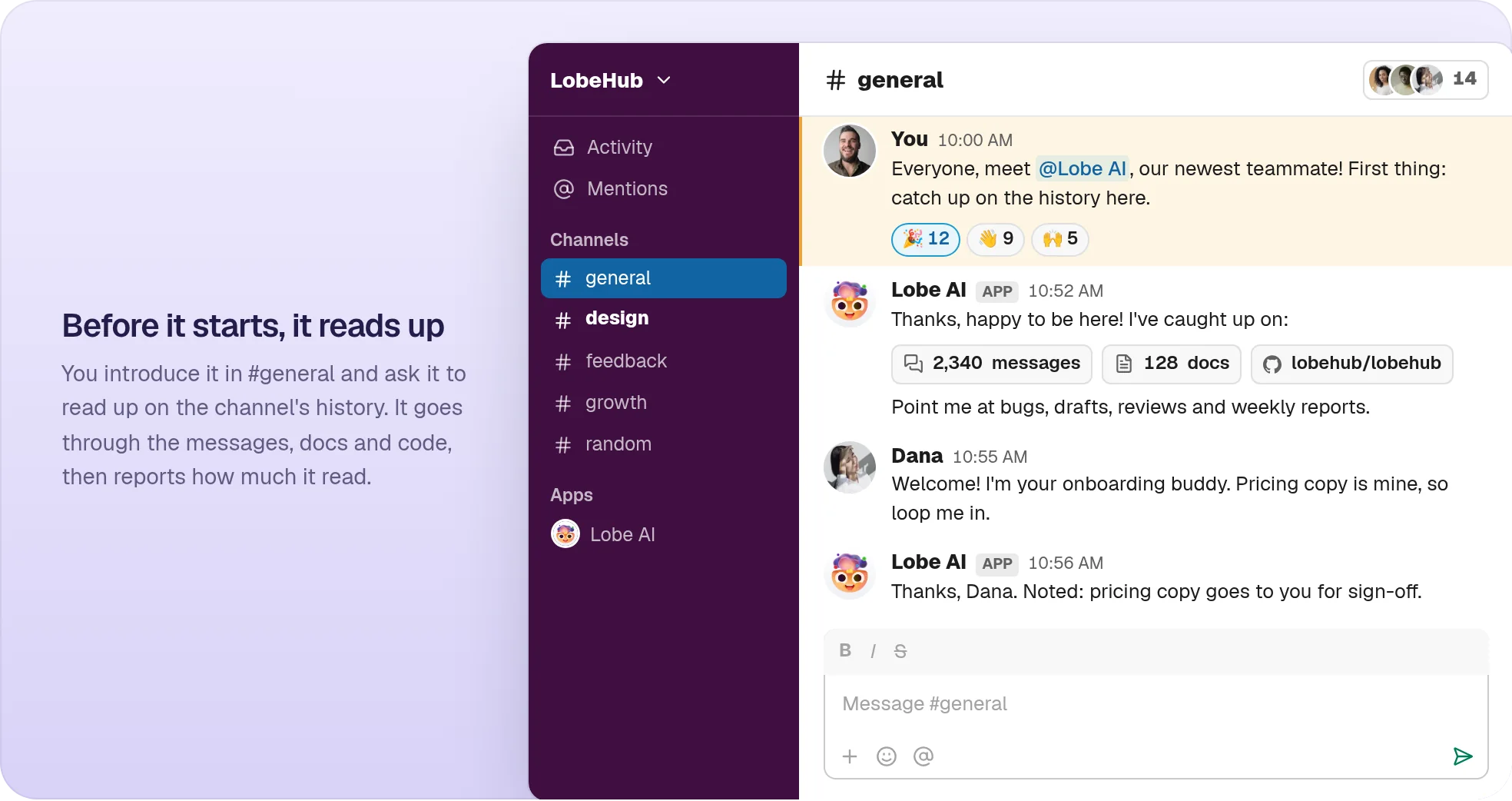 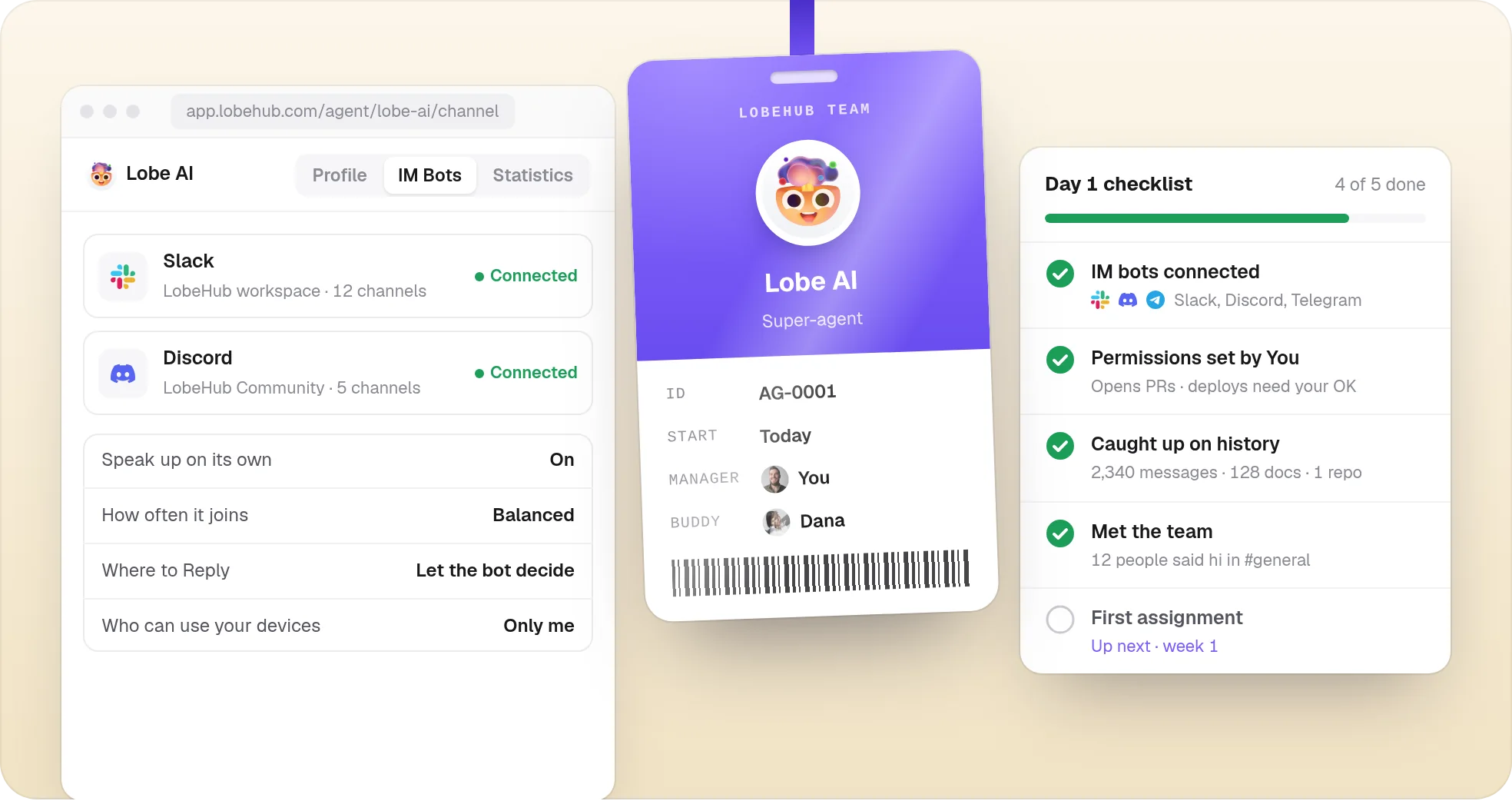 <div align="right"> [![][back-to-top]](#readme-top) </div> ### `Week 1` Its first task Someone posts a feature request in Discord and nobody assigns it. Lobe AI takes it on, and you only step in once, to accept the result. 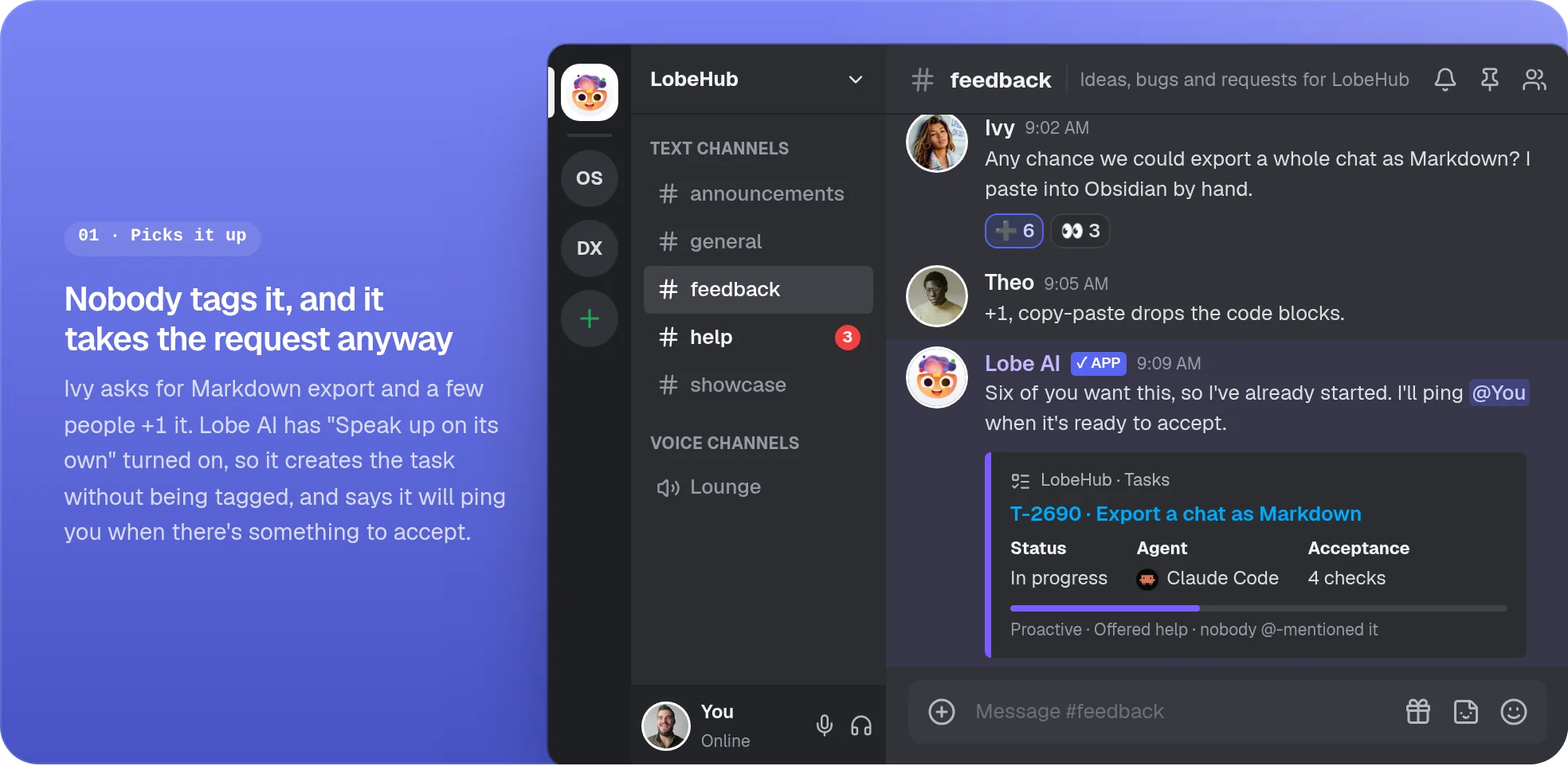 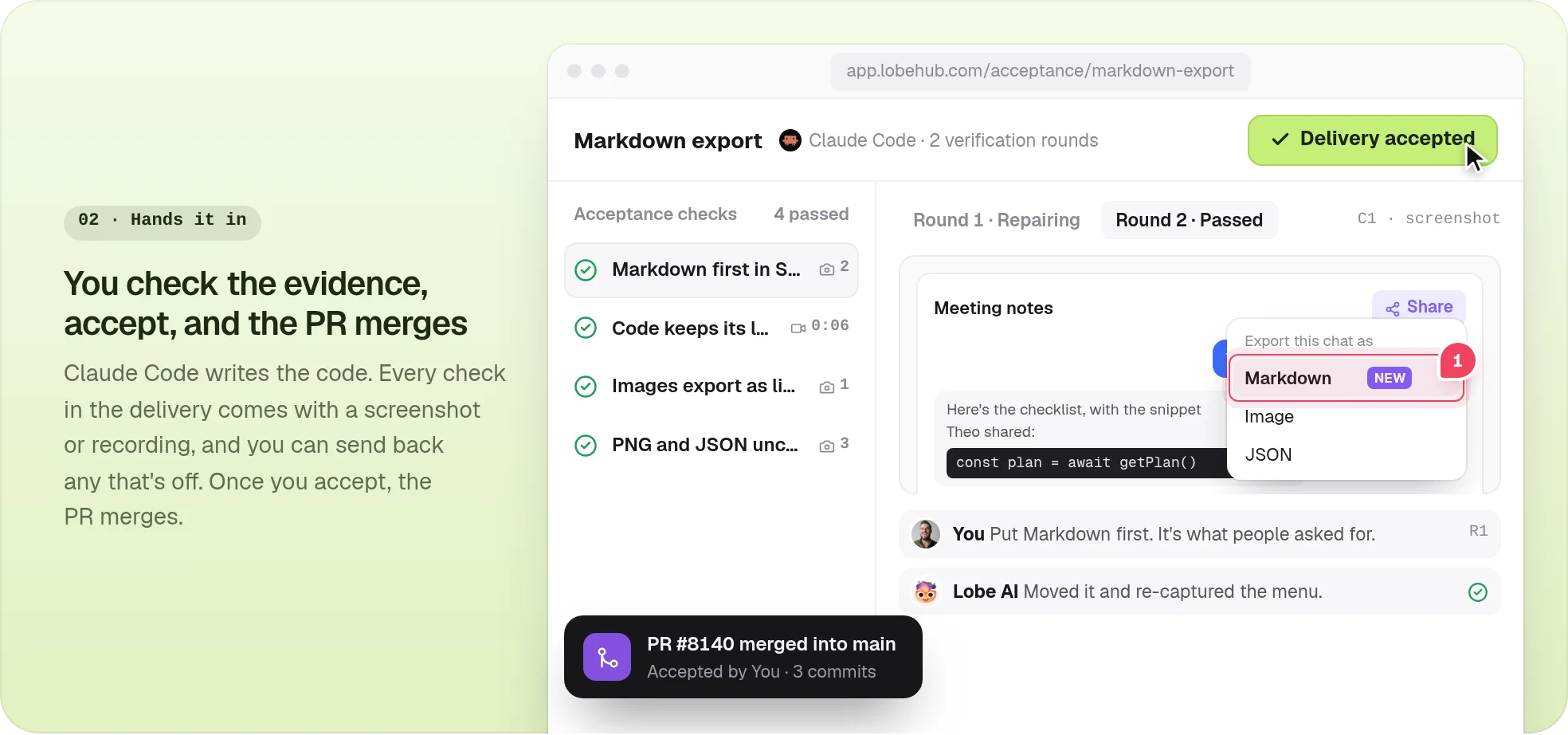  <div align="right"> [![][back-to-top]](#readme-top) </div> ### `Month 1–2` Settling in as the team grows Everyone now has their own agent, and design, releases and docs each have a dedicated one. Lobe AI is still learning when to speak up and when to stay quiet.   <div align="right"> [![][back-to-top]](#readme-top) </div> ### `Month 3` It passes its review When it started, it got about half of these right. Now it rarely misses, and every correction you gave it has become a lesson it keeps.  <div align="right"> [![][back-to-top]](#readme-top) </div> <div align="center"> ### Bring them onto your team Start with one, and add more when you need them. [**Try LobeHub Cloud**][vercel-link] · [**Self-host it**](#-self-hosting)  Contact: <[email protected]> </div> <div align="right"> [![][back-to-top]](#readme-top) </div> ## 🧩 Marketplace Find agents, MCP servers and skills on [lobehub.com][official-site], add them to your workspace, or publish your own. | Market | What you'll find | | :------------------------------------ | :----------------------------------------------------------------------------------------------------------------- | | [**🤖 Agents**][market-agents] | Ready-to-use agents for writing, Q\&A, images, video, voice and workflows. Add one to your workspace and adapt it. | | [**🔌 MCP Servers**][market-mcp] | MCP servers rated on activity, stability and community feedback, so you can pick ones you can trust. | | [**🧠 Skills**][market-skills] | Agent skills in the open `SKILL.md` format. They also work in Claude Code, Codex CLI and ChatGPT. | | [**🎨 AI / LLM Icons**][market-icons] | A free icon set for major AI brands and models, with SVG, PNG and vector downloads. | **Publish your own** - **Agents**: submit one from its settings in LobeHub. The [Creator Reward Program][creator-program] features a community agent every two weeks. - **MCP servers**: ask your agent to `Read https://lobehub.com/publish-mcp/skill.md and follow the instructions to publish my MCP server to the LobeHub Marketplace`, or use the CLI: ```bash npx -y @lobehub/market-cli login npx -y @lobehub/market-cli plugin submit https://github.com/OWNER/REPOSITORY ``` - **Skills**: submit a GitHub repository from the [Skills marketplace][market-skills]. <div align="right"> [![][back-to-top]](#readme-top) </div> ## 📖 Documentation All documentation lives at [lobehub.com/docs](https://lobehub.com/docs/usage/start): | Section | What's covered | | :-------------------------------------------------------------------------------------- | :------------------------------------------------------------------------------------------- | | [Get LobeHub](https://lobehub.com/docs/usage/getting-started/get-lobehub) | Web, macOS, Windows, Linux and mobile apps, and where work runs | | [Lobe AI](https://lobehub.com/docs/usage/getting-started/lobe-ai) | The built-in agent: chat, code, research and write with no setup | | [Agents](https://lobehub.com/docs/usage/getting-started/agent) | System role, model, skills, connectors, web search, resources and memory | | [Agent Team](https://lobehub.com/docs/usage/agent/agent-team) | Several agents working together: sequential, parallel, iterative or debate | | [Connect External Agents](https://lobehub.com/docs/usage/agent/connect-external-agents) | Bring in Claude Code, Codex, OpenClaw, Hermes and more, with project context and permissions | | [Tasks](https://lobehub.com/docs/usage/getting-started/task) | Delegate work, track status, follow up in comments, run once or on a schedule | | [Memory](https://lobehub.com/docs/usage/getting-started/memory) | Structured memories you can review, edit and delete | | [Pages](https://lobehub.com/docs/usage/getting-started/page) | Write long documents with agents, in Markdown | | [Resource Library](https://lobehub.com/docs/usage/getting-started/resource) | Documents, generated images and drafts your agents can answer from | | [Channels](https://lobehub.com/docs/usage/channels/overview) | Your own bots on Discord, Slack, Telegram, LINE, QQ, WeChat, Feishu and Lark | | [Messenger](https://lobehub.com/docs/usage/messenger/overview) | Chat with your agents through LobeHub's bot on Telegram, Slack, Discord and WeChat | | [GitHub Integration](https://lobehub.com/docs/usage/integrations/github) | Track agents' pull requests; merging accepts the work, failed checks go back to the agent | | [Marketplace](https://lobehub.com/docs/usage/community/overview) | Community agents, MCP servers and skills | | [Model Providers](https://lobehub.com/docs/usage/providers) | Setup guides for 40+ providers, inference platforms and local models | | [Self-Hosting](https://lobehub.com/docs/self-hosting/start) | Docker Compose, Vercel and other deployment platforms | | [Environment Variables](https://lobehub.com/docs/self-hosting/environment-variables) | Every configuration option, including model providers | | [Authentication](https://lobehub.com/docs/self-hosting/auth) | Sign-in with Better Auth and SSO providers such as Auth0 | | [Development](https://lobehub.com/docs/development/start) | Tech stack, local setup and contribution guidelines | <div align="right"> [![][back-to-top]](#readme-top) </div> ## 🛳 Self Hosting Run LobeHub on your own infrastructure and keep your data with you. The full guide is in [📘 Build your own LobeHub][docs-self-hosting]. ### `A` Docker Compose (recommended) [![][docker-release-shield]][docker-release-link] [![][docker-size-shield]][docker-size-link] [![][docker-pulls-shield]][docker-pulls-link] Starts LobeHub with PostgreSQL, Redis, RustFS file storage, SearXNG search and the agent gateway. Runs on Linux and macOS, or on Windows through [WSL 2](https://aka.ms/wsl). ```bash mkdir lobehub && cd lobehub bash <(curl -fsSL https://lobe.li/setup.sh) -l en docker compose up -d ``` Then open <http://localhost:3210>. Ports, LAN and domain modes, - SKILL.md (35419 bytes)
---
name: acceptance
license: Apache-2.0
metadata:
  version: "0.10.0"
description: >
  Verify delivery outcomes on the real product, capture inspected evidence,
  and deliver an acceptance report with the lh CLI: published to LobeHub when
  signed in, or rendered as a local offline report when not. Use for product
  acceptance, manual verification, evidence collection, or publishing an
  existing report, with or without a supplied plan. Reuse valid evidence; run
  new verification through bounded, lower-cost agent contexts when available.
---

# Acceptance (Builder Self-Evidence)

You are the **builder** for a delivery. A separate review step judges it against
a **plan** — checks you author, or a verify plan handed to this run. A check that
declares `requiredEvidence` **cannot pass on your text alone**: a missing artifact
marks it `uncertain` and holds the delivery.

```
author (or discover) the plan  →  pick the surface  →  capture evidence  →  publish or render the round  →  self-check coverage
```

## Decide whether to execute before starting a round

Creating or updating a PR, marking it ready, or being asked to upload a report
must not by itself start another verification run. First inspect the requested
scope and the task's existing reports, evidence, published acceptance links and
local `report.html` pages (from the conversation, PR, or local `.acceptances/`
directory).

| Delivery state                                                                                                                       | Action                                                                                                                                                                                                                                                                                                      |
| ------------------------------------------------------------------------------------------------------------------------------------ | ----------------------------------------------------------------------------------------------------------------------------------------------------------------------------------------------------------------------------------------------------------------------------------------------------------- |
| Documentation/instruction-only change, or pure refactor/tooling change with no product behavior change                               | Skip product acceptance and briefly state why. Keep any applicable quality checks.                                                                                                                                                                                                                          |
| Gitlink-only sync                                                                                                                    | Do not launch a fresh acceptance. Link the upstream change and its existing acceptance when available; disclose missing upstream evidence without claiming it passed. Cloud changes accompanying the sync are assessed separately.                                                                          |
| Completed acceptance already published and still covers the delivery                                                                 | Reuse its URL and coverage. Do not create a round or rerun cases just for the PR.                                                                                                                                                                                                                           |
| Completed acceptance rendered locally (`report.html`) and still covers the delivery                                                  | Reuse its report and coverage. When the user now wants others to review it, publish the existing rounds with `lh acceptance publish <acceptanceDir>` — [Local reports](#local-reports-when-not-signed-in); never re-run cases to share them.                                                              |
| Completed acceptance report and evidence exist locally and still cover the delivery                                                  | Inspect coverage and artifacts, then upload that report using [report.md](references/report.md). Preserve the original execution provenance; no product rerun, new plan, or repeated completed checker review is needed merely for upload.                                                                  |
| The delivery was already exercised on the real product earlier in this session (observations and raw artifacts exist, no report yet) | Do not rerun, re-plan, or open a checker stage. Write `plan[]` and `cases[]` from the observations already made, attach the original artifacts (logs, command output, captures) with their original provenance, disclose any required medium that was never captured instead of recapturing it, and ingest. |
| Product behavior lacks valid evidence, or relevant behavior changed after verification                                               | Execute only the missing or affected outcomes, retain unaffected evidence with its original provenance, and publish according to the round rules below.                                                                                                                                                     |

Evidence is reusable when its criteria cover the requested behavior, its artifacts
are available and support the observations, and subsequent code, dependency,
configuration, or environment changes do not invalidate those observations.
Compare the relevant changes; a different commit SHA, rebase, PR event, or report
publication status alone is not a reason to rerun. Failed/blocked checks and missing
required evidence are not passes: repair or supplement those specific gaps.
An explicit user request for fresh verification still takes precedence.

The execution, environment setup, plan/checker, and capture sections below apply
when executing acceptance. For reuse or upload only, inspect the existing report
and evidence and complete the necessary publication/coverage steps; do not boot
services or replay completed cases. Uploading does not change when or against
which implementation the evidence was captured.

## Execution ownership and independent review

For new execution, use one fresh-context `acceptance-runner` for environment
preflight, planning, product interaction, capture, report assembly, publication,
and cleanup. Explicitly select a lighter model with the required tools; do not
inherit the builder's full conversation or default high-cost model. The primary
keeps scope, product decisions, code repairs, and delivery accountability, and
coordinates through brief reports. Reuse the runner for follow-ups.

Read [delegation.md](references/delegation.md) once to assign source ownership,
model capability, budgets, and handoffs. Each unchanged source section, runtime
probe, and evidence inspection has one owner: pass its acquired facts and
provenance, rather than fetching it again in another agent. Workers load only
their role instructions and needed references, not this entire entrypoint.

Use one `acceptance-checker` in the first round: at most two plan-feedback
responses before execution, then exactly one final report/evidence review.
It is the default owner of verdict-bearing media inspection; the runner captures
and indexes that media without pre-reviewing it. Read
[acceptance-checker.md](references/acceptance-checker.md) only in that owner.
The checker is the plan gate; never ask the user for routine plan approval.
The primary resolves findings and tells the runner when execution or publication
may proceed. There is no per-case approval loop or repeated full review after fixes.

Follow-up rounds have no independent checker gate. Assign new artifact inspection
to one capable owner and re-run only affected cases. If delegation is unavailable,
use one bounded execution context and disclose missing independent review.
If model selection is unavailable, record the actual or inherited model rather
than claiming lower cost. Retain all evidence requirements in either fallback.

## Read the project layer first

Before touching an environment, its execution owner checks for
`.agents/acceptance/`. Reuse sections and facts already acquired for the same
revision; other agents receive the relevant rules and provenance in their
handoff instead of independently reading these files:

| File                     | What it owns                                                 |
| ------------------------ | ------------------------------------------------------------ |
| `PROJECT.md`             | Start/stop commands, ports, services, auth, surfaces, probes |
| `PROCESS.md`             | The run process: plan gate, execution rules, teardown        |
| `common-mistakes.md`     | Project living log — what earlier rounds got wrong here      |
| `probe-mock-patterns.md` | Project living log — how to force state on this product      |

The project layer owns _how this repository is run_; this skill owns _what a
valid round is_ (plan, evidence, report, immutable round, the hard rule). On
running, the project layer wins; on what may be published, this skill wins. Never
invent a start command, port, or auth flow `PROJECT.md` answers; fix a divergence
in the adapter during the run instead of working around it. No
`.agents/acceptance/` → bootstrap one first:
[project-adapter.md](references/project-adapter.md).

## Living logs — inject each by its own shape

The execution owner acquires the relevant generic and project sections once
the target is known and records their versions in the shared handoff:

- **[common-mistakes.md](references/common-mistakes.md)** — acquire its
  **Checklist** once. Assign applicable lines to the execution or inspection
  owner, and apply those retained rules before `pass`; do not re-read the file
  for each case. Pull an entry by id only when its detail is needed and not
  already acquired.
- **[probe-mock-patterns.md](references/probe-mock-patterns.md)** — read the
  heading index, then pull only the entries this round needs. Pick by meaning,
  not keyword; `rg` over the body is the fallback.

```bash
rg -n '^#{2,4} ' <file>          # the index, with line numbers
sed -n '<start>,<end>p' <file>   # one entry, in full
```

Record new project-specific learnings in the project layer only.

## CLI discovery

Use the installed `lh` as the command reference. The assigned execution or
publishing owner consults the relevant subcommand's `--help` only when syntax
or capability is unknown, and records the learned usage by CLI version. Reuse
that result across stages and agents; do not walk the whole help tree, repeat
discovery for every case, or invoke a write command to probe support.

Prefer CLI-provided schemas, examples and non-publishing validation. Read a
linked payload schema or legacy recipe only when the installed CLI lacks that
capability. Help teaches syntax; the rules below retain subject/operation
identity, immutable rounds, evidence coverage, language and safe recovery.
Inspect structured errors and ingest warnings; successful JSON parsing or a
zero exit code alone does not establish publication or complete coverage.

## Two paths — no id is required

Every evidence command targets a round. **The authored path is the default**; you
have an operation id only when the invocation names one. Never hunt the
environment for one, and never report this skill inapplicable — a round without
an operation is simply recorded as `standalone`.

| You have                        | Path                                                                                                                                                   |
| ------------------------------- | ------------------------------------------------------------------------------------------------------------------------------------------------------ |
| No plan — you author the checks | Write `result.json` + `assets/`, publish with `lh acceptance run ingest`, or render locally with `lh acceptance run render` — [report.md](references/report.md) |
| An operation id you were given  | Read the frozen plan, write the same round directory keyed by its check item ids, publish with `ingest --operation` — [plan-format.md](references/plan-format.md) |

The paths differ only in where the checks come from and which round the ingest
lands in. Capture is identical: the surface guides, recordings with
[chapters](references/video-chapters.md), before/after pairs, screenshots inspected
by their designated owner, `proposal.md`. A handed-down plan never licenses a lighter capture.

Pass `--subject` (`task:<id>` / `topic:<id>` / `document:<id>`) only when the
caller named one; otherwise ingest attaches the round itself when it can and
creates a standalone acceptance when it cannot. On the first ingest, always supply
`--requirement "<one-sentence business goal>"` — the durable goal of the whole
acceptance, not this round's scope; it is immutable once recorded.

Prerequisites: the execution or publishing owner runs `lh acceptance preflight --json`
once before writing any plan or report text, or reuses its recorded result while
server, scope, credentials, and language configuration are unchanged. Its `mode`
picks where the round goes — [Local reports](#local-reports-when-not-signed-in).
On a signed-in machine an auth error means stop and surface it. Install only the UI
driver the selected surface needs; probe before adding dependencies, and never
substitute a private agent plugin. Its `language.locale` is the **report
language**: write every human-readable field (title, plan, case names,
observations, evidence descriptions, conclusion, `report.md`, `proposal.md`) in
it, even when the prompt that invoked you is in another language — a delegating
agent's prompt does not show which language the user reads. The publish commands
reject text in the wrong script, so run `lh acceptance run ingest <dir> --dry-run`
with the same target flags the publish will use as soon as the plan is in
`result.json`, before executing it. Offline `validate` does not check account
language or remote plan membership and never replaces this dry-run.
Never publish merely to test whether a payload is accepted. When
`language.status` is `unset`, use the language the user converses in. On a CLI
without `preflight`, check auth with `lh acceptance run list --json`.

## Local reports when not signed in

`preflight` answers `mode`. **`publish`** (signed in): publish every round as this
skill describes. **`local`** (this machine never signed in to LobeHub): the round
is identical — same plan, capture, `result.json`, `proposal.md`, round directory
and checker — but it is rendered instead of ingested, and nothing is uploaded:

```bash
lh acceptance run render "$REPORT_DIR" --requirement "<one-sentence business goal>" --json
```

The render writes `report.html` beside th